
Photo to Video Generator
Turn a photo into a short video with GoFaceless. Describe the movement, setting and mood, then review the plan before making your clip.
What can you make?
A photo to video generator uses a still photo as the starting point for a moving scene. Your brief determines what the subject does, how the camera moves and which details should stay recognizable. In GoFaceless, describe your audience and the result you want, then review the plan before making your video.
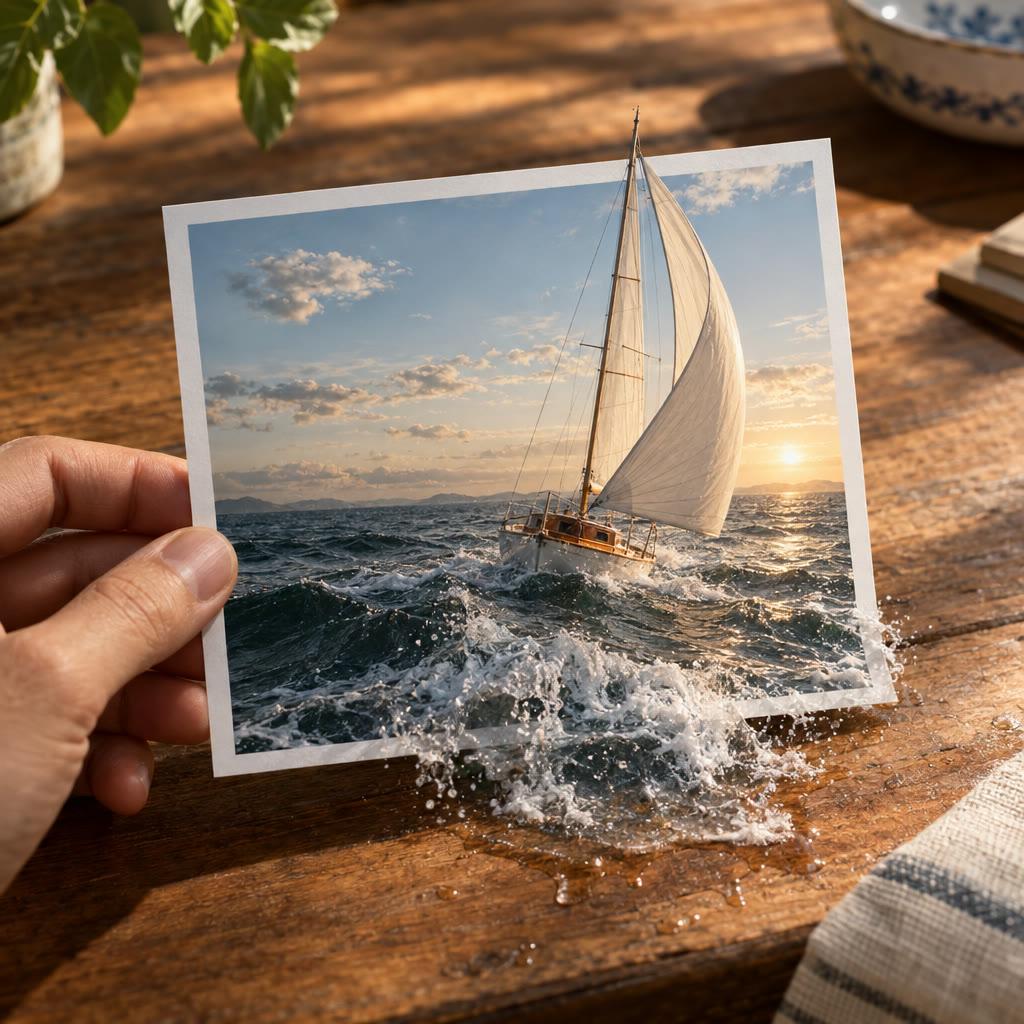
Photos into a trend
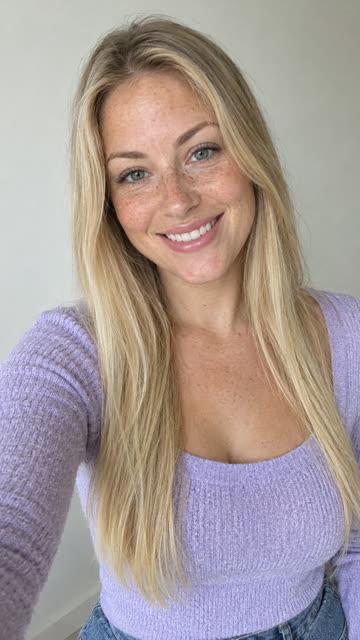
Inspect a saved Ramalama Walk video and its two public reference photos.
- Known public reference photos
- Two public references are linked to this three-person video. The complete historical input set is unavailable.
- Before you make yours
- This is a template example, not a complete replication recipe. For a custom scene, describe the motion and review the plan.

GoFaceless's own example, already published on this site.
Example checked
Start with your idea
Upload your photo and describe the movement you want.
“Animate this portrait into a quiet beach scene. Keep my face recognizable, add a gentle breeze and slowly pull the camera back. No text.”
Start with Photo to Video Generator
One clear task, then keep working in your dashboard.
A GoFaceless subscription is required to use this tool in your dashboard.
Three simple steps
- 1
Bring your starting point
Upload your photo and describe the movement you want.
- 2
Choose the treatment
Name the subject, one visible action, the camera movement and the mood. Say which details must stay the same.
- 3
Review your video
Check the words, visuals and sound together. Ask for a change in the same workspace before downloading.
What people ask about Photo to Video Generator
How does Photo to Video Generator work?
A photo to video generator uses a still photo as the starting point for a moving scene. Your brief determines what the subject does, how the camera moves and which details should stay recognizable. In GoFaceless, describe your audience and the result you want, then review the plan before making your video.
What do I need for photo to video generator?
Upload your photo and describe the movement you want.
Can I use my own portrait?
Yes. Attach your photo and say who it shows so the video can use it as the person reference.
Can I choose the camera movement?
Yes. Ask for a close-up, slow push-in or pull-out in your brief.
How do I describe the result?
Name the subject, one visible action, the camera movement and the mood. Say which details must stay the same.
How do I access Photo to Video Generator?
Photo to Video Generator requires a GoFaceless subscription and uses credits for outside processing. GoFaceless shows the price before that work begins.
More tools for the same job
See all toolsImage to Video Generator
Make a moving scene from an image in GoFaceless. Add your artwork, product or place, then describe the action and camera movement you want.
Open toolFace Swap Video Generator
Put your face into a video with GoFaceless SwapSwap. Bring a clear photo and a video reference, then choose who you want to replace.
Open toolMotion Transfer Video Generator
Make your photo follow a reference performance with GoFaceless. Bring the movement you like and choose the person who appears in the video.
Open tool