
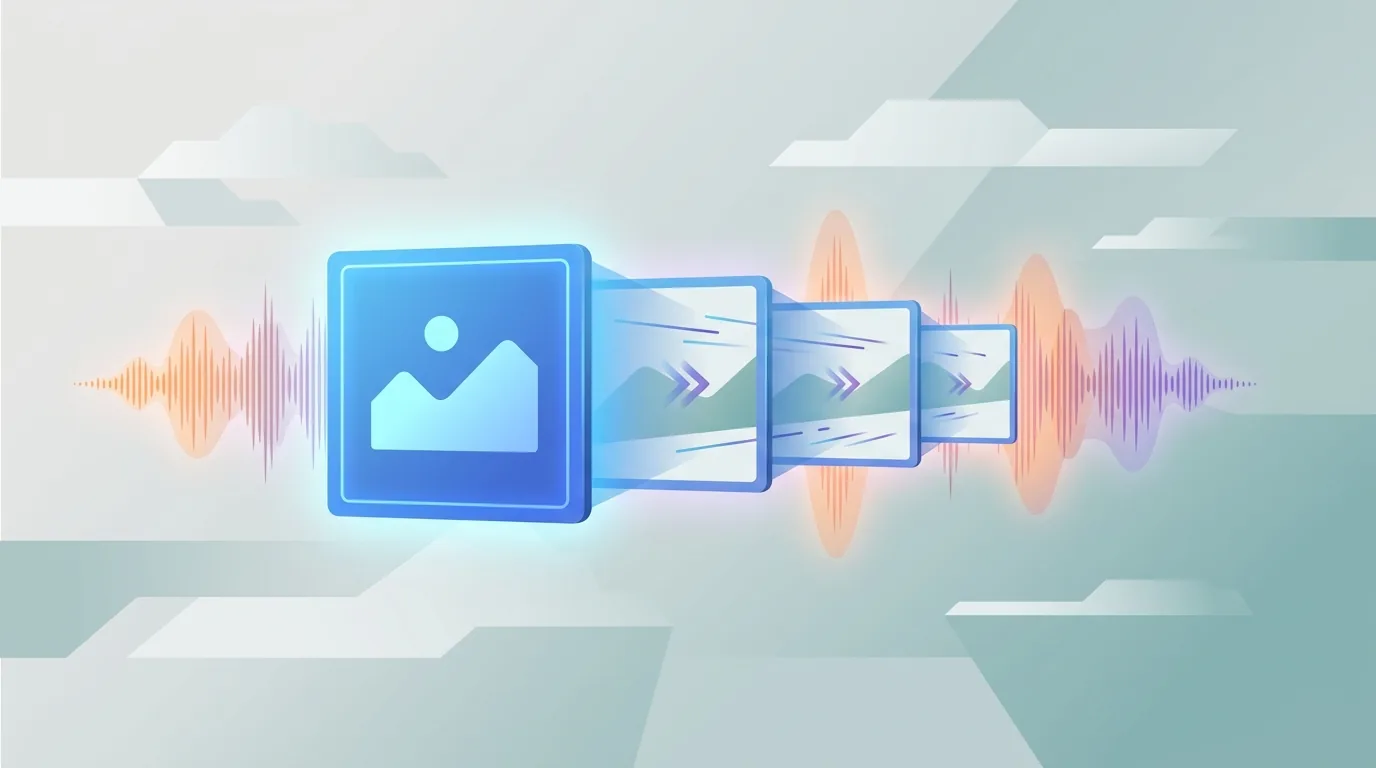
To turn an image into a multi-shot video with audio, use AI tools to animate elements, chain scenes, and synchronize sound. The key is crafting detailed motion prompts and combining visuals with fitting audio for seamless storytelling.
Key takeaways:
- "AI tools allow creators to animate images and build narratives by chaining scenes."
- "Detailed motion prompts are essential for directing animation and visual flow."
- "Choosing complementary audio and syncing it with visuals enhances impact."
The Evolution of Video Creation
In early June 2026, xAI unveiled Grok Imagine 1.5, facilitating a leap in video creation by transforming still images into dynamic videos with audio. This API uses natural-language prompts for animation and scene transitions, offering video production at $0.14 per second—a cost-effective choice for creators and small agencies.
The emergence of such tools signifies an industry shift towards streamlined video production, much like TikTok's incorporation of generative AI for ad creation. What does this mean for independent creators?
Crafting Motion Prompts

Transforming a static image into a dynamic video begins with well-crafted motion prompts. Here's a step-by-step guide:
- Identify Key Elements: Determine which parts of your image, like clouds or water, can be animated.
- Visualize the Motion: Plan how elements should move, such as clouds drifting left or a sun rising.
- Write Clear Prompts: Use simple language for precise instructions, e.g., “move clouds slowly from left to right over 10 seconds.”
These prompts breathe life into static images creatively and with ease.
Chaining Scenes for Seamless Storytelling
Scene chaining in Grok Imagine 1.5 allows for linking animated segments seamlessly:
- Plan a Narrative Arc: Consider the story you aim to tell, aided by storyboards.
- Smooth Transitions: Create prompts for fluid scene changes, like “fade from scene one into sunset in scene two.”
- Consistent Theme and Tone: Maintain the style throughout to keep viewer engagement high.
By chaining scenes effectively, complex ideas are conveyed without additional editing.
Integrating Audio Seamlessly
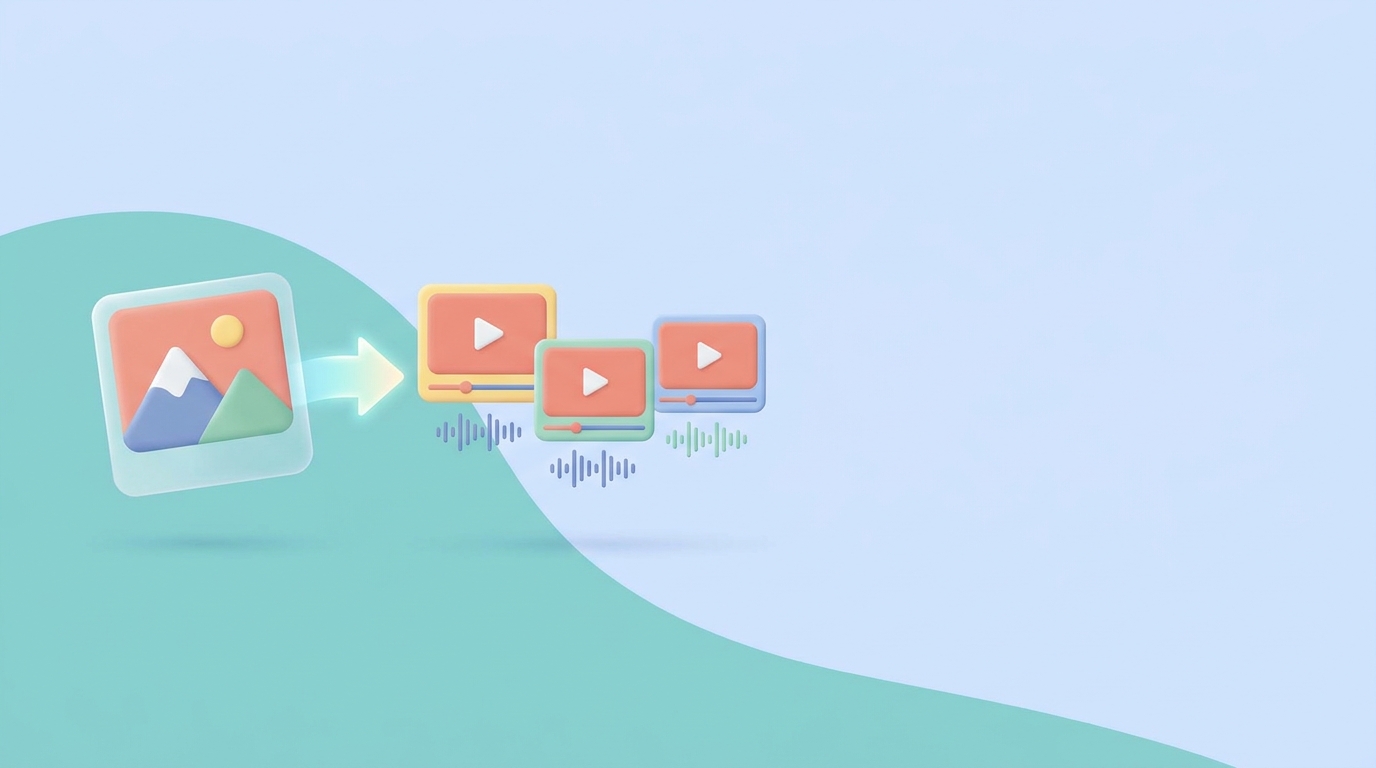
Audio is vital in video content. With Grok Imagine 1.5, you can integrate synchronized audio:
- Select the Right Audio: Choose music or effects that match your video’s mood and narrative.
- Synchronize with Motion: Align sound cues with visual transitions, such as a drumbeat with a change in scene.
- Quality Matters: Ensure audio is high-quality to uphold professionalism.
Beyond Editing: The Role of AI Platforms
AI video tools revolutionize content creation by bypassing traditional editing software. Platforms such as GoFaceless offer built-in workflows that produce videos from a single topic input, including script, voiceover, visuals, and captions. This streamlines integration into diverse creative processes.
Explore how creators are using AI on our blog for more insights and tips.
Conclusion
Utilizing tools like Grok Imagine 1.5 makes transforming an image into a gripping video a simple process. Through well-crafted motion, scene sequencing, and audio integration, immersive storytelling is achievable across various platforms.
Ready to explore AI-driven content creation? Discover how GoFaceless can enhance your workflow by providing complete video solutions from start to finish. Start by visiting our signup page today.
Sources & further reading
Keep reading

How to Get Started with AI Storyboarding
Learn how AI storyboarding enhances video production, reduces costs, and streamlines workflows. Try GoFaceless for an easy start in creating polished video

Mastering First Impressions: The Two-Second Rule
Learn why the two-second rule is vital for video success and how tools like GoFaceless can streamline captivating content creation.

Navigating Sudden Algorithm Shifts in Shorts
Navigate algorithm shifts with analytics, diversified content, and AI tools. Use GoFaceless for quick video adaptation. Try now!