

Mastering motion prompts in AI video creation enhances storytelling by allowing creators to control visual sequences through natural-language commands. By directing camera movements, pacing, and sound synchronization, motion prompts ensure cohesive and engaging videos.
Key takeaways:
- Motion prompts steer camera actions, pacing, and audio to create dynamic videos seamlessly.
- Control and precision in videos through concise, clear natural-language instructions.
- Iterative approach is vital; experiment and refine to perfect visual storytelling.
- Platforms like GoFaceless provide ready-to-use templates for motion prompt creation.
Understanding Motion Prompts in AI Video Creation
The introduction of AI tools such as xAI’s Grok Imagine 1.5 has revolutionized video creation by enabling creators to transform static images into dynamic, multi-shot videos. These advancements underscore the importance of motion prompts in guiding AI to achieve nuanced storytelling.
What Are Motion Prompts?
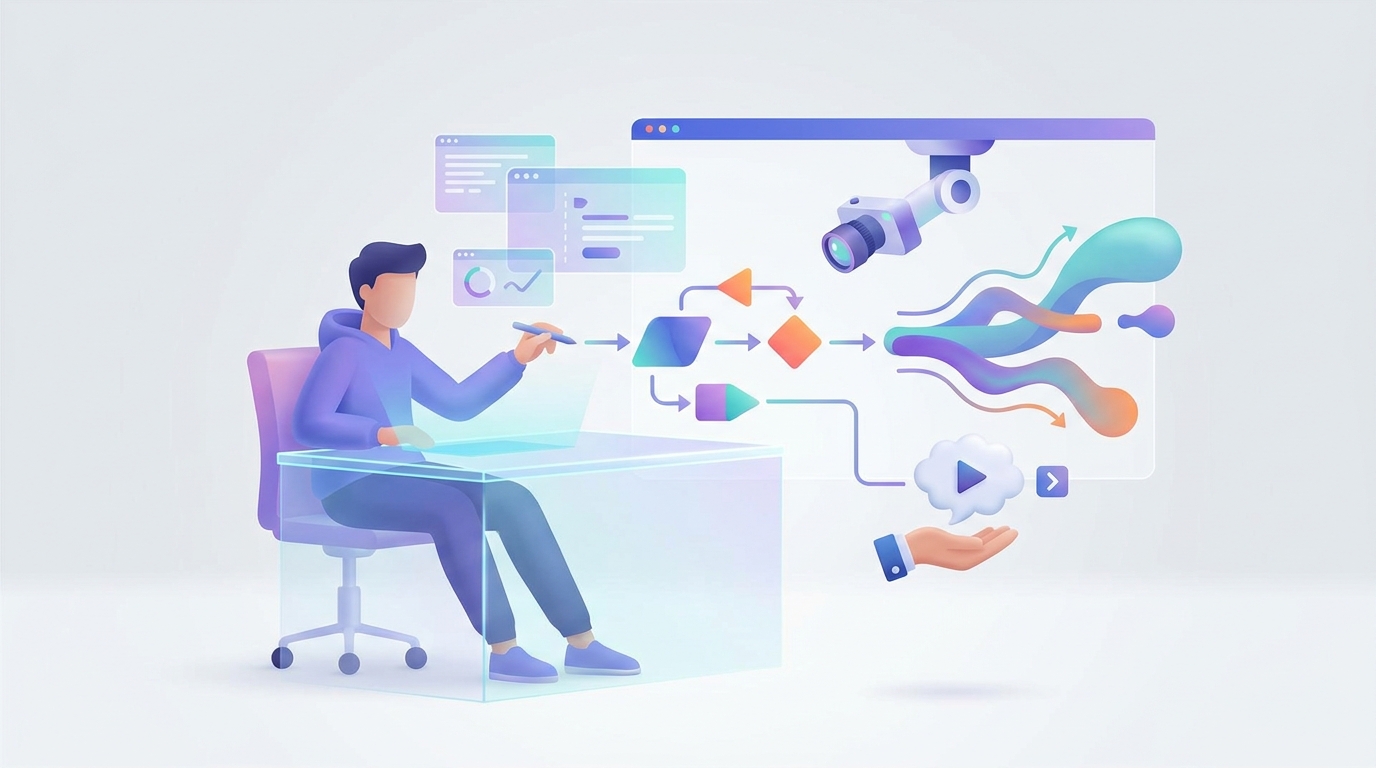
Motion prompts are the natural-language directives that instruct AI video tools in crafting specific visual sequences. They dictate camera movements, pacing, and audio synchronization to express emotions and narratives effectively.
- Camera Movement: Specifies actions like pan, tilt, or zoom.
- Pacing: Alters the speed and timing of shots.
- Sound Synchronization: Aligns audio with visual transitions.
Why Motion Prompts Matter
Tools like Grok Imagine 1.5, costing around $0.14 per second, enable creators to generate ad-ready content from static images. Motion prompts offer critical control over video flow, crucial for maintaining brand consistency and effective storytelling.
Crafting Effective Motion Prompts
Define Your Objective
Pinpoint the video's purpose: to inform, entertain, or persuade. This clarity helps in crafting effective motion prompts.
Using Natural Language
Opt for straightforward language to guide the AI: complex instructions may lead to undesired outputs. Examples include:
- Fade in from the top slowly.
- Zoom out to reveal the full landscape.
- Pan left while increasing audio volume.
Sequence and Rhythm
View pacing like musical rhythm; each shot is akin to a beat. Use terms like "quickly" or "slowly" to define shot durations, enhancing emotional impact.
Experiment and Iterate
Motion prompts require customization. Test and refine them for improved video quality. Some platforms allow previews, easing the iteration process.
The Future of AI Video Tools
The AI video creation field is rapidly growing. Significant investments, like TrueFan AI’s $10 million funding, reflect increasing demand for AI-driven content capabilities across languages and regions.
Similarly, TikTok’s integration of AI in content creation highlights the crucial role of motion prompts in modern video storytelling.
Practical Application and Tools

Motion prompts can be designed manually or through AI platform templates. Tools like GoFaceless offer user-friendly interfaces for building these prompts, streamlining the creation process.
Conclusion
As AI video tools continue to evolve, motion prompts provide creators with enhanced storytelling capabilities. Explore this technique to elevate your video projects.
Ready to transform your content? Try GoFaceless for hassle-free, faceless video production that covers script, voiceover, visuals, and captions in minutes.
FAQ
What are motion prompts in AI video?
Motion prompts instruct AI tools on camera actions, pacing, and audio-visual interactions for dynamic content creation.
How can I improve my motion prompts?
Set clear objectives, use concise language, experiment with pacing, and iterate for better results.
Are motion prompts used in all AI video tools?
Not all, but many advanced tools feature motion prompts, particularly for dynamic content projects.
Can motion prompts control audio as well?
Yes, they synchronize audio with visuals, enhancing video coherence and impact.
Is using motion prompts cost-effective?
When effectively implemented, these prompts minimize manual editing, saving time and costs.
Sources & further reading
Keep reading
How Google’s Gemini Omni Flash is Revolutionizing Video Production
Explore Google's Gemini Omni Flash's impact on video production and learn how platforms like GoFaceless can enhance your creative workflow.

How TwelveLabs is Shaping the Future of Video Tech
TwelveLabs' advanced AI transforms video content processing and personalization. Explore AI creation with GoFaceless.
Navigating Sudden Algorithm Shifts in Shorts
Navigate algorithm shifts with analytics, diversified content, and AI tools. Use GoFaceless for quick video adaptation. Try now!