

AI tools such as Sondo AI's Professional Video Editor significantly streamline music video production by providing integrated functionalities like scene restructuring and audio syncing, enhancing both efficiency and creative control. By using AI-driven solutions, video creators can produce high-quality content faster and with greater flexibility.
Key takeaways:
- "AI tools like Sondo AI offer streamlined workflows specific to music videos."
- "Precise audio syncing ensures visuals perfectly match music in Sondo's editor."
- "Scene restructuring allows last-minute changes without disrupting the production flow."
The Landscape of AI in Video Creation
AI advancements are redefining video production with tools that enhance both efficiency and creativity. Products like xAI's "Grok Imagine 1.5" and TwelveLabs’ "Rodeo" are making image-to-video conversion and editing with natural language more accessible. These innovations support creating captivating content for platforms like YouTube and TikTok.
Introduction to Sondo AI's Music Video Editor
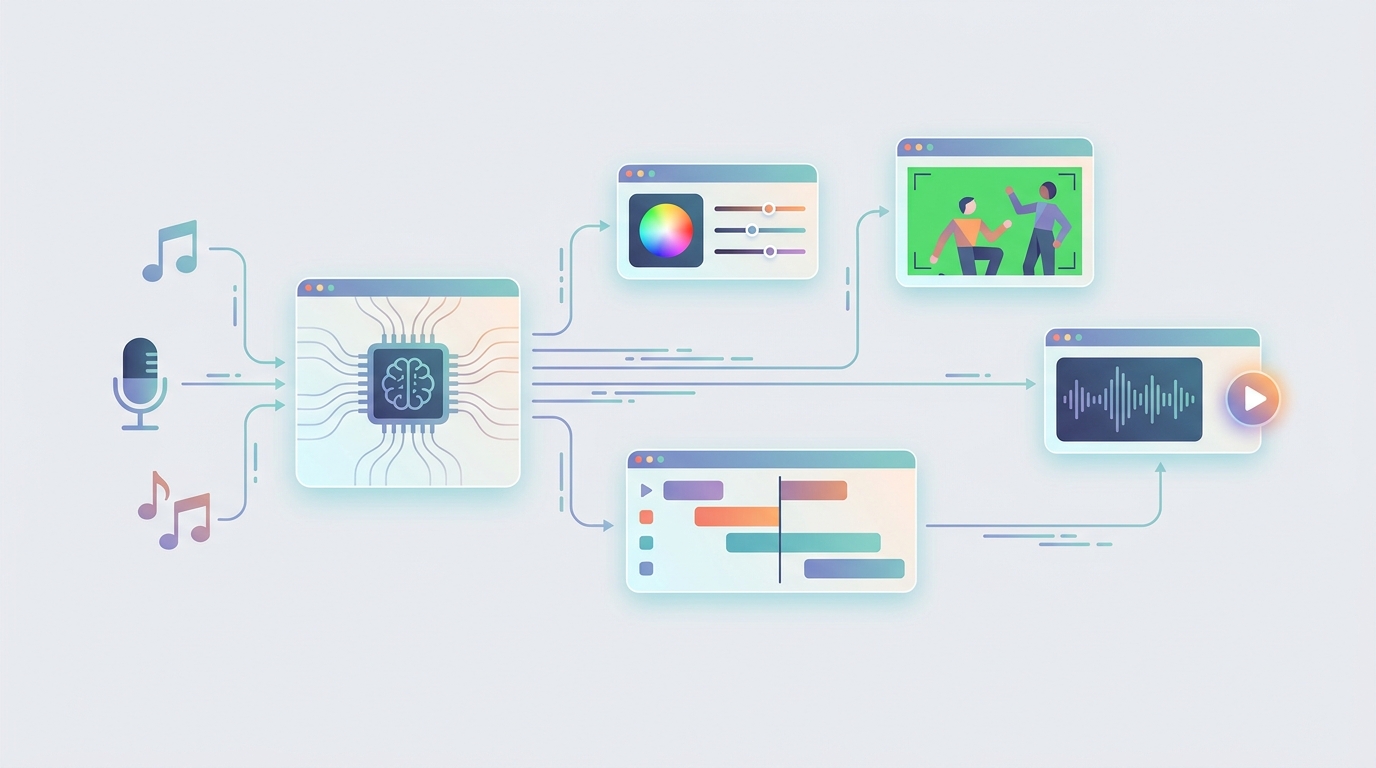
Sondo AI's music video editor transforms production processes, integrating critical editing phases seamlessly:
- Streamlined Workflow: This editor connects all stages of production, shortening project timelines.
- Advanced Audio Syncing: Vital for any music video, precise audio and visual alignment is easily achieved.
- Scene Restructuring: Flexibly adjust and rearrange scenes without affecting the entire project, accommodating creative shifts.

Benefits for Creators
Enhanced Creativity
Integrated editing and restructuring features let creators prioritize artistic elements, freeing them from operational distractions.
Efficiency Gains
By reducing reliance on multiple software, Sondo AI speeds up the editing process, allowing more time for creative refinement.
Increased Flexibility
Suitable for both solo and team projects, it offers diverse production capabilities.
Comparisons in the AI Realm
Sondo AI’s focus on music video production differentiates it from tools like Google’s Gemini Omni Flash, which are multimodal. Its all-in-one approach enhances its appeal to creators focused on quality music videos.
The Organic Look
Forums like Reddit highlight the demand for a natural feel in AI-generated content. Sondo AI aids this through advanced video capabilities tailored for engaging platforms like TikTok.
Tools Beyond Sondo AI
For broader video creation needs, platforms like GoFaceless provide end-to-end video solutions, offering ready-made scripts, voiceovers, visuals, and captions. These tools are a practical option for expanding digital content in varied formats.
Conclusion
AI video tools like Sondo AI’s editor are indispensable for efficient, high-quality production. They simplify workflows and enhance editing capabilities, fostering creative output.
Ready to enhance your video production workflow? Try GoFaceless to discover comprehensive solutions for your creative projects.
---
FAQs
What makes Sondo AI's video editor unique?
Sondo AI provides an integrated workflow with precise audio syncing and flexible scene restructuring, specifically tailored for music videos.
Can I use Sondo AI's tools for other video formats?
While focusing on music videos, its features can be adapted to various video projects.
How does AI help in music video editing?
AI simplifies editing, improves audio syncing, and allows creative flexibility.
Are there alternatives to Sondo AI?
Yes, GoFaceless offers additional tools for diverse video content creation.
Is learning to use Sondo AI difficult?
The intuitive design eases the learning process for new users.
Sources & further reading
Keep reading

How TikTok's AI 'Slop' Strategy Affects New Creators
Learn how TikTok's AI content strategy impacts creators and discover actions to stand out. Leverage AI tools without sacrificing quality.

Mixing Mediums: From Stills to Motion with AI Tools
Easily transform photos to videos with AI tools for dynamic storytelling. Learn practical applications and how AI enhances creativity and efficiency.
Integrating Sondo AI into Full Music Video Production
Explore how Sondo AI's new tools streamline music video production workflows for professionals.