
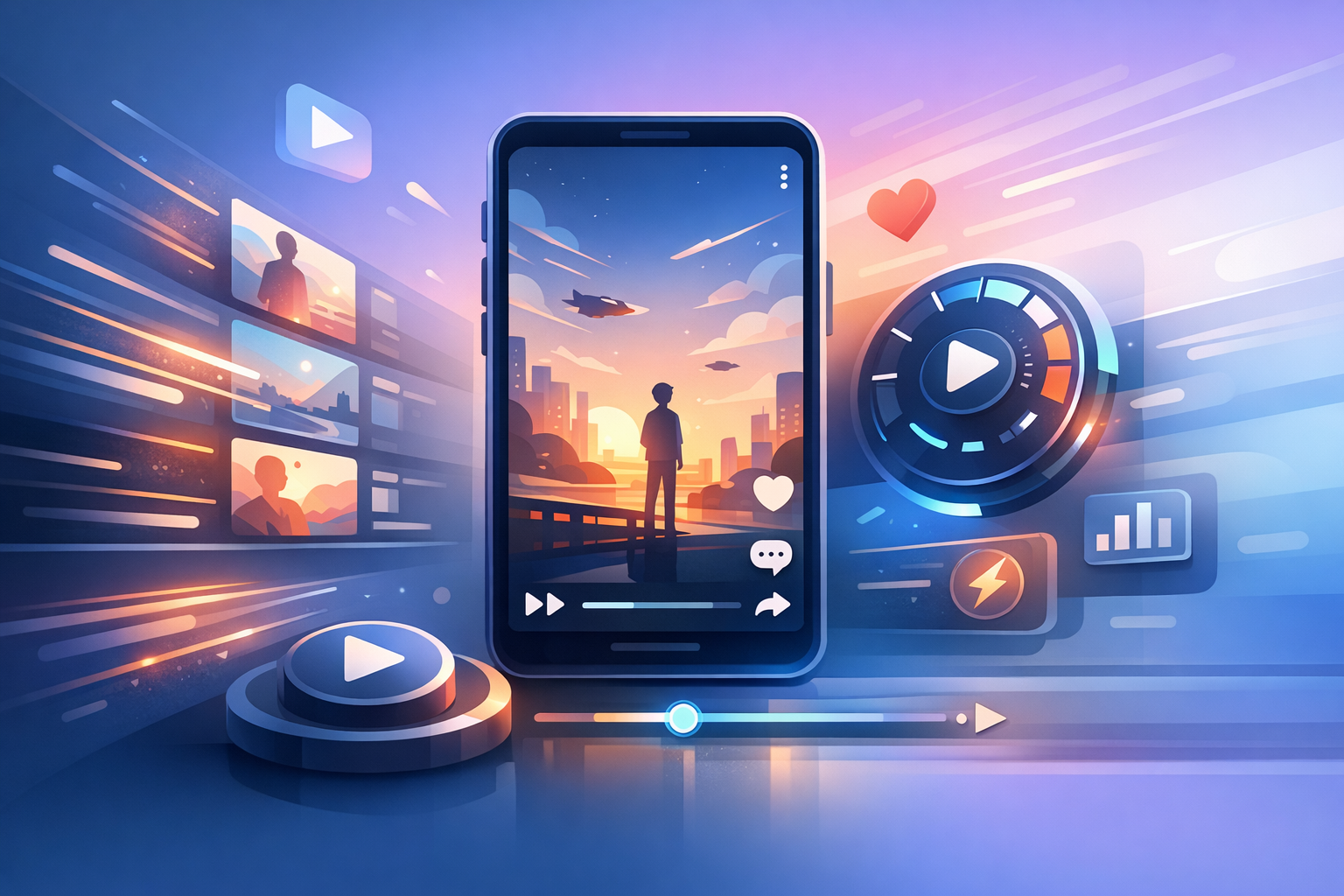
Embracing YouTube Shorts' New Capabilities
In the fast-evolving world of video content, staying current with platform updates is crucial. YouTube Shorts recently introduced features like 2× playback speed and Clear Screen mode, enhancing both user engagement and content creation strategies. Let’s explore how these updates can be leveraged for optimizing your short-form content.
The Impact of 2× Playback Speed
The 2× playback speed option allows viewers to watch content faster without skipping important parts. Here's how you can use this feature to your advantage:
- Increased Viewer Retention: Speeding up the playback can make videos more engaging by allowing viewers to consume content quickly, which is especially effective for informational videos and tutorials.
- Condensed Information Delivery: Creators can pack more insights into shorter videos, catering to the audience's fast-paced lifestyles.
- Enhanced Entertainment Value: Comedy sketches, art timelapses, or process videos benefit from faster speeds, adding a quirky dynamic to your storytelling.
Tip: Experiment with this feature by testing various speed settings to see what resonates best with your audience.
Clear Screen Mode: Enhancing Visual Focus
Clear Screen mode enables a distraction-free viewing experience, which can significantly change how users interact with content:
- Improved Engagement: Without on-screen icons and clutter, viewers focus solely on the content, enhancing message delivery.
- Aesthetic Appeal: It offers a clean visual presentation, ideal for artistic and minimalist content styles.
- Content Control: Encourages creators to use in-video text and graphics thoughtfully with embedded calls-to-action or annotations.
Integrating these features requires understanding your audience and the type of video content you are creating. Consider how each can enhance your storytelling and viewer engagement.

Strategies for Effective Implementation
Developing Engaging Content
- Utilize Speed Variations: Combine regular-paced segments with fast-forward parts to maintain rhythm and interest.
- Optimize for Clear Screen: Plan your graphics and animations to take advantage of the distraction-free setting.
Analyzing Short-form Content Success
- Data-Driven Adjustments: Use YouTube Analytics to track viewer drop-off points and adjust playback speeds and content accordingly.
- Audience Feedback: Encourage viewers to comment on their preferred speed settings and clear screen experiences.
Studying how these features affect engagement metrics is critical. Regularly updating your strategies based on feedback and data helps in crafting more successful shorts.

The Role of AI in Content Optimization
The landscape of AI-generated video content is transforming rapidly. With YouTube's new auto-labeling for AI-enhanced content, transparency becomes even more vital. Gemini Omni from Google introduces multimodal capabilities for more authentic video creation, offering exciting opportunities for AI-driven content.
Subtle AI integration, like GoFaceless, helps creators produce faceless videos efficiently, optimizing their reach and engagement in the process. It's a practical option for creators aiming to adapt to these new features seamlessly.
Future-Proofing Your Short-form Content
As AI technologies evolve and platforms update their features, keeping adaptable is key. Explore various tools and strategies to ensure your content remains fresh and engaging.
- Regularly test new features as they roll out.
- Incorporate audience feedback and analytical data into your content creation process.
Conclusion
Incorporating YouTube Shorts' 2× playback speed and Clear Screen mode can significantly enhance your content strategy. These features, paired with AI-driven tools like GoFaceless, offer creators innovative ways to optimize and grow their channels.
For more on enhancing your video content strategy, explore our use cases.
FAQ
#### What is the benefit of using 2× playback speed for YouTube Shorts?
2× playback speed can increase viewer engagement and retention by allowing viewers to consume content more quickly.
#### How does Clear Screen mode improve content experience?
Clear Screen offers a distraction-free visual experience, focusing viewers' attention solely on the video content.
#### How can AI tools like GoFaceless aid in optimizing YouTube Shorts?
AI tools provide seamless integration of faceless video creation, optimizing content for improved engagement and reach.
#### What should creators focus on when using these new features?
Creators should focus on viewer engagement metrics and feedback to adjust content speed and visual elements effectively.
#### How does Gemini Omni from Google impact video creation?
Gemini Omni enhances video authenticity with multimodal AI capabilities, offering creators advanced tools for innovative content creation.
Sources & further reading
Keep reading
Optimize YouTube Shorts for Clear Screen Mode
Learn how to optimize YouTube Shorts for the distraction-free Clear Screen mode for better engagement and viewership.
Crafting Engagement with Narrated Story Formats
Boost engagement with narrated Reddit story formats in short-form content. Explore strategies to enhance viewership and monetization.
Creative Remixing with YouTube's Reimagine Tool
Explore YouTube Shorts' Reimagine tool and its creative remixing capabilities for short-form video creators.