

Free stock footage in monetized YouTube videos is footage whose license permits commercial reuse, assembled into a video that independently satisfies YouTube's originality rules. Yes, you can use it: libraries like Pexels explicitly allow commercial use without attribution. But permission to use a clip and eligibility to monetize the finished video are two separate checks, and you must pass both.
Key takeaways:
- Pexels permits free personal and commercial use of its videos without attribution, and allows modification.
- Pexels prohibits selling unaltered copies, implying endorsement by depicted people or brands, and redistributing material on other stock platforms.
- Depicted trademarks, brands and other protected material in a stock clip can require additional permission beyond the stock license.
- YouTube's reused-content policy can apply even with the original creator's permission, so a valid stock license does not guarantee monetization.
- YouTube's inauthentic-content guidance identifies minimal-narrative slideshows and repetitive template content as monetization risks.
The two-check framework: permission first, monetization second
The two-check framework separates the question "can I use this clip" from "can I monetize the video built from it." Check one is the stock license: does it allow commercial use, modification, and your specific context? Check two is YouTube's policy layer: does the finished video add enough original narrative, commentary or educational value to avoid reused or inauthentic content classification? Most creator confusion comes from treating check one as the whole answer. A Pexels download clears check one in seconds; check two depends entirely on what you build around the footage. The rest of this article walks each check in turn, using Pexels as a concrete license example rather than a stand-in for every stock library, because terms differ between libraries and even between assets.

Can I use Pexels videos commercially without attribution?
Yes. The Pexels license permits free personal and commercial use of its photos and videos without requiring attribution, and it allows you to modify the material. That covers the typical faceless workflow: downloading a clip, cutting it, color-adjusting it, and placing it under paid narration in a monetized explainer. Attribution is optional, though crediting the contributor costs nothing and builds a paper trail. One caution: this describes the Pexels license specifically, not every "free stock" site. Other libraries attach attribution requirements, paid commercial tiers, or editorial-only restrictions, so read each library's own license page rather than assuming Pexels terms travel with the footage.
What uses does the Pexels license prohibit?
The Pexels license prohibits selling unaltered copies of the material, implying endorsement by depicted people or brands, and redistributing the content on other stock platforms, according to the Pexels license page. In practice this means you cannot upload a Pexels clip to another stock library as your own, cannot sell the raw clip as a product, and cannot cut it into an ad that suggests a person in the frame endorses your product. Modification is allowed, so editing clips into a narrated video is fine; the prohibition targets passing off unaltered material as a standalone commodity. If your channel's model is repackaging raw clips with no transformation, you are outside the license before YouTube's policies even come into play.
Can logos or recognizable brands in stock footage require additional permission?
Yes. Pexels warns in its commercial-project guidance that depicted trademarks, brands and other protected material can require additional permission from the rights holder. The stock license covers the contributor's copyright in the clip itself, not every right visible inside the frame. A sweeping city shot with a prominent soft-drink logo, or a close-up of a branded laptop, may be cleared as footage but not cleared for the way your video uses that brand. The practical habit: scan shortlisted clips for logos, product packaging, distinctive architecture and artwork, and prefer clean shots for commercial videos. When a recognizable brand is unavoidable, keep it incidental rather than making it the subject.
Can I use footage of a person in a way that implies endorsement?
No. Pexels states that users must not imply endorsement by a depicted person or brand, per its commercial-use guidance. The line is about context, not presence. A clip of a runner illustrating a point about habit formation in an educational video is ordinary use. The same clip placed under narration saying "athletes choose our supplement" implies that person endorses a product they may never have heard of. For narrated explainers and educational content this rarely bites, because the people on screen are illustrative rather than testimonial. It bites hardest in commercial channel content and anything resembling an advertisement, where you should either avoid identifiable people or obtain a model release.
Does a stock license guarantee YouTube monetization eligibility?
No. A stock license settles permission between you and the footage contributor; monetization is a separate decision governed by YouTube's channel-level policies. YouTube's reused-content policy can apply even when you have the original creator's permission, which is the single most misunderstood fact in this space. Holding a valid license for every clip in your video does not, by itself, make the video monetizable. YouTube evaluates what you added: a channel built from stock clips strung together with no original commentary can be denied or removed from the YouTube Partner Program regardless of how clean its licenses are. For a fuller walkthrough of that policy layer, see our guide to YouTube's inauthentic content policy.
Can narration and editing make a stock-footage video original?
Yes, substantive narration and deliberate editing are exactly the kind of added value that distinguishes an original video from a reused-content compilation. YouTube's inauthentic-content guidance identifies minimal-narrative slideshows and repetitive template content as monetization risks, which tells you the inverse: videos with a real script, a point of view, and editing decisions that serve the argument sit on the safer side. A worked example: ten stock clips of factories under a text-to-speech track reading a Wikipedia paragraph is a slideshow risk. The same clips under a scripted analysis of why a specific supply chain failed, with cuts timed to the argument, is original work that happens to use stock visuals. The footage is the illustration; the narrative is the content. This is also where the choice between stock footage and AI visuals matters less than the strength of the script either one serves.
What license information should I save before publishing?
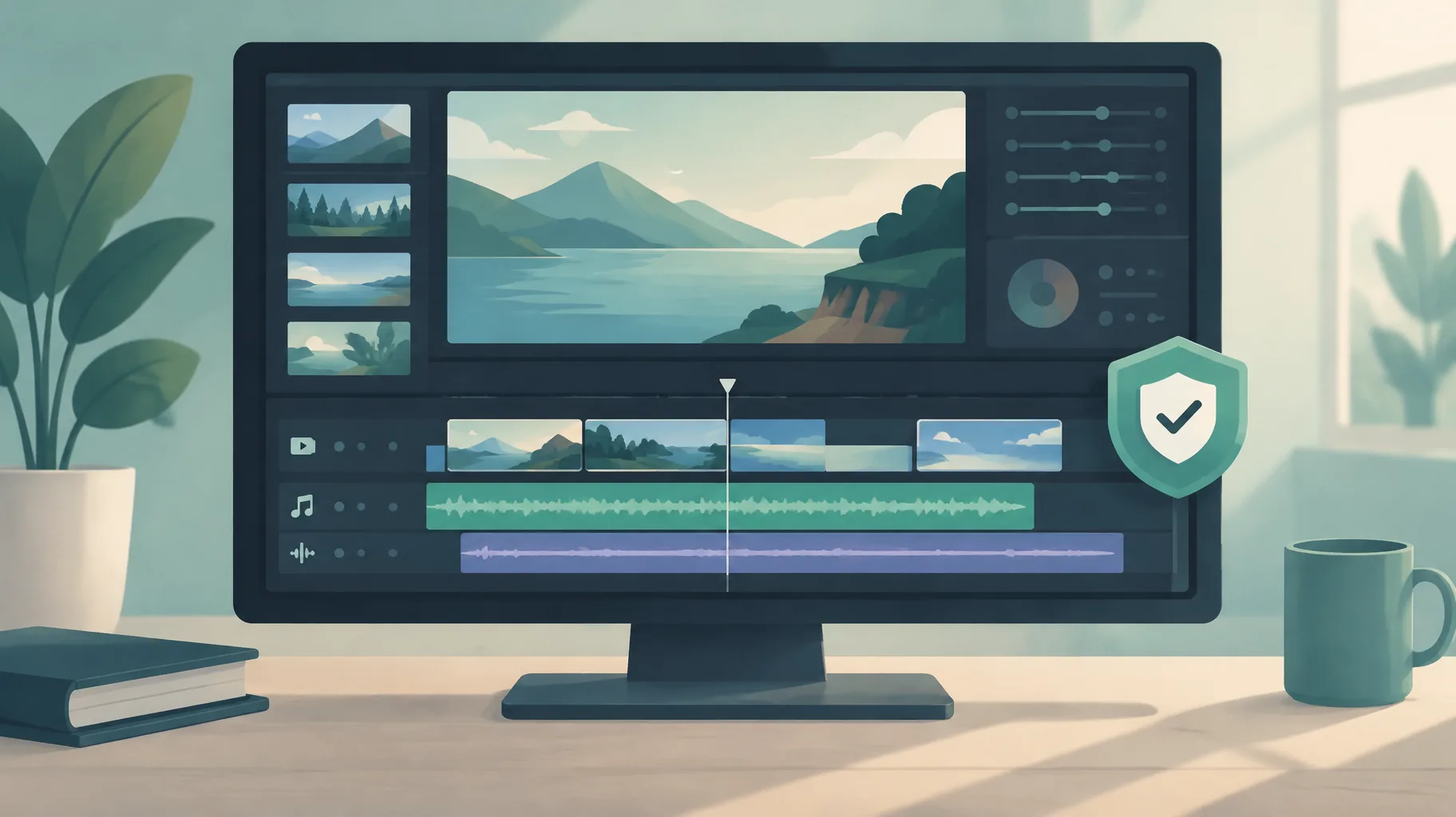
Save five things per clip: the source URL, the library's license page as it read on your download date, the contributor's name, the download date, and a screenshot or archived copy of the license terms. Licenses get updated, and the October 22, 2026 update timestamp on the Pexels help page is a documentation refresh, not proof a restriction is new, so the version you relied on is what matters if a claim or monetization review arrives months later. A simple spreadsheet per video, one row per asset, takes minutes and converts a panicked rights search into a copy-paste reply. Keep the same file for any AI-generated assets and voiceover records, so your whole rights picture lives in one place.
Putting the two checks into a repeatable workflow
The reliable workflow runs check one at download time and check two at assembly time. At download: confirm the library's license permits commercial use and modification, scan the frame for brands and identifiable people, and log the asset. At assembly: write the script first and select footage to serve it, rather than writing narration to justify clips you already grabbed. An AI faceless-video platform such as GoFaceless (our own product) is one way to combine selected stock assets with original narration and a deliberate story structure in a single pass, but assembling assets quickly does not itself clear rights or establish originality; both checks remain yours. If you are weighing the broader economics of monetized faceless channels, our breakdown of faceless long-form YouTube RPM shows what the revenue side can look like once the rights side is clean.
The bottom line
Free stock footage is monetizable on YouTube when the license permits your use and the finished video stands as original work. Pass both checks, keep your license records, and the footage question stops being a risk and starts being a production shortcut. If you want one place to turn a cleared topic into a scripted, narrated short video, GoFaceless covers script, voiceover, visuals and captions in a single pass, with plans from $29 per month on the pricing page.
Sources & further reading
Keep reading
What RPM to Expect From Faceless Long-Form YouTube Videos
Learn realistic faceless YouTube long-form RPM ranges by niche, audience geography, language, content style, and monetisation strategy.

Stock Footage vs AI Visuals for Faceless Videos
Compare stock footage and AI visuals for faceless videos, including engagement, viewer trust, and YouTube, TikTok, and Vimeo labeling rules.

How to Maximize YouTube Shorts Revenue
Maximize YouTube Shorts revenue with monetization eligibility, higher-RPM niche choices, music decisions, and long-form growth tactics.