

AI-generated content for European audiences should be labeled with a clear, viewer-facing disclosure when it realistically depicts people, places, events, or voices that could be mistaken for real. Add an on-screen overlay near the first relevant scene, use each platform’s synthetic-content setting, and keep a production record. The EU AI Act’s transparency obligations apply from 2 August 2026.
Key takeaways:
- The EU AI Act transparency rules for certain AI-generated and manipulated content apply from 2 August 2026, according to the European Commission’s guidance on marking and labelling AI-generated content.
- A creator should use both a visible disclosure and a platform-native disclosure field when a realistic AI video could mislead viewers about what is real.
- YouTube requires disclosure of realistic altered or synthetic material; its Help documentation instructs creators to “Disclose use of altered or synthetic content”.
- A study reported by Associated Press found face-on-camera short-form videos received 1.9× higher median views and made up 84.2% of viral hits, but performance does not remove transparency duties for faceless AI videos.
Prerequisites: Keep the final exported video, the original brief or script, a list of AI tools used, and access to every account where you publish.
Realistic total time: Allow 10–20 minutes per finished video after you have a reusable disclosure template. The first setup takes longer because you need to define your label wording, edit template, and publishing checklist.
What is the EU AI Act, and how does it affect my content?
The EU AI Act is an EU regulation that sets risk-based obligations for artificial intelligence systems, including transparency obligations for certain synthetic or manipulated content from 2 August 2026. For video creators, the practical issue is whether AI makes realistic content look or sound like an authentic person, event, or place. The rules do not mean every use of AI needs a warning; they make transparency essential when audiences could reasonably mistake synthetic material for reality.
The AI Act’s transparency focus is strongest around deepfakes: audio, images, or video that resemble real people, objects, places, or events but have been generated or manipulated. A realistic cloned voice presenting a fabricated interview is a clear high-risk example. A clearly fantastical animated character is less likely to create the same confusion, although transparency can still be a sound editorial choice.
The European Commission’s Code of Practice on marking and labelling AI-generated content is useful operational guidance. Treat the Code as a way to build reliable labeling processes, not as a substitute for checking the legal responsibilities of the AI provider, the publisher, and any advertiser involved.
For a broader baseline on disclosures before applying EU-specific rules, read our guide to AI content disclosure rules for video creators. For commercial campaigns, also check whether advertising, consumer-protection, electoral, copyright, privacy, or national rules create additional obligations.
How should I label AI-generated video content step by step?
Creators labeling AI-generated content for EU audiences should follow a six-step workflow: classify the content, decide whether viewers could mistake it for real, write a plain-language label, place an overlay in the video, activate platform disclosures, and save evidence. This process produces a visible disclosure for viewers and a practical audit trail for creators before the EU AI Act transparency obligations apply on 2 August 2026.
Step 1: Classify every generated element
Action: List any AI-generated or materially AI-altered voice, face, scene, image, sound effect, translation, or event reconstruction.
What it requires: Review the final timeline rather than relying only on the script. Include inserted B-roll and promotional cut-downs.
How to tell it worked: You can point to each generated asset and state whether it is realistic, stylised, or purely assistive.
Step 2: Test for realistic deception
Action: Ask one specific question: could an ordinary viewer believe this depicts a real person, real voice, real event, or real location?
What it requires: Judge the finished clip with sound on. A generated narrator can require attention even when the visual is stock footage.
How to tell it worked: You have marked each realistic synthetic segment as “disclose” or documented why no visible disclosure is needed.
Step 3: Write a plain disclosure
Action: Use direct wording that names the synthetic element.
What it requires: Avoid vague phrases such as “enhanced with technology.”
How to tell it worked: A viewer can understand the disclosure without opening the description.
Useful examples:
- “AI-generated visual reconstruction. Not real footage.”
- “This voice is AI-generated.”
- “Synthetic depiction created for illustration; this event did not occur.”
- “AI-generated image of a fictional person.”
Step 4: Add a readable overlay
Action: Put the disclosure on screen at the opening or immediately before the first realistic synthetic scene.
What it requires: Use high contrast, enough screen time to read, and captions that do not cover the label.
How to tell it worked: A viewer watching without sound can see the disclosure before forming a mistaken impression.
Step 5: Complete native platform disclosures
Action: Select the platform’s altered, synthetic, or AI-content disclosure option during upload where available.
What it requires: Check the final upload screen for each version, including Shorts, Reels, TikToks, ads, and reposts.
How to tell it worked: The published post displays the relevant platform notice or disclosure metadata.
Step 6: Save a compliance record
Action: Store the exported file, disclosure text, upload screenshots, source-asset notes, and publication date in one folder.
What it requires: A simple spreadsheet or project folder is enough for most independent creators.
How to tell it worked: You can show exactly what was published, where it was labeled, and which assets were generated.

How do overlays differ from disclaimers?
An overlay is a disclosure shown inside the video frame, while a disclaimer is supporting text placed in a description, caption, pinned comment, landing page, or end card. For realistic AI-generated video, an overlay is the stronger first-line label because viewers can encounter a short-form video without reading any accompanying text. A description disclaimer adds context, but it should not carry the entire transparency burden when the synthetic scene itself could mislead.
Use an overlay to answer the immediate visual question. For example, place “AI-generated reenactment — not real footage” over the first seconds of a fabricated historical scene. Place “AI-generated voice” when a cloned or synthetic narration could be mistaken for a human recording. Keep the message concise and literal.
Use a disclaimer to give detail that would clutter the frame. A caption can explain which elements were generated, why they were used, whether a scene is illustrative, and how viewers can find source material. The disclaimer should repeat—not contradict—the overlay.
A practical format is a two-layer disclosure:
| Placement | Purpose | Example |
|---|---|---|
| In-video overlay | Stops immediate misunderstanding | “AI-generated visual reconstruction” |
| Caption or description | Adds scope and context | “Visuals in this video are AI-generated illustrations and do not show real events.” |
| Platform disclosure field | Supplies machine-readable platform context | Select the altered or synthetic-content setting where offered |
Do not hide an important label in a fast end card. A viewer who sees only the first 3 seconds should still receive the core message.
What are the consequences of improper labeling?
Improper labeling can create legal, platform, commercial, and audience-trust problems, especially when realistic synthetic content impersonates people or fabricates events. The EU AI Act’s transparency obligations become applicable on 2 August 2026, and the European Commission’s labeling guidance makes clear that recognizable marking and labeling are central to responsible deployment. The exact consequences depend on the creator’s role, country, content type, and whether the work is editorial or commercial.
On platforms, a missing disclosure can trigger labels added by the service, restrictions on distribution or monetization, content removal, or account enforcement under platform rules. YouTube’s rules are separate from EU law: creators must assess realistic altered or synthetic material using YouTube’s disclosure policy, even if an EU-specific overlay already appears in the video.
For advertisers, non-disclosure can also make an ad misleading. For creators publishing news-like videos, health claims, political material, financial content, or depictions of identifiable people, the stakes rise because viewers may act on the content as if it were authentic.
There is also a production cost. Associated Press reported that videos using 100% AI-generated visuals cost 2.5× more and took 3× longer to produce than videos using stock footage. Re-editing an unlabeled campaign after publication adds avoidable delay. Choosing stock footage versus AI visuals can therefore be a compliance decision as well as a creative one.
How can creators ensure compliance across platforms?
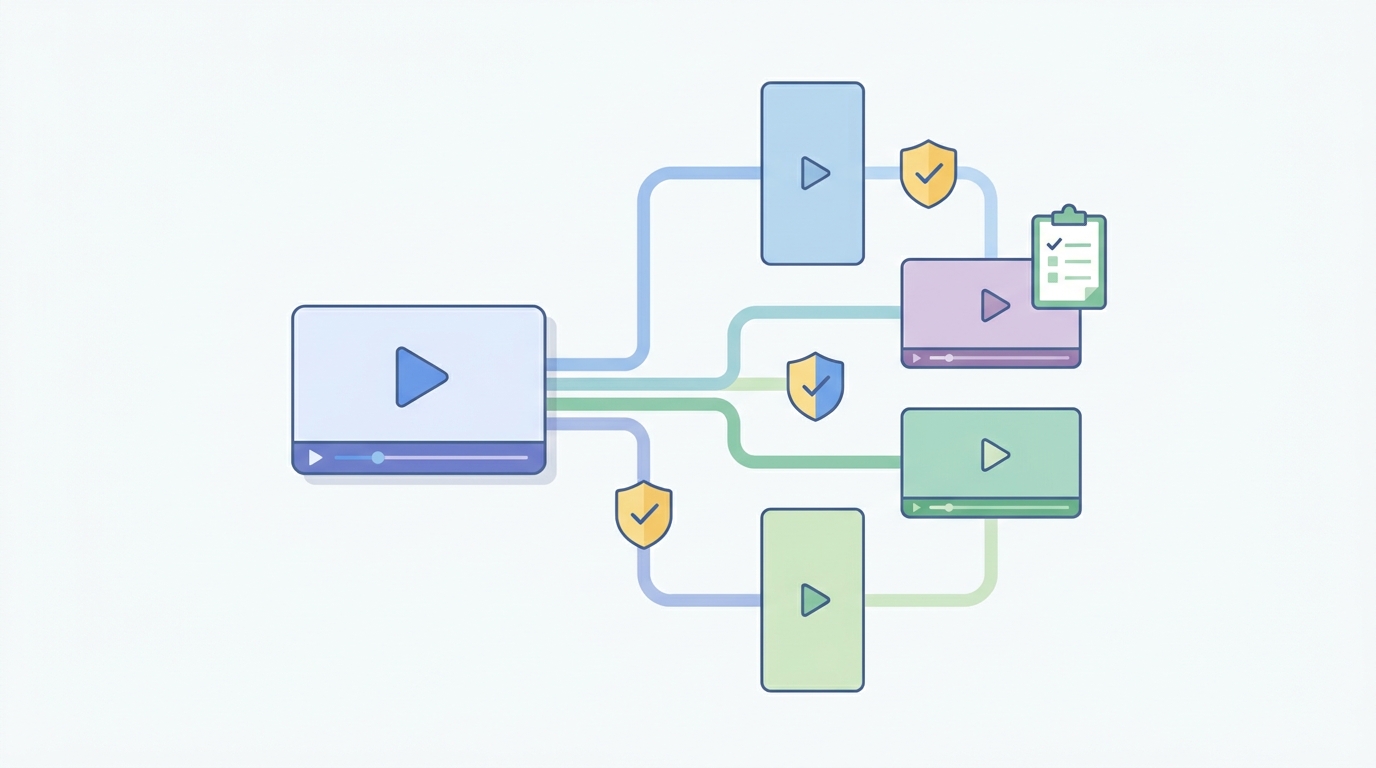
Creators can maintain compliance across YouTube, TikTok, Instagram Reels, and other services by treating the master video overlay as the universal minimum, then completing each platform’s own disclosure controls at upload. A label embedded only in a YouTube description will not travel when the video is reposted to Reels or shared as a downloaded file. Platform-specific settings and visible video labels solve different parts of the problem.
Build one master disclosure pack for every project:
- A short in-video overlay for the first realistic synthetic moment.
- A longer caption disclosure that can be adapted to each platform’s character limits.
- A list of generated assets and the disclosure decision.
- Upload screenshots showing the selected synthetic-content settings.
On YouTube, confirm the altered-content declaration before publishing. YouTube’s documentation focuses on content that is realistically altered or synthetically generated, so an AI workflow alone is not the test; the realistic result and potential to mislead are what matter.
Use the same review process for vertical and 16:9 versions. Text can be cropped differently between Shorts, Reels, feeds, ads, and embedded players. Preview every placement on a phone before publishing. For YouTube-specific upload choices and wording, use our guide to labeling AI videos on YouTube.
What tools can assist with AI content labeling?
AI content labeling does not require a single specialist product; creators need a combination of editing templates, platform upload controls, asset records, and review checklists. A reusable overlay template is the most practical tool because it makes the required disclosure visible in every exported version. A spreadsheet or project-management board can then document generated assets, disclosure wording, destinations, reviewer approval, and upload evidence.
Choose tools by the job they perform:
| Tool type | What it helps with | What to check |
|---|---|---|
| Video editor or template system | Consistent on-screen overlays | Safe-area placement for vertical and horizontal exports |
| Platform upload form | Native synthetic-content declaration | Whether the setting is selected on the final upload |
| Asset log | Proof of which material was generated | Date, source, asset type, and disclosure decision |
| Approval checklist | Repeatable pre-publish review | A named owner and completed checkboxes |
AI faceless-video platforms can also help by keeping scripts, visuals, captions, and exports in one workflow. GoFaceless (our own product) turns a topic or brief into a finished video with script, voiceover, visuals, captions, music, preview, and export controls; creators can use those controls to review labels before export. It is one workflow option, not a legal compliance service.
Avoid relying on a tool’s automatic watermark or metadata alone. Viewers may not see it, platforms may process it differently, and it does not replace a clear message when a realistic scene needs an understandable disclosure.
Are there best practices for AI content transparency?
The best practice for AI content transparency is to disclose early, name the exact synthetic element, use ordinary language, and preserve a record of the decision. The EU AI Act’s 2 August 2026 transparency date gives creators a clear reason to make this routine now, while the Commission’s Code of Practice offers a practical direction toward recognizable marking and labeling. Transparency works when a viewer can understand it immediately, not when a lawyer can locate it later.
Apply these rules to every publishable version:
- Put the label before or at the first potentially misleading synthetic moment.
- State what is artificial: voice, person, scene, event, or reconstruction.
- Use the same central wording in the video, caption, and upload declaration.
- Make labels readable on a mobile screen and leave them visible long enough to read.
- Keep disclosure decisions with the project files, especially for sponsored, topical, or realistic content.
- Recheck older templates when platform rules change.
Transparency should not weaken the creative opening. A short statement such as “AI-generated reconstruction” can appear cleanly under a hook, then the caption can explain more. Keep editorial judgment in the workflow too: realistic synthetic content needs more careful labeling than an obviously stylised illustration.
How can I make AI disclosure part of every video workflow?
Make AI disclosure a required export check, not an emergency fix after publication. Add one approval item for realistic synthetic content, one overlay template, and one saved upload record to every project. This protects the channel while allowing creators to keep a fast production cadence.
GoFaceless users can start a workflow with preview and export controls and make the label check part of each finished video review.
Review GoFaceless plans if you need a plan that fits the volume and formats you publish.
Sources & further reading
Keep reading

How Long Does It Take to Make a Faceless YouTube Video?
See realistic AI faceless YouTube video timelines, from 6–12 hours for a first video to about 20 minutes with automation.

AI Content Disclosure Rules for Creators in 2026
Learn the 2026 AI content disclosure rules for TikTok and the EU AI Act, plus a practical cross-platform compliance workflow.

How to Create YouTube Shorts: Beginner’s Guide
Learn how to create YouTube Shorts, meet current technical rules, publish effectively, and use analytics to improve engagement.