
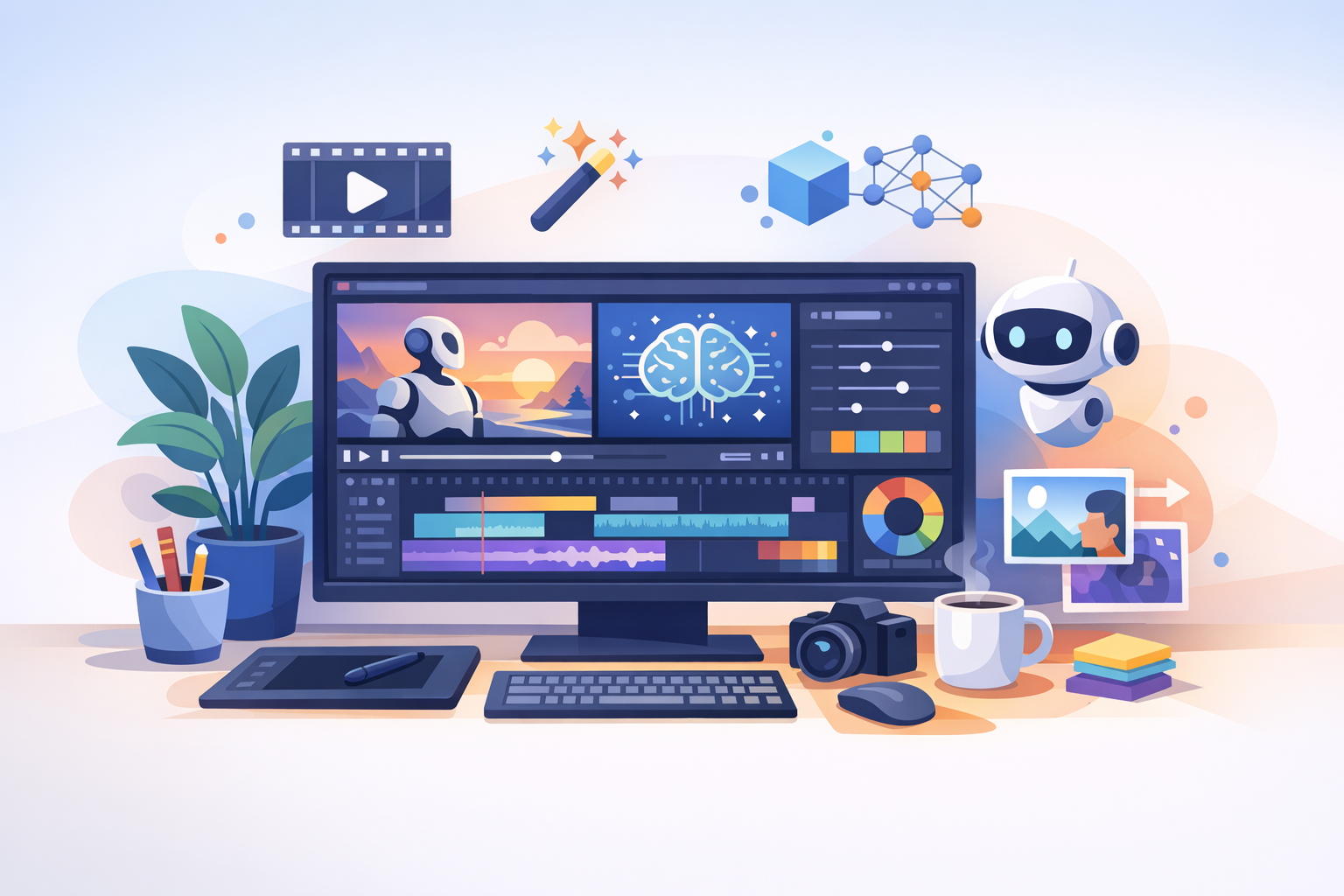
Harnessing AI in Video Editing: A New Era
In recent years, the video creation landscape has been transforming at breakneck speed, driven by advancements in AI technology. With the release of Adobe’s AI Assistant in Premiere Pro, creative professionals now have unprecedented tools at their disposal. This development couldn't be more timely, as platform algorithm shifts on YouTube and TikTok reshape the content landscape dramatically.
Recent algorithmic changes on YouTube Shorts have seen a drop in engagement levels due to a more TikTok-like recommendation system. On the other side, TikTok feeds new users a high volume of low-effort AI-generated content. In this fast-evolving context, understanding and maximizing AI tools in Adobe Premiere becomes not just beneficial but essential.
Automating Tedious Tasks for Enhanced Creativity
Adobe's AI Assistant is designed to streamline the video editing process by handling complex, repetitive tasks. This automation liberates editors from time-consuming manual labor, allowing them to focus more on the creative aspects of filmmaking.
- Scene Detection: AI can automatically detect scene changes in raw footage, making cuts and transitions seamless and efficient.
- Smart Reframing: For creators repurposing content across platforms, AI reframing automatically adjusts the aspect ratio, ensuring crucial elements stay in the frame.
- Audio Enhancements: AI-powered tools fine-tune audio levels and clarity, reducing background noise and elevating voiceovers—an essential feature for creators focusing on faceless videos.
These features enhance workflow efficiency, offering more room for innovation and creativity.
Navigating the Video Content Landscape
With platforms like YouTube Shorts evolving their algorithms (as reported), content creators must adapt quickly. AI tools in Premiere Pro help navigate these changes by enabling faster, more adaptive editing processes, ensuring content remains fresh and engaging.
Strategies for YouTube and TikTok Success
To maintain visibility and engagement in AI-driven platform ecosystems, creators should focus on:
- Quality Over Quantity: In a sea of AI-generated 'slop', quality content can stand out. Ensure your edits are precise and your narratives compelling.
- Frequent Updates: Unpredictable algorithm changes require flexibility. Keep your editing style adaptable to frequent shifts in platform preferences.
- Engage and Educate: Leverage AI to make visually engaging videos that educate or entertain, appealing to audiences across various demographics.
Beyond Adobe: Exploring Additional Resources
While Adobe's tools are groundbreaking, creators can explore platforms like GoFaceless to generate diverse, editable content. These resources complement AI-enhanced editing, offering a practical way to sustain creativity and adaptability across video projects.
Conclusion
In a world where algorithm shifts and AI-generated content abound, using AI tools effectively in Adobe Premiere Pro can be your differentiator. These tools not only streamline processes but allow for greater creative versatility and precision.
Ready to harness AI tools and improve your video content game? Platforms like GoFaceless are one way to jumpstart your faceless video journey, aligning well with AI-enhanced editing techniques to produce high-quality, engaging content.
Sources & further reading
Keep reading

How Adobe’s AI Assistant Transforms Video Editing
Explore how Adobe's AI Assistant revolutionizes video editing, focusing on automation and efficiency.

Preserving Authenticity in AI-Enhanced Acting with Ray3
Explore how Ray3 balances AI enhancements with authentic performances in videos.
A Complete Guide to Sondo AI’s Professional Video Editor
Explore how Sondo AI's editor streamlines video creation with integrated workflows, enhancing efficiency for creators.