
Empowering Creativity with AI
The video editing landscape is experiencing a seismic shift as Adobe unveils its latest innovation: the AI Assistant in Premiere Pro. This tool promises to redefine how creators approach video editing by handling repetitive tasks, allowing more time for creative exploration. The recent introduction of this assistant marks a pivotal moment for video editors seeking efficiency without compromising quality.
Navigating Algorithmic Challenges
As video platform algorithms evolve, creators face new challenges. YouTube Shorts recently shifted its recommendation system, prioritizing faster content turnover akin to TikTok's style, which has impacted viewership for many. Meanwhile, a Kapwing study found that TikTok aggressively promoted low-effort AI-generated content. This saturation demands that creators differentiate themselves to capture the audience's fleeting attention.
Moreover, discussions around AI-disclosure impacting reach have emerged, suggesting that labeling content as AI-generated might hinder performance due to perceived algorithmic penalties. Understanding these dynamics is crucial to maintaining visibility across platforms.
Adobe's AI Assistant: A Game-Changer
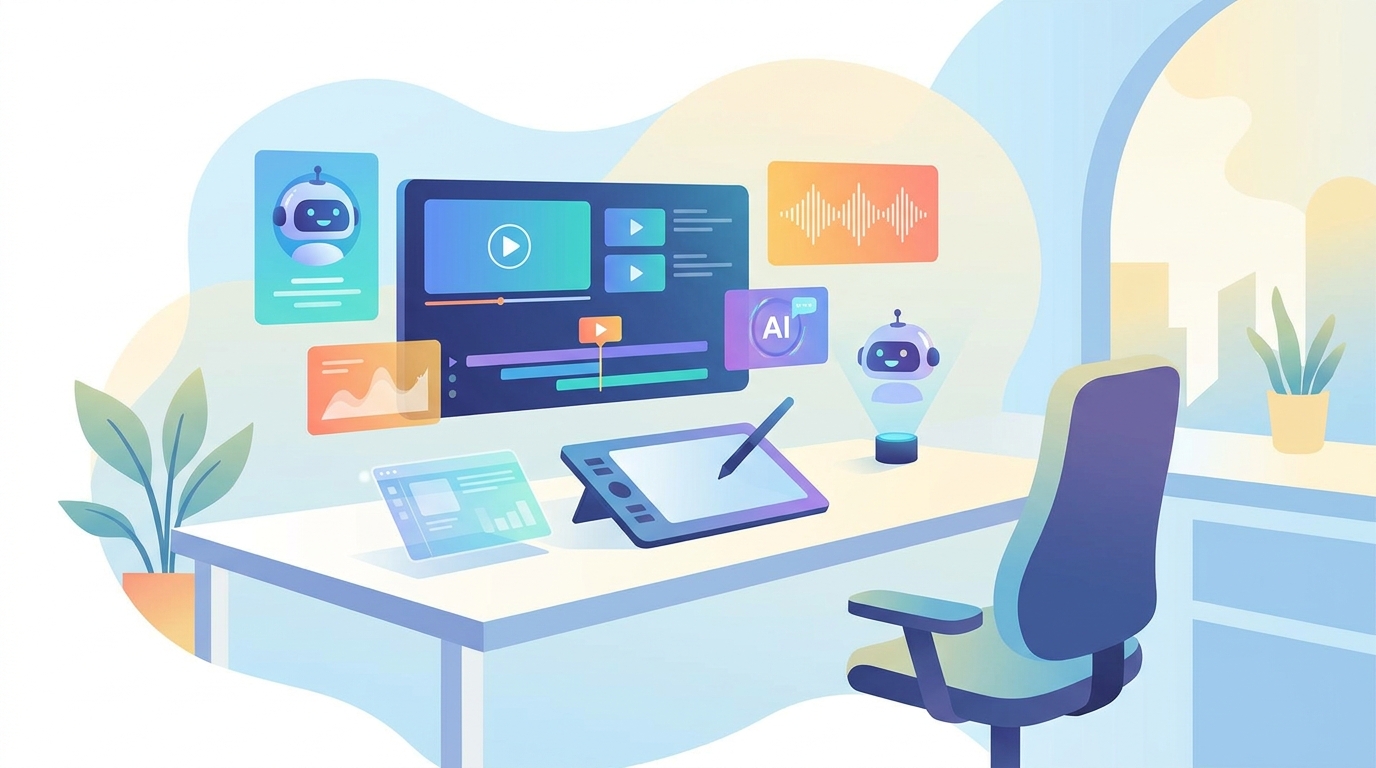
Adobe's AI Assistant is designed to streamline the editing process in Premiere Pro by automating complex editing tasks. This tool empowers editors to focus more on storytelling and creativity rather than being bogged down by the mechanics of editing.
#### Key Features of Adobe’s AI Assistant
- Task Automation: Automates multi-step editing processes, like color correction and clip organization, ultimately speeding up the workflow.
- AI-Powered Suggestions: Provides intelligent editing suggestions to refine edits in line with high-quality industry standards.
- Seamless Integration: Works within Adobe’s ecosystem, enabling effortless transitions between different tools such as Photoshop and After Effects.
These capabilities allow creators to adapt quickly to the ever-changing demands of digital content creation.
Enhancing the Creative Process
The introduction of AI in video editing raises the potential for increased productivity. Creators can capitalize on these efficiencies by utilizing AI tools like Adobe’s AI Assistant to produce distinctive content that stands out amidst algorithm-driven feeds.
Tools like GoFaceless offer additional AI-powered video solutions, enabling creators to streamline faceless video production—an efficient way to meet platform demands while maintaining content quality and uniqueness.
Embracing AI While Staying Authentic
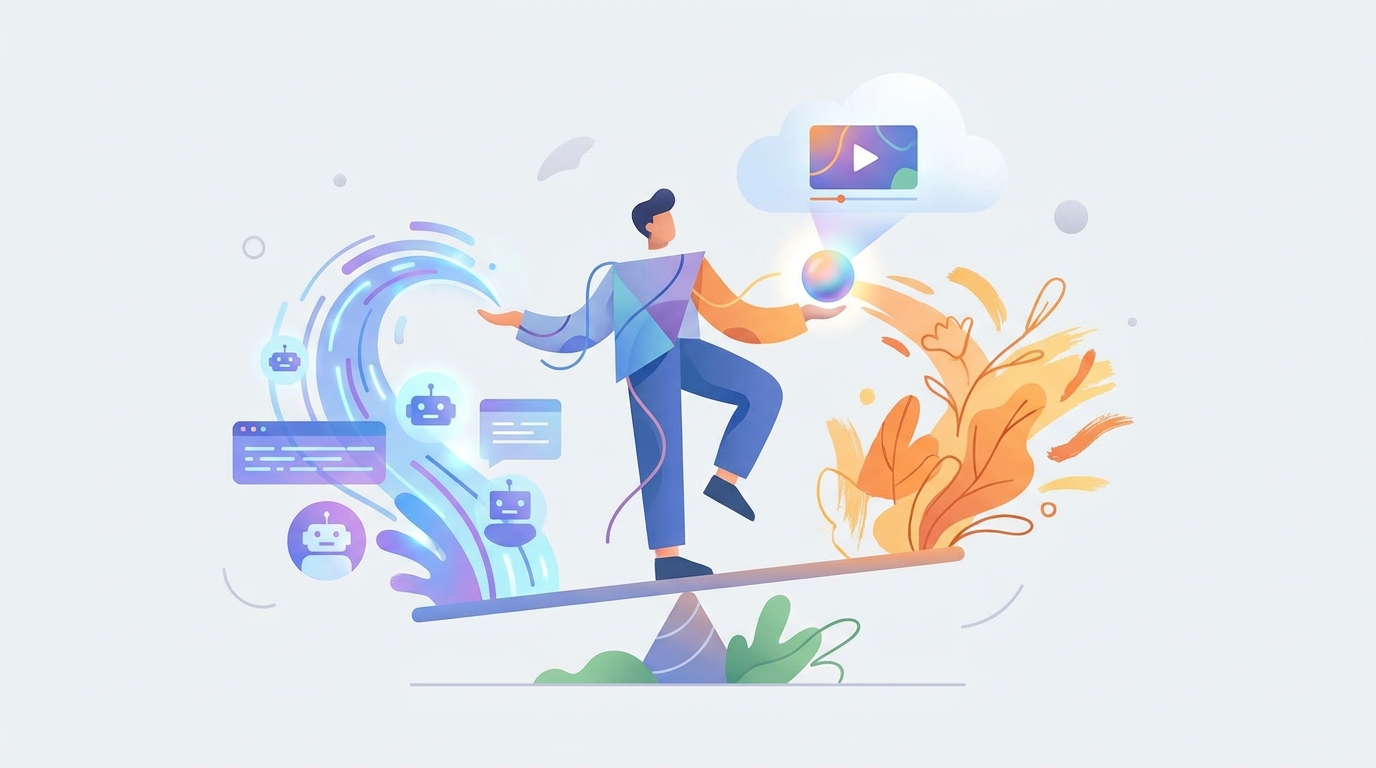
It's crucial to balance AI usage with maintaining an authentic creative vision. As AI tools assist with technical tasks, creators can devote more time to refining their narrative and enhancing viewer engagement.
Adobe's AI Assistant enables editors to focus on the core elements of storytelling, ensuring that the content does not just follow trends but tells compelling stories. Furthermore, understanding how AI labeling might impact reach allows creators to strategically deploy tools without compromising their audience’s growth.
Conclusion: Adapting for Success
As the digital media landscape continues to evolve, embracing AI technologies while maintaining creative integrity is essential for success. Adobe’s AI Assistant offers the tools to manage this balance effectively.
Incorporating AI-powered platforms like GoFaceless can further enhance the efficiency and creativity of video production, optimizing the workflow to adapt to changing platform dynamics.
Explore how you can streamline your creative process with GoFaceless.
---
FAQ
What is Adobe's AI Assistant in Premiere Pro?
Adobe's AI Assistant automates repetitive editing tasks, allowing creators more time for creativity.
How can AI tools impact video creation?
AI tools streamline editing processes, increasing efficiency, and potentially impacting platform reach dynamics.
Why focus on AI editing tools now?
With shifting algorithms and the need for unique content, AI editing tools help creators stay competitive.
Are there risks with AI-disclosure on platforms like YouTube?
Yes, disclosing AI involvement may affect reach due to potential algorithmic bias.
How does AI redefine video editing for creators?
It offers automation, enhances creativity, and eases adaptation to fast-paced digital platform changes.
Sources & further reading
Keep reading
Maximizing Creativity with Adobe’s AI Tools in Premiere
Explore creative possibilities with Adobe Premiere's AI tools and adapt to changing video platform algorithms.
Maintaining Authenticity Amidst AI Video Generation Trends
Discover strategies to maintain authenticity using AI-generated videos on TikTok.
How Meitu's AI Tools Are Reshaping Creative Video Production
Explore Meitu's AI tools enhancing video creation and multimedia innovation for content creators.