
Real estate
Keys Day
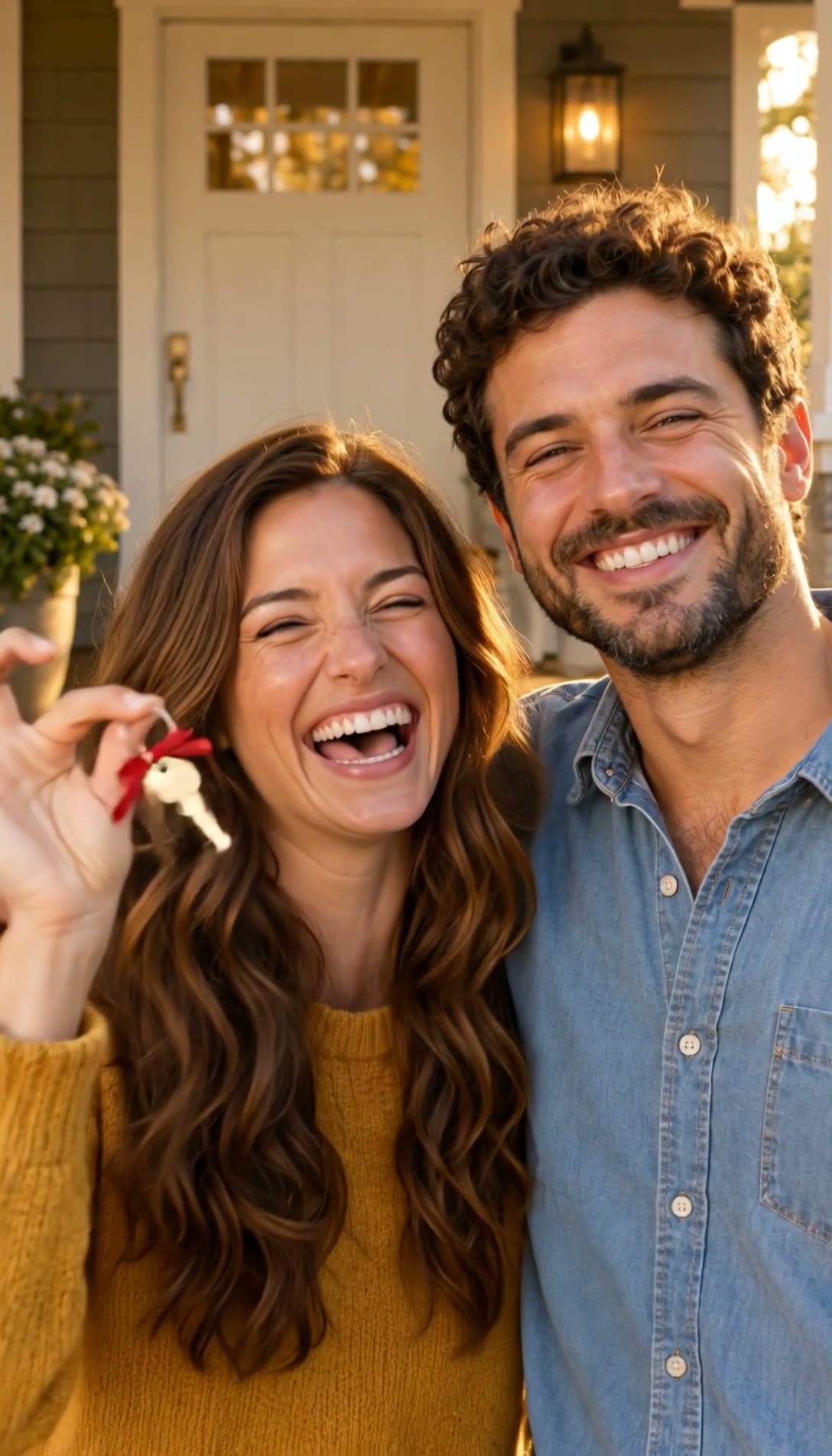
The closing post your buyers will share. From one or two photos, they hold up the keys to their new home on the porch at golden hour, with your congratulations on screen. Every share shows your name to their friends.
The original
Replace one of them or both. One photo is enough to make your video.
Replace Buyer
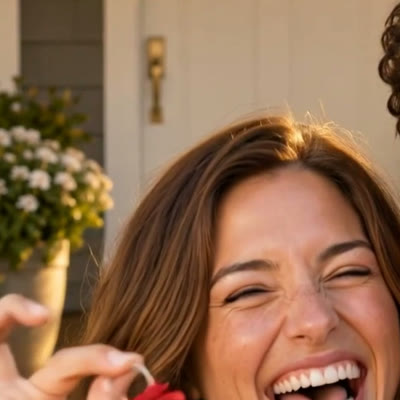
Leave empty to keep Buyer unchanged.
Replace Partner

Leave empty to keep Partner unchanged.
Before the swap we turn each person's photos into a clean full-body and face reference, so they look the same from the first second to the last.
Each caption sits right against the video. Leave one empty to skip it. Emoji work too.
Your video: Buyer unchanged, Partner unchanged.
Add a photo for Buyer or Partner to continue.
By continuing, you confirm you have permission to use these photos.
- 1
Add your buyers' photos
A clear photo of each buyer, or one photo for a single buyer. Use photos your clients agreed to share.
- 2
Write your congratulations
The words on screen are yours: their names, your name, Welcome home.
- 3
Get your video
Press Make my video, and it lands in your library when it is ready. Send it to your clients to share.
How to make a closing day video for your buyers
Keys Day turns your buyers' photos into the moment they get the keys: on the porch of a new home at golden hour, one of them holds up the key while the other hugs them.
You write the words on screen, such as their names and Welcome home, and send them the video to share. Their friends see your congratulations.
Questions
- What do I need?
- A clear photo of each buyer, or one photo for a single buyer, used with their permission.
- Is it their real house?
- No. It is a porch at golden hour that stands for the moment, not their home.
- Which plan do I need?
- It is on every paid plan. You see the price before we make your video.
- Where can I post it?
- Anywhere. Download the MP4 and post it to TikTok, Instagram Reels, YouTube Shorts, or any other app.