

AI video tools are systems that use AI to help create parts or all of a video—such as a script, voiceover, visuals, captions, and edits—and creators should choose them based on reliable workflow speed, audience-retention controls, usable rights, and platform-specific disclosure support. A convincing sample clip is not enough: the right tool helps you publish consistently without losing editorial control or creating avoidable compliance risk.
Key takeaways:
- 71% of creators have used AI video tools, and 41% use them weekly, so repeatable workflow controls matter more than one-off generation.
- 56% of AI video tool users save more than 30 minutes per video, while 10% save more than 4 hours.
- YouTube may retain AI-generated content for up to 60 days, making accurate metadata and disclosure checks part of publishing.
- Vimeo’s AI terms state that “Output may not be unique across users.”, so creators should not assume exclusive rights to AI-generated assets.
How do AI video tools save time in video production?
AI video tools save time when they remove handoffs between ideation, scripting, narration, visual selection, captioning, and formatting without removing the creator’s review step. The clearest benchmark comes from Adobe’s creator research: 56% of users reported saving more than 30 minutes per video, and 10% reported saving more than 4 hours. Those savings are most useful for a faceless channel producing recurring formats, where the creator can apply a proven structure repeatedly rather than start every video from a blank timeline.
How does an AI video tool work?
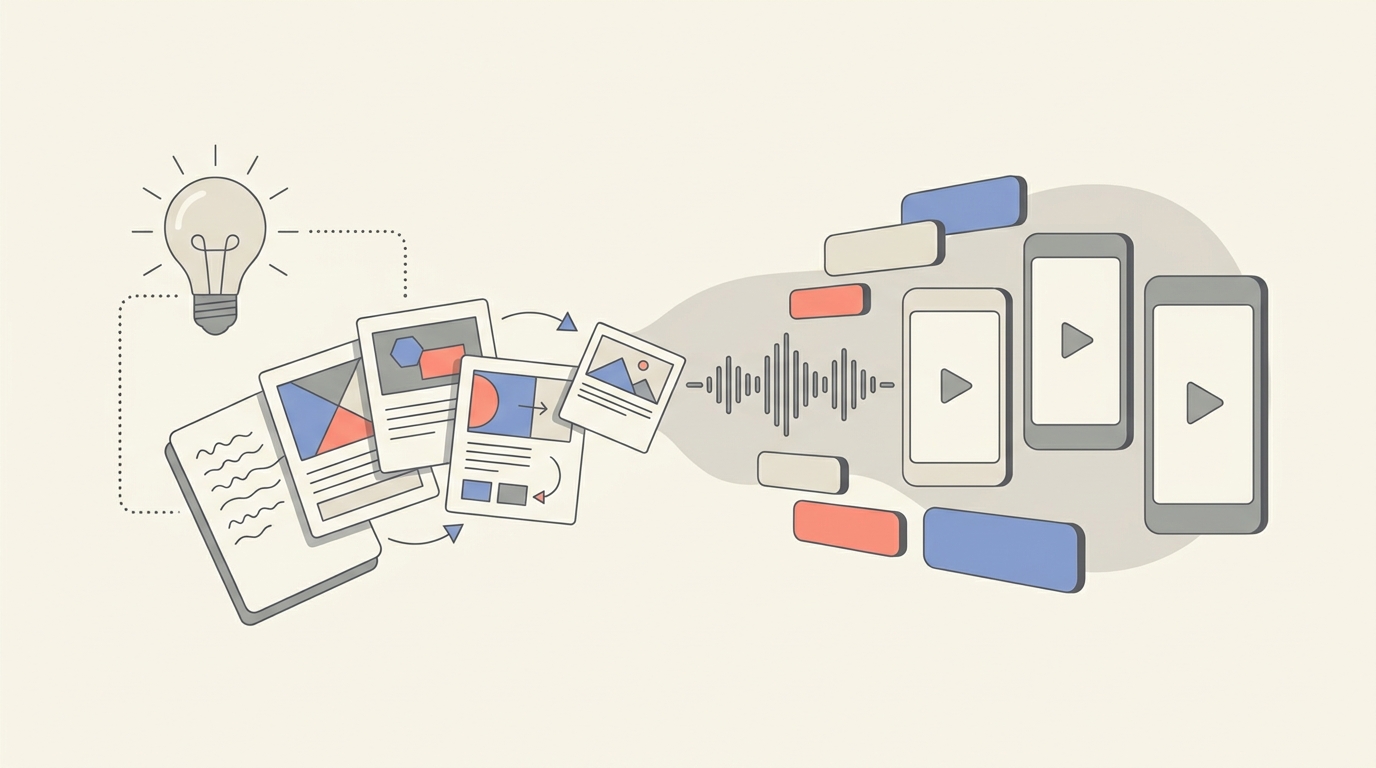
An AI video workflow typically converts a brief or topic into a draft script, then pairs the script with generated or selected visuals, a synthetic or recorded voiceover, captions, and an editable sequence. Evaluate each stage separately. A fast script writer does not solve the editing problem if captions cannot be corrected. A visual generator does not solve publishing if the output cannot be resized for vertical and horizontal formats.
Test the tool with one real production brief. Give it a specific audience, duration, platform, tone, source material, and call to action. Then time how long it takes to reach a version you would actually publish—not merely a first draft. Check whether revisions preserve your changes, whether you can replace a single scene, and whether exported captions remain editable. These details determine whether AI reduces production work or simply moves it into cleanup.
| Reported creator use and time savings from AI video tools | |
|---|---|
| Creators who have used AI video tools | 71% |
| Creators using tools weekly | 41% |
| Users saving over 30 minutes per video | 56% |
| Users saving over 4 hours per video | 10% |
What does an AI video tool require to deliver real efficiency?
An AI video tool requires a clear input process, a review routine, and a file-management plan to produce reliable time savings. Prepare a short creative brief with the topic, target viewer, desired runtime, visual boundaries, and approved claims. Maintain a source folder for licensed footage, brand assets, and factual references. Before paying for a plan, verify credit limits, export limits, watermark rules, commercial-use terms, collaboration access, and whether unused credits expire. The purchase decision should be based on the cost per publishable video and the staff time needed to approve it, not on the price of an individual generation.
What features enhance audience engagement with AI videos?
AI video features enhance audience engagement when they help a creator deliver a clear opening, readable captions, purposeful visual changes, and a tighter pace for a defined audience. Adobe reports increases of 19% in audience watch time and 17% in engagement for AI video tools, but those outcomes depend on editorial choices rather than automation alone. Look for tools that make those choices easy to test and revise, especially in the first seconds of a short-form video.
Prioritize scene-level editing over a single “generate” button. You should be able to change the hook without rebuilding the full video, adjust voice pacing, correct captions, swap an unclear visual, and remove filler scenes. Captions need accurate timing, readable contrast, and manual correction. Voice controls should let you adjust pronunciation and pauses. Visual controls should let you keep a consistent look across a series without implying that every frame is original or exclusive.
A practical engagement test is to produce two openings for the same script. One can lead with a question, and the other can lead with a surprising, supportable fact. Hold the topic and length constant, then compare retention and comments after publishing. Creators who need starting points for that experiment can use a free library of proven video hooks, then rewrite the chosen hook for their own audience and claim standards.
What is the common misconception about AI engagement?
The common misconception is that AI-generated visuals or an AI voice automatically make a video engaging. Audience retention comes from relevance, clarity, and pacing; automation only makes those elements faster to assemble and test. Avoid tools that lock a creator into generic transitions, uneditable voice timing, or repetitive stock-like scenes. An AI video should feel deliberately structured: one promise at the beginning, supporting visual evidence through the middle, and a precise conclusion or next action at the end.
Which AI video tool capabilities are trending globally?
AI video tool capabilities trending globally include AI voiceovers and image generation integrated into everyday professional production, rather than limited to experimental clips. Pictory’s 2026 report, which analyzed more than 1.5 million videos, describes regional adoption patterns in voiceovers and image generation. For creators, the useful signal is not to copy a regional trend blindly; it is to choose capabilities that help a particular audience understand and trust the content.
Voiceover quality deserves special scrutiny for faceless channels. Test pronunciation of names, numbers, niche terminology, and mixed-language phrases. Check whether the tool permits script-level pronunciation edits and whether its voices fit the audience’s expected tone. For image generation, test continuity: can recurring settings, subjects, and visual motifs stay consistent across a series? Also test whether the tool can distinguish illustrative visuals from realistic depictions of real people or events.
The most durable capability is controlled iteration. A creator should be able to turn a winning topic into a series, adapt one idea into several platform cuts, and keep a record of the human decisions behind the final publish. Build topics around viewer questions, not around whatever effect is new. A faceless-video topic ideas library can help identify a repeatable niche angle before production begins.
How do different platforms handle AI-generated content and compliance?
Different platforms handle AI-generated content through their own rules on disclosure, metadata, rights, and prohibited uses, so creators must review the terms for both the creation service and the publishing destination. YouTube’s guidance says it may retain AI-generated content for up to 60 days and sets compliance requirements around associated metadata. Vimeo’s AI terms describe its AI offering as experimental and limit assurances about uniqueness and intellectual-property claims.
Treat compliance as a pre-publish checklist, not a box to tick after a video performs well. First, determine whether the video realistically depicts a real person, event, or place, or materially changes an actual recording. Next, identify the destination platform’s disclosure flow and complete it accurately where required. Keep the original brief, source files, revision history, licenses, and export details in a project folder. That record makes it easier to answer a platform request, correct a caption, or explain a disclosure decision.
Platform safety approaches differ. OpenAI’s Sora safety guidance explains a safety-focused approach to creating with AI video, while Pylon’s AI disclosure policy provides a separate disclosure-policy framework. Neither document replaces the rules of a video host. Policies can change, so verify the live terms before each new campaign or distribution channel.
What are the ownership rights for AI-generated video content?
Ownership rights for AI-generated video content depend on the tool’s terms, the assets included in the video, the creator’s inputs, and the law that applies to the creator and audience—not on the assumption that pressing “generate” creates exclusive copyright. Vimeo’s AI terms explicitly warn that “Output may not be unique across users.” That limitation matters when a faceless channel relies on generated scenes, music, narration, or characters as core brand assets.
Read the terms for commercial-use permission, ownership or assignment language, training-use provisions, restrictions on sensitive or third-party inputs, and indemnity limits. Then separately clear everything added around the AI output: uploaded images, brand marks, stock footage, music, voice samples, screenshots, and claims drawn from external sources. A service may permit commercial output while still declining to guarantee that no similar output exists elsewhere.
For a high-value recurring series, create differentiation through human-authored scripts, original research, licensed assets, distinctive editing, and an owned brand system. Do not upload client-confidential information, private recordings, or materials you lack permission to use merely because a tool accepts the prompt. When rights are uncertain, choose a less specific visual or obtain written permission before publishing.
Why is AI disclosure important in video creation?
AI disclosure is important because viewers and platforms may need to know when realistic media was synthetically created or materially altered, particularly when it could be mistaken for a real person, event, statement, or recording. YouTube’s AI-content guidance links AI-content handling to disclosure and metadata practices, while Pylon publishes a dedicated AI disclosure policy. Clear disclosure helps creators preserve trust without suggesting that all AI-assisted editing is deceptive.
Use the narrowest accurate disclosure. A video that uses AI to draft a script or clean captions does not present the same viewer-risk question as a realistic synthetic depiction. For material synthetic or altered content, use the platform’s available disclosure process and add plain language in the description or on-screen context when a reasonable viewer could misunderstand what they are seeing. Do not bury a necessary disclosure in hashtags or use vague wording that conceals the nature of the alteration.
Disclosure also improves operations. It forces a creator to identify which scenes were generated, what was altered, and what evidence supports the video’s claims. That documentation reduces errors during revisions, reposts, sponsor review, and cross-platform distribution.
How can AI video tools be used responsibly?
AI video tools can be used responsibly when creators retain human editorial judgment, verify factual claims, respect consent and rights, label material synthetic media where required, and keep a record of how a video was made. Responsible use is practical quality control: it prevents a fast workflow from publishing a false visual, an incorrect voiceover, a misleading depiction, or an asset with unclear rights. The need is especially high for faceless channels, where viewers cannot assess credibility from an on-camera creator.
Use a five-step review before export:
- Check the claim: Verify names, dates, numbers, and causal statements against reliable source material.
- Check the depiction: Do not use realistic synthetic media to misrepresent real people or events.
- Check rights: Confirm permission for uploads, audio, footage, marks, and third-party materials.
- Check disclosure: Complete required platform disclosures and add viewer context when appropriate.
- Check the final cut: Watch with sound on and off, correct captions, and confirm the hook matches the video’s actual promise.
One way to centralize those steps is to use a comprehensive faceless-video workflow such as GoFaceless, while still making the creator responsible for claims, approvals, and platform disclosures. The tool should speed up production; the creator should remain accountable for the published result.
Ready to choose a workflow that you can publish with confidence?
Start with one repeatable format, run the same brief through a full draft-to-export test, and document the review steps that protect your channel. Try GoFaceless when you want one way to combine faceless-video production with a controlled publishing workflow.
Sources & further reading
Keep reading

Stock Footage vs AI Visuals for Faceless Videos
Compare stock footage and AI visuals for faceless videos, including engagement, viewer trust, and YouTube, TikTok, and Vimeo labeling rules.

TikTok Performance Saturation: What It Means for Faceless Creators
TikTok views and interactions are declining year over year. Learn how faceless creators can adapt formats, retention, testing, and distribution.

AI Content Disclosure Rules for Video Creators
Learn the AI content disclosure rules for YouTube, EU audiences, advertising, labels, monetization, and realistic AI-generated visuals.