
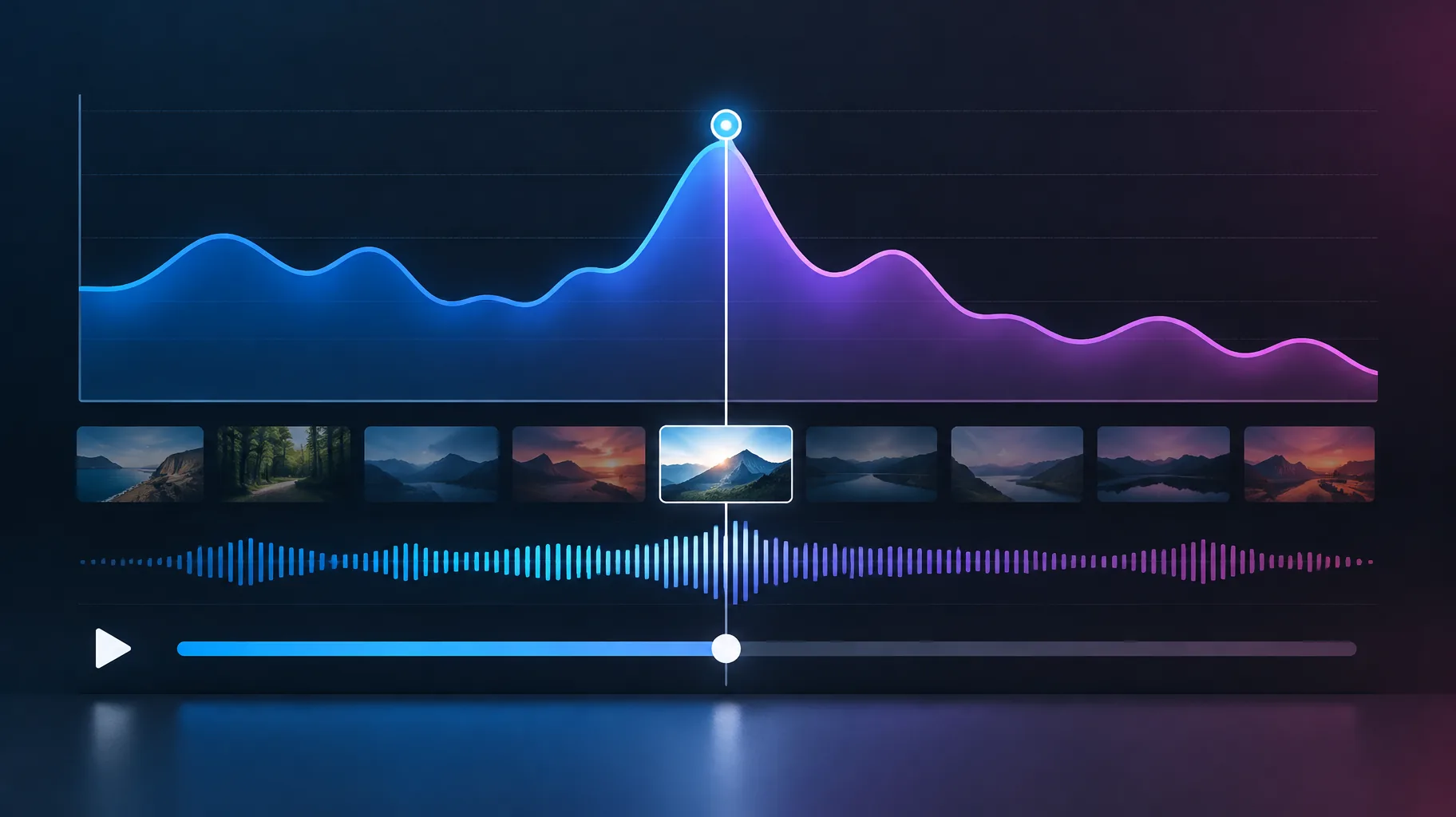
A spike in YouTube audience retention means that moment drew unusual attention: viewers replayed it, rewound to it, lingered on it, shared it, or more viewers chose to watch that segment. The graph cannot by itself prove they loved it or failed to understand it. YouTube Help's audience-retention documentation says, "Spikes can happen when viewers are rewatching or sharing certain parts of your video," so treat the spike as a lead, then audit the exact narration, captions, and visuals at that timestamp before changing anything.
Key takeaways:
- YouTube lists unclear content that viewers need to rewatch as one possible explanation for a retention spike, but the same documentation also says spikes can reflect rewatching or sharing, per YouTube's official documentation.
- Segment-level views can exceed a video's overall view count because viewers can watch a section repeatedly, as explained in YouTube's analytics guidelines.
- Automatically highlighted retention moments require a video at least 60 seconds long and at least 100 views, with data typically taking 1-2 days to process, per YouTube's support page.
- A spike indicates replay or sharing behavior, not necessarily approval; check the script, captions, and visual timing at that specific second before deciding whether it was confusion or engagement.
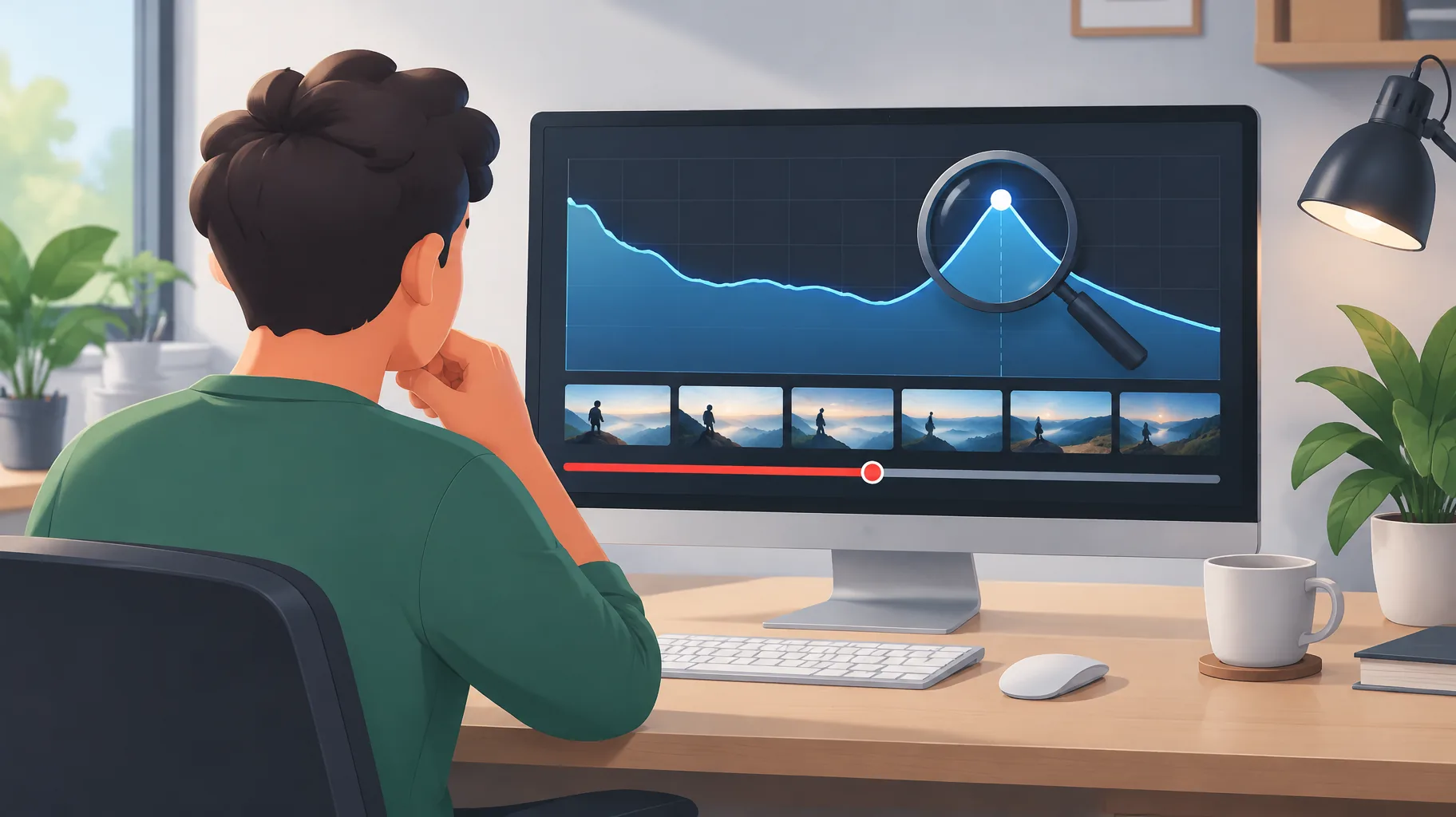
Can viewers replay a section because the explanation is unclear?
The unclear-replay question has a documented yes behind it: YouTube explicitly lists unclear content that viewers need to rewatch as one possible explanation for a retention spike in YouTube's official documentation. The same graph can also rise because a joke landed, a reveal mattered, a clip was shared, or more viewers watched that portion. The retention curve shows where attention concentrated; it does not label the motive.
To classify the spike, inspect the exact seconds around it. Confusion is more plausible when the moment contains a dense tutorial step, a fast list of numbers, an ambiguous pronoun such as "this" with no clear antecedent, a caption that appears before the spoken line, or narration referring to a visual that has not arrived. Engagement is more plausible when the spike aligns with a punchline, a payoff, a clean transition, or a visual reveal. Those are clues, not verdicts.
Why can a video segment have more views than the whole video?
The segment-views question is mostly arithmetic: segment-level views can exceed a video's overall view count because viewers can watch a section repeatedly, as explained in YouTube's analytics guidelines. Suppose 50 viewers watch a 10-second segment three times total and another 50 watch it once. The segment receives 200 views: 150 from the first group plus 50 from the second. Within the first group, 100 watches are additional rewatches after their initial view, while 50 are first watches.
That means a high segment count is not automatically a viral hook. It may be a clarification loop created by a minority of viewers. Do not assume YouTube gives you a section-level unique-viewer count unless you can document where that metric is exposed; the safer workflow is to compare the timestamp with comments, caption timing, audio clarity, and the visual sequence. If many viewers quote the moment approvingly, that supports engagement. If they ask what step came next, that supports confusion. Neither proves motive alone.
What should I check in the narration and captions at a retention spike?
The narration-and-caption audit should start at the precise timestamp and name the failing element: wording, pacing, synchronization, pronunciation, or visual continuity. Listen for tongue-twisters, compressed explanations, mispronounced technical terms, unnatural AI prosody, and captions that lead or lag the voice. Watch for B-roll that changes subject while the sentence continues the prior idea. A mismatch forces some viewers to rewind so they can reconcile what they heard with what they saw.
Use synchronized audio and visuals as supporting evidence, not proof. A clean spike can still come from confusion if the idea itself is hard, and a messy spike can still come from enthusiasm if viewers replayed a great moment despite a caption flaw. Positive comments help, but they are sampled and biased. The practical test is whether a first-time viewer can predict the next sentence from the current frame and caption. If not, revise that passage.
Why are automatic key moments missing, and when should I revise?
The missing-highlights question has thresholds, not a guaranteed waiting period: automatically highlighted retention moments require a video at least 60 seconds long and at least 100 views, and retention data typically takes 1-2 days to process, according to YouTube's support page. A video under 60 seconds or under 100 views is ineligible for automatic markers. A newer eligible video may simply be processing; a flat graph may also produce no moments significant enough to highlight.
Do not wait for automatic annotations before fixing obvious defects. If a caption contradicts the narration or a visual appears at the wrong time, correct it as soon as you find it. For eligible videos, review the graph after the normal processing window, then audit spikes manually. The absence of highlights means the system did not flag moments, not that your video has no spikes worth inspecting.
How do I fix a confusing passage without rebuilding the whole video?
The fix-without-rebuild question requires separating project editing from publishing mechanics. In an external editor or AI video project, you can revise the script section, regenerate narration for those sentences, replace footage, and retime captions. That updates the project. It does not replace the already-uploaded YouTube file while preserving its URL, views, comments, and engagement history; changing the live video generally means limited Studio edits or a new upload with a new URL and fresh accumulation.
For a targeted workflow, isolate the confusing timestamp, change only the element causing the rewatch, export or render the corrected segment, then decide whether the fix belongs in a future video, a pinned clarification, or a new upload. GoFaceless, our product, is one option for script, voiceover, and caption revisions at the section level; treat a smoother post-edit curve as a supporting clue that the clarification worked, not proof. If this workflow fits your channel, start a focused revision in GoFaceless: /signup
Sources & further reading
Keep reading

Faceless YouTube Channel Not Growing? A Diagnostic Workflow
Your faceless channel is stalled by findable video-level problems, not low upload volume. Use this ordered retention diagnostic workflow to fix them.
YouTube Shorts Retention Rate Benchmarks for Creators
Third-party data puts average YouTube Shorts retention near 73%. See length-based targets, what moves the number, and the limits of these benchmarks.

How to Use AI for More YouTube Engagement
Use AI to improve YouTube hooks, retention, comment quality, and production speed without sacrificing trust or policy compliance.