
Direct answer
What app can turn one photo of me into a trending short video?
Pick a tool with ready-made trends: Viggle, Higgsfield, Vidu, Kling's effects, CapCut templates and GoFaceless each start from a photo and a preset. Viggle and GoFaceless put you into a known clip. Higgsfield, Vidu and Kling apply an effect to your photo. Runway and Reface are broader tools that also animate a photo.
- For
- Anyone who wants to be in a trend without filming
- Produces
- A short vertical video with you in it
The eight tools
One photo goes in. What comes out depends on the tool.
| Tool | You give it | You get | Ready-made trends | Free to start |
|---|---|---|---|---|
| CapCut | Photos and clips for a template | An edited template video | Yes, a public template library | Yes |
| Kling AI | One clear, front-facing photo of one person | A short styled clip from a preset effect | Yes, an effects gallery | Not stated |
| Reface | A photo | A face swap, or an animated video from one photo | Not stated | Not stated |
| Runway | An image, text, video or audio | A generated or edited video | Not stated | Yes |
| Viggle | A face photo, plus a template or your own clip | A face swap video | Yes, its page says over 10,000 templates | Yes, daily credits |
| Higgsfield | One photo | A short video from a Viral Preset | Yes, its page says 60+ presets | Yes |
| Vidu | The photos a template asks for | A short template video | Yes, a template library | Yes, free credits |
| GoFaceless (ours) | One photo of each person | You in a named trend, such as the 30-second Hotel Lobby performance with its song | Yes | Free trial, with a watermark |
How to choose
Start from the video you want to end up in.
- 1
Name the trend
If you want one specific trend, check which tool has it. Libraries differ and change every week.
- 2
Decide who is in it
Some tools take one person. Others take two or more, with one photo each.
- 3
Use a clear photo
Face to the camera, even light, nothing covering your face. Kling's page asks for exactly this.
- 4
Try before you pay
Make one video on the free tier or trial. Check the length, the watermark and whether it still looks like you when you move.
What GoFaceless does
You pick a trend, add one photo of each person, and get the finished video. Hotel Lobby is the full 30-second performance with the original song, with one or two people. Ramalama Walk takes up to four. Strut, Couture Crowns and Abracadabra change your outfit on the beat.
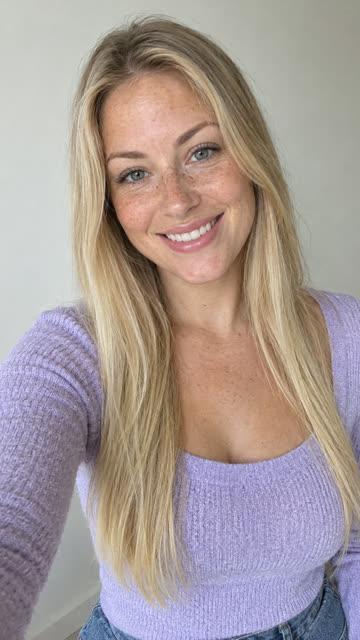
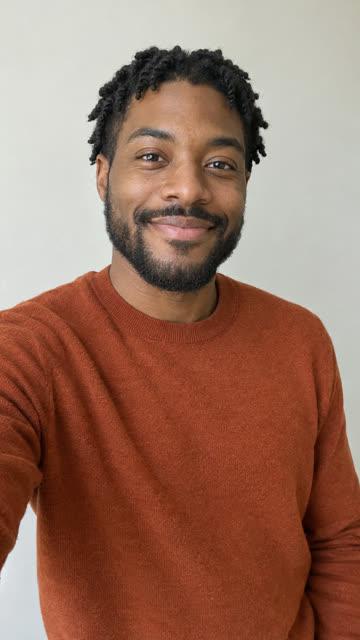
The example at the top of this page is a saved Ramalama Walk video with two of its reference photos.
How we made this list
We make GoFaceless, so read this as a vendor's list. On November 19 and 20, 2026 we asked ChatGPT and Claude questions like the one above and saved 36 answers. CapCut came up in 25, Kling in 23, Reface and Runway in 11 each, Viggle and Higgsfield in 9 each, and Vidu in 6. Those are the tools in the table. GoFaceless was in none of those answers. We added it ourselves and marked it as ours.
Each row about another tool repeats what its own page said on November 21, 2026. "Not stated" means that page did not say. We did not run these tools side by side, so nothing here is a test result or a ranking. Plans and limits change, so check the tool's page before you pay.
Frequently asked questions
Can I make a trend video from one photo without filming?
Yes. Template tools take a photo and a preset and return a finished clip. You do not film anything.
Which app has the most trends?
Viggle's page says over 10,000 templates and Higgsfield's says 60+ Viral Presets. A bigger number does not mean it has the trend you want, so look for that trend by name first.
Do these work for Reels and TikTok?
Higgsfield and Vidu list a vertical option on their pages. Others vary by template, so check the shape before you make it.
Is it free?
CapCut, Runway, Viggle, Higgsfield and Vidu say they are free to start. GoFaceless has a free trial with a watermark. Kling and Reface did not say on the pages we read.