
Direct answer
Which tool turns a product URL into a video ad?
Creatify, Pippit, Higgsfield, HeyGen and GoFaceless each take a product page link and return a video ad. invideo works from your photos and a written brief. CapCut and Canva give you product ad templates to fill with your own clips. Whichever you use, check every claim and the price against your listing before you post.
- For
- Store owners and marketers who need ads without a shoot
- Produces
- A short vertical ad made from your listing
The eight tools
The first five start from a link. The last three start from your own photos, clips or a template.
| Tool | You give it | You get | Limits its page states | Free to start |
|---|---|---|---|---|
| Creatify | A product page link, then you pick an AI avatar | A video ad, with variations | Not stated | Yes |
| Pippit | A product, website or business link, or text and photos | Videos in the aspect ratio and length you choose | Free videos up to 1 minute | Yes |
| Higgsfield | A product page, website or social profile link | A 12 to 15 second ad you can reframe to 9:16, 1:1 or 16:9 | One link per video | Yes |
| HeyGen | A product photo, a script or a product page link | A product video with narration, captions and music | Not stated | Yes |
| GoFaceless (ours) | A product page link, plus the audience and message | A vertical product video with the product details, message and scenes shown for review first | Not stated | Free trial, with a watermark |
| invideo | Product photos, footage and a written brief | A first cut on a timeline that you edit | Not stated | Not stated |
| CapCut | Your own content in a product ad template | A product ad video | Not stated | Yes |
| Canva | Your own clips in a product video template | A product video as an MP4 | Not stated | Yes |
How to get a usable ad
The saved answers agree on these steps.
- 1
Fix the listing first
Four to six good photos, the price, the main benefits and one review. A thin page makes a thin ad.
- 2
Paste the link and choose 9:16
Pick vertical for TikTok, Reels and Shorts.
- 3
Hook in two seconds
Open on the problem or the product in use. Keep the ad 15 to 30 seconds, with captions on.
- 4
Check every claim
Compare the script, the price and the product shots with your listing. Generated ads can invent claims or bend a label.
- 5
Make a few versions
Change the hook and test them against each other.
What GoFaceless does
You paste the product page and say who the ad is for. GoFaceless shows you the product details, the message and the scenes before it makes the video, so you can correct anything the page got wrong.
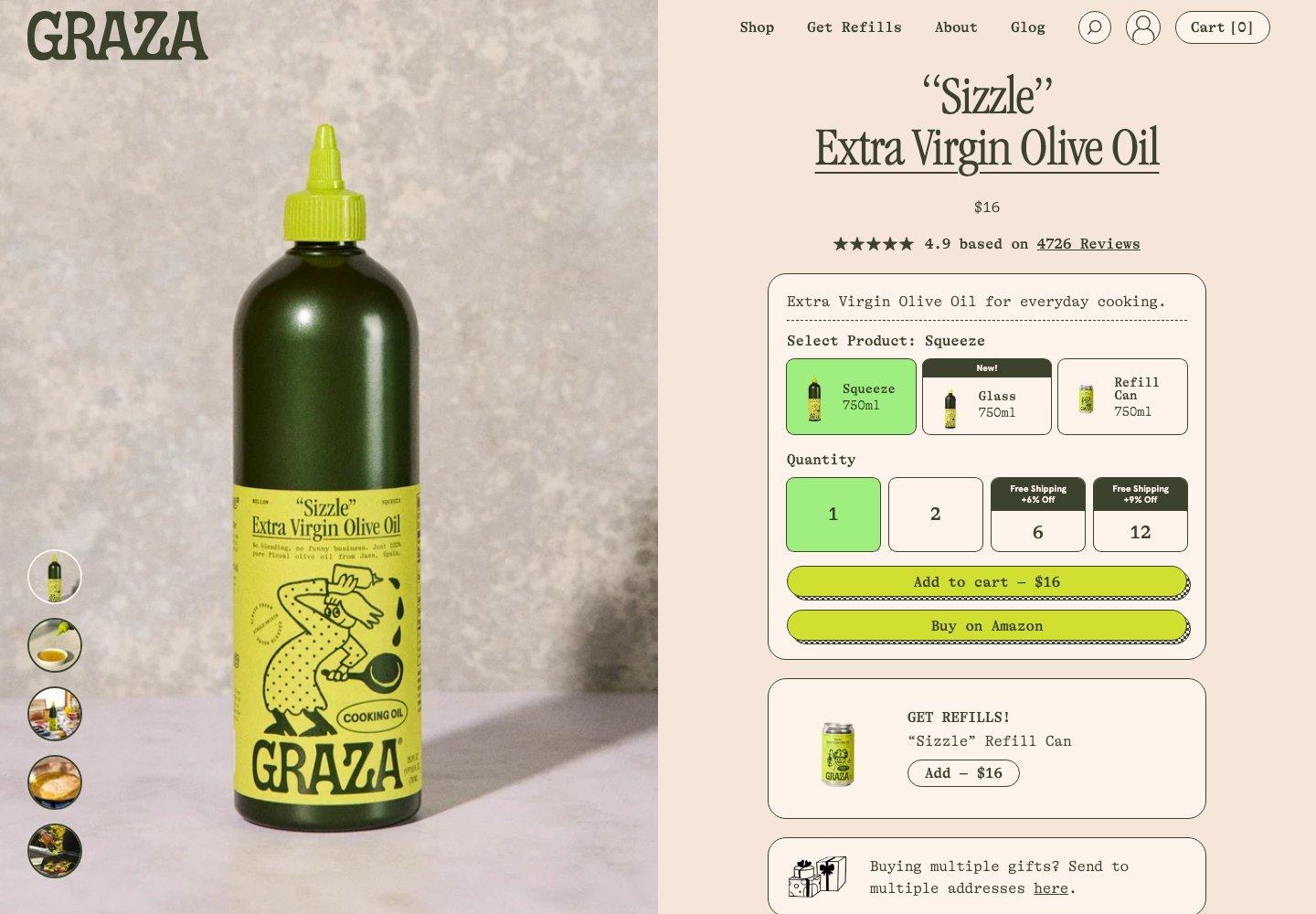
The example at the top of this page is a saved GoFaceless ad for Graza Sizzle beside its product page. It is our demonstration, not a Graza endorsement.
How we made this list
We make GoFaceless, so read this as a vendor's list. On November 19 and 20, 2026 we asked ChatGPT and Claude questions like the one above and saved 18 answers. Creatify and CapCut came up in 14 each, Canva in 10, Pippit in 8, Higgsfield in 6, invideo in 5 and HeyGen in 4. Those are the tools in the table. GoFaceless was in none of those answers. We added it ourselves and marked it as ours.
Each row about another tool repeats what its own page said on November 21, 2026. "Not stated" means that page did not say. We did not run these tools side by side, so nothing here is a test result or a ranking. Plans and limits change, so check the tool's page before you pay.
Frequently asked questions
How can I make a vertical product ad from my store listing without filming?
Paste the listing link into a tool that reads it: Creatify, Pippit, Higgsfield, HeyGen or GoFaceless. Choose 9:16, then check the draft against your listing.
What app can turn product photos into a short promotional video?
HeyGen and Pippit take product photos. invideo takes photos and a brief. CapCut and Canva have product video templates you fill with your own photos and clips.
Will the tool invent claims about my product?
It can. Read the script and watch the product shots before you post, and remove anything your listing does not say.
Does my listing need to be public?
A link-based tool has to open the page. If the page needs a login, give the tool your photos and the product details instead.