
Food Video Generator
Make a food video with GoFaceless. Bring the dish, recipe or menu photos and choose the preparation action, close-up detail and final serving shot.
What can you make?
A food video makes a dish or preparation action the main subject of a short scene. The recipe or real menu photo supplies the details, while close framing, light and sound help show texture without inventing ingredients or serving claims. In GoFaceless, describe your audience and the result you want, then review the plan before making your video.
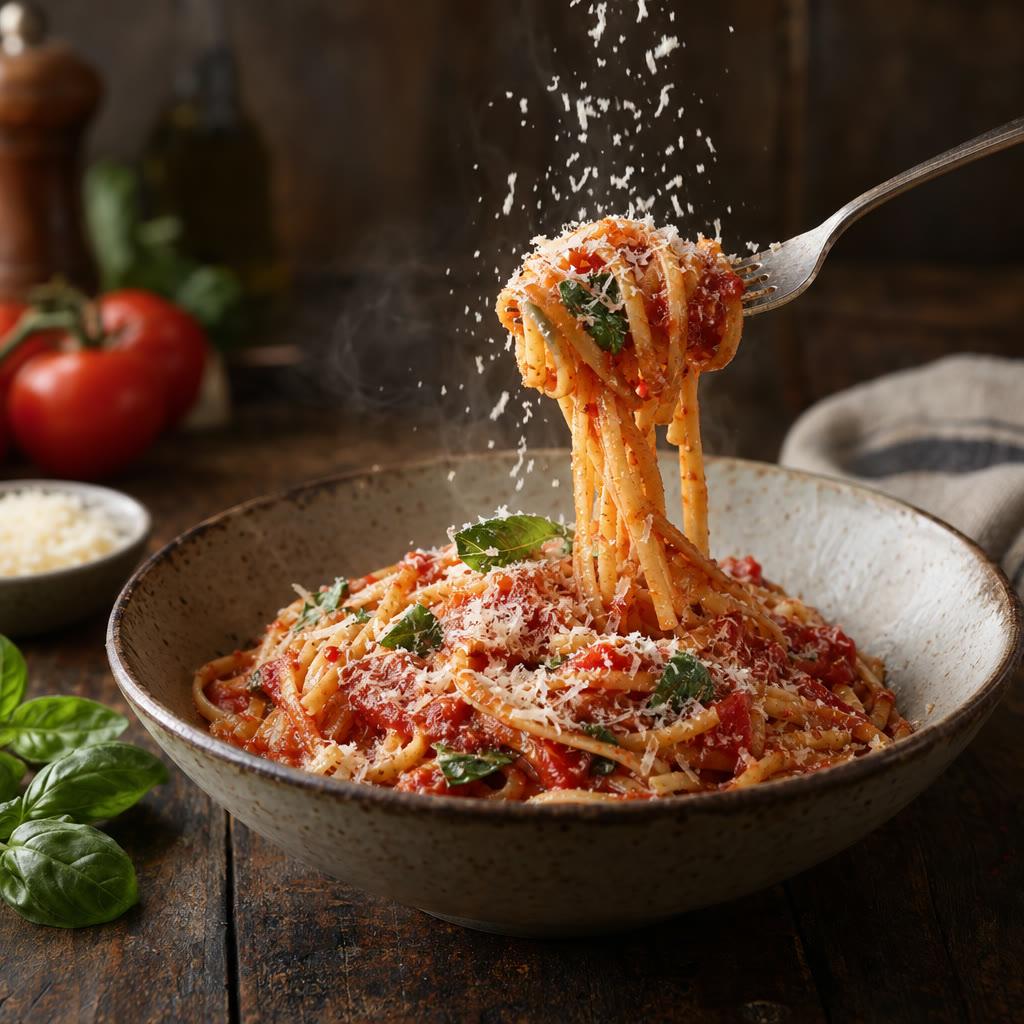
Start with your idea
Provide the dish, recipe or menu photos and the action you want to show.
“Make a 20-second food video of this pasta dish. Show the final sauce toss and the plated serving using my recipe details. Warm natural light and no text.”
Start with Food Video Generator
One clear task, then keep working in your dashboard.
A GoFaceless subscription is required to use this tool in your dashboard.
Three simple steps
- 1
Bring your starting point
Provide the dish, recipe or menu photos and the action you want to show.
- 2
Choose the treatment
Choose one preparation action and a final view of the food. Supply exact ingredients when the video teaches a recipe.
- 3
Review your video
Check the words, visuals and sound together. Ask for a change in the same workspace before downloading.
What people ask about Food Video Generator
How does Food Video Generator work?
A food video makes a dish or preparation action the main subject of a short scene. The recipe or real menu photo supplies the details, while close framing, light and sound help show texture without inventing ingredients or serving claims. In GoFaceless, describe your audience and the result you want, then review the plan before making your video.
What do I need for food video generator?
Provide the dish, recipe or menu photos and the action you want to show.
Can I use a restaurant dish?
Yes. Supply its real photo and details so the video can start from the actual menu item.
Can it teach a recipe?
Yes. Provide accurate steps and quantities, then review the finished actions against the recipe.
How do I describe the result?
Choose one preparation action and a final view of the food. Supply exact ingredients when the video teaches a recipe.
How do I access Food Video Generator?
Food Video Generator requires a GoFaceless subscription and uses credits for outside processing. GoFaceless shows the price before that work begins.
More tools for the same job
See all toolsTravel Video Generator
Make a travel video with GoFaceless. Bring your destination, photos or itinerary and choose a story, visual mood and message for the trip.
Open toolSlideshow Video Generator
Turn a photo collection into a slideshow with GoFaceless. Add your images, choose their order and write the short message that connects them.
Open toolCinematic Video Generator
Make a cinematic scene with GoFaceless. Describe the subject, action, lens, camera movement and light, then choose the mood and sound for the shot.
Open tool