
Horror Video Generator
Make an original horror short with GoFaceless. Start with an unsettling idea and choose the narration, visual style and final reveal.
What can you make?
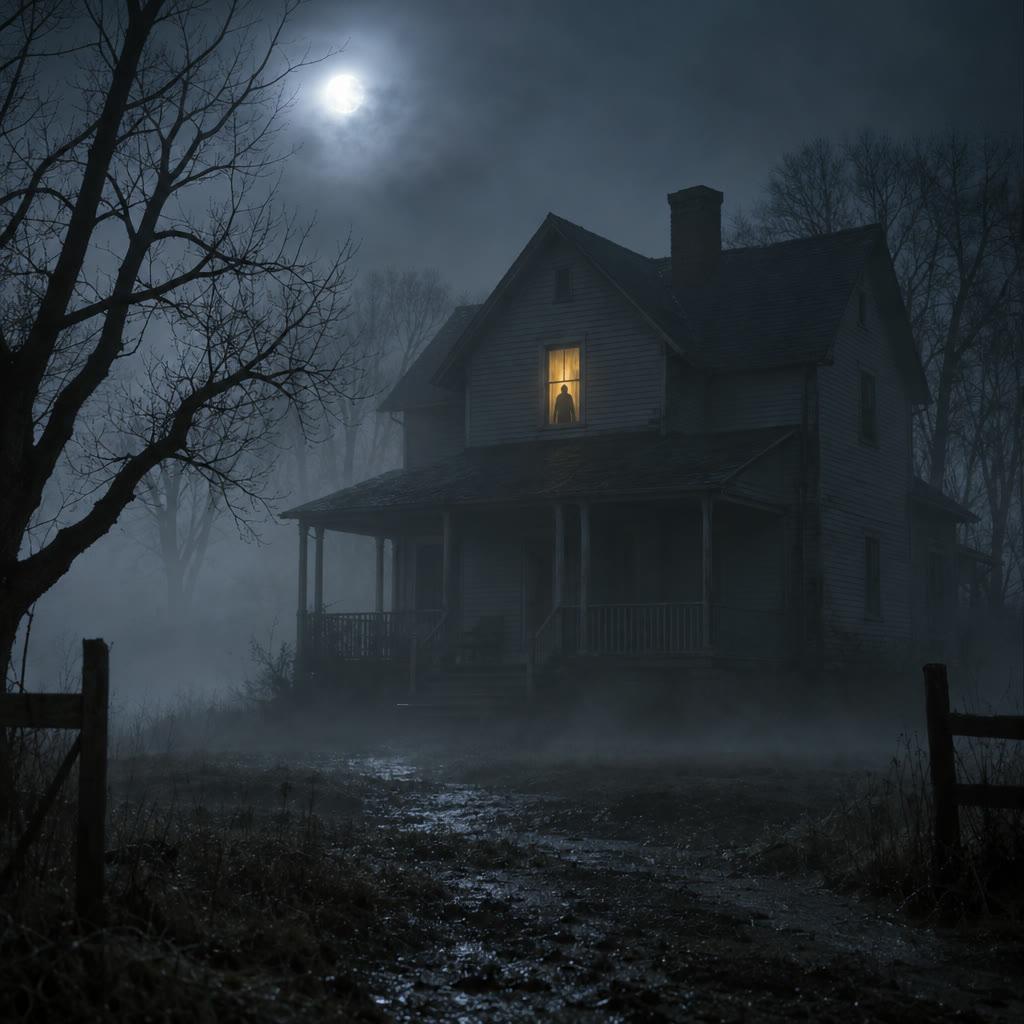
A horror video builds suspense through a disturbing premise, carefully timed scenes and sound. You can ask for an original narrated ghost story, an eerie illustrated short or a restrained mystery with a clear final reveal. In GoFaceless, describe your audience and the result you want, then review the plan before making your video.
Start with your idea
Describe the unsettling premise, audience and how frightening the video should feel.
“Make a 45-second eerie illustrated story about a night guard hearing his own voice on an empty floor. No gore. End at the locked door.”
Start with Horror Video Generator
One clear task, then keep working in your dashboard.
A GoFaceless subscription is required to use this tool in your dashboard.
Three simple steps
- 1
Bring your starting point
Describe the unsettling premise, audience and how frightening the video should feel.
- 2
Choose the treatment
Name the threat, the reveal and the level of intensity. Ask for silence and sound cues where suspense needs room.
- 3
Review your video
Check the words, visuals and sound together. Ask for a change in the same workspace before downloading.
What people ask about Horror Video Generator
How does Horror Video Generator work?
A horror video builds suspense through a disturbing premise, carefully timed scenes and sound. You can ask for an original narrated ghost story, an eerie illustrated short or a restrained mystery with a clear final reveal. In GoFaceless, describe your audience and the result you want, then review the plan before making your video.
What do I need for horror video generator?
Describe the unsettling premise, audience and how frightening the video should feel.
Can I make it without gore?
Yes. Ask for atmosphere, mystery and unsettling sound.
Can I write the twist?
Yes. Include the ending and say when the audience should discover it.
How do I describe the result?
Name the threat, the reveal and the level of intensity. Ask for silence and sound cues where suspense needs room.
How do I access Horror Video Generator?
Horror Video Generator requires a GoFaceless subscription and uses credits for outside processing. GoFaceless shows the price before that work begins.
More tools for the same job
See all toolsFaceless Video Generator
Make a narrated video without filming yourself. Give GoFaceless a topic, script or source and choose the pictures, voice and pace you want.
Open toolStory Video Generator
Turn a story idea into a narrated video with GoFaceless. Set the characters, setting and ending, then review the scenes before making it.
Open toolHistory Video Generator
Turn a historical topic into a narrated video with GoFaceless. Bring your sources and choose the period, audience and details to explain.
Open tool