
Kids Story Video Generator
Make an original children's story with GoFaceless. Choose the age range, characters and lesson, then add a warm voice and clear illustrated scenes.
What can you make?
A kids story video tells an age-appropriate fictional story through narration and illustrated or filmed scenes. A simple goal, understandable choices and a clear ending help young viewers follow the characters without needing complicated dialogue or frightening stakes. In GoFaceless, describe your audience and the result you want, then review the plan before making your video.
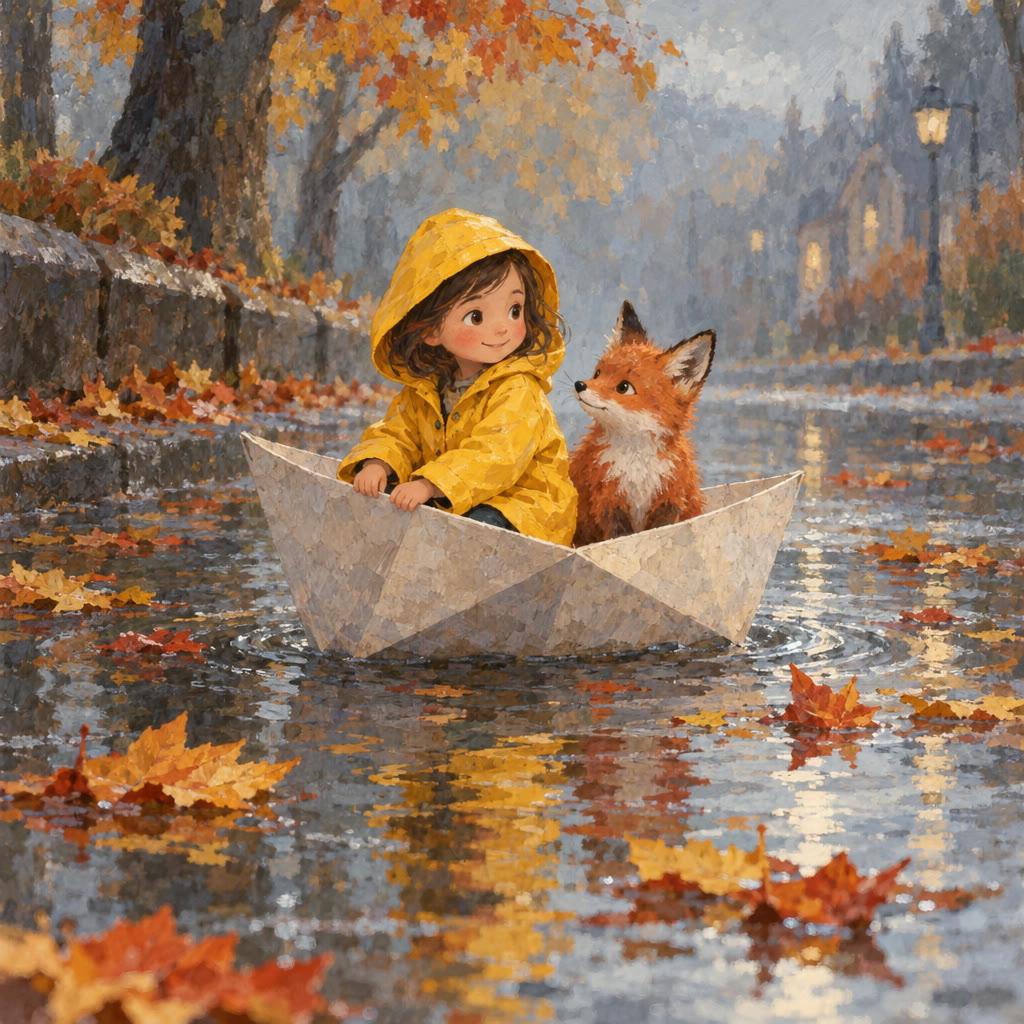
Start with your idea
Specify the age range, original characters and lesson or adventure.
“Make a one-minute illustrated story for ages five to seven about a turtle learning to ask for help. Warm narration, simple words and a happy ending.”
Start with Kids Story Video Generator
One clear task, then keep working in your dashboard.
A GoFaceless subscription is required to use this tool in your dashboard.
Three simple steps
- 1
Bring your starting point
Specify the age range, original characters and lesson or adventure.
- 2
Choose the treatment
Name the age range and use a clear problem with a reassuring resolution. Avoid themes or sounds unsuitable for that audience.
- 3
Review your video
Check the words, visuals and sound together. Ask for a change in the same workspace before downloading.
What people ask about Kids Story Video Generator
How does Kids Story Video Generator work?
A kids story video tells an age-appropriate fictional story through narration and illustrated or filmed scenes. A simple goal, understandable choices and a clear ending help young viewers follow the characters without needing complicated dialogue or frightening stakes. In GoFaceless, describe your audience and the result you want, then review the plan before making your video.
What do I need for kids story video generator?
Specify the age range, original characters and lesson or adventure.
Can it teach a lesson?
Yes. Give a concrete theme such as sharing or asking for help, and show it through the character's choice.
Can I use original animal characters?
Yes. Describe their appearance and personality or attach your own character reference.
How do I describe the result?
Name the age range and use a clear problem with a reassuring resolution. Avoid themes or sounds unsuitable for that audience.
How do I access Kids Story Video Generator?
Kids Story Video Generator requires a GoFaceless subscription and uses credits for outside processing. GoFaceless shows the price before that work begins.
More tools for the same job
See all toolsAI Series Video Generator
Create an original video series with GoFaceless. Set the cast, world and first episode, then keep the story together as you make later parts.
Open toolShort Drama Video Generator
Make an original short drama with GoFaceless. Give the characters a conflict, write the turning point and choose the look and spoken performance.
Open toolComedy Video Generator
Turn a comic premise into an original video with GoFaceless. Choose the characters, setup and payoff, then shape the timing and performance.
Open tool