
Motion Transfer Video Generator
Make your photo follow a reference performance with GoFaceless. Bring the movement you like and choose the person who appears in the video.
What can you make?
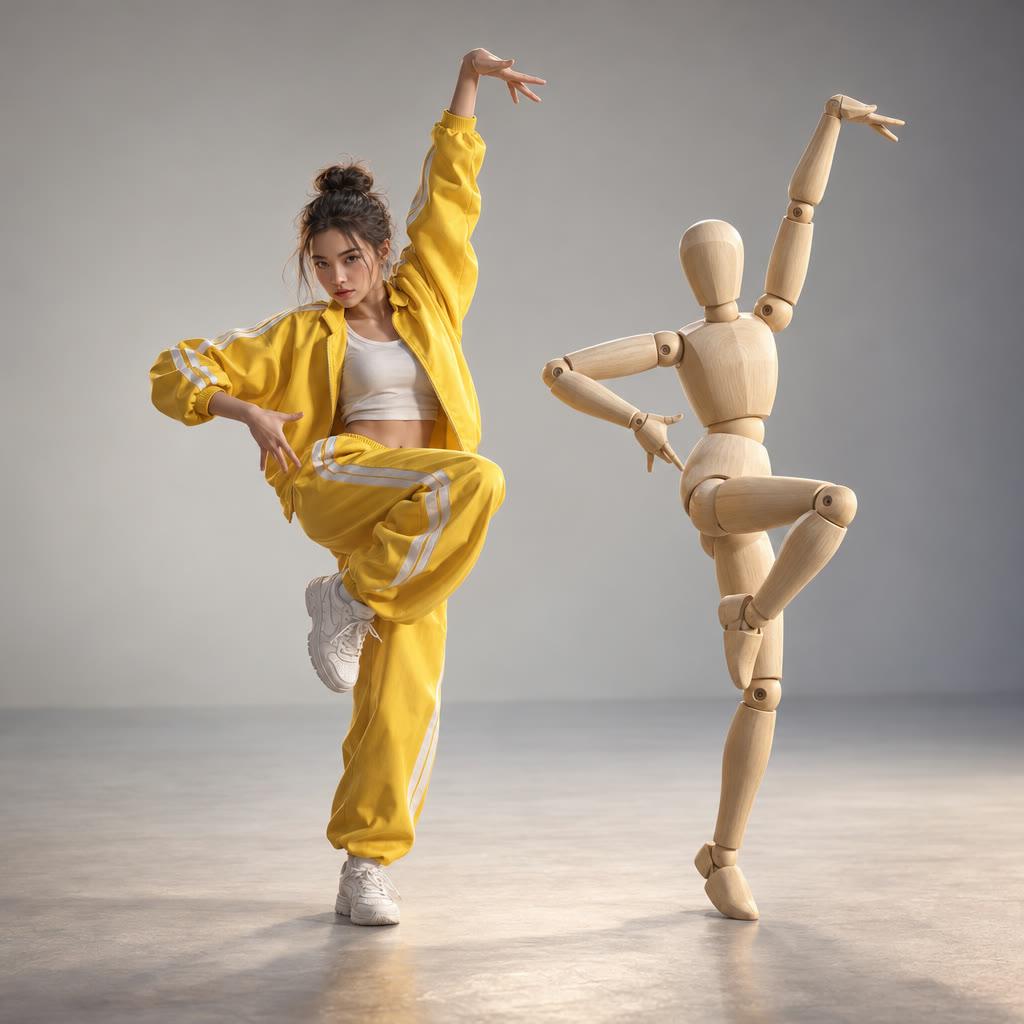
Motion transfer uses a reference performance to guide the movement in a new video. You supply a clear movement reference and a photo of the person you want to show, with the reference establishing the sequence and rhythm. In GoFaceless, describe your audience and the result you want, then review the plan before making your video.
Start with your idea
Add your photo and a clear movement reference.
“Use my photo for this movement reference. Preserve the full-body framing, rhythm and sequence of gestures.”
Start with Motion Transfer Video Generator
One clear task, then keep working in your dashboard.
A GoFaceless subscription is required to use this tool in your dashboard.
Three simple steps
- 1
Bring your starting point
Add your photo and a clear movement reference.
- 2
Choose the treatment
Choose a reference with a visible body and clear movement. Say whether the original framing and setting should stay.
- 3
Review your video
Check the words, visuals and sound together. Ask for a change in the same workspace before downloading.
What people ask about Motion Transfer Video Generator
How does Motion Transfer Video Generator work?
Motion transfer uses a reference performance to guide the movement in a new video. You supply a clear movement reference and a photo of the person you want to show, with the reference establishing the sequence and rhythm. In GoFaceless, describe your audience and the result you want, then review the plan before making your video.
What do I need for motion transfer video generator?
Add your photo and a clear movement reference.
Is this a written dance prompt?
A reference clip is the better starting point when a particular movement or rhythm matters.
Can I use a template?
Yes. Move Like This provides an existing movement format you can start from.
How do I describe the result?
Choose a reference with a visible body and clear movement. Say whether the original framing and setting should stay.
How do I access Motion Transfer Video Generator?
Motion Transfer Video Generator requires a GoFaceless subscription and uses credits for outside processing. GoFaceless shows the price before that work begins.
More tools for the same job
See all toolsPhoto to Video Generator
Turn a photo into a short video with GoFaceless. Describe the movement, setting and mood, then review the plan before making your clip.
Open toolImage to Video Generator
Make a moving scene from an image in GoFaceless. Add your artwork, product or place, then describe the action and camera movement you want.
Open toolFace Swap Video Generator
Put your face into a video with GoFaceless SwapSwap. Bring a clear photo and a video reference, then choose who you want to replace.
Open tool