
Podcast Video Generator
Make an original podcast-style video with GoFaceless. Write the speakers and conversation, choose the setting and direct each person's spoken lines.
What can you make?
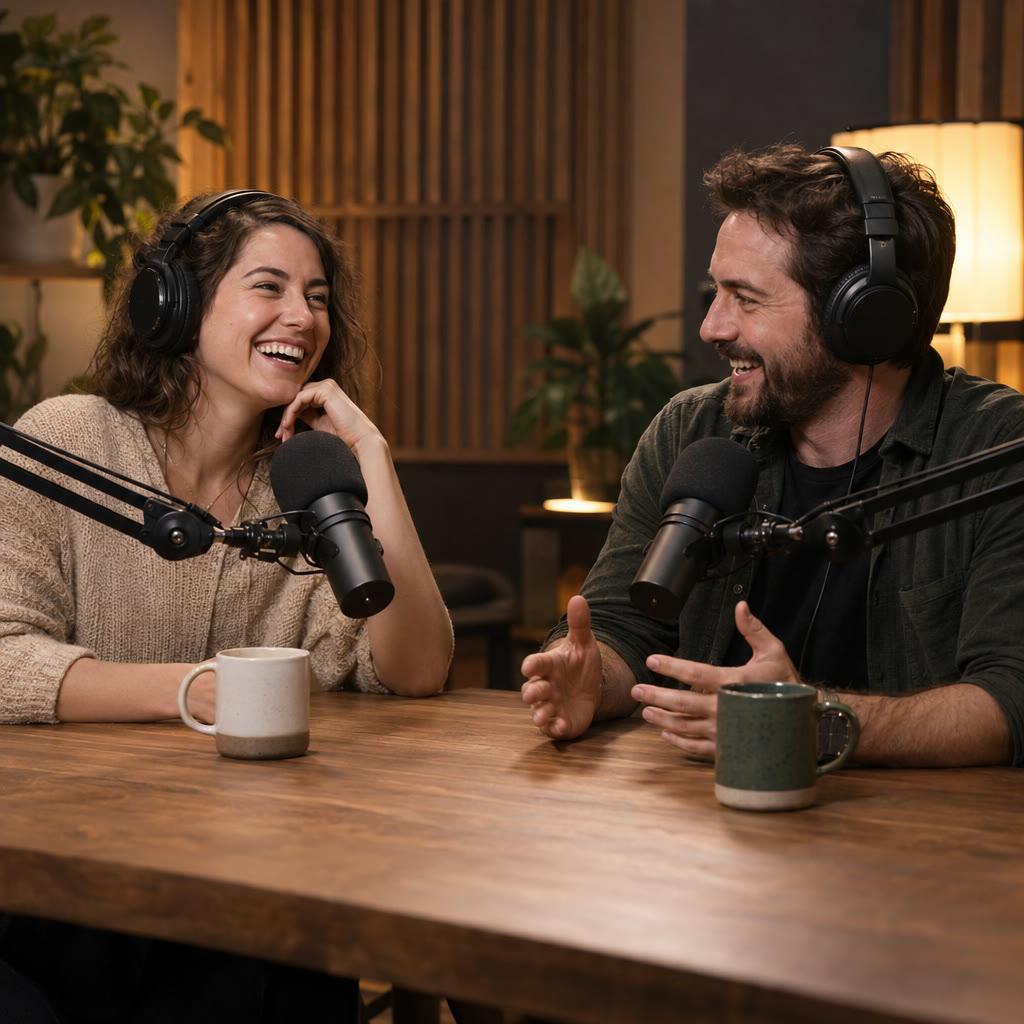
A podcast-style video presents an original spoken conversation or monologue in a recording-style setting. You supply the topic and speakers, then direct their lines and camera views. The result is an original scene built from your conversation brief. In GoFaceless, describe your audience and the result you want, then review the plan before making your video.
Start with your idea
Bring the topic, speaker descriptions and dialogue or talking points.
“Make a 45-second fictional podcast conversation between two original adult hosts about keeping houseplants alive. Alternate clear speaker views and use the attached dialogue.”
Start with Podcast Video Generator
One clear task, then keep working in your dashboard.
A GoFaceless subscription is required to use this tool in your dashboard.
Three simple steps
- 1
Bring your starting point
Bring the topic, speaker descriptions and dialogue or talking points.
- 2
Choose the treatment
Assign every line to a speaker and define the setting. Keep the exchange focused on one topic and a clear final point.
- 3
Review your video
Check the words, visuals and sound together. Ask for a change in the same workspace before downloading.
What people ask about Podcast Video Generator
How does Podcast Video Generator work?
A podcast-style video presents an original spoken conversation or monologue in a recording-style setting. You supply the topic and speakers, then direct their lines and camera views. The result is an original scene built from your conversation brief. In GoFaceless, describe your audience and the result you want, then review the plan before making your video.
What do I need for podcast video generator?
Bring the topic, speaker descriptions and dialogue or talking points.
Can I write a two-person exchange?
Yes. Label each line with its speaker and describe both original characters.
Does this cut clips from my podcast?
This page covers a new generated conversation. It does not promise a workflow for editing or repurposing existing podcast footage.
How do I describe the result?
Assign every line to a speaker and define the setting. Keep the exchange focused on one topic and a clear final point.
How do I access Podcast Video Generator?
Podcast Video Generator requires a GoFaceless subscription and uses credits for outside processing. GoFaceless shows the price before that work begins.
More tools for the same job
See all toolsTalking Photo Video Generator
Make a person speak from a photo with GoFaceless. Add a clear portrait and your script, then choose the voice and scene for the spoken message.
Open toolAvatar Video Generator
Create a presenter video with GoFaceless. Choose a character or use your photo, write the message and direct the voice, setting and performance.
Open toolAI Influencer Video Generator
Make videos with a recurring AI character in GoFaceless. Set their identity, look and voice, then give them a clear message for each video.
Open tool