
Product Unboxing Video Generator
Plan a product unboxing video with GoFaceless. Supply product and packaging references, then show the opening sequence and the details that matter.
What can you make?
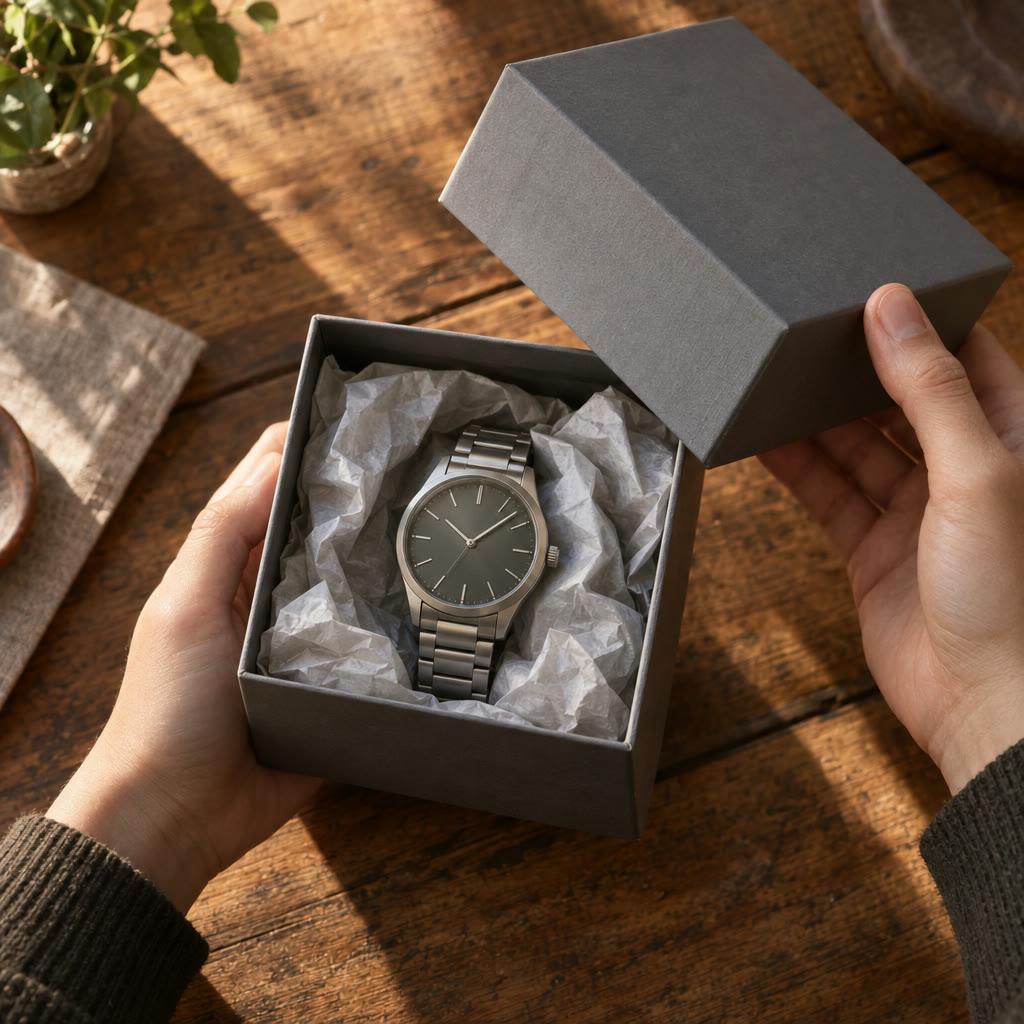
A product unboxing video introduces an item through the experience of opening its packaging and revealing what is inside. Product and packaging references keep the sequence specific, while the brief identifies the details that deserve a close view. In GoFaceless, describe your audience and the result you want, then review the plan before making your video.
Start with your idea
Supply product and packaging images and describe what comes in the box.
“Make a 25-second unboxing video for this desk lamp using my product photos. Show the box opening, the lamp being lifted out and a close-up of its switch.”
Start with Product Unboxing Video Generator
One clear task, then keep working in your dashboard.
A GoFaceless subscription is required to use this tool in your dashboard.
Three simple steps
- 1
Bring your starting point
Supply product and packaging images and describe what comes in the box.
- 2
Choose the treatment
List the opening actions in order and provide packaging references. Separate real included items from anything merely used as a prop.
- 3
Review your video
Check the words, visuals and sound together. Ask for a change in the same workspace before downloading.
What people ask about Product Unboxing Video Generator
How does Product Unboxing Video Generator work?
A product unboxing video introduces an item through the experience of opening its packaging and revealing what is inside. Product and packaging references keep the sequence specific, while the brief identifies the details that deserve a close view. In GoFaceless, describe your audience and the result you want, then review the plan before making your video.
What do I need for product unboxing video generator?
Supply product and packaging images and describe what comes in the box.
Should I supply packaging photos?
Yes. They help establish the real box, labels and included parts.
Is the generated scene a real customer review?
No. Treat it as a promotional demonstration, without inventing a customer experience or testimonial.
How do I describe the result?
List the opening actions in order and provide packaging references. Separate real included items from anything merely used as a prop.
How do I access Product Unboxing Video Generator?
Product Unboxing Video Generator requires a GoFaceless subscription and uses credits for outside processing. GoFaceless shows the price before that work begins.
More tools for the same job
See all toolsProduct URL to Video Generator
Turn a product link into a video with GoFaceless. Bring the page, choose the audience and review the product details, message and scenes.
Open toolProduct Demo Video Generator
Show how your product works in a video with GoFaceless. Bring real product references, describe the use and focus on one clear demonstration.
Open toolTalking Product Video Generator
Give your product a voice with GoFaceless. Add its photo and a short script to make a cartoon mascot that speaks your lines in a voice you choose.
Open tool