
Wedding Story Video Generator
Make a wedding story or invitation video with GoFaceless. Add your photos, names and message, then choose the mood and details to share.
What can you make?
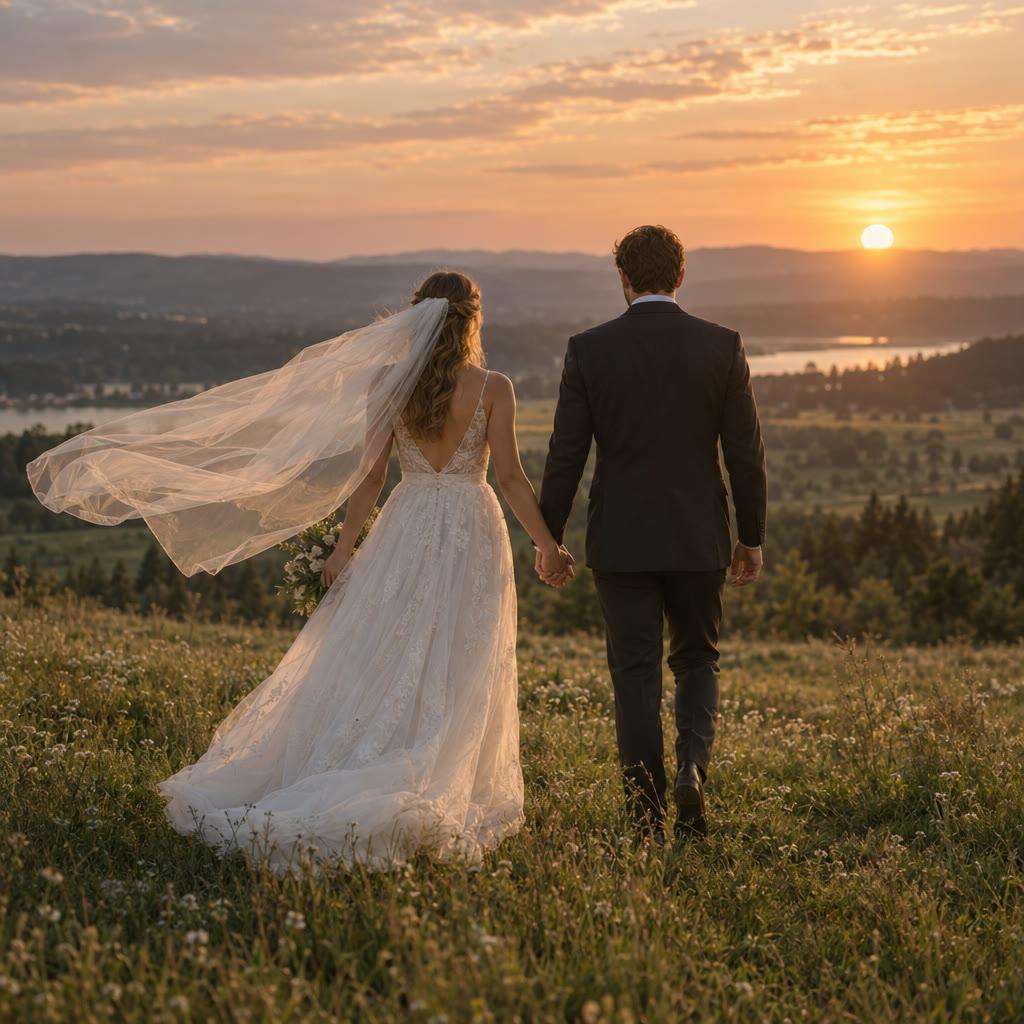
A wedding story video introduces a couple, celebrates a shared memory or announces an upcoming ceremony. Your photos and exact event details provide the substance, with a visual and spoken treatment chosen for the people who will receive it. In GoFaceless, describe your audience and the result you want, then review the plan before making your video.
Start with your idea
Provide the couple's photos, names, message and any event details to include.
“Make a 30-second wedding invitation video from our photos. Keep these names, date and venue exact. Use a warm, understated look and finish with our invitation message.”
Start with Wedding Story Video Generator
One clear task, then keep working in your dashboard.
A GoFaceless subscription is required to use this tool in your dashboard.
Three simple steps
- 1
Bring your starting point
Provide the couple's photos, names, message and any event details to include.
- 2
Choose the treatment
Decide whether this is an invitation or personal story. Supply exact names and event text, and choose a restrained visual mood.
- 3
Review your video
Check the words, visuals and sound together. Ask for a change in the same workspace before downloading.
What people ask about Wedding Story Video Generator
How does Wedding Story Video Generator work?
A wedding story video introduces a couple, celebrates a shared memory or announces an upcoming ceremony. Your photos and exact event details provide the substance, with a visual and spoken treatment chosen for the people who will receive it. In GoFaceless, describe your audience and the result you want, then review the plan before making your video.
What do I need for wedding story video generator?
Provide the couple's photos, names, message and any event details to include.
Can it be an invitation?
Yes. Provide the exact date, venue and invitation wording, then check every detail before sharing.
Does this edit ceremony footage?
This page covers a new photo-led story or invitation. Editing existing ceremony footage is outside this workflow.
How do I describe the result?
Decide whether this is an invitation or personal story. Supply exact names and event text, and choose a restrained visual mood.
How do I access Wedding Story Video Generator?
Wedding Story Video Generator requires a GoFaceless subscription and uses credits for outside processing. GoFaceless shows the price before that work begins.
More tools for the same job
See all toolsMusic Video Generator
Make a music video with GoFaceless. Bring your song and photo for a performance, or describe original visual scenes that belong with your track.
Open toolLyric Video Generator
Plan a lyric-led video with GoFaceless. Bring your song and exact words, then choose the visual mood and short readable lines for the edit.
Open toolKaraoke Style Video Generator
Plan a sing-along video with GoFaceless. Supply your audio and exact lyrics, choose the background and request short readable words on screen.
Open tool