
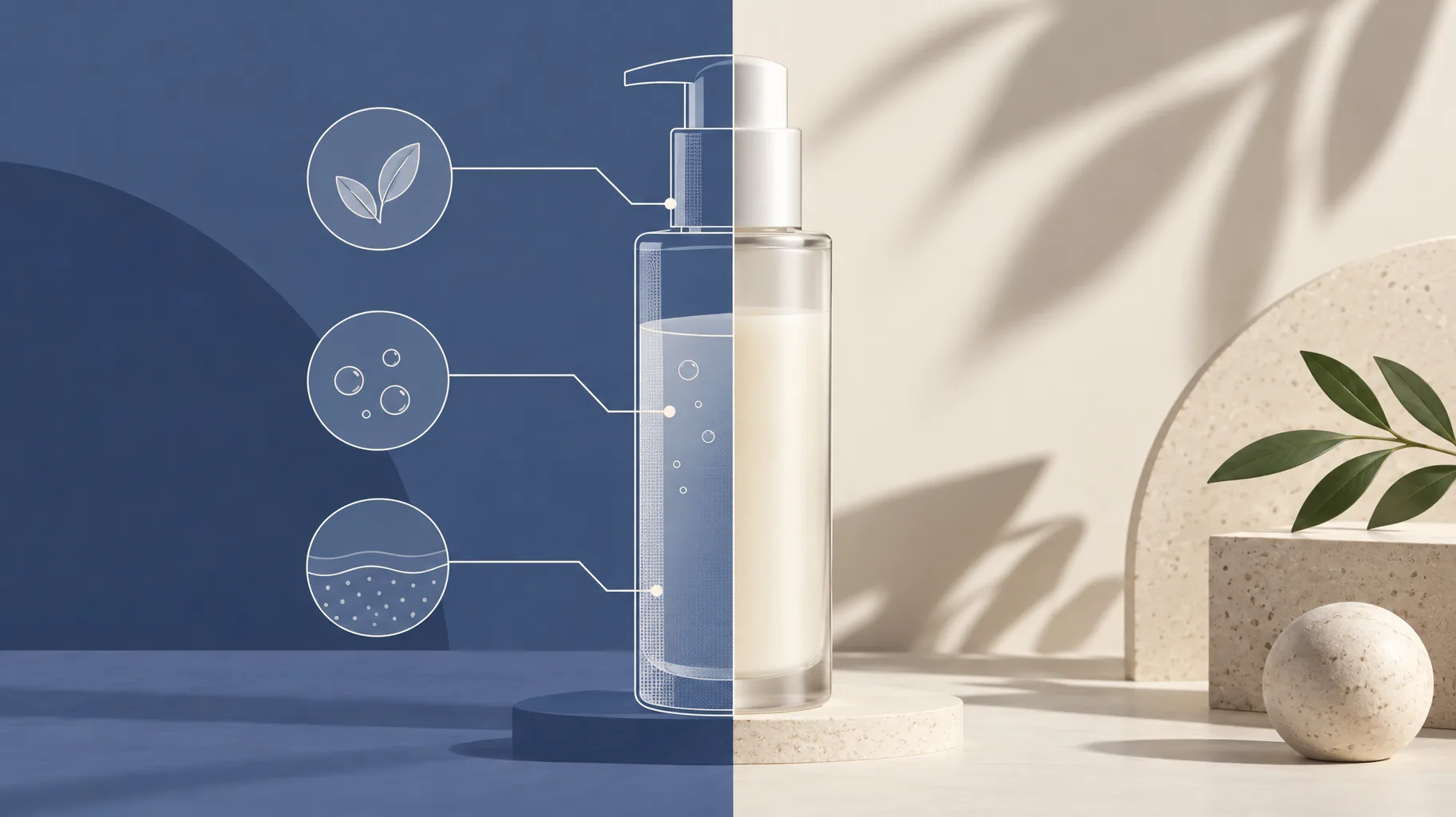
Yes, you can use AI to demonstrate a TikTok Shop product you have not filmed. TikTok Shop's US AI-content guidance permits virtual scenes, diagrams, and animations that illustrate product use when they accurately reflect the real product. What it prohibits is fabricated proof: unsupported effects, misleading displays, and results the product cannot deliver.
Key takeaways:
- TikTok Shop's US AI-content guidance, displaying September 2, 2026 as its update date, permits AI-generated virtual scenes, diagrams, and animations that accurately reflect the real product.
- Before-and-after visuals must not compress time or imply instant results without reliable supporting evidence.
- AI doctors or professors promoting health products are explicitly prohibited, as are virtual experts using news-broadcast or lecture formats to endorse efficacy.
- Permission to make accurate AI illustrations is not blanket approval of every listing or video; each claim still needs its own substantiation.
- A polished generated video is not evidence that a claim is true. Verification happens outside the generator.
Which AI-generated product scenes does TikTok Shop allow?
TikTok Shop allows AI-generated scenes that illustrate a product accurately: virtual environments, diagrams, and animations showing how the product is used, assembled, or fits into a space. The dividing line in the TikTok Shop US AI-content guidance is accuracy, not realism. A generated animation of a phone stand holding a phone at its actual adjustable angles is an illustration. A generated scene of that stand holding a laptop it cannot support is a fabricated performance claim.
Think of it as the difference between a product manual diagram and a staged photo of something that never happened. Manuals have used drawn illustrations for decades because a diagram does not pretend to be observed reality. Your AI scenes work the same way: they can show the product, its dimensions, its mechanism, and its ordinary use. They cannot show outcomes, durability, or results you have not verified.
Three scene types sit clearly on the allowed side:
- Explanatory diagrams: labeled cutaways, size comparisons against common objects, assembly sequences.
- Context scenes: the product placed in a realistic setting (a kitchen counter, a gym bag) at correct scale.
- Mechanism animations: how a lid seals, how a strap adjusts, how parts connect.
How do I check whether an AI diagram accurately represents the real product?
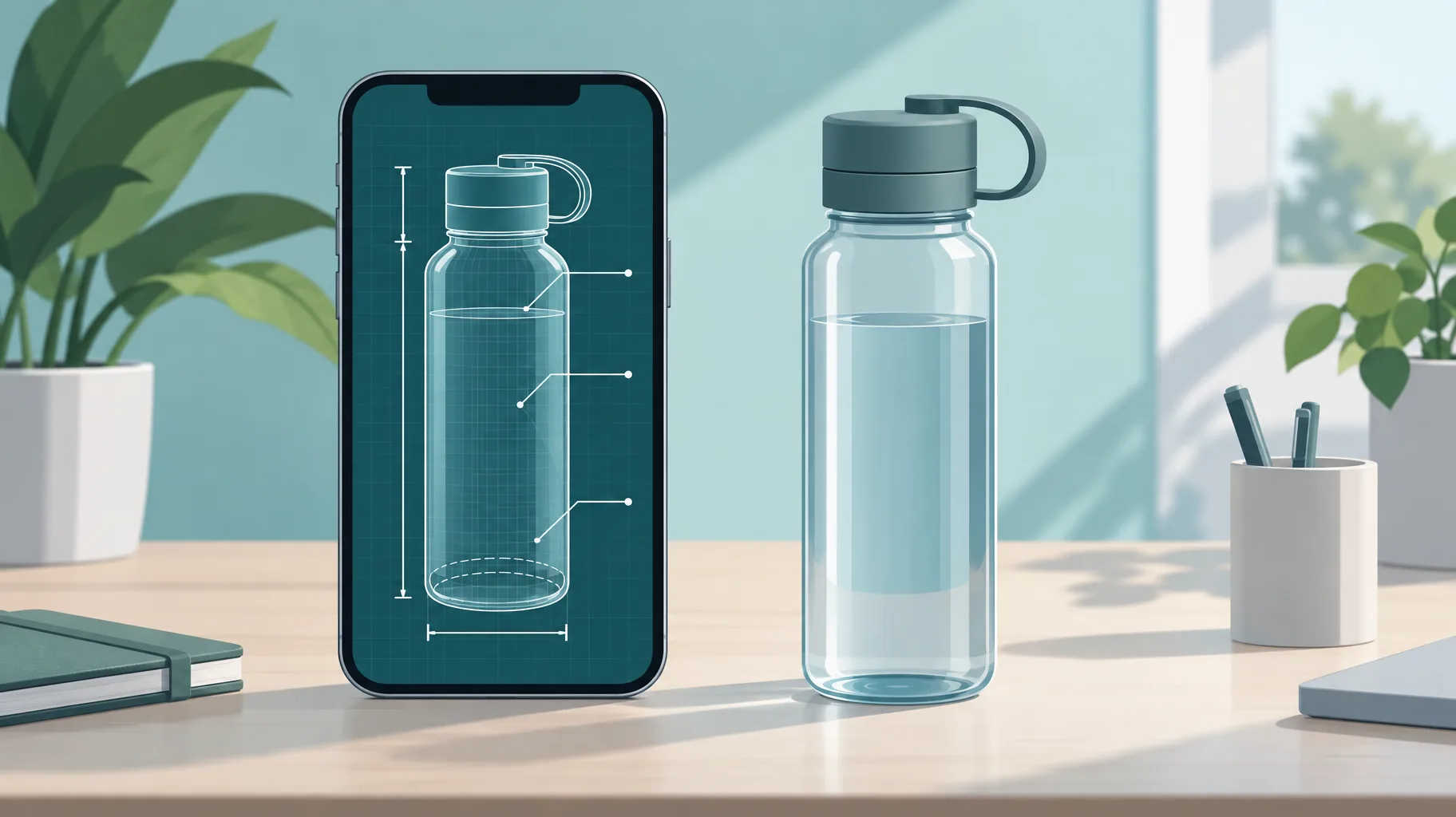
You check an AI diagram against the physical product or its manufacturer specifications, dimension by dimension and feature by feature. Generators produce plausible-looking products, not your product. A generated water bottle will have a lid, but maybe not the lid your listing ships with. The check requires the actual item or the supplier's spec sheet, and it takes about 15 to 30 minutes per video.
Run this comparison before any scene is approved:
- Lay the generated frame next to the real product. Check silhouette, proportions, color, port and button placement, and texture. If you do not own the item, use the manufacturer's official photos and measurements, not another affiliate's video.
- Verify every demonstrated action. If the animation shows the lid twisting off, confirm the real lid twists. If it shows a one-hand open, test that one hand is enough.
- Check scale references. AI tools routinely get relative size wrong. A "fits in your palm" scene needs the product's actual dimensions to hold up.
- Read every word the generator put on screen. Generated packaging text, labels, and spec callouts are frequently invented. Delete or correct anything that does not match the real label.
How to tell it worked: a viewer who buys the product would recognize every scene as the item that arrived. If any frame would surprise them, that frame fails.
When does an AI product demonstration become a misleading product display?
An AI product demonstration becomes a misleading product display the moment it shows an effect, capability, or result the real product does not have, regardless of how the scene was made. The guidance prohibits unsupported product effects and misleading product displays outright. The failure mode is almost never an obvious fake. It is a small upgrade the generator added for free: skin that looks smoother under a serum, a stain that lifts in one pass, a light that fills a whole room.
Apply this decision rule to every scene: is this frame illustrating the product, or is it evidence of an outcome? Illustration shows what the product is and how it is used. Evidence shows what it achieves. AI can produce the first kind. The second kind requires real substantiation, and generated footage is not substantiation.
A worked example: for a posture corrector, an animated diagram of how the straps route across the shoulders is illustration. A generated clip of a slouched figure straightening over a three-second transition is an outcome claim, and unless you have reliable evidence that the product produces that change, the clip is a misleading display even though the product itself is real.
Can an AI before-and-after video show results happening faster than they really do?
No. TikTok Shop's guidance states that before-and-after visuals must not compress time or imply instant results without reliable supporting evidence, per the same AI-content guidance. A six-week skincare result shown as an overnight transformation is a false claim about timeline, and the AI format makes it worse because the transition reads as instantaneous.
If you have substantiated results, present them with the real timeline attached: state the duration on screen and in the voiceover, and keep the before and after visually consistent in lighting, angle, and framing so the only variable is the claimed change. If you do not have substantiated results, do not show a before-and-after at all. Show the product, its use, and its mechanism instead. An honest mechanism animation converts worse than a dramatic transformation in the short term and keeps your listing alive in the long term.
Can I use an AI doctor or professor to endorse a health product?
No. TikTok Shop's prohibited examples include AI doctors or professors promoting health products, and virtual experts using news-broadcast or lecture formats to endorse efficacy, according to the platform's AI-content guidance. The problem is not the synthetic presenter alone; it is fabricated authority. A generated white coat borrows credibility the product has not earned.
This is narrower than a ban on AI narration. A neutral voiceover explaining what a supplement contains and how to take it is a presenter describing features. A generated physician vouching for efficacy is an endorsement that does not exist. Keep the expert out of the frame and let the script carry verified facts: ingredients, usage instructions, and any claims you can actually substantiate.
What should I verify before publishing a generated product demonstration?
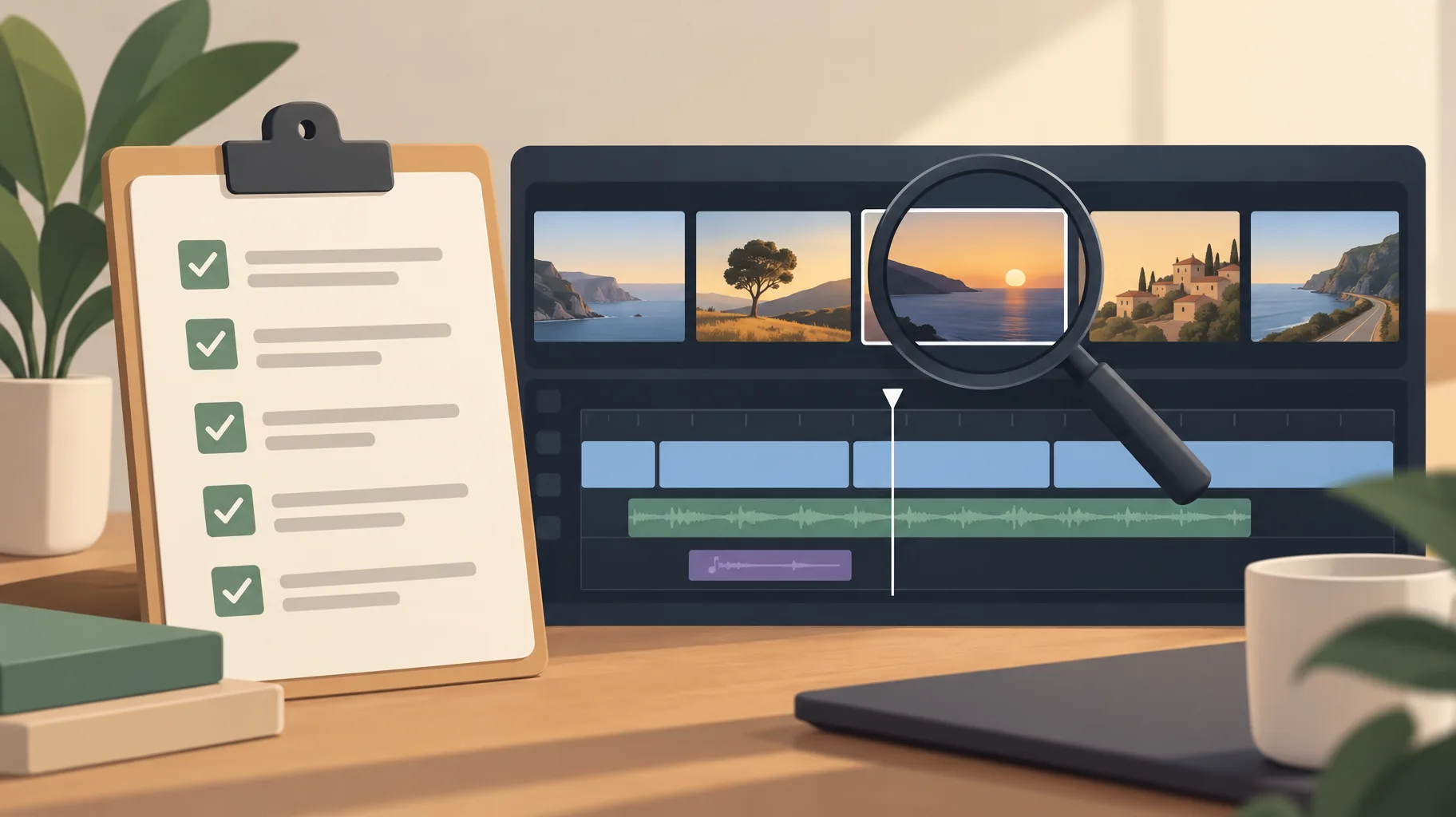
Verify five things before publishing: product accuracy, claim substantiation, timeline honesty, presenter legitimacy, and on-screen text. Budget 30 to 45 minutes of verification per finished video on top of generation time. This is the preproduction procedure in full, ordered so each step gates the next:
- Collect source material. Requires the physical product or the manufacturer's official spec sheet and photos. You know it worked when you can point to a real reference for every visual decision.
- Write the claim list first. Requires separating every sentence of the script into "description" (what it is, how to use it) and "claim" (what it achieves). You know it worked when every claim has evidence attached or gets cut.
- Generate only illustrative scenes. Requires prompts built from the real product's dimensions, colors, and mechanism. You know it worked when every frame passes the side-by-side check from the accuracy section above.
- Strip unsupported effects. Requires a frame-by-frame review for generator-added upgrades: glow, speed, scale, results. You know it worked when no frame shows an outcome.
- Audit presenters and formats. Requires confirming no AI expert, no news-broadcast framing, no lecture-style efficacy endorsement. You know it worked when the only voice is a neutral narrator.
- Proof all on-screen text. Requires comparing every label, spec, and caption against the real packaging and listing. You know it worked when nothing on screen is invented.
- Save your verification records. Requires keeping the spec sheet, the claim list, and the reference frames. You know it worked when you could defend every scene if the listing is reviewed. A simple production records habit makes this step nearly free.
One caution about scope: being permitted to create accurate AI illustrations for a product is not blanket approval of every listing or every video you make for it. Each video is judged on its own scenes and claims, so the procedure runs per video, not once per account.
Where does an AI video platform fit in this workflow?
Steps 3 and 7 are where tooling helps and where it stops helping. An AI faceless-video platform can assemble accurate explanatory scenes, narration, captions, and music in one pass once your claim list and reference material are fixed. GoFaceless (our own product) is one option for that assembly step: you supply the verified script and product references, and it produces the finished vertical video for TikTok. What no generator can do is steps 1, 2, and 4: confirming the product matches the visuals and that the claims are substantiated. Polished output is not evidence that a claim is true, and a clean render of a false demonstration is still a false demonstration.
If you are scripting product explainers regularly, keeping your scripts exact matters as much as the visuals, and it is worth learning how to make an AI video follow your script word for word so no unverified phrasing slips into the voiceover.
Build the demo you can defend
The procedure above works with any generator, but if you want the assembly step handled in one pass, GoFaceless turns a verified script and brief into a finished TikTok-ready video with narration and captions. Bring the substantiation; it handles the production. Plans start at $29/mo on the pricing page.
Sources & further reading
Keep reading

Why Did My AI Video Download Link Expire?
AI video download links expire because APIs issue temporary delivery URLs, not storage. Runway output URLs last 24-48 hours. Here's how to recover and prevent it.
Why Is My AI Video Batch Queued Instead of Generating All at Once?
AI video batch jobs queue because concurrency limits cap simultaneous tasks. Learn how throttling works and how to schedule batches with real headroom.
How to Make an AI Video Follow Your Script Word for Word
How to make an AI video follow your exact script: choose an exact-script workflow over prompt generation, then verify narration and captions against approved text.