

To make an AI video follow your exact script, feed the approved text into an exact-script production workflow rather than a conversational prompt, and confirm the tool accepts verbatim narration input. Then verify the generated voiceover and captions word by word against the approved document before you publish.
Key takeaways:
- Conversational video generators treat your prompt as a brief to interpret; exact-script workflows treat your text as narration to reproduce. The decision hinges on whether your wording is already approved.
- Synthesia's November 3, 2026 launch of video creation inside ChatGPT explicitly routes users who need exact wording to its Studio mode, confirming that prompt-based generation does not guarantee verbatim scripts.
- ElevenLabs' Text to Speech documentation only allows free regeneration when the text is unchanged; editing the script and regenerating consumes credits, so finalize wording before generating audio.
- Verification is a three-way check: approved script versus generated audio versus burned-in captions, repeated after every revision.
| Decision criterion | Conversational generation (prompt in, video out) | Exact-script workflow (approved text in, video out) |
|---|---|---|
| Input you provide | A topic, idea, or rough brief | Final, word-for-word narration text |
| Who writes the wording | The AI drafts and rewrites it | You (or your client) already approved it |
| Script fidelity | Not guaranteed; wording shifts between revisions | Verbatim by design, if the tool accepts supplied narration |
| Best for | Exploring angles, drafts, topic testing | Sponsored segments, legal-approved copy, factual explainers |
| Quality-control step | Review the idea and tone | Diff audio and captions against the approved document |
| Example | Synthesia video creation inside ChatGPT (announced Nov 3, 2026) | Synthesia Studio route; any platform accepting supplied narration |
Which should you choose?
Choose conversational generation when the idea is still moving and you want the AI to draft wording for you. Choose an exact-script workflow the moment wording is fixed: a sponsor's approved talking points, a client's legal-reviewed copy, a pronunciation-sensitive explainer. If you are unsure, ask one question: would a single changed word require re-approval? If yes, exact-script. If no, conversational drafting is faster and cheaper in revisions.

What is the difference between generating a video from a prompt and generating it from an approved script?
Prompt-based generation interprets your instructions and writes its own narration; an approved-script workflow reproduces the text you supply without rewriting it. The difference is who controls the words. In a conversational tool, your prompt is a creative brief, and the model may compress, reorder, or rephrase on every revision. In an exact-script workflow, the text field is the narration itself, and the production job is voice, visuals, captions, and timing around fixed words.
The clearest recent illustration is Synthesia's November 3, 2026 announcement of video creation inside ChatGPT, which describes creating and revising videos conversationally, including voiceover, avatars, motion graphics, music, and B-roll, according to Synthesia's launch post. In the same announcement, Product Manager Dan Spooner draws the line explicitly: "Need exact wording, your brand kit or a template? Say 'make it in Studio'". That is vendor guidance rather than an independent fidelity benchmark, but it confirms the structural point: even a major generator treats exact wording as a separate mode, not a default behavior of chat-based creation.
A practical example: you prompt a conversational tool with "explain our return policy in 45 seconds." It drafts clean narration, but it writes "within 30 days of delivery" where your approved policy says "within 30 days of purchase." For a sponsored or compliance-sensitive segment, that one word is a re-approval event. An exact-script workflow never makes that mistake because it never writes the sentence.
When should I use conversational generation instead of an exact-script workflow?
Use conversational generation while the idea is still developing: testing angles, drafting hooks, or producing content where no external party has approved the wording. Switch to an exact-script workflow the moment the text is frozen by a sponsor, client, fact-check, or your own final edit. The trigger is approval status, not production quality.
Conversational generation earns its place in three situations:
- Exploration: you have a topic but no angle, and you want the AI to draft three versions of the narration so you can react to something concrete.
- Format testing: you are trying a new structure on a small audience before committing, similar to how creators test a new Instagram Reel format with non-followers first before rolling it out to their main audience.
- Low-stakes content: opinion, commentary, or entertainment where a rephrased sentence costs nothing.
The exact-script route is mandatory when wording carries obligations: ad-read copy the sponsor signed off, medical or legal explainers with reviewed phrasing, quotes that must be attributed precisely, or any script where a paraphrase is a factual error. Creators who skip this distinction often discover it through revision costs, because AI voiceover revisions can cost credits once the text changes after generation.
How can I check that the voiceover matches my approved text?
Verify the voiceover by transcribing the generated audio and running a word-level diff against the approved script, then listening to every flagged difference in context. Automated speech-to-text on the exported audio catches substitutions, dropped words, and inserted filler that a casual listen misses. Captions alone are not proof, because some tools generate captions from the script text rather than from the actual audio.
A workable verification pass looks like this:
Step 1: Export or preview the final narration audio, not a draft render.
Step 2: Transcribe that audio with any speech-to-text tool and paste both texts into a diff checker.
Step 3: Review every mismatch by ear. Some are transcription artifacts (homophones, numbers); the rest are real narration errors.
Step 4: Check the captions against the audio separately, since caption tracks can drift from both the script and the voiceover.
Step 5: Re-run the full check after any regeneration, because a fix in one sentence can shift timing or emphasis elsewhere.
This takes minutes per video and is the only step that turns "the tool accepted my script" into "the published video says my script."
How should I handle pronunciation instructions without changing the spoken wording?
Handle pronunciation through the voice tool's phonetic or pronunciation-layer controls, never by respelling words in the approved script itself. Most text-to-speech systems let you annotate how a word sounds while keeping the displayed and captioned text intact. Respelling "niche" as "neesh" inside the script fixes the audio but corrupts the captions and the approved document.
Three techniques cover most cases:
- Phoneme or SSML annotations: many voices accept markup that overrides pronunciation for a single token while the underlying text stays unchanged.
- Pronunciation dictionaries: some platforms let you save a term once (a brand name, a drug name, a place) so every future generation says it correctly.
- Regeneration with adjusted voice settings: when a delivery is wrong but the words are right, regenerate rather than rewrite. ElevenLabs' documentation ties its free-regeneration allowance to unchanged text, voice, and model, while allowing voice-setting sliders to change, per its Text to Speech help documentation. Changing the text itself consumes credits, which is one more reason pronunciation belongs in the settings layer, not the script layer.
Keep a running pronunciation sheet per channel or client so these decisions survive across videos.
What should I approve before generating the final narration?
Approve the final wording, the pronunciation notes, and the visual plan before generating narration, because text changes after generation are the most expensive revision in the pipeline. ElevenLabs' documentation makes the cost structure concrete: its free-regeneration allowance requires unchanged text, so a single edited word turns a free retry into a paid generation, as stated in its quota documentation. Approving first converts revisions into free retries.
A pre-generation checklist:
Wording lock: every stakeholder has signed off on the exact text, including numbers, disclaimers, and brand names.
Pronunciation sheet: every uncommon term has a phonetic note or dictionary entry.
Length check: the script reads within the target duration at a natural pace, so you are not tempted to trim words after the audio exists.
Visual mapping: each paragraph has a planned visual, so the edit does not force script changes later.
Caption plan: you know whether captions come from the script or the audio, and which one you will treat as the source of truth.
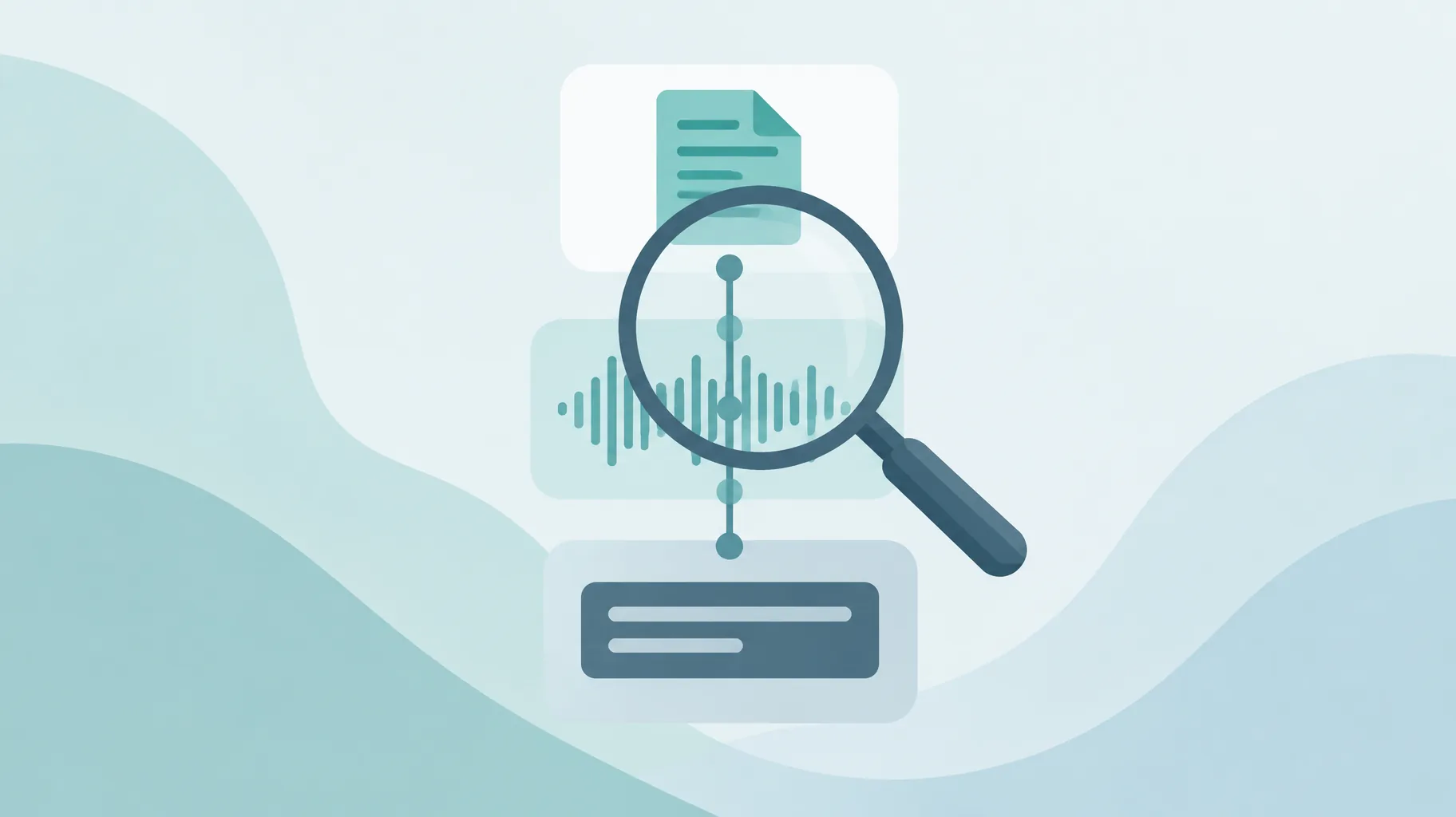
How do I keep script, audio, and captions aligned after a revision?
Keep script, audio, and captions aligned by treating the approved script as the single source of truth and regenerating everything downstream from it after any change. Never patch the audio or captions independently; a hand-edited caption file that no longer matches the narration creates a mismatch viewers notice and platforms can flag. One change, full regeneration, full re-verification.
The workflow:
Step 1: Apply the revision to the master script document and version it (v3, v4), so you can always answer "which wording is in the published video?"
Step 2: Regenerate the narration from the updated script rather than editing the audio.
Step 3: Regenerate captions from the new audio or the new script, whichever your tool derives them from.
Step 4: Re-run the transcription diff from the verification section on the new audio.
Step 5: Archive the old versions. Keeping script versions, project files, and process records has value beyond tidiness; it is the same documentation habit that helps if you ever need to appeal a monetization decision without showing your face, where YouTube asks creators to demonstrate how they make their content.
An AI faceless-video platform can compress this loop if it lets you supply approved narration and then review the resulting audio and captions before export. GoFaceless (our own product) is one option built that way: you provide the topic, brief, or approved text, and it produces script, voiceover, visuals, captions, and music in one pass with preview controls, so the verification step happens inside the same tool rather than across three. Whatever you use, check those two capabilities explicitly, supplied-narration input and audio/caption review, rather than assuming every generator preserves wording.
Putting it into practice
The whole method reduces to one decision rule: if the words are approved, produce from the words; if they are not, generate conversationally first and lock the text before any narration is rendered. Then verify audio against script with a transcription diff, keep pronunciation in the settings layer, and regenerate downstream assets from the master script after every change.
If you want a single pipeline that accepts your approved text and gives you audio and captions to review before export, you can try GoFaceless on one script and run the verification pass above on the result. For scripts still at the idea stage, our free hook library is a faster way to find an opening line worth locking in.
Sources & further reading
Keep reading

AI Content Disclosure Rules for Video Creators
Learn the AI content disclosure rules for YouTube, EU audiences, advertising, labels, monetization, and realistic AI-generated visuals.
Do AI Voiceover Revisions Cost Credits? Free vs Paid Changes
Do AI voiceover revisions cost credits? Studio allows two free regenerations of unchanged text; rewrites and voice changes are billed. Full matrix inside.

Can You Get AI Video Credits Back for an Unusable Clip?
Runway refunds credits automatically for generation errors, but completed clips that miss your prompt still cost credits. Here is the decision tree.