
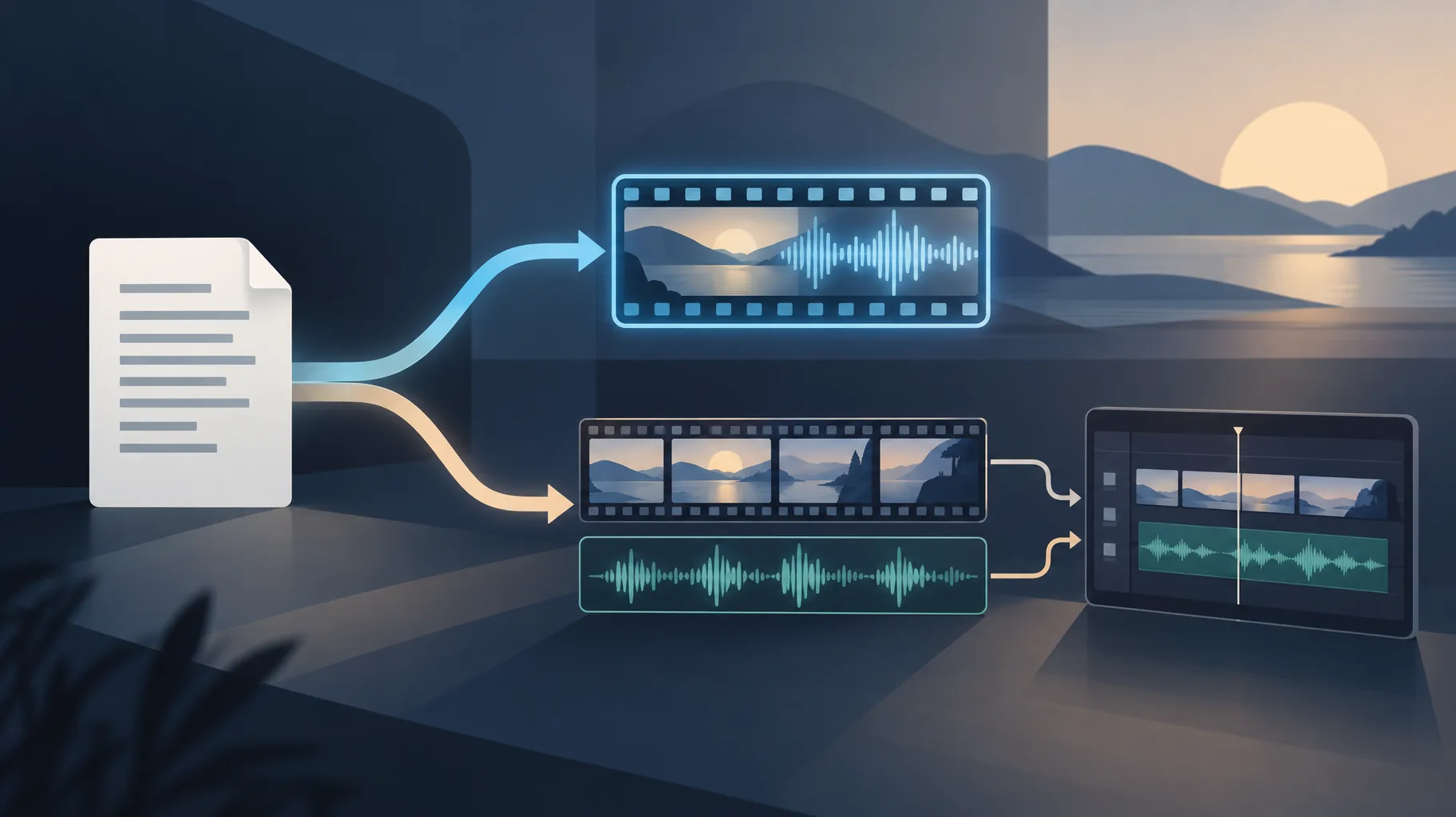
Add the voiceover separately for most faceless explainers and story videos: narration on its own track is faster to revise, easier to accept-test, and cheaper to fix. Reserve integrated audio-video generation, such as Sand.ai's MAGI-2, for scenes that genuinely need on-screen dialogue, and treat vendor specifications as advertised capability, not proven production reliability.
Key takeaways:
- Sand.ai announced MAGI-2 on November 24, 2026, advertising up to 30 seconds of integrated audio-video at 1080p and 25 frames per second; these are vendor-published specifications, not independent benchmarks (Sand.ai).
- The MAGI-2 announcement itself acknowledges continuing "motion and continuity artifacts" and does not establish dependable word-for-word narration (Sand.ai).
- A separate voiceover lets you re-record one line without touching the visuals; integrated generation ties every script change to a full video re-render.
- A five-scene acceptance test covering dialogue accuracy, lip sync, continuity, revision cost, and export quality predicts real-world reliability better than any demo reel.
| Criteria | Integrated audio-video generation | Separate voiceover + visuals | Hybrid (both) |
|---|---|---|---|
| Best for | Scenes with on-screen dialogue | Off-screen narration, explainers | Story channels mixing both |
| Lip-synced dialogue | Built in (advertised) | Not available | Only where needed |
| Changing one narration line | Re-render the whole clip | Re-record one audio track | Depends on the scene |
| Acceptance testing | Per generated clip | Per audio track and per visual | Per component |
| Main risk | Continuity artifacts, unverifiable dialogue accuracy | Timing gaps between voice and picture | Managing two pipelines |
Which should you choose: integrated sound or a separate voiceover?
Choose a separate voiceover if your channel runs on off-screen narration, which covers most faceless explainers, listicles, and story formats. Choose integrated audio-video generation only for scenes where a character must speak on camera. Choose a hybrid if your format mixes narrated sections with occasional dialogue scenes.
Solo explainer creator: separate voiceover, because script tweaks after recording are routine and should not cost a video re-render.
Story channel with recurring characters: hybrid, with generated dialogue reserved for scenes where a viewer sees the speaker.
Creator evaluating a new generator: run the acceptance test below before committing an episode to either workflow.
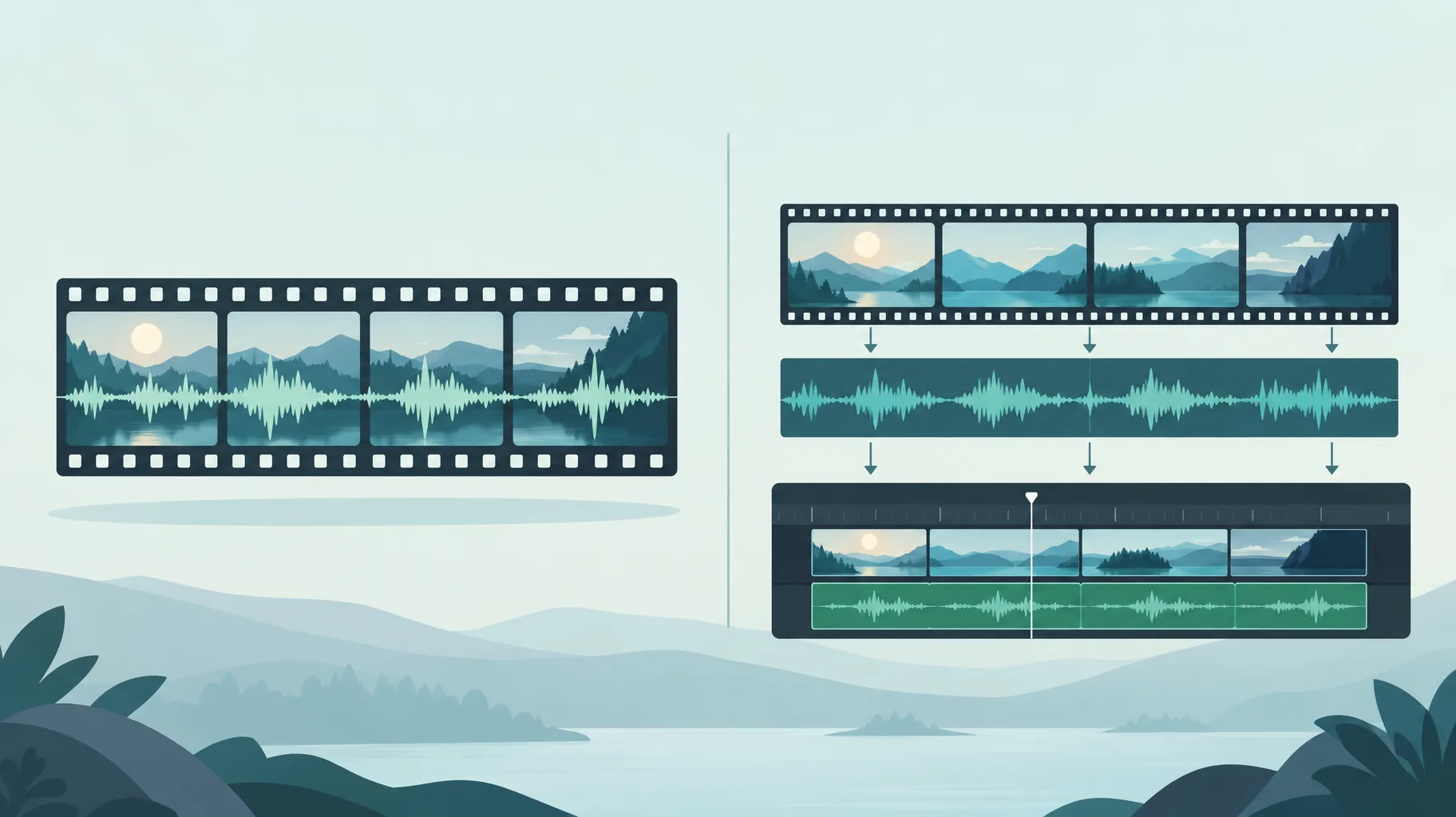
What is native audio-video generation?
Native audio-video generation means the model produces sound and picture in a single pass, rather than generating silent footage that a separate tool narrates. Sand.ai's MAGI-2, announced on November 24, 2026, is a current example: the vendor advertises up to 30 seconds of integrated audio-video at 1080p resolution and 25 frames per second, with support for up to 20 reference media items, timeline control, and targeted editing of existing video (Sand.ai).
Two parts of that description matter for your decision. First, integrated generation exists and is getting longer: 30 seconds is enough for a full Short or a self-contained scene. Second, every figure above is a vendor-published specification. Sand.ai also acknowledges continuing motion and continuity artifacts in the same announcement, which means the advertised ceiling and the dependable floor are different numbers. Plan around the floor.
When does a scene need generated dialogue rather than off-screen narration?
A scene needs generated dialogue only when the viewer can see the speaker and expects the lips to match the words. Everything else, including explainers, documentaries, list videos, Reddit-story formats, and most faceless storytelling, plays perfectly well with off-screen narration laid over b-roll or generated visuals.
Apply a simple test: if you muted the character and kept the narrator, would the scene still work? If yes, it is a narration scene, and generating its audio inside the video adds risk without adding anything the viewer notices. If no, because a character is on camera delivering a line, that is a genuine dialogue scene and a candidate for integrated generation.
Most faceless channels discover that fewer than a handful of scenes per episode pass that test. That ratio is the practical argument for keeping narration as the default and treating generated dialogue as the exception. If your problem is the reverse, a narration track that runs long against finished visuals, the fix is usually in the script rather than the render: deciding whether to speed up the voiceover or shorten the script covers that trade-off, and closing a timing gap when a clip is too short for its voiceover handles the opposite case.
Which workflow makes narration changes easier to isolate?
The separate-voiceover workflow isolates narration changes by construction: the voice is its own file, so re-recording one sentence costs one text-to-speech pass and a timeline swap, with zero impact on the visuals. Integrated generation couples the two. Because the audio is baked into the generated clip, changing a line means regenerating video, and the new render will not match the old one frame for frame.
This is the single biggest production difference between the two approaches, and it compounds over an episode. A 10-scene explainer with three script revisions per scene means 30 isolated audio fixes in the separate workflow, versus up to 30 full clip regenerations in the integrated one, each with fresh continuity risk against its neighbors.
MAGI-2's announcement describes timeline control and targeted editing of existing video, which is the vendor's answer to exactly this problem (Sand.ai). Targeted editing, if it works as advertised, narrows the revision gap. But it is an advertised capability, so verify it on your own footage before building a revision-heavy format around it. The same isolation question applies after generation: whether you can fix one bad section of an AI video without regenerating the whole thing is worth understanding before you commit.
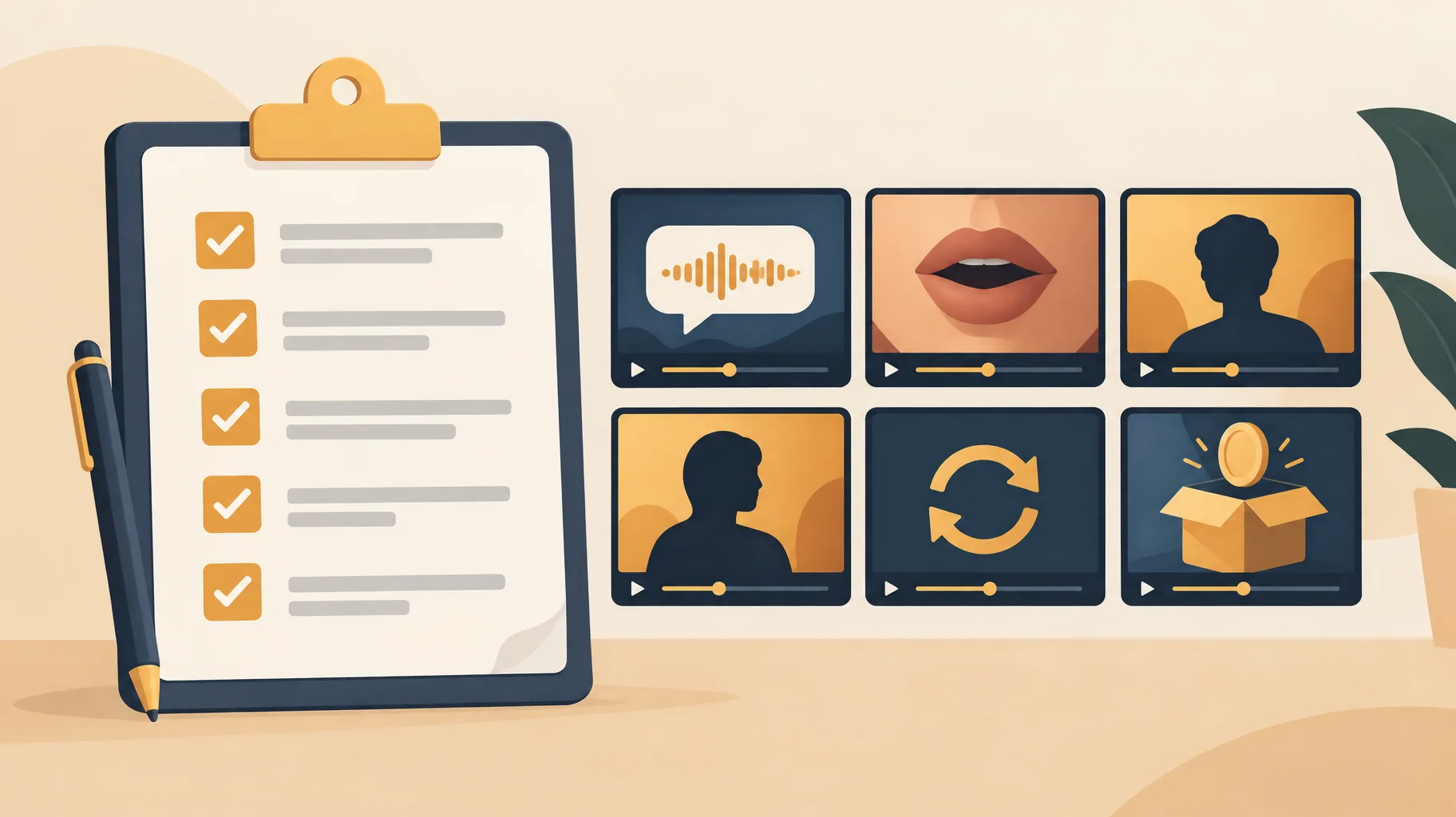
Does native audio generation guarantee accurate dialogue?
No. Native audio generation does not guarantee accurate dialogue, and no current vendor claim establishes that it does. The MAGI-2 announcement advertises integrated audio-video generation but does not establish dependable word-for-word narration, and it acknowledges continuing motion and continuity artifacts in the same document (Sand.ai).
Distinguish two claims that marketing pages often blur together. "Generates audio and video together" describes an architecture. "Says exactly the words in your script, correctly pronounced, in the right voice, every time" describes a reliability level that has to be demonstrated on your scripts, not asserted on a landing page. A generator can nail a demo sentence and still stumble on your terminology, character names, or numbers.
The practical consequence: any scene where the exact wording matters, such as a disclaimer, a statistic, or a quoted line, belongs on a separate narration track you control, regardless of how good integrated generation gets.
How should you test an audio-video generator before producing a full episode?
Test an audio-video generator with five scenes drawn from your real scripts, scored against pass/fail criteria you write down before generating. A demo reel shows you the vendor's best outputs; a structured acceptance test shows you the distribution you will actually produce from.
Scene 1, dialogue accuracy: a character speaks two sentences containing a name, a number, and an unusual word from your niche. Pass means every word is correct and intelligible.
Scene 2, lip sync: the same character in a close shot. Pass means mouth movement tracks the line without visible drift.
Scene 3, continuity: generate the same character in two consecutive shots using reference images. Pass means a viewer would read them as the same person. MAGI-2 advertises support for up to 20 reference media items, so test whether more references actually improve the match (Sand.ai).
Scene 4, revision cost: change one line of the Scene 1 script and measure how many attempts and how much time a usable fix takes.
Scene 5, export and billing: export at your publishing resolution and reconcile what the run cost. Separate generation charges, format surcharges, temporary credit reservations, and error refunds when reviewing the bill, because finished-video length alone does not explain it.
Keep the prompts, seeds, outputs, and scores as production records. Saving the right files for every AI-assisted video makes the difference between a test you can repeat and an impression you cannot defend.
Can you combine audio-native scenes with separately narrated sections?
Yes, and for most story channels this hybrid is the strongest setup: generate dialogue scenes with integrated audio, narrate everything else on a separate track, and assemble both in the edit. The viewer experiences one continuous video; you keep revision control over the 80 to 90 percent of the runtime that is narration.
Two rules make the hybrid work. First, keep a consistent voice strategy: if your narrator and your on-screen characters are different voices, that contrast should be deliberate and stable across episodes. Second, standardize loudness and room tone between the two audio sources in the edit, because a level jump between generated dialogue and recorded narration is the most common tell of a stitched production.
For the assembly side, a faceless-video platform is one way to manage separate narration, visuals, and captions as independent elements. GoFaceless (our own product) does this by turning a topic or brief into a finished short-form video with AI script, voiceover, visuals, captions, and music in one pass, which suits the narrated majority of a hybrid episode while you handle dialogue scenes in a generator.
The bottom line
Default to a separate voiceover, because off-screen narration dominates faceless formats and isolated revision is the workflow advantage you will use every episode. Use integrated audio-video generation selectively for on-screen dialogue, and qualify any generator, MAGI-2 included, with your own five-scene acceptance test before trusting it with a full episode.
If you want the separate-track workflow without stitching together script, voice, and editing tools, GoFaceless covers that pipeline in one pass, with plans from Starter at $29/mo to Business at $199/mo on the pricing page. You can create your first video and judge the narration quality on your own script.
Sources & further reading
Keep reading
How to Keep the Same Character Across AI-Generated Video Scenes
Keep the same character across AI video scenes with a reference-media workflow: fixed traits, prepared references, small test batches, and drift checks.
Speed Up Voiceover or Shorten Script? How to Decide
Should you speed up your voiceover or shorten the script? Evidence from UCLA playback-speed studies, audience-age guidance, and a simple comprehension test.
AI Editing Agent vs Manual AI Tools: Which Should Handle Your Edit?
AI editing agent vs manual AI tools: when to delegate an edit to an agent, when to apply the tool yourself, and how each choice affects credit usage.