
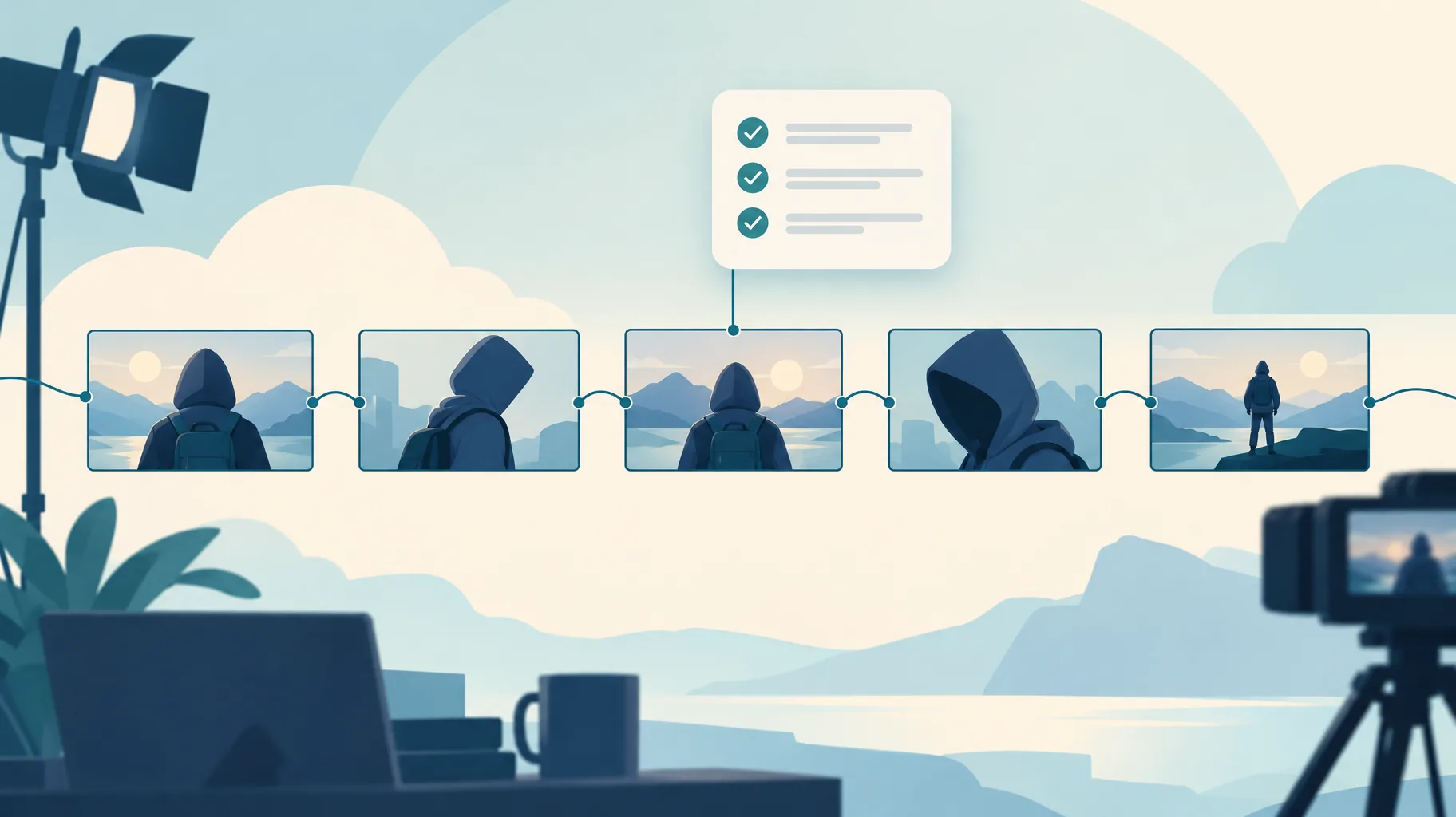
You keep the same character across AI-generated video scenes by fixing a short list of non-negotiable visual traits, feeding the generator the same prepared reference images for every scene, and testing a small batch of shots for identity drift before producing the full sequence. Reference capacity is an input limit, not a consistency guarantee.
Key takeaways:
- Lock 5-8 non-negotiable traits (face shape, hair, eyes, wardrobe, color palette) into a written character sheet before generating anything.
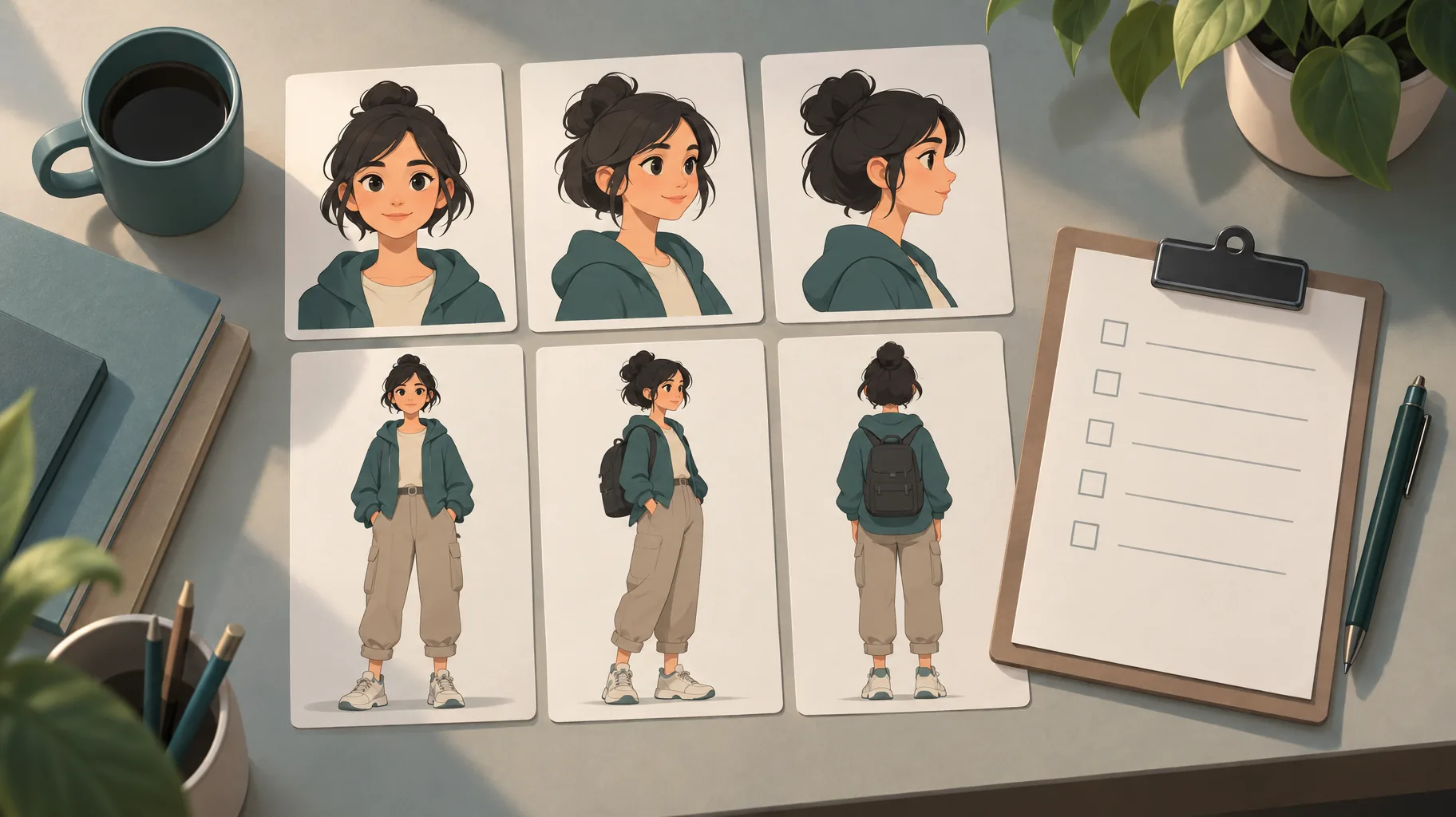
- Prepare 3-6 reference images covering front, three-quarter, profile, and full-body views so the model never has to invent an angle.
- Test 3-5 representative scenes and compare identity markers side by side before committing credits to a full sequence.
- Sand.ai's MAGI-2 announcement on November 24, 2026 advertises support for up to 20 reference media items, yet still acknowledges continuing motion and continuity artifacts, so capacity alone proves nothing.
How do you keep the same character across AI-generated video scenes?
The reliable method is a reference-media continuity workflow: define the character's fixed traits in writing, prepare a small set of reference images that all show those traits, generate a test batch of 3-5 scenes, review the batch for identity drift, and only then produce the full sequence. The whole test cycle takes roughly 60-90 minutes and saves the far larger cost of regenerating a finished story whose lead character changes face between shots.
Prerequisites: a written character concept, an AI video generator that accepts reference images, and about an hour for the test cycle.
- Write the character sheet.
Action: List 5-8 visual traits that may never change: face shape, eye color and spacing, hairstyle and hairline, skin tone, signature wardrobe item, color palette, and any defining prop or scar.
What it requires: Nothing but a text document. This sheet becomes the pass/fail rubric for every later decision.
How to tell it worked: A stranger could sketch the character from your list alone, and you can point to any generated frame and check each trait in under a minute.
- Prepare the reference set.
Action: Create or select 3-6 images of the character: a neutral front portrait, a three-quarter view, a profile, a full-body shot, and one or two expression or lighting variants.
What it requires: Every image must show all non-negotiable traits. One inconsistent reference poisons every scene that uses it.
How to tell it worked: Laid side by side, the set reads as one person photographed from several angles, not several similar people.
- Standardize the prompt block.
Action: Write one fixed character-description paragraph and paste it, unchanged, into every scene prompt alongside the references.
What it requires: Discipline. The moment you rephrase the description for one scene, you introduce a new variable.
How to tell it worked: Every scene prompt in the project contains the identical character block, word for word.
- Generate a small test batch.
Action: Produce 3-5 scenes that span the hardest conditions in your story: a wide shot, a close-up, a profile angle, and at least one scene with motion.
What it requires: A fraction of the credits the full sequence would consume.
How to tell it worked: The batch covers every camera angle and lighting condition your storyboard will demand.
- Review for identity drift.
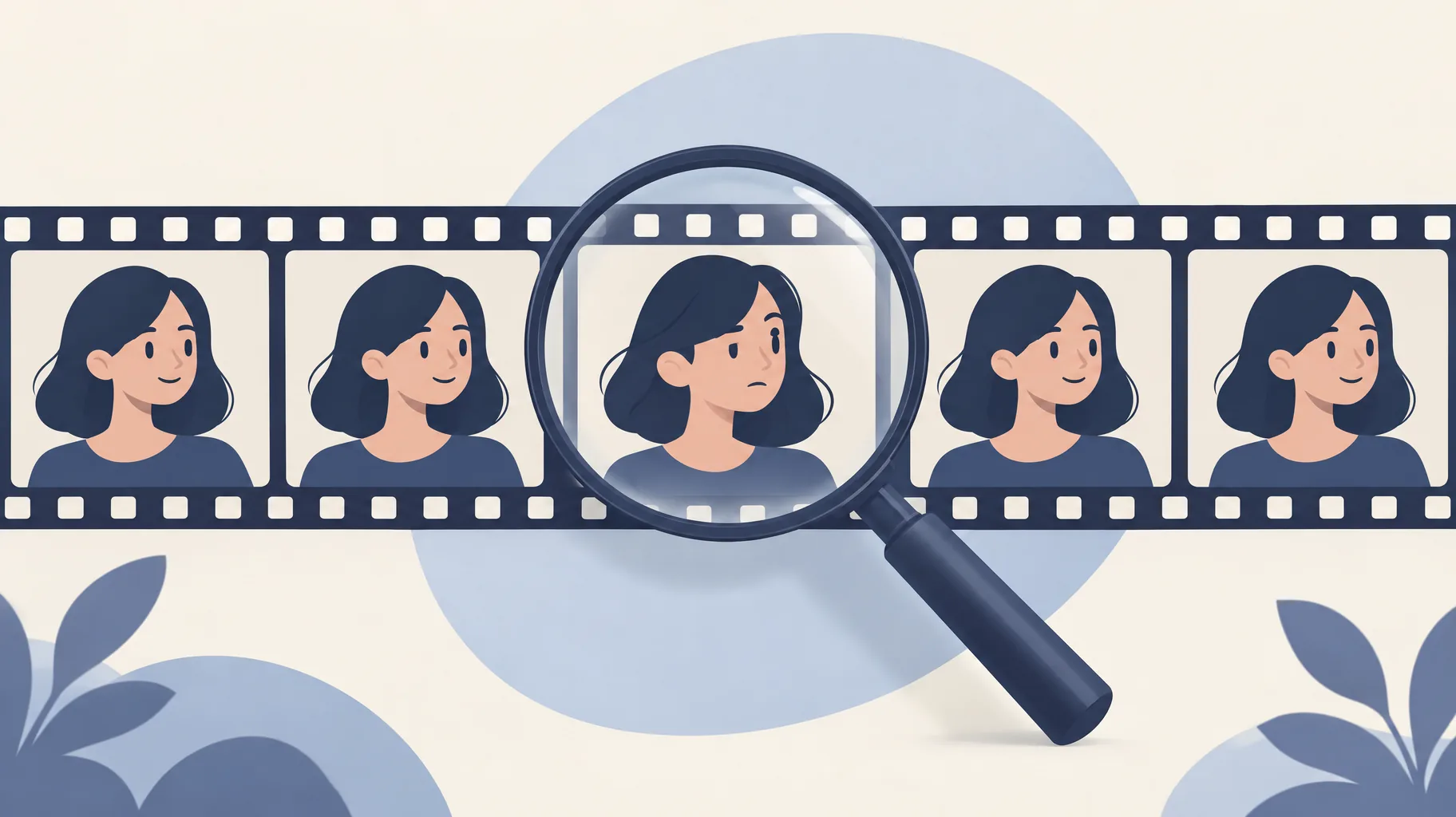
Action: Compare each test frame against the character sheet, trait by trait, at the same camera angle as your matching reference image.
What it requires: The sheet from step 1 and the references from step 2, open next to the generated frames.
How to tell it worked: Every non-negotiable trait passes in every test scene. If one fails, adjust references or prompt and retest before scaling up.
- Approve, then produce and assemble.
Action: Generate the full sequence using the validated references and prompt block, then assemble the approved scenes with narration and captions.
What it requires: A tool that can combine clips, voiceover, and text into a finished video.
How to tell it worked: A viewer watching the final cut never notices the character was generated in separate scenes.
What reference images should you prepare for a recurring AI character?
A recurring AI character needs 3-6 reference images: a neutral front portrait, a three-quarter view, a profile, a full-body shot, and one or two variants covering the expressions or lighting your story uses most. Each image must display every non-negotiable trait from the character sheet, because the generator treats each reference as evidence of what the character looks like. Save the set with the project files; creators who keep organized production records, as covered in 7 Production Records to Save for Every AI-Assisted Video, can rebuild a character months later without starting over.
Should you use one reference image or several?
Several. A single reference image anchors the character from exactly one angle and one expression, so the model invents everything the camera asks for beyond that view, and invention is where identity drift starts. Three to six complementary angles give the generator evidence for the shots your story actually contains. More is not automatically better: Sand.ai's MAGI-2 announcement advertises support for up to 20 reference media items, but twenty near-duplicate portraits add redundancy, not information. Coverage of angles beats raw count.
Which character details should stay fixed between scenes?
The details that must stay fixed are the ones a viewer uses to recognize a person: face structure, eye color and spacing, hairstyle and hairline, skin tone, one signature wardrobe item, the overall color palette, and any defining prop or mark. Everything else, including pose, lighting, camera distance, and background, should be free to vary so the story can move. A useful split:
| Fixed between scenes | Free to vary |
|---|---|
| Face shape and features | Camera angle and framing |
| Hair style, color, hairline | Lighting and time of day |
| Signature clothing item | Pose and gesture |
| Color palette and props | Background and setting |
If a trait appears on the left, it goes on the character sheet and into every reference image. If a scene genuinely requires changing a fixed trait, such as a costume change across episodes, treat it as a new character version with its own reference set.
How can you test character consistency before generating a whole story?
Test character consistency by generating 3-5 scenes that reproduce the hardest conditions in the story, then scoring each frame against the character sheet before spending anything on the full sequence. Choose the widest shot, the tightest close-up, the most extreme angle, and one scene with real motion, because those are where drift shows first. If a test scene fails on one section only, targeted editing can sometimes repair it without a full regeneration; Can You Fix One Bad Section of an AI Video Without Regenerating It? covers that decision. The point of the test batch is to fail cheaply, in minutes, on scenes you were going to check anyway.
How do you check for identity drift when the camera angle changes?
Check identity drift across camera angles by comparing each generated frame against the reference image taken from the nearest matching angle, then verifying the anchor traits that survive rotation: hairline shape, eye spacing, ear position, scars, and accessories. A trait visible in only one reference angle cannot be verified when the camera moves, which is why the reference set needs front, three-quarter, and profile coverage. Pay special attention to the cut between two shots of the same character, because viewers catch mismatches at edit points far more readily than within a single continuous shot.
Does support for more reference images guarantee better consistency?
No. Reference capacity is an input limit, not a consistency score. Sand.ai's November 24, 2026 MAGI-2 announcement advertises generation of up to 30 seconds of 1080p, 25-fps audio-video with support for up to 20 reference media items, yet the same announcement acknowledges continuing "motion and continuity artifacts." A generator that accepts twenty references can still drift on the third scene, and a generator that accepts four can hold identity if those four cover the right angles. Evaluate any tool, new or old, with your own test batch rather than its spec sheet, because vendor-published capabilities are not independent benchmarks of cross-scene identity.
Once scenes pass review, the remaining work is assembly: approved clips, narration, captions, and music in one timeline. GoFaceless (our own product) is one way to handle that stage, since it combines script, AI voiceover, visuals, and captions in a single pass with preview and export controls, though any editor that sequences clips and syncs narration will do the job. Character continuity also extends beyond visuals; if your recurring character has a recurring voice, an AI voice continuity plan protects the audio half of the identity.
Start with a test batch, not a full episode
Define the character sheet, build the reference set, and run five test scenes before you commit to a sequence. If you want the assembly stage handled in one place, GoFaceless turns approved scenes and a narration script into a finished vertical or 16:9 video in minutes.
Sources & further reading
Keep reading
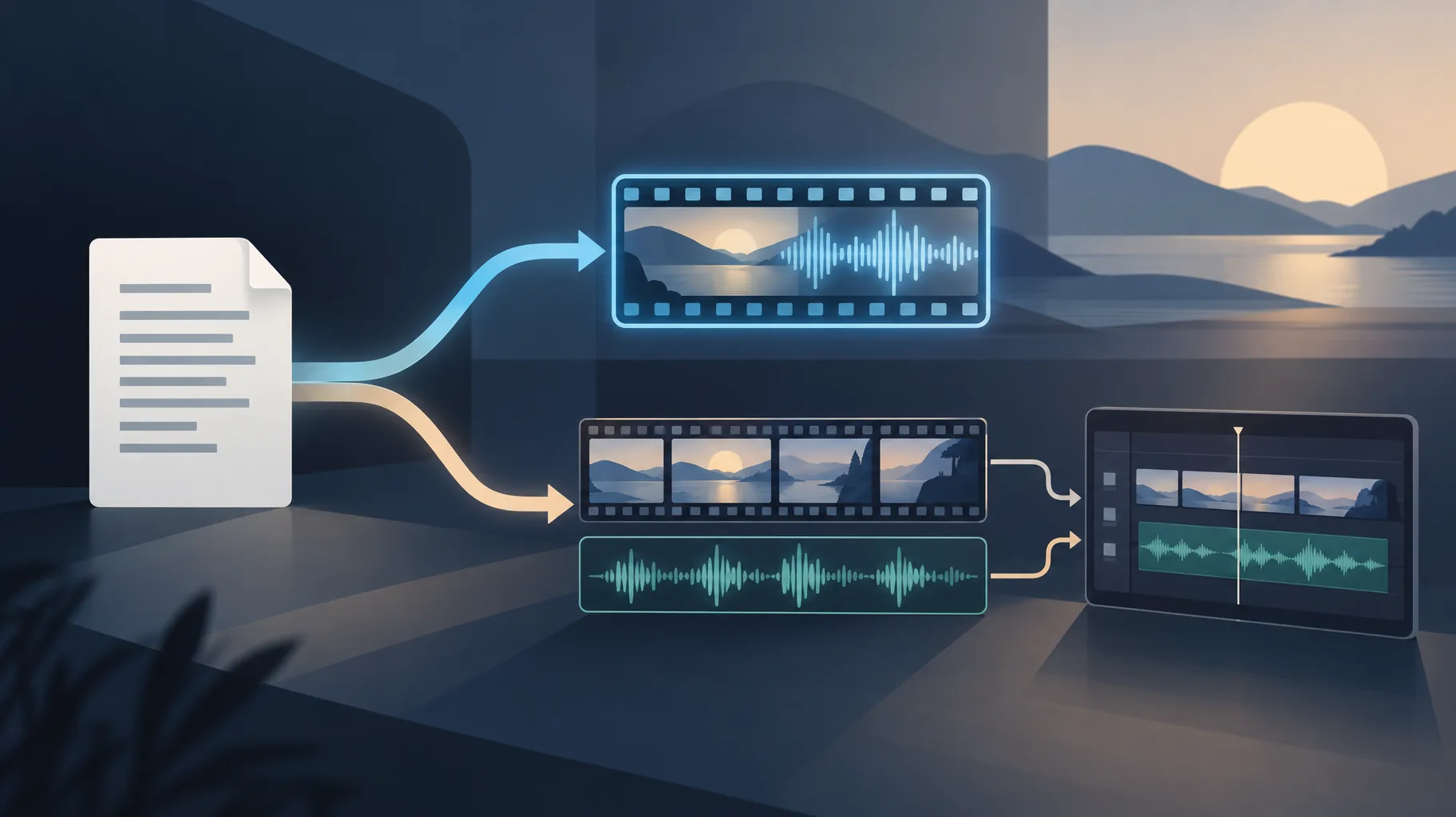
AI Video With Sound vs Separate Voiceover: Which to Choose
Should you generate AI video with sound or add voiceover separately? Compare dialogue scenes, revision cost, and acceptance tests to pick the right workflow.
Speed Up Voiceover or Shorten Script? How to Decide
Should you speed up your voiceover or shorten the script? Evidence from UCLA playback-speed studies, audience-age guidance, and a simple comprehension test.
AI Editing Agent vs Manual AI Tools: Which Should Handle Your Edit?
AI editing agent vs manual AI tools: when to delegate an edit to an agent, when to apply the tool yourself, and how each choice affects credit usage.