
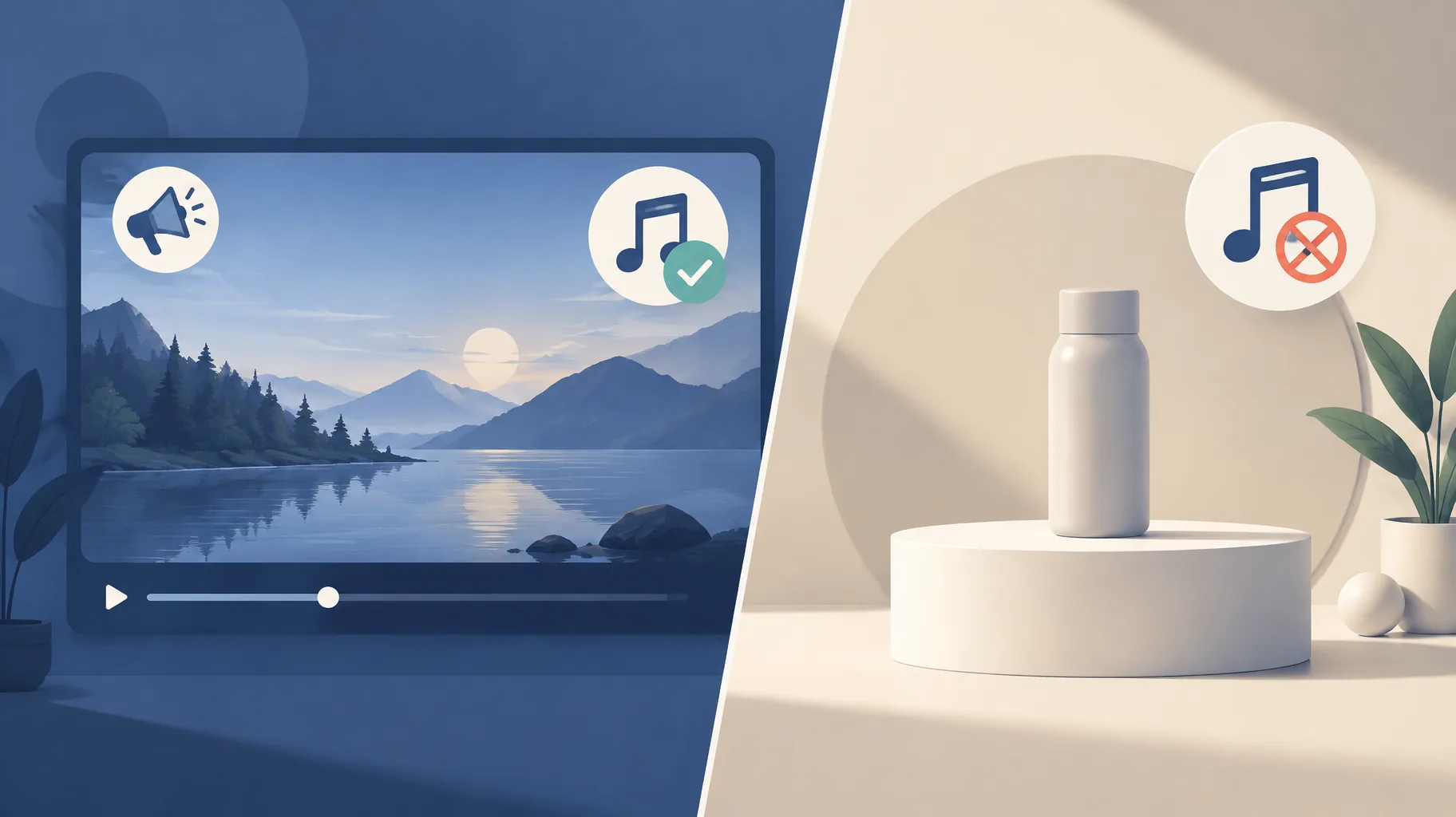
Creator Music is YouTube's in-platform library of licensable tracks, and you can use it in a sponsored video only if the sponsorship is incidental to the content. YouTube's documented restriction prohibits Creator Music tracks in a paid video primarily dedicated to promoting a brand or service, while an introductory sponsor mention inside an editorial video remains allowed. YouTube also still runs ads on videos containing paid promotions, so ad eligibility and music permission are separate decisions.
Key takeaways:
- YouTube states it still runs ads on videos containing paid promotions, so a sponsor does not by itself remove YouTube ad revenue.
- The documented Creator Music restriction bars those tracks when a brand pays for a video primarily dedicated to promoting that brand or service.
- YouTube's own example contrasts a recipe video with an introductory sponsor mention (allowed) against a paid product-review video primarily promoting the product (restricted).
- Adding a sponsor to an already edited video creates a new music-clearance decision even though the video's ad eligibility stays intact.
- A sponsor agreement should assign who is responsible for music clearance before you deliver the sponsored cut.
Does an introductory sponsor mention change whether I can use Creator Music?
No. An introductory sponsor mention inside an otherwise editorial video does not trigger the Creator Music restriction, according to YouTube's paid product placements and endorsements policy. YouTube's own worked example is a recipe video that opens with a sponsor mention: the video is still primarily about the recipe, so Creator Music tracks remain usable. The test is what the video is primarily about, not whether money changed hands.
This is the distinction the whole question turns on. A faceless channel that publishes a documentary-style explainer and reads a 30-second sponsor message at the top is in the same position as that recipe video. The editorial content stands on its own, the sponsor is a guest in it, and the soundtrack permission you already had carries over.
Can a paid product-review video use Creator Music tracks?
No. When a brand pays for a video that is primarily dedicated to promoting that brand or service, Creator Music tracks cannot be used in it under YouTube's documented restriction. YouTube's contrasting example is a paid product-review video: because the video exists to promote the product, it falls on the restricted side of the line, even if the review format looks similar to your normal uploads.
The practical dividing line:
- Allowed: the video would make sense and hold value with the sponsor segment deleted.
- Restricted: the video is the promotion, and removing the brand leaves nothing behind.
If your sponsor deliverable is a dedicated review, unboxing, or tutorial built around the product, plan on a different soundtrack from the start rather than editing first and discovering the conflict later.
Will YouTube still run ads on a video with a paid promotion?
Yes. YouTube says it continues running ads on videos that contain paid promotions, per its sponsorship and endorsement documentation. Sponsorship is not a blanket exclusion from YouTube advertising, so a sponsored video can earn both the brand fee and normal ad revenue at the same time.
This is exactly why creators get confused. Two separate permissions exist, and they move independently:
| Question | Who decides | Sponsored video outcome |
|---|---|---|
| Will YouTube run ads? | YouTube ad policy | Yes, ads still run on paid promotions |
| Can I use Creator Music? | Creator Music restriction | Only if the video is not primarily promoting the brand |
Creators see the first answer, assume the second matches, and only discover the music problem after the sponsor cut is delivered. Check both columns before you accept the deal, and keep records of which tracks sit in which version, the same discipline described in the production records worth saving for every AI-assisted video.
What should I check before adding a sponsor to an already edited video?
Adding a sponsor to a finished video creates a new music-clearance decision even though the video's ad eligibility stays intact. Before you insert the sponsor segment, work through four checks:
Primary purpose: Does the episode remain editorial after the sponsor read is added, or does the rewrite tilt it toward promoting the brand?
Track inventory: List every Creator Music track in the current cut and confirm each one is still permitted for the sponsored version.
Sponsor's own usage: If the brand will repost or cut down your video for its own channels, that use sits outside your Creator Music permission entirely and needs separate licensing.
Deliverable versions: Decide whether the sponsor gets the same cut as your channel or a sponsor-specific version, because the answer changes which tracks you can keep.
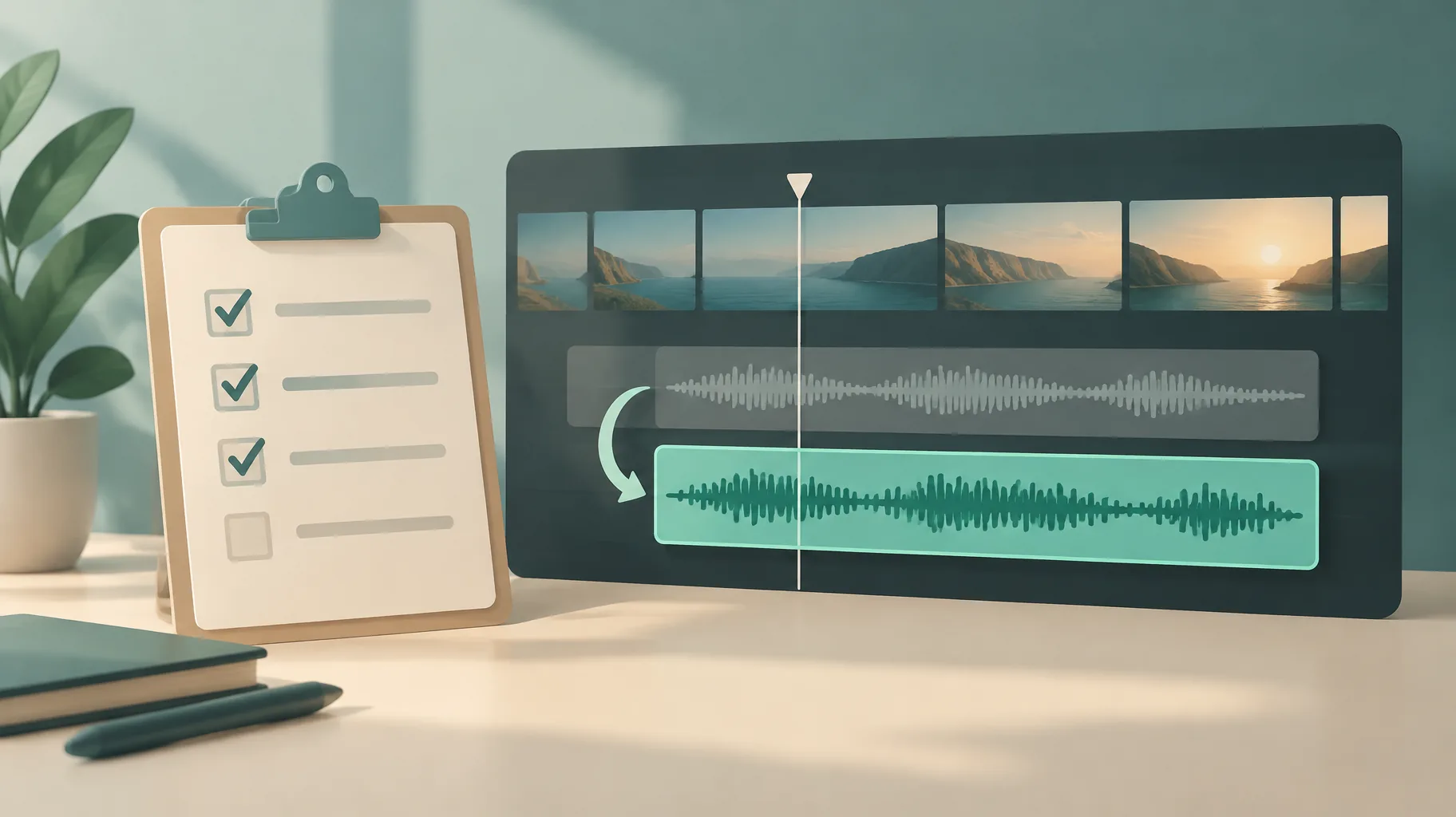
What should a sponsor agreement say about responsibility for music clearance?
The agreement should state explicitly which party is responsible for clearing the soundtrack, because silence on this point defaults the risk onto you. Three clauses do the work:
- Clearance responsibility: name who licenses the music for the sponsored version and for any brand-side reuse.
- Version scope: define whether the brand receives your editorial cut, a dedicated promotional cut, or both, since the Creator Music restriction attaches to the promotional one.
- Claims handling: agree who responds if a rights holder disputes the track after publication.
Creators negotiating a first deal often focus on fee and deliverables and leave music as an assumption. One sentence in the agreement converts that assumption into an allocation of risk.
Does replacing the soundtrack resolve the music issue without changing the sponsorship?
Yes, in most cases. The Creator Music restriction attaches to the track, not to the sponsorship itself, so swapping the restricted track for music you have separately licensed (or a track with commercial-use rights) resolves the music issue while the sponsor read stays untouched. The sponsorship disclosure, the ad eligibility, and the brand fee are all unaffected by the audio swap.
The catch is timing. If you discover the conflict after the edit is locked, you are re-cutting audio against finished visuals. One practical option is to rebuild the sponsored version in an AI faceless-video platform such as GoFaceless (our own product), which can generate a replacement soundtrack and export a sponsor-specific cut in one pass. That solves the editing problem quickly, but be clear about what it does not solve: the ability to regenerate a video does not establish music permission. The license for the new track still has to come from the track's own terms, not from the tool that assembled it.
The bottom line
Treat every sponsorship as two checks, not one: YouTube ads keep running either way, but Creator Music survives only when the video stays editorial. If the deliverable is primarily a promotion, budget for a separately licensed track before you promise the cut.
If you need to produce a sponsor-specific version with a fresh soundtrack, GoFaceless turns a brief into a finished video with script, voiceover, visuals, captions, and music in one pass, with plans from $29/mo on the pricing page. Just remember the tool handles the edit; the license decision is still yours.
Sources & further reading
Keep reading
Why Can't You Add YouTube Shopping Tags? Check Your Music
YouTube says videos using Creator Music revenue-sharing tracks are not eligible for Shopping features. Here's how product-video creators should choose music.

Upload YouTube Video Privately Before a Scheduled Release?
Should you upload a YouTube video privately before a scheduled launch? Yes — private uploads still get ad-suitability checks, and decisions can take up to 24 hours.
Does Promoting a YouTube Short Help or Hurt Its Organic Reach?
YouTube says Promote campaigns don't affect organic reach, but paid watch time and subscribers don't count toward YPP. Here's how to read your results.