
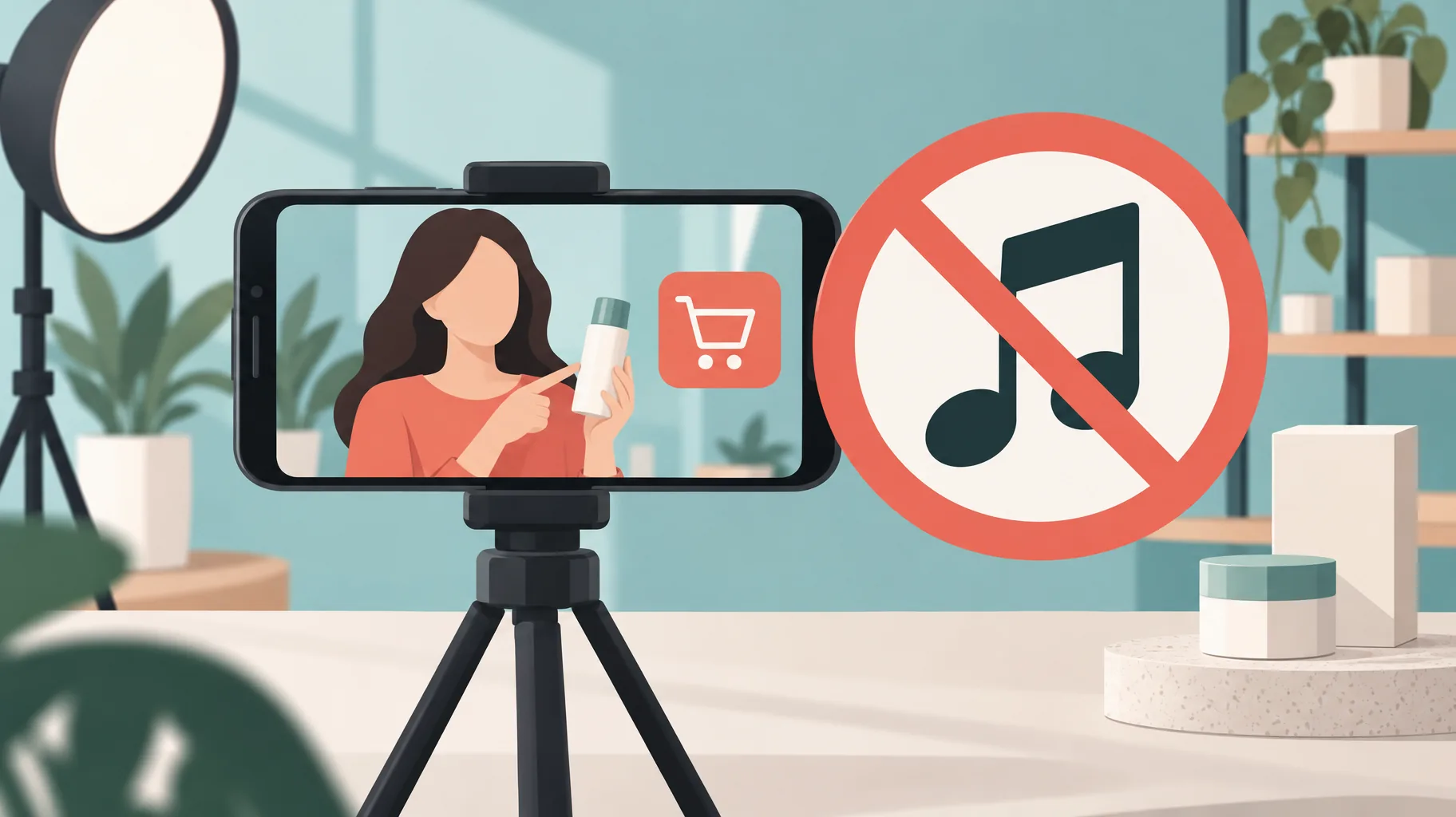
Creator Music revenue sharing is a YouTube music-licensing model in which a track's rights holders take a share of the video's revenue instead of charging an upfront fee. You cannot combine it with YouTube Shopping: YouTube's Creator Music documentation states that videos using revenue-sharing tracks are not eligible for Shopping features, so product-tagging creators must choose a different soundtrack.
Key takeaways:
- YouTube's Creator Music documentation, verified November 15, 2026, states that videos using Creator Music revenue-sharing tracks are not eligible for YouTube Shopping features.
- The documented restriction names revenue-sharing tracks specifically; it does not establish a blanket Shopping prohibition for every Creator Music license.
- YouTube's March 10, 2025 policy changelog notes that monetization checks, including on private videos, can take up to 24 hours, so music decisions belong before upload, not after.
- YouTube's July 2024 experiment found an average 5% revenue increase from combining automatic and manual mid-rolls, a useful benchmark when weighing music revenue share against Shopping commissions.
Can a revenue-sharing music track make a video ineligible for YouTube Shopping?
Yes. A Creator Music revenue-sharing track makes the entire video ineligible for YouTube Shopping features, including product tagging. YouTube's Creator Music documentation says videos using revenue-sharing tracks "are not eligible for YouTube Shopping features," a restriction verified November 15, 2026. The incompatibility attaches to the video, not the account, so a single soundtrack choice removes the feature for that upload.
For a faceless product-review or buying-guide channel, this is the whole answer: the moment a revenue-sharing track is on the timeline, that video cannot carry Shopping tags. No setting, appeal, or partial workaround changes it, because the license terms travel with the music.
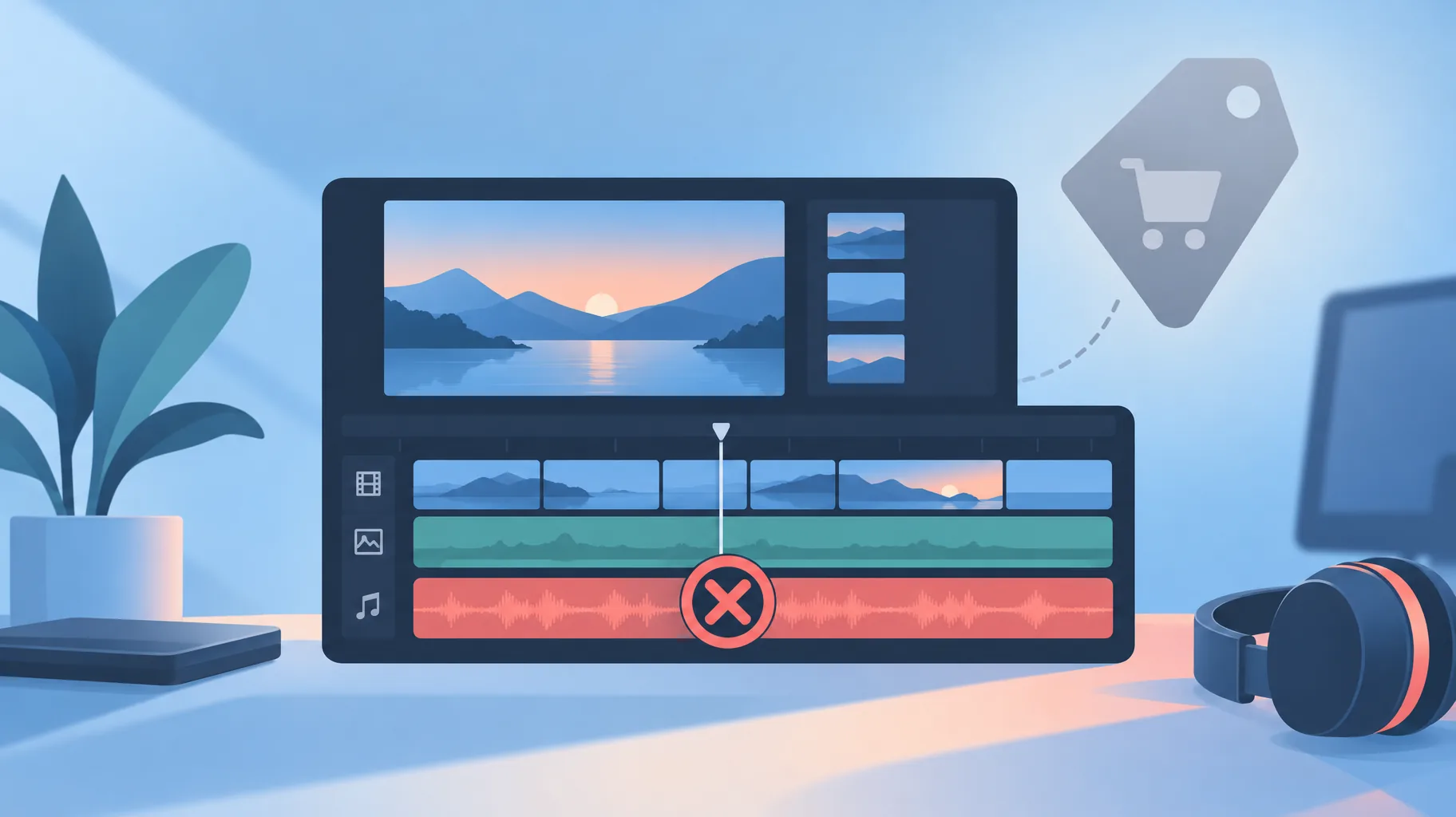
Why might product tagging be unavailable after I choose background music?
Product tagging disappears after a music choice because the revenue-sharing license and Shopping are two monetization routes that YouTube treats as mutually exclusive on one video. A revenue-sharing track already directs a cut of the video's earnings to the music rights holders, and YouTube's documentation blocks Shopping features on any video carrying that license. The tag option vanishes or the video fails eligibility once the track is applied.
The trap is timing. Most creators pick music late in the edit, after the script, voiceover, and product segments are locked. The video looks finished, the upload goes through, and only then does the missing tagging option surface. Because the decision was made at the soundtrack stage, the fix means re-editing or re-uploading, not toggling a setting in YouTube Studio.
Does this restriction apply to every Creator Music license?
No. The documented restriction identifies revenue-sharing tracks specifically, and the cited YouTube page does not establish a blanket Shopping prohibition across every Creator Music license. It also does not state an original effective date for the restriction, so creators should treat it as current policy rather than a recent change.
The practical reading: "Creator Music" is a catalog with more than one licensing arrangement, and the Shopping block is tied to the revenue-sharing arrangement, not the catalog itself. Before assuming any track is safe or unsafe, read the license terms shown for that specific track. Sponsored videos are a separate case with their own music rules, covered in whether you can use Creator Music in a sponsored YouTube video.
What should I verify about music before editing a shoppable product video?
Before editing a shoppable product video, verify the track's license type, your intended monetization route, and your review timeline. The soundtrack decision should happen at the brief stage, not the export stage, because YouTube's Creator Music documentation makes a revenue-sharing track and Shopping tags mutually exclusive on the same video.
License type: Confirm in Creator Music whether the specific track uses revenue sharing before adding it to the timeline.
Monetization route: Decide first whether this video earns through Shopping tags and affiliate commissions or through ad revenue shared with a rights holder.
Records: Save a screenshot or copy of the track's license terms with your production files, the same discipline described in production records to save for every AI-assisted video.
Timing: YouTube's March 10, 2025 policy changelog notes that videos undergoing checks, including private uploads, may get an additional review that can involve a human, and some monetization decisions take up to 24 hours. Build that window into the launch schedule.
One practical workflow is to build the product explainer in a faceless-video platform such as GoFaceless with a replaceable soundtrack, then verify the selected music's compatibility with the intended monetization route before publication. Swapping a track is cheap before export and expensive after.
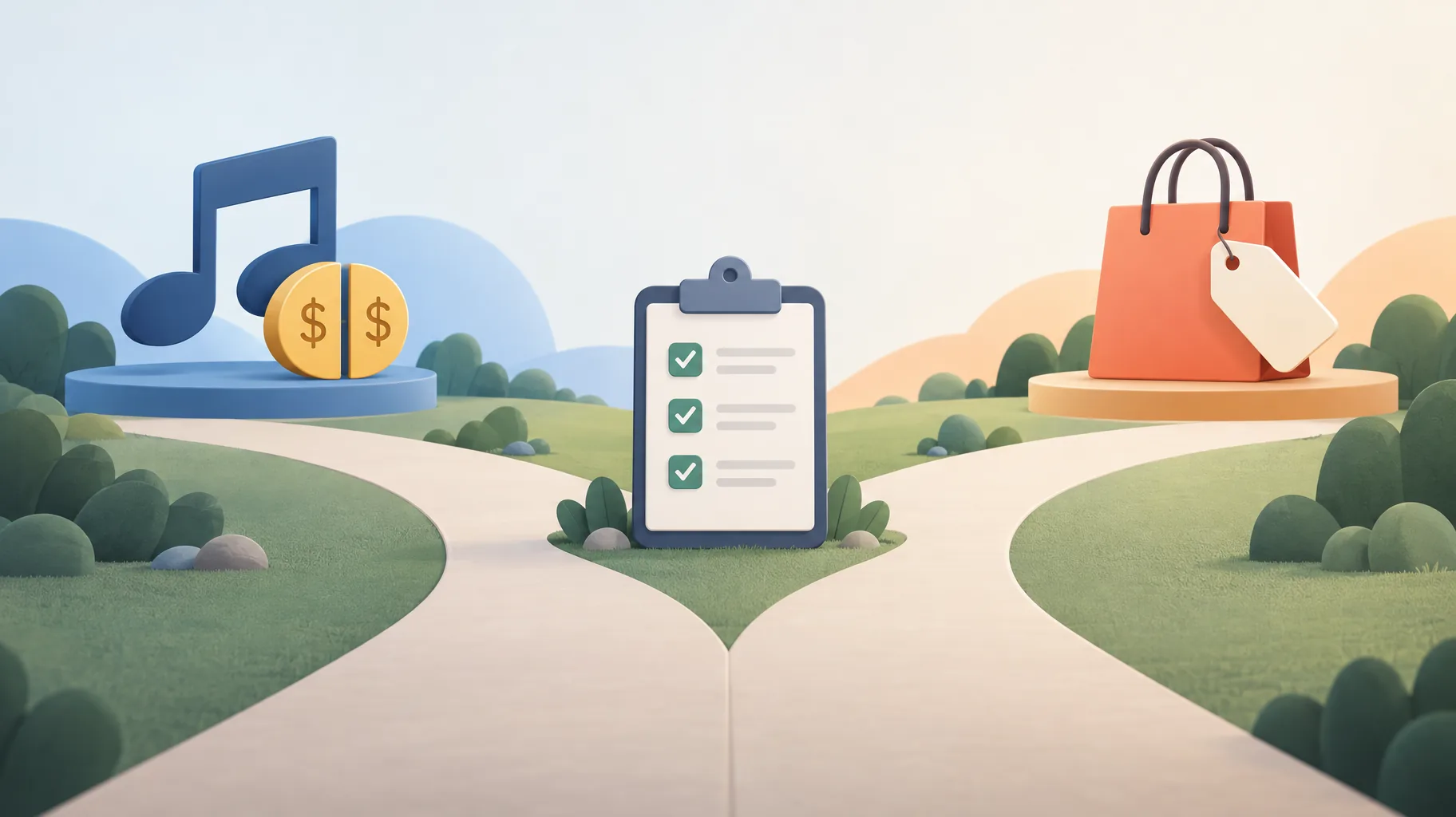
How should I compare music revenue sharing with product-tagging opportunities?
Compare the two routes on expected per-video revenue, not on preference. A revenue-sharing track costs you a share of the video's ad revenue plus all Shopping income on that upload; a Shopping-eligible soundtrack costs whatever its license charges and keeps product tags available. The right choice depends on which stream is larger for that specific video.
| Soundtrack choice | Shopping tags | Music cost |
|---|---|---|
| Creator Music revenue-sharing track | Not eligible | A share of the video's revenue |
| Track without a revenue-sharing license | Not blocked by this rule (other eligibility rules still apply) | Upfront fee, subscription, or free |
Use real channel benchmarks where you can. YouTube's July 2024 experiment found an average 5% revenue increase when creators combined automatic and manual mid-roll slots versus manual-only placement, which is the kind of measured comparison worth running on your own ad revenue before giving a slice of it to a music license. If you script ad breaks deliberately, how to script YouTube mid-roll ad breaks that feel natural covers the placement side. For most buying-guide videos, Shopping commissions on tagged products outweigh a marginally better soundtrack, which makes the revenue-sharing track the expensive option even though it feels free at the editing stage.
Does removing this music conflict guarantee that my video qualifies for Shopping?
No. Removing a revenue-sharing track eliminates one documented blocker, but Shopping has its own eligibility requirements that a clean soundtrack does not satisfy on its own. YouTube's Creator Music documentation establishes only that revenue-sharing tracks make a video ineligible; it does not say that every other video qualifies.
Treat the music check as the first gate, not the only one. After upload, monetization checks can include an additional review, sometimes with a human reviewer, and some decisions take up to 24 hours per YouTube's March 10, 2025 changelog. A video can pass the music test and still sit in review, so separate rendering, uploading, and monetization clearance in your launch plan rather than assuming a same-day shoppable publish.
Ship the explainer now, lock the soundtrack after the check
If you want to draft the product video first and commit to music last, GoFaceless (our own product) turns a topic or brief into a finished faceless video with script, voiceover, visuals, captions, and music you can swap before export. Start a video on GoFaceless and verify the soundtrack against your monetization route before you publish.
Sources & further reading
Keep reading
Can You Use Creator Music in a Sponsored YouTube Video?
YouTube allows ads on sponsored videos, but Creator Music tracks are barred from paid videos primarily promoting a brand. Here's how to tell the difference.
Upload YouTube Video Privately Before a Scheduled Release?
Should you upload a YouTube video privately before a scheduled launch? Yes — private uploads still get ad-suitability checks, and decisions can take up to 24 hours.
When Does YouTube Pay You? Thresholds, Dates, and Holds
YouTube finalizes earnings on the 7th–12th and issues payment on the 21st–26th once you pass the US$100 threshold. Full payment calendar, rollovers, and holds explained.