
A YouTube Short over one minute is blocked because YouTube applies a specific rule to longer Shorts: any active copyright claim of any type, including a manual claim, blocks the Short globally. Until the claim is resolved, the Short cannot be recommended in the Shorts feed and cannot earn revenue. The block does not itself penalize your channel.
Key takeaways:
- Square or vertical videos up to three minutes long, uploaded on or after October 15, 2024, are classified as Shorts on standard channels, per YouTube's Help Center.
- A Short over one minute with any active copyright claim, including a manual claim, is blocked globally and cannot be recommended or monetized until the claim is resolved.
- YouTube states this blocking does not itself penalize the channel, so a blocked Short is a distribution problem, not a channel-health strike.
- Owning a license does not automatically clear a claim; you still have to dispute it with documentation or replace the claimed asset.
- Equivalent square or vertical uploads from before October 15, 2024 keep their long-form classification and Watch Page monetization, so the blocking rule does not apply to them.
Which square or vertical videos does YouTube classify as Shorts?
YouTube classifies square or vertical videos up to three minutes long as Shorts when they are uploaded on or after October 15, 2024, on standard channels. Equivalent videos uploaded before that date retain their original long-form classification and Watch Page monetization, according to YouTube's longer-Shorts documentation. This classification date is the first thing to check when a vertical upload behaves unexpectedly.
The practical consequence for faceless creators repurposing narrated explainers: a two-minute vertical cut uploaded today is a Short, full stop. It enters the Shorts feed, earns under Shorts revenue sharing, and falls under the longer-Short copyright-claim blocking rule. A visually identical file uploaded in September 2024 would not.
This is why the same claimed asset can produce different outcomes on two uploads that look identical in your content list. Check the upload date before anything else.
Why does a copyright claim block a Short over one minute?
YouTube blocks a Short over one minute globally whenever the Short carries an active copyright claim of any type, and the block holds until the claim is resolved. YouTube's documentation states that such a Short "cannot be recommended or monetized" while the claim is active, per YouTube's Help Center page on longer Shorts. The one-minute threshold is what separates this treatment from shorter Shorts.
The mechanism matters. A claim on a long-form video usually results in revenue sharing or tracking, not removal from distribution. A claim on a Short over one minute is different: the video stops being distributed at all. For a faceless creator who cut a 90-second vertical explainer with a stock clip, a music bed, or a third-party b-roll segment, one flagged asset takes the entire upload offline from the feed.
The cited Help Center page does not separately date the blocking provision, so treat the rule as current YouTube policy rather than something tied to a single announcement.
Does a manual copyright claim also block a Short over one minute?
Yes. YouTube explicitly includes manual claims in the blocking rule: a Short over one minute with an active copyright claim of any type, including a manual claim, is blocked globally until resolved, according to YouTube's longer-Shorts documentation. There is no softer treatment for claims a rights holder filed by hand rather than through automated matching.
This closes a common assumption. Creators sometimes expect automated claims to be aggressive and manual claims to be negotiable. For longer Shorts, the outcome is identical: no recommendations, no monetization, global block, until the claim is resolved one way or another.
Can a copyright-claimed Short still be recommended or earn revenue?
No. While the claim is active, the Short is blocked globally, which means it is excluded from Shorts feed recommendations and earns no revenue. YouTube's wording is categorical: the Short "cannot be recommended or monetized" until the claim is resolved, per the same Help Center page. There is no partial state where the Short keeps circulating at reduced reach.
This differs sharply from claimed long-form videos, which often keep accumulating views while revenue routes to the claimant. If you are diagnosing why a longer Short flatlined at near-zero impressions after an initial burst, an active claim is the first thing to check in YouTube Studio's content list, before you touch hooks, retention, or posting cadence. If the claim turns out to be the problem, our guide on how YouTube Shorts counts views will help you read the recovery metrics afterward.
Does this block itself penalize my channel?
No. YouTube states that the longer-Short copyright-claim block does not itself penalize the channel, per YouTube's Help Center. A blocked Short is a distribution stop on that one upload, not a strike, not a channel-level demotion, and not a signal that your other videos will be suppressed.
Two cautions keep this accurate. First, "does not itself penalize" describes the blocking mechanism; it is not a blanket statement about every possible consequence of repeated copyright problems, which are governed by separate policies. Second, the block still costs you the upload's distribution window, so treating it casually because the channel is safe is a mistake. Resolve it or replace the video.
What should I check if I have a license for the claimed asset?
A license gives you grounds to dispute, but it does not automatically clear the claim. Claims are matched against reference material, and a licensed track or clip is still matched. Before disputing, verify four things in your documentation:
- Asset identity: the exact file, track, or clip named in the claim matches what you licensed, including version and duration.
- License scope: the license covers YouTube, short-form vertical video, and monetized commercial use, not just personal or web use.
- Channel coverage: the license is registered to you or your channel, not to a client, a previous account, or a marketplace purchase made under a different email.
- Claim type: whether the claim comes from automated matching or a manual claim, since your dispute wording should address the specific asserted right.
If you sourced the asset as free stock footage, re-read the license terms on the original download page rather than relying on memory; our breakdown of using free stock footage in monetized YouTube videos covers the common license traps. If any of the four checks fail, disputing is the wrong route and replacement is faster.
What needs to happen before the Short can be recommended and monetized again?
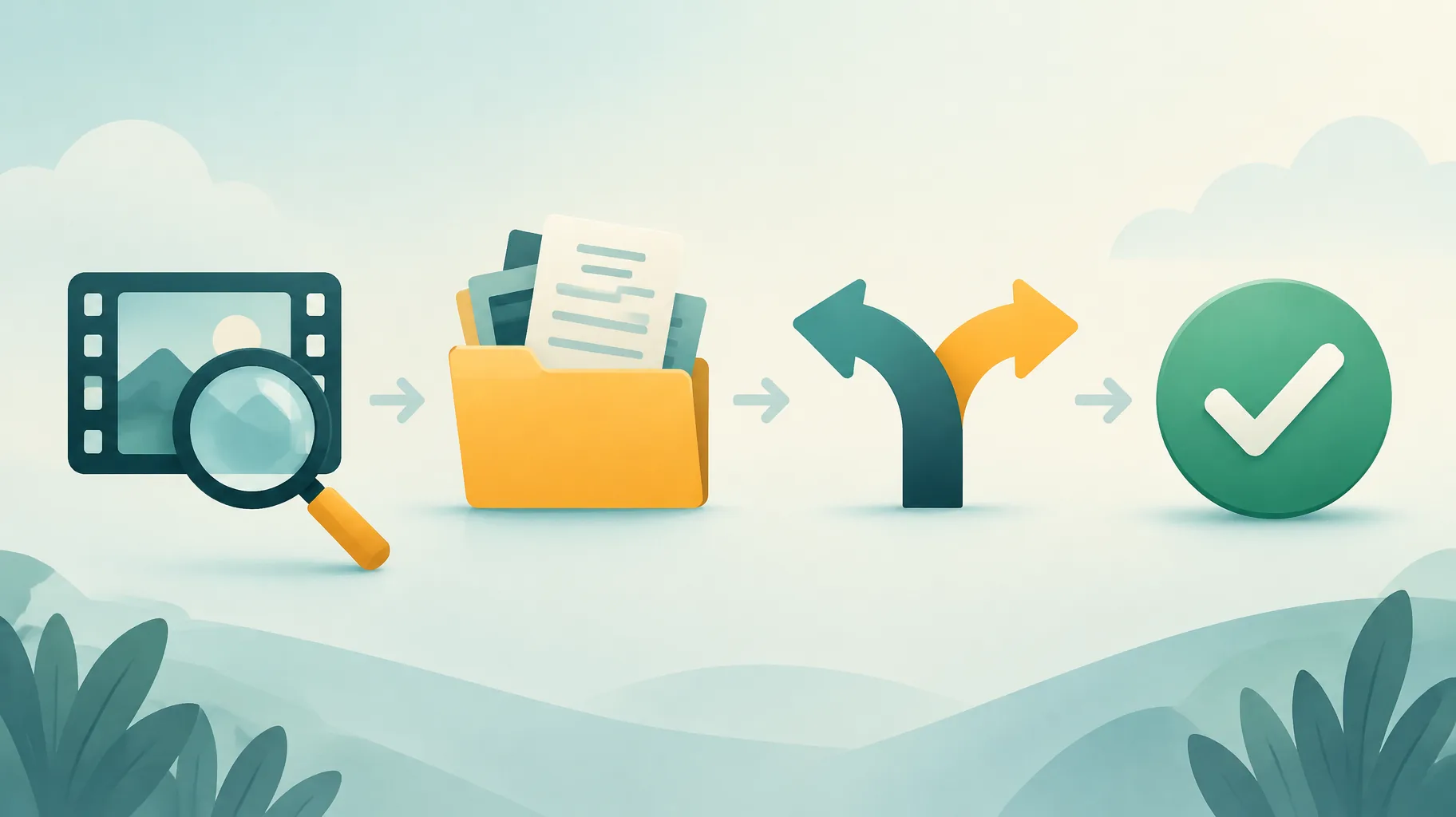
The claim must be resolved. That is the single gate. Once the claim is released, withdrawn, or no longer active because you removed or replaced the claimed content, the Short is eligible for recommendation and monetization again, per YouTube's longer-Shorts documentation. Here is the ordered workflow. Prerequisites: access to YouTube Studio, your asset and license records, and the original project files. Realistic total time: 30 to 90 minutes of your work, plus days to weeks if a dispute goes through review.
- Identify the claimed asset.
Action: Open the video in YouTube Studio and read the claim details: the exact asset, the claimant, the timestamps, and the claim type.
What it requires: Access to the Studio content list and the claim detail panel.
How to tell it worked: You can name the specific claimed segment rather than guessing.
- Pull the rights documentation for that asset.
Action: Locate the license, purchase receipt, or terms page covering that exact asset, and check it against the four verification points above.
What it requires: Organized asset records; if you cannot produce documentation, treat the asset as unlicensed for dispute purposes.
How to tell it worked: You have a document you could attach or quote in a dispute.
- Choose a resolution route.
Action: Dispute the claim with your documentation if your license clearly covers the use; otherwise trim or replace the claimed segment and re-upload, or accept the block and retire the video.
What it requires: A realistic read of your license scope. Disputing a claim your license does not cover wastes the review window.
How to tell it worked: The claim status in Studio changes, or you have a replacement file ready.
- Verify the claim status before treating the upload as distributable.
Action: Confirm in Studio that no active claim remains on the Short, then watch impressions in the Shorts feed over the following days.
What it requires: Patience; a released claim does not instantly restore momentum.
How to tell it worked: The claim field is clear and feed impressions resume.
For step 3, one practical option for the replacement route is to rebuild the disputed segment in an AI faceless-video platform such as GoFaceless (our own product), which assembles script, voiceover, visuals, and captions in one pass, so you can swap a claimed clip for freshly generated visuals without rebuilding the whole video. Whichever tool you use, keep the asset list and license records for every element in the new version, because no generation platform or subscription guarantees a claim-free upload.
How do you prevent the next longer Short from being blocked?
Prevention is a record-keeping habit, not a tool. Keep a per-video asset log listing every clip, track, and image with its source and license, and check that log before uploading anything vertical over one minute. If you are choosing between stock libraries and generated visuals for future uploads, our comparison of stock footage vs AI visuals for faceless videos walks through the rights trade-offs. The creators who resolve claims fastest are the ones who can answer "where did this asset come from" in under a minute.
If you rebuild claimed segments regularly, GoFaceless is one way to turn a revised script into a finished vertical video with AI voiceover, visuals, and captions in a single pass. Plans start at $29/mo on the pricing page, and the asset log habit above still applies to everything you publish.
Sources & further reading
Keep reading

How YouTube Shorts Counts Views and Why It Matters
Learn how YouTube Shorts counts views after its update, what starts and replays mean, and which metrics creators should use alongside views.
When Does YouTube Pay You? Thresholds, Dates, and Holds
YouTube finalizes earnings on the 7th–12th and issues payment on the 21st–26th once you pass the US$100 threshold. Full payment calendar, rollovers, and holds explained.

How 3–7 Second Videos Perform for Engagement
Data-backed analysis of how 3–7 second videos perform on viewability, sharing, conversion, messaging, and algorithm signals.