
YouTube's payment schedule is a fixed monthly cycle: earnings from one month are finalized between the 7th and 12th of the next, and if your finalized balance has reached US$100 and your payment information is complete by the 20th, YouTube issues payment between the 21st and 26th. Balances below US$100 roll forward, and bank arrival takes additional time depending on your payment method.
Key takeaways:
- YouTube's normal payment threshold is US$100, with separate US$10 thresholds for identity verification and payment-method selection, per Google's threshold documentation.
- Previous-month earnings are finalized on the 7th–12th, and payments are issued on the 21st–26th, according to Google's payment-timing documentation.
- A balance under US$100 is not lost or reset; it rolls forward into the following month's total.
- Invalid-traffic investigations can delay a payment by up to 90 days, which is a separate exception from the normal calendar, per YouTube's invalid-traffic policy.
| Stage | When | What happens |
|---|---|---|
| Earnings accrue | Throughout the month | Estimated earnings appear in YouTube Studio |
| Finalization | 7th–12th of following month | Estimated figures become a finalized balance |
| Requirements deadline | 20th | US$100 threshold and payment information must be in place |
| Payment issuance | 21st–26th | YouTube sends the payment |
| Bank arrival | After issuance | Timing depends on your payment method |
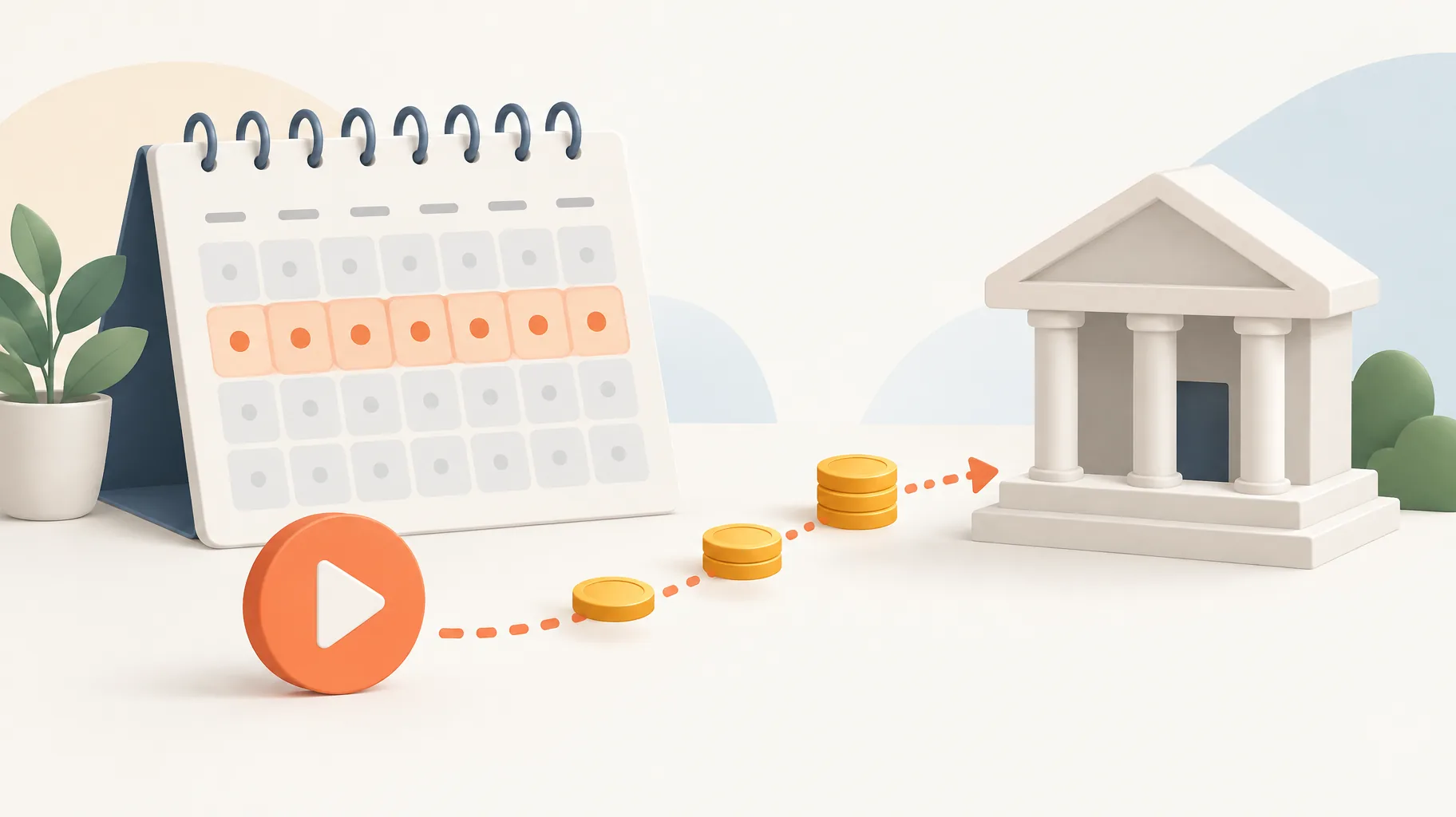
Roughly three weeks separate the close of an earnings month from the earliest possible payment issuance.
| YouTube's monthly payment calendar | |
|---|---|
| Finalization window opens | 7day of month |
| Finalization window closes | 12day of month |
| Threshold and payment-info deadline | 20day of month |
| Issuance window opens | 21day of month |
| Issuance window closes | 26day of month |
What is the YouTube payment threshold in US dollars?
YouTube's normal payment threshold is US$100: your finalized balance must reach that amount before a payment is issued. Two smaller US$10 thresholds sit earlier in the process, one triggering identity verification and one allowing you to select a payment method, according to Google's threshold documentation. A newly monetized channel therefore passes three checkpoints: US$10 to verify, US$10 to choose how you get paid, and US$100 to actually receive money. If you are still working toward monetization itself, our guide to joining the YouTube Partner Program covers the eligibility side.
When are last month's YouTube earnings finalized?
YouTube finalizes the previous month's earnings between the 7th and 12th of the following month, per Google's payment-timing documentation. The revenue figure you watch moving in YouTube Studio during the month is an estimate, not a payable balance. Finalization is when YouTube reconciles that estimate into the confirmed amount that counts toward your US$100 threshold. Treat the in-month Studio number as a forecast and the finalized balance as the only figure worth planning around. If your estimated and finalized numbers diverge sharply, the gap usually traces back to which views actually carried ads, something our breakdown of faceless long-form RPM explains in detail.
What must be completed by the 20th to receive a payment?
By the 20th of the month, two things must be true: your finalized balance must meet or exceed the US$100 threshold, and your payment information requirements must be satisfied, according to Google's payment-timing documentation. Miss either condition and you skip that month's issuance window entirely, even if the money is technically yours. The practical habit is to confirm your payment method, verification status, and any required tax details well before the 20th, because a missing form discovered on the 19th can push your cash back a full month.
Does payment issuance mean the money reaches my bank that day?
No. Payment issuance between the 21st and 26th means YouTube has sent the money, not that your bank has posted it. Google's documentation states that bank-arrival timing depends on your payment method, so two creators paid on the same day can see funds land on different dates, per the payment-timing documentation. A payment marked as issued on the 21st is in transit, and the arrival lag is a property of the transfer method rather than a sign something went wrong. Check the issuance status first before assuming a hold.

What happens if my balance is below the payment threshold?
A balance below US$100 rolls forward in full and combines with the next month's earnings; nothing is forfeited or reset, per Google's payment-timing documentation. Consider a purely hypothetical channel: it finalizes US$40 in January, which rolls over because it is under US$100. It then finalizes US$70 in February, bringing the running total to US$110, which clears the threshold and is paid in the February 21st–26th window. These figures are illustrative only, but the mechanic is exact: rollover is cumulative, so a slow month delays cash rather than destroying it.
Can YouTube delay a payment or deduct earnings it already paid?
Yes, but only through invalid-traffic enforcement, which is an exception to the normal calendar rather than a routine delay. YouTube's policy states that invalid-traffic investigations can delay payments by up to 90 days, and that invalid earnings identified after payment can be "offset against current or future AdSense balances," per YouTube's invalid-traffic policy. That means a deduction months later is a clawback of revenue YouTube judged invalid, not a fee or penalty. If a payment is missing, diagnose in order: below-threshold rollover first, incomplete payment information second, and an invalid-traffic hold only after ruling out both.
How should you plan cash flow around YouTube's payment calendar?
Plan recurring expenses against payments actually received, not against estimated Studio earnings, because finalization, the 20th deadline, and bank-arrival lag all sit between a view and spendable cash. A faceless-video platform subscription is one such recurring production expense: GoFaceless (our own product), for example, turns a topic into a finished short-form video with script, voiceover, visuals, and captions, and its monthly plan is the kind of fixed cost to schedule against confirmed payouts rather than in-month estimates. No production tool changes when YouTube pays you; the calendar above does. Matching your cost cycle to your receipt cycle is what keeps a growing channel solvent between payouts.
Turn your next payout into your next batch of videos
If you want a predictable production cost to schedule against your payment receipts, GoFaceless publishes its plan details openly on the pricing page. Start with the calendar, then build the budget.
Sources & further reading
Keep reading

What RPM to Expect From Faceless Long-Form YouTube Videos
Learn realistic faceless YouTube long-form RPM ranges by niche, audience geography, language, content style, and monetisation strategy.

12 Best Niches for Faceless YouTube Channels in 2026
Compare 12 faceless YouTube niches by commercial intent, shelf life, production fit, competition, and accuracy risk.

Why Is My YouTube Short Over One Minute Blocked by a Copyright Claim?
A YouTube Short over one minute with any active copyright claim is blocked globally. Learn the rule, why it happens, and how to resolve the claim.