
Real Estate Video Generator
Make a property video from your listing photos with GoFaceless. Add the real details, choose the rooms to show and set the message for buyers.
What can you make?
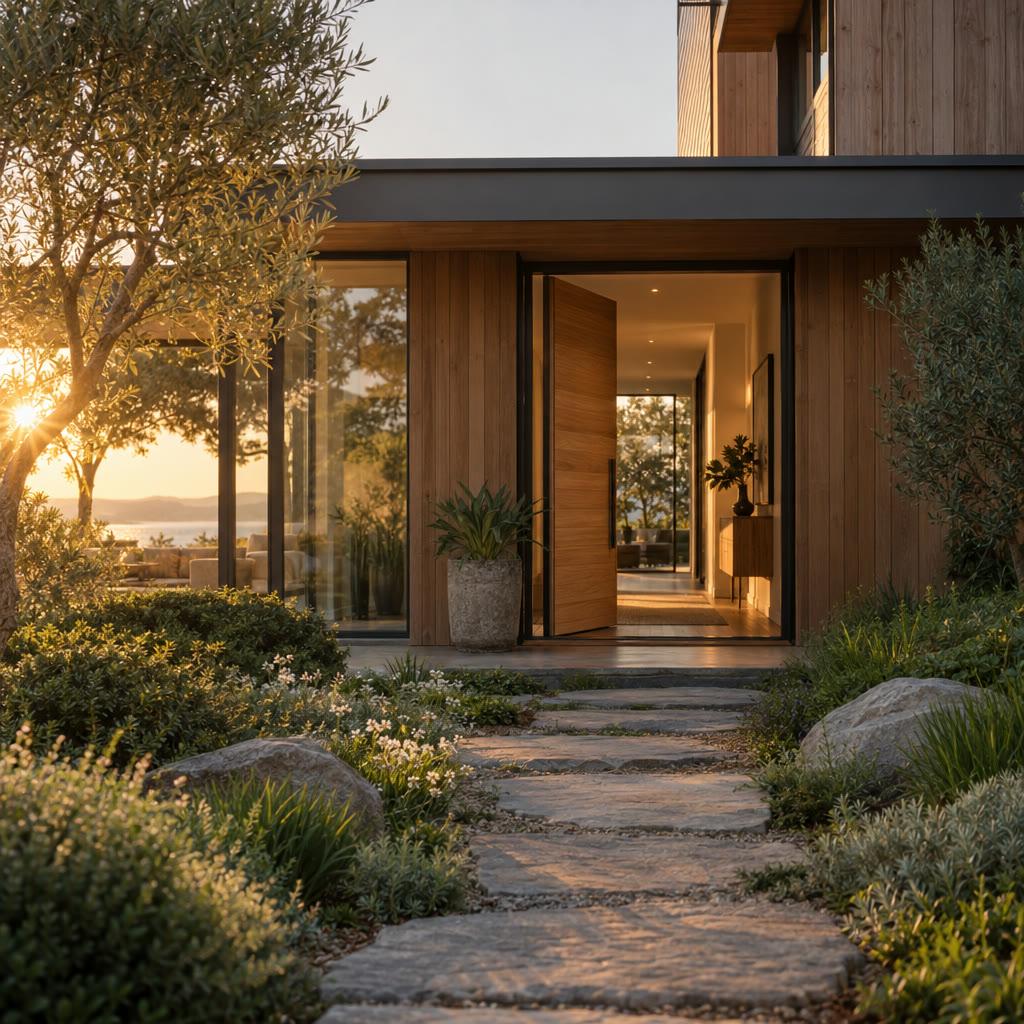
A real estate video presents a property's rooms, features and location in a visual sequence. The listing's actual photos and details should establish what is for sale, while narration helps viewers understand the space and arrange a viewing. In GoFaceless, describe your audience and the result you want, then review the plan before making your video.
Start with your idea
Provide listing photos, accurate property details and the call to action.
“Make a 40-second listing video from these property photos. Show the entrance, living room, kitchen and garden in order. Use only the supplied listing facts.”
Start with Real Estate Video Generator
One clear task, then keep working in your dashboard.
A GoFaceless subscription is required to use this tool in your dashboard.
Three simple steps
- 1
Bring your starting point
Provide listing photos, accurate property details and the call to action.
- 2
Choose the treatment
Choose the room order and key features. Keep real listing facts distinct from any requested conceptual staging.
- 3
Review your video
Check the words, visuals and sound together. Ask for a change in the same workspace before downloading.
What people ask about Real Estate Video Generator
How does Real Estate Video Generator work?
A real estate video presents a property's rooms, features and location in a visual sequence. The listing's actual photos and details should establish what is for sale, while narration helps viewers understand the space and arrange a viewing. In GoFaceless, describe your audience and the result you want, then review the plan before making your video.
What do I need for real estate video generator?
Provide listing photos, accurate property details and the call to action.
Can I use my own listing photos?
Yes. Supply the actual property images and say which view should appear first.
Can it invent rooms or amenities?
A factual listing should use the real property. Label conceptual changes clearly and preserve the actual listing facts.
How do I describe the result?
Choose the room order and key features. Keep real listing facts distinct from any requested conceptual staging.
How do I access Real Estate Video Generator?
Real Estate Video Generator requires a GoFaceless subscription and uses credits for outside processing. GoFaceless shows the price before that work begins.
More tools for the same job
See all toolsProduct URL to Video Generator
Turn a product link into a video with GoFaceless. Bring the page, choose the audience and review the product details, message and scenes.
Open toolProduct Unboxing Video Generator
Plan a product unboxing video with GoFaceless. Supply product and packaging references, then show the opening sequence and the details that matter.
Open toolProduct Demo Video Generator
Show how your product works in a video with GoFaceless. Bring real product references, describe the use and focus on one clear demonstration.
Open tool