

Write mid-roll breaks into a YouTube script by marking completed thoughts and section transitions during the outline stage, then placing potential ad slots only at those points. YouTube's systems favor natural breaks over interruptive ones, and an available slot never guarantees an ad will serve, so the script's job is to offer clean handoff points, not to maximize slot count.
Key takeaways:
- YouTube's May 12, 2025 change favors natural break points over interruptive mid-roll placements, so a slot mid-sentence is now a liability, not a strategy.
- Combining automatic and manual mid-roll slots produced an average 5% revenue increase in YouTube's reported experiments, per its March 24, 2025 announcement.
- An available ad slot does not guarantee an ad will serve; a slot is an invitation to YouTube's ad system, not a booked placement.
- The safest script architecture ends a section with its answer fully delivered, then breaks, so an ad never lands between a question and its payoff.
- Test a revised break structure by comparing retention and revenue per video against your own baseline, not against the 5% experimental average.
What makes a transition a natural place for a mid-roll ad?
A natural mid-roll point is a moment where the viewer has just received a complete unit of information and the next sentence would start a new unit. In practice that means three script events: a finished answer, a scene change, or a explicit pivot phrase ("So that's the cause. Now here's the fix."). YouTube's own mid-roll ads update announcement describes the May 12, 2025 change as favoring "natural breaks" over interruptive placements, which is the platform telling you exactly what its detection looks for.
For faceless explainers and documentaries, natural breaks are easier to engineer than in vlog content because the script is fully written before production. You control where every thought ends. A documentary script that moves from "how the company collapsed" to "what regulators did next" has a built-in break point; a tutorial that finishes step three and introduces step four has another. The test is simple: if you muted the video for 15 seconds at that timestamp, would the viewer return to a completed idea or an abandoned one?
What does not qualify: mid-sentence pauses, cliffhanger cuts between a question and its answer, and transitions inside a single worked example. Those are interruptive placements, and they are precisely what the May 2025 change deprioritizes.
The procedure: marking break points while you write
This is a drafting procedure, not a post-production fix. Total time is roughly 20 to 40 minutes on top of normal scripting for a 15 to 25 minute video. Prerequisites: a finished outline with named sections, and a video long enough to be eligible for mid-rolls at all.
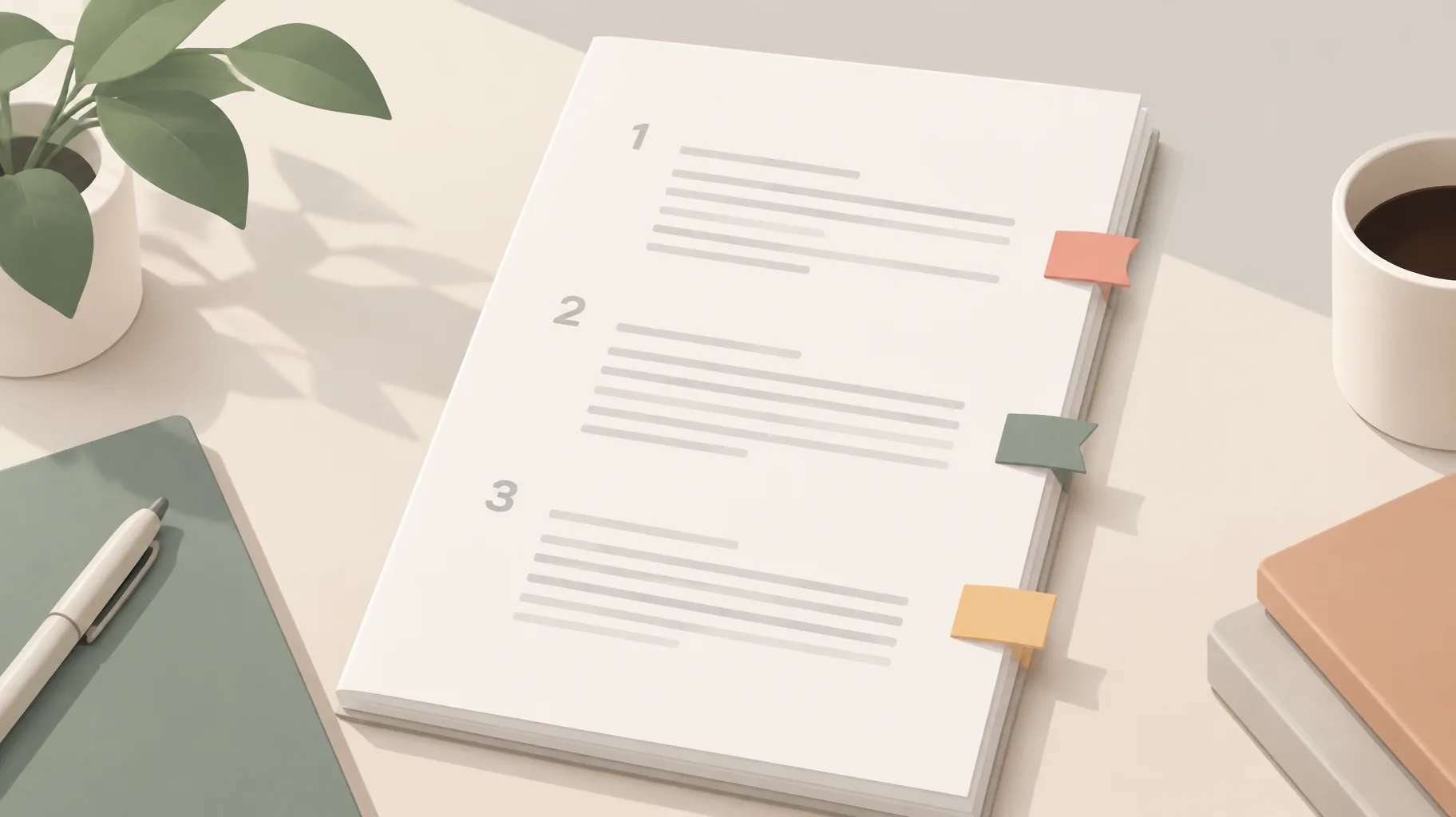
- Write the full script with zero ad thinking.
What it requires: A complete draft where every section ends with its conclusion stated, not teased.
How to tell it worked: Read each section's final sentence aloud. Each one should resolve something, not suspend something.
- Label every section boundary in the draft.
What it requires: A marker like `[BREAK?]` at each point where the topic, scene, or argument changes.
How to tell it worked: A 20-minute explainer typically yields 4 to 7 candidate markers. Fewer than 3 usually means your sections are too long; more than 10 means they are too granular.
- Filter candidates with the mute test.
What it requires: For each marker, ask whether a 15 to 30 second interruption would strand the viewer mid-thought.
How to tell it worked: Delete any marker that sits between a setup and its payoff, inside a numbered step sequence, or inside a single anecdote. Keep only markers after completed thoughts.
- Write a one-line exit and re-entry around each surviving marker.
What it requires: A closing sentence that lands the section ("That's why the first attempt failed") and an opening sentence that re-orients ("The second attempt changed one variable"). This is the same discipline as writing a strong hook, and a reference like a library of proven video hooks is useful for the re-entry lines specifically.
How to tell it worked: Each re-entry line makes sense to a viewer whose attention drifted during an ad.
- Convert surviving markers into manual mid-roll slots after upload.
What it requires: Matching each script marker to its timestamp in the finished video and setting a manual slot there in YouTube Studio.
How to tell it worked: Every manual slot corresponds to a scripted transition, not an arbitrary time interval.
- Review placements against the final narration, not the draft.
What it requires: Watching the rendered video at each slot. Voiceover pacing shifts during production, and a break that was clean on paper can land mid-sentence in the cut.
How to tell it worked: Each slot falls in a pause or at a scene change in the actual audio.
Should an ad break come before or after a section's main answer?
After, always. A mid-roll placed before the answer turns the ad into a toll booth between the viewer and the thing they clicked for, which trains abandonment. A mid-roll placed after the answer lets the section complete, and the next section's opening line does the re-engagement work. The cliffhanger-before-the-ad tactic is also the interruptive pattern YouTube's May 12, 2025 update moved away from, per the platform's announcement.
There is one nuance for tutorial scripts: if a section's answer is a multi-step process, the break belongs between completed steps, never between a step's instruction and its result. "Add the layer mask" followed by an ad followed by "here's what that did" is an interruptive placement wearing a section break's clothes.
Should I combine automatic and manual mid-roll placements?
Yes, and this is the one configuration with platform-reported evidence behind it. YouTube's March 24, 2025 announcement reported an average 5% revenue increase in experiments combining automatic and manual mid-roll slots. A YouTube support clarification identifies a July 2024 experiment showing over 5% higher advertising revenue versus manual mid-rolls alone, though the supplied sources report no sample size or confidence intervals, so treat the figure as directional rather than guaranteed.
Both reported experiments point to a lift of about 5% or slightly more, but neither publishes sample size or confidence intervals.
| Reported revenue lift from combining automatic and manual mid-rolls | |
|---|---|
| March 2025 announcement (average increase) | 5% |
| July 2024 experiment (vs manual alone) | 5% |
The practical reading: place manual slots at your scripted natural breaks, then leave automatic placement enabled so YouTube can use additional inventory your script did not mark. Manual slots encode your editorial judgment; automatic slots cover the gaps. This is also where production tooling helps indirectly. A platform like GoFaceless (our own product) builds a video as clearly separated scenes from the script, which makes it easier to see where narration transitions actually land when you revise, though the final decision about which slots serve ads always stays on YouTube's side.
Does every mid-roll slot actually show an ad?
No. A mid-roll slot is an opportunity YouTube's ad system may fill, not a reservation. The May 2025 announcement states plainly that an available ad slot does not guarantee an ad will serve. Whether an ad appears depends on advertiser demand, the viewer, and the platform's own delivery logic, none of which the script controls.
This distinction matters for how you write. If slots were guaranteed ads, interruptive cliffhanger placement might be a defensible trade. Because they are not, the only thing your script reliably controls is viewer experience at the break point. Write for the case where no ad serves: the transition must still work as a clean scene change, because for many viewers that is all it will ever be.
Should I add more breaks just to increase potential ad slots?
No. Adding slots beyond your script's natural transitions manufactures interruptive placements, which the May 12, 2025 change specifically deprioritizes, and each extra slot still carries no guarantee of serving. You are trading away retention, which affects every video you publish, for potential inventory that may never fill.
The better lever is section count at the outline stage. A 20-minute documentary structured as five complete chapters has four honest break points. The same material stretched into nine fragments has eight candidate points, most of which fail the mute test. If you want more natural slots, write more complete sections, not more cuts. Creators planning around overall channel economics should also remember that mid-rolls are one input among several; our breakdown of what RPM to expect from faceless long-form videos covers how ad revenue sits alongside the other sources RPM bundles together.

How should I test a revised break structure without assuming a guaranteed revenue lift?
Treat the 5% figure as a hypothesis about the population of YouTube channels, not a promise about yours. Run the test against your own baseline: pick four to six upcoming videos of similar length and topic, apply the scripted natural-break structure to them, and compare their retention curves and per-video ad revenue against your previous four to six comparable uploads. Check retention specifically at each break timestamp; a natural break should show little to no drop-off beyond your channel's normal decline, while an interruptive one typically shows a visible cliff.
Keep the test clean by changing one thing. Do not simultaneously change video length, topic, and break structure, or you will not know which variable moved. And keep records of what you changed: the same discipline behind saving production records for every AI-assisted video applies here, because a revenue comparison you cannot reconstruct six weeks later is not a test, it is a vibe.
Putting it into practice
The whole method reduces to one habit: end every section with its answer delivered, mark the boundary, and let YouTube decide what serves there. If you want a faster way to draft scripts with clearly separated scenes you can revise around those transitions, GoFaceless turns a topic into a full script, voiceover, and visuals in one pass, and you can try it on your next script. The editorial judgment about where a thought ends, though, stays with you.
Sources & further reading
Keep reading
Who Gets YouTube Revenue While a Content ID Claim Is Disputed?
During a Content ID dispute, YouTube holds the revenue and pays the winner after resolution. Learn how the five-day dispute window decides what gets held.
Can YouTube Take Back Revenue After It Has Paid You?
Yes, YouTube can offset invalid-traffic earnings against your AdSense balance even after payment. Learn how clawbacks, delays, and yellow icons differ.
Upload YouTube Video Privately Before a Scheduled Release?
Should you upload a YouTube video privately before a scheduled launch? Yes — private uploads still get ad-suitability checks, and decisions can take up to 24 hours.