

Yes. YouTube can take back revenue after it has paid you when those earnings are tied to invalid traffic. YouTube states that invalid-traffic earnings may be offset against a creator's current or future AdSense for YouTube balance, including after payment has been calculated or paid, and that an investigation can delay payment by up to 90 days.
Key takeaways:
- YouTube can offset invalid-traffic earnings against a current or future AdSense for YouTube balance even after payment has been calculated or paid.
- An invalid-traffic investigation can delay payment by up to 90 days, and ad serving can be limited while video views stay consistent.
- Editing, deleting, or unlisting a video does not recover invalid-traffic earnings.
- A revenue drop with steady views usually points to limited ad serving or a balance adjustment, not a view-counting error.
- An invalid-traffic restriction is a separate event from a yellow advertiser-suitability icon and from full channel demonetization.
Can YouTube take back money after paying you?
Invalid-traffic revenue recovery is YouTube's process of reclaiming ad earnings that came from clicks or impressions it later classifies as invalid, and it applies even after the money has been paid out. According to YouTube's invalid-traffic documentation, earnings "associated with invalid traffic may be offset against a creator's current or future AdSense for YouTube balance," including after payment has been calculated or paid. The common misconception is that a completed payout is final. It is final for legitimate traffic, but the invalid-traffic clause keeps those specific earnings reversible.
Most panic about "clawbacks" comes from confusing three different events: an invalid-traffic offset, an ordinary payout delay, and a yellow advertiser-suitability icon. The sections below separate them, because the correct response to each is different.
How does YouTube deduct invalid-traffic earnings from future payments?
YouTube deducts invalid-traffic earnings by offsetting them against your current or future AdSense for YouTube balance, not by invoicing you or pulling money from your bank account. In practice, the deduction appears as a downward adjustment that reduces a later payment. An illustrative example: if $60 of a previous month's earnings is later classified as invalid and your next finalized earnings total $200, the offset reduces what you actually receive to $140. You never write YouTube a check, but your expected deposit shrinks. This is why a deduction can surface weeks after the views that caused it, and why the month the money disappears often has nothing to do with the month the traffic occurred.
Why can my YouTube revenue fall while my views stay the same?
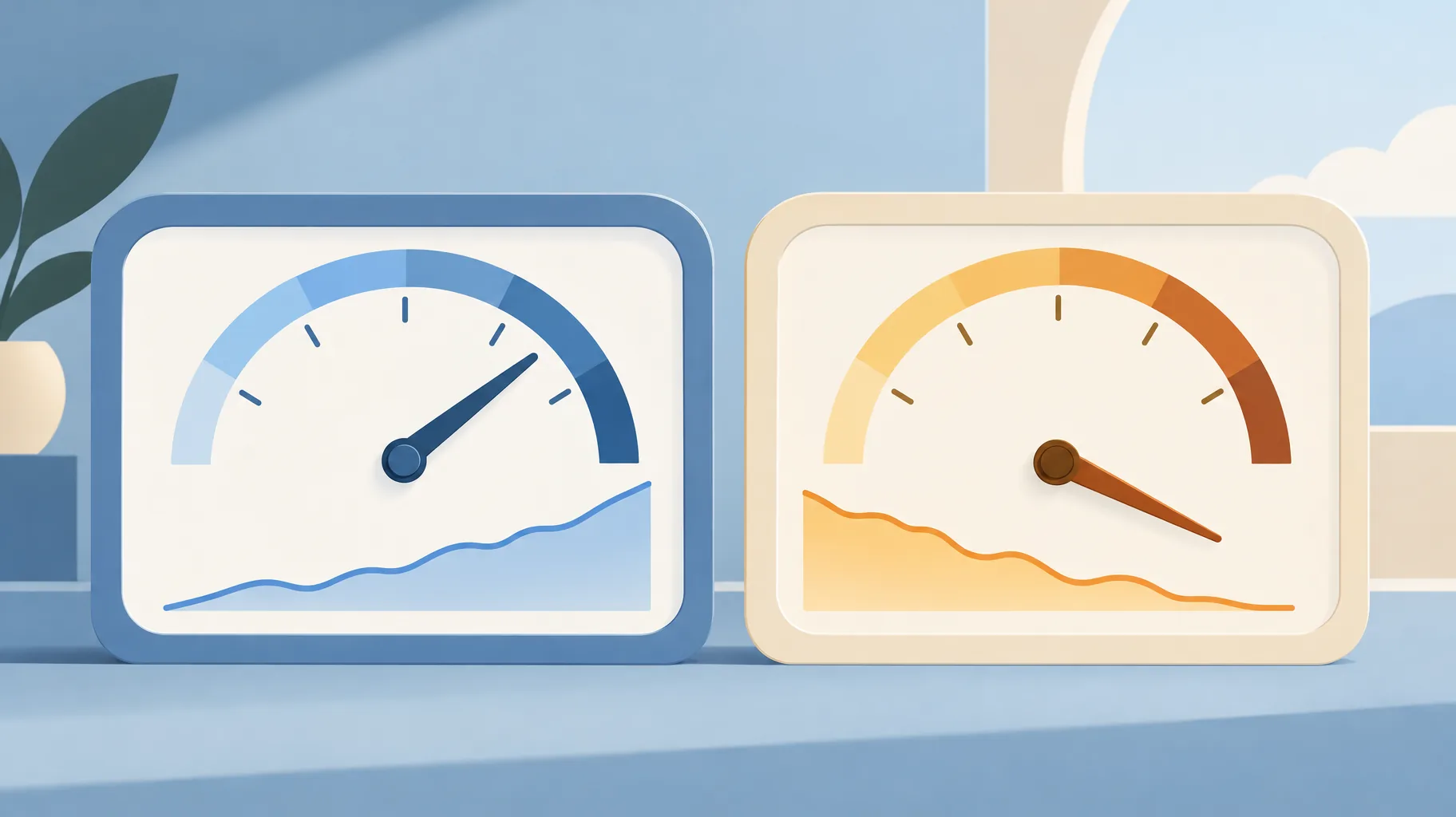
Your YouTube revenue can fall while views stay flat because ad serving can be limited during an invalid-traffic review, and YouTube confirms ad serving can be limited while video views remain consistent. Revenue depends on monetized playbacks and ad rates, not raw view counts. When ad serving is limited, the same 100,000 views generate far fewer monetized impressions, so earnings drop even though the view counter looks healthy. Before assuming a counting error, check whether monetized playback volume or ad availability changed. Steady views with falling revenue is the classic fingerprint of an ad-serving limitation, not an audience problem.
Will deleting or unlisting a video restore invalid-traffic earnings?
No. Deleting, unlisting, or editing a video will not restore invalid-traffic earnings, because YouTube states that editing, deleting, or unlisting videos does not recover those earnings. The adjustment attaches to the traffic and to your account balance, not to the video as an object. Removing the video after the fact changes nothing about clicks that already happened. Worse, deletion destroys the upload record you would need to review what actually occurred. Treat deletion as a last resort for genuine policy problems, never as a revenue-recovery tactic, because it is not one.
How long can an invalid-traffic investigation delay payment?
An invalid-traffic investigation can delay payment by up to 90 days, per YouTube's invalid-traffic documentation. That is much longer than the ordinary payout cycle, which runs on a fixed monthly schedule with a payment threshold. If your payment is a few days late inside the normal window, that is scheduling, not an investigation. If a payment stalls for weeks with no explanation and your revenue has been falling despite steady views, an invalid-traffic review is the more likely cause. For the baseline dates and thresholds that define "normal," see the ordinary AdSense for YouTube payment schedule before assuming the worst.
Is an invalid-traffic restriction the same as a yellow monetization icon?
No. An invalid-traffic restriction concerns the quality of clicks and impressions, while a yellow icon is an advertiser-suitability decision about your content, and YouTube explicitly distinguishes the two in its invalid-traffic documentation. Confusing them leads creators to edit or delete videos when the real issue is traffic quality.
| Signal | Invalid-traffic adjustment | Ordinary payout delay | Yellow icon |
|---|---|---|---|
| Trigger | Clicks or impressions classed as invalid | Fixed monthly schedule and threshold | Advertiser-suitability review of content |
| Money effect | Offset against current or future balance | Payment arrives later, in full | Limited or no ads on that video |
| Duration | Investigation can delay payment up to 90 days | Days, on a known calendar | Until review or edit resolves it |
| Right response | Audit traffic sources, wait out review | Check payment schedule | Request review or adjust content |

Does a revenue deduction necessarily mean my whole channel is demonetized?
No. A revenue deduction is a balance-level adjustment, not a channel-level monetization decision. An invalid-traffic offset removes specific earnings while your channel remains monetized and keeps earning on new, legitimate traffic. Full demonetization is a separate enforcement action with its own notice and appeal path. If your channel's monetization is actually suspended rather than adjusted, the response is a formal appeal, and creators who prefer not to appear on camera can still make a monetization appeal video without showing their face. Read the notice in YouTube Studio carefully before acting, because the fix for a deduction and the fix for demonetization share almost nothing.
How should a faceless creator budget around reversible revenue?
Budget against settled revenue, not estimated revenue. YouTube's own ecosystem treats unsettled figures as provisional: Shopping affiliate commissions, for example, pay out 60 to 120 days after purchase precisely so returns can reverse them. Ad earnings carry the same property through the invalid-traffic offset. If you use an AI faceless-video platform such as GoFaceless to raise output volume, fund that production from revenue that has already cleared, not from a dashboard estimate. No production tool prevents invalid traffic or reverses a deduction, so volume decisions should assume some earnings can move after the fact. Keeping production records for every AI-assisted video also gives you a paper trail if you ever need to reconstruct what a deducted video actually contained.
The bottom line
YouTube can and does reclaim invalid-traffic earnings after payment, through balance offsets rather than invoices. Deleting videos changes nothing, and steady views with falling revenue usually means limited ad serving. If you produce faceless videos at volume and want production costs tied to revenue that has actually settled, GoFaceless plans start at $29 per month, with the full script-to-export pipeline in one pass.
Sources & further reading
Keep reading

Who Gets YouTube Revenue While a Content ID Claim Is Disputed?
During a Content ID dispute, YouTube holds the revenue and pays the winner after resolution. Learn how the five-day dispute window decides what gets held.
Upload YouTube Video Privately Before a Scheduled Release?
Should you upload a YouTube video privately before a scheduled launch? Yes — private uploads still get ad-suitability checks, and decisions can take up to 24 hours.

Why Can't You Add YouTube Shopping Tags? Check Your Music
YouTube says videos using Creator Music revenue-sharing tracks are not eligible for Shopping features. Here's how product-video creators should choose music.