
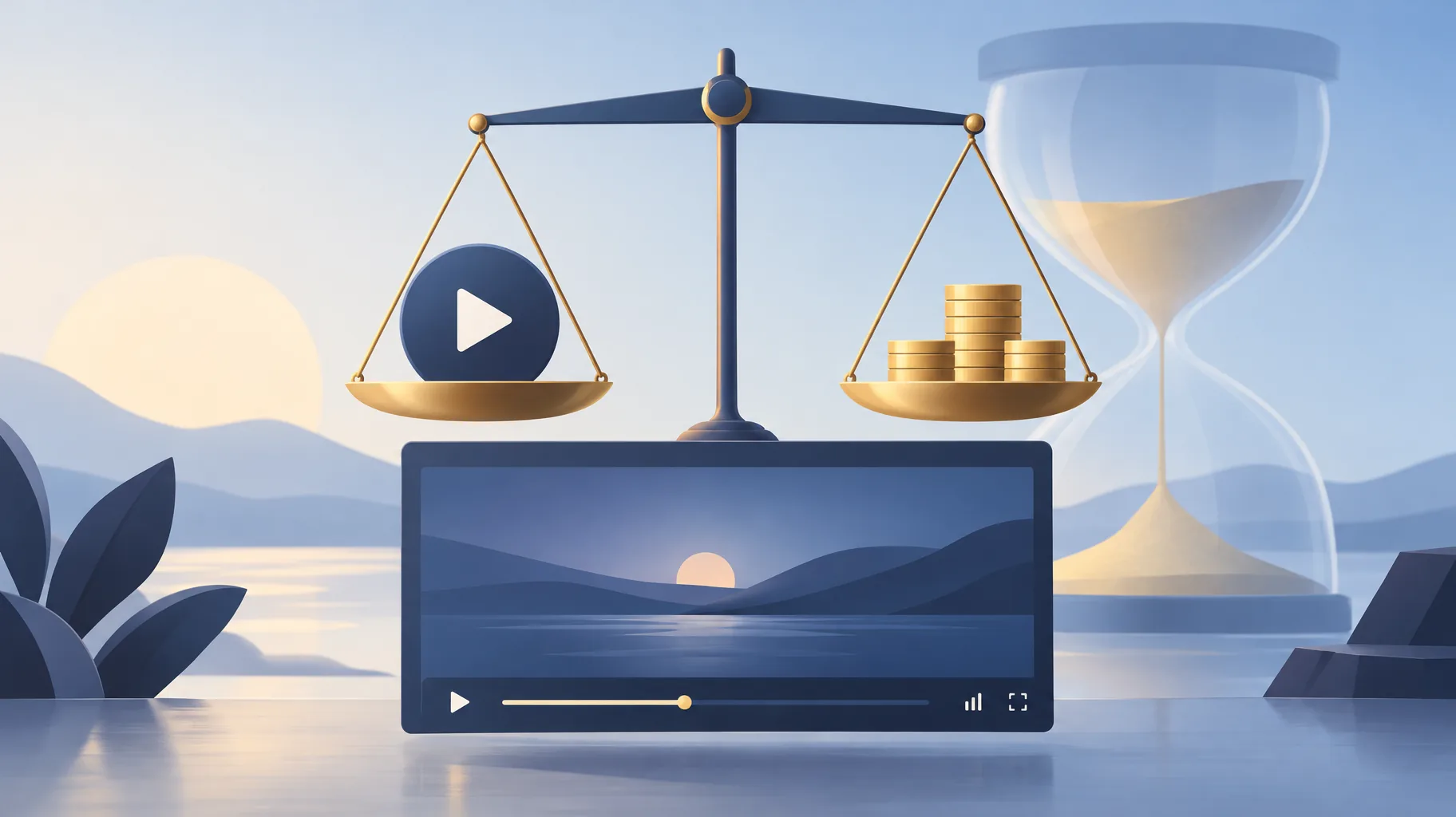
YouTube Content ID dispute revenue is the money a claimed video earns while the claim is being challenged, and during the dispute neither side receives it. YouTube holds the revenue in escrow and pays it to the appropriate party once the claim is resolved. If you dispute within five days, the hold reaches back to the original claim date; if you wait longer, only revenue from the dispute date onward is protected.
Key takeaways:
- During an active Content ID dispute, YouTube holds the video's revenue and pays it to whichever party wins after the claim is resolved, per YouTube's dispute documentation.
- Disputing within five days of the claim holds revenue starting from the original claim date; disputing after five days holds revenue only from the dispute date.
- Revenue data does not appear in YouTube Analytics during an active dispute or appeal, so a missing revenue line is normal, not a tracking error.
- If the claim is released, the dispute-period revenue data is added to YouTube Analytics later, and the held money is paid out to you.
- These holding rules apply specifically when both the creator and the claimant want to monetize the video.
What happens to my YouTube revenue while I dispute a Content ID claim?
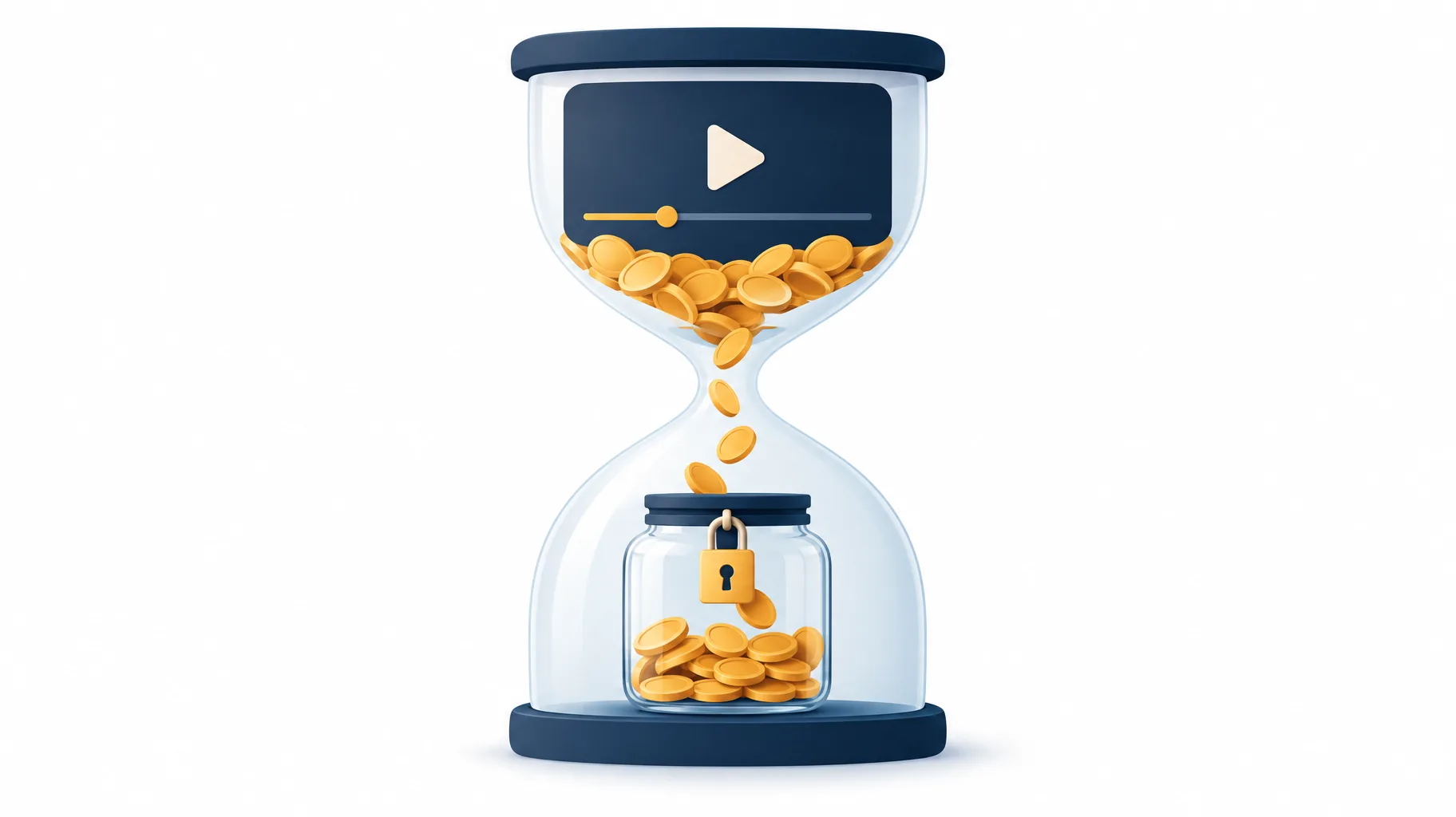
While a Content ID claim is under dispute, the video's ad revenue goes into a holding state: YouTube collects it but releases it to no one until the dispute concludes. Once the claim is resolved, the held revenue is paid to the appropriate party, meaning you receive the back pay if you win and the claimant receives it if you lose, according to YouTube's Content ID dispute documentation. The money is not deleted, split, or absorbed by YouTube; it waits for an outcome.
This matters because a dispute is not a freeze on the video itself. Unless the claimant takes separate action, the video can keep earning, and those earnings keep accumulating in the held balance. Think of it as a escrow account attached to one video, not a penalty on your channel or your AdSense for YouTube payments for other content.
What changes if I dispute a Content ID claim within five days?
Disputing a Content ID claim within five days of the claim date changes how far back the revenue hold reaches: the hold starts from the original claim date, so every dollar the video earned from the moment it was claimed is protected while the dispute runs. This rule applies when both you and the claimant want to monetize the video, per YouTube's dispute policy.
The practical difference is easiest to see with dates. Say a claim lands on November 1 and the video earns roughly $20 a day:
- Dispute filed November 4 (within five days): revenue from November 1 onward is held for you. If you win, you recover the full period.
- Dispute filed November 12 (after five days): revenue from November 1 through November 11 is not covered by the hold; the hold starts November 12.
The five-day window is a financial deadline, not a permission slip. Filing fast protects revenue only if you have legitimate grounds, such as owning the content or having a license. A fast but unsupported dispute still fails, and repeated invalid disputes carry their own risk. If you are unsure whether your use qualifies, it is worth understanding whether you own the copyright to an AI-generated video before treating a claim as obviously wrong.
Who receives the money held during a Content ID dispute?
The money held during a Content ID dispute is paid to the appropriate party after the claim is resolved: the creator if the claim is released, or the claimant if the claim is upheld. YouTube's documentation states the held revenue goes to whichever side prevails, not to YouTube itself, per its Content ID dispute reference.
Two outcomes follow from this:
- You win: the entire held balance, covering the protected period, is paid to you through the normal monetization pipeline.
- The claimant wins: the held balance goes to the claimant, which is the same result as if you had never disputed, except the five-day rule may have limited what was held in the first place.
Because the loser gets nothing extra and the winner gets the back pay, disputing with genuine grounds costs you little beyond time. The real cost sits on the other side: waiting past five days quietly shrinks the pool of revenue you can recover even when your dispute is valid.
Why is revenue missing from YouTube Analytics during a dispute?
Revenue is missing from YouTube Analytics during a dispute because YouTube does not report earnings data for a video while a Content ID dispute or appeal is active. The gap is a deliberate reporting hold, not a sign that the video stopped earning or that your Analytics is broken, per YouTube's dispute documentation.
This trips up creators who check Analytics a week into a dispute and see a suspicious zero. The views are still counted; the revenue line is simply suppressed until there is an outcome to report. If you are forecasting channel income or comparing when YouTube pays you against your Analytics dashboard, treat any disputed video as an unresolved line item rather than a loss.
When does dispute-period revenue data appear if the claim is released?
If a Content ID claim is released, the revenue data for the dispute period is added to YouTube Analytics later, backfilling the gap that the reporting hold created. The data does not appear the moment the dispute closes; YouTube adds it after resolution, per the same dispute reference.
So the sequence is: dispute closes in your favor, held revenue is scheduled for payout, and the Analytics revenue figures for the disputed days show up afterward. If your dashboard still shows a hole the morning after you win, that lag is expected. Check again before assuming the back pay failed, and remember that Analytics reporting and AdSense for YouTube payment timing run on separate tracks.
Do these revenue-holding rules apply when both parties want to monetize?
Yes, the revenue-holding and five-day rules apply specifically to the case where both the creator and the claimant want to monetize the video, meaning the claim is a monetization claim rather than a block or a tracking-only claim. YouTube frames the entire holding mechanism around this shared-monetization scenario in its dispute documentation.
If the claimant has chosen to block the video instead, there is no ad revenue to hold because the video earns nothing while blocked. If the claim is tracking-only, your monetization continues untouched. The dispute timeline above matters precisely when money is on the table for both sides, which is the most common situation for claimed music or footage on an otherwise monetized channel.

How can I reduce the chance of a dispute before I publish?
The cheapest Content ID dispute is the one you never file, and the highest-leverage step is choosing audio and footage whose licensing status you can document before upload. Keep the license or purchase record for every track and clip in the video, because that record is what turns a dispute from a guess into a claim you can win. Creators who save production records systematically, as described in the production records worth keeping for every AI-assisted video, can respond inside the five-day window with evidence instead of scrambling.
One practical workflow step is selecting an explicitly licensed soundtrack during AI-assisted production. A platform like GoFaceless (our own product) includes music as part of generating a finished video from a topic, which gives you a single place where the audio choice is made deliberately rather than grabbed afterward. That said, using any creation platform does not itself establish grounds for a dispute; only the underlying license does, so keep the documentation regardless of how the video was made.
If a claim does arrive, check the claim date immediately, decide whether your grounds are real, and file within five days when they are. The revenue you protect is the revenue the video already earned.
Keep the claim date on your radar
Content ID disputes reward creators who act quickly with evidence and wait calmly through the Analytics gap. If you produce faceless videos regularly, building licensed-audio selection into your workflow is one way to make disputes rarer; GoFaceless handles script, voiceover, visuals, captions, and music in one pass, and plans start at $29 a month. Whatever tool you use, save your licenses and watch the five-day clock.
Sources & further reading
Keep reading
Why Is My YouTube Short Over One Minute Blocked by a Copyright Claim?
A YouTube Short over one minute with any active copyright claim is blocked globally. Learn the rule, why it happens, and how to resolve the claim.
Can YouTube Take Back Revenue After It Has Paid You?
Yes, YouTube can offset invalid-traffic earnings against your AdSense balance even after payment. Learn how clawbacks, delays, and yellow icons differ.
Upload YouTube Video Privately Before a Scheduled Release?
Should you upload a YouTube video privately before a scheduled launch? Yes — private uploads still get ad-suitability checks, and decisions can take up to 24 hours.