
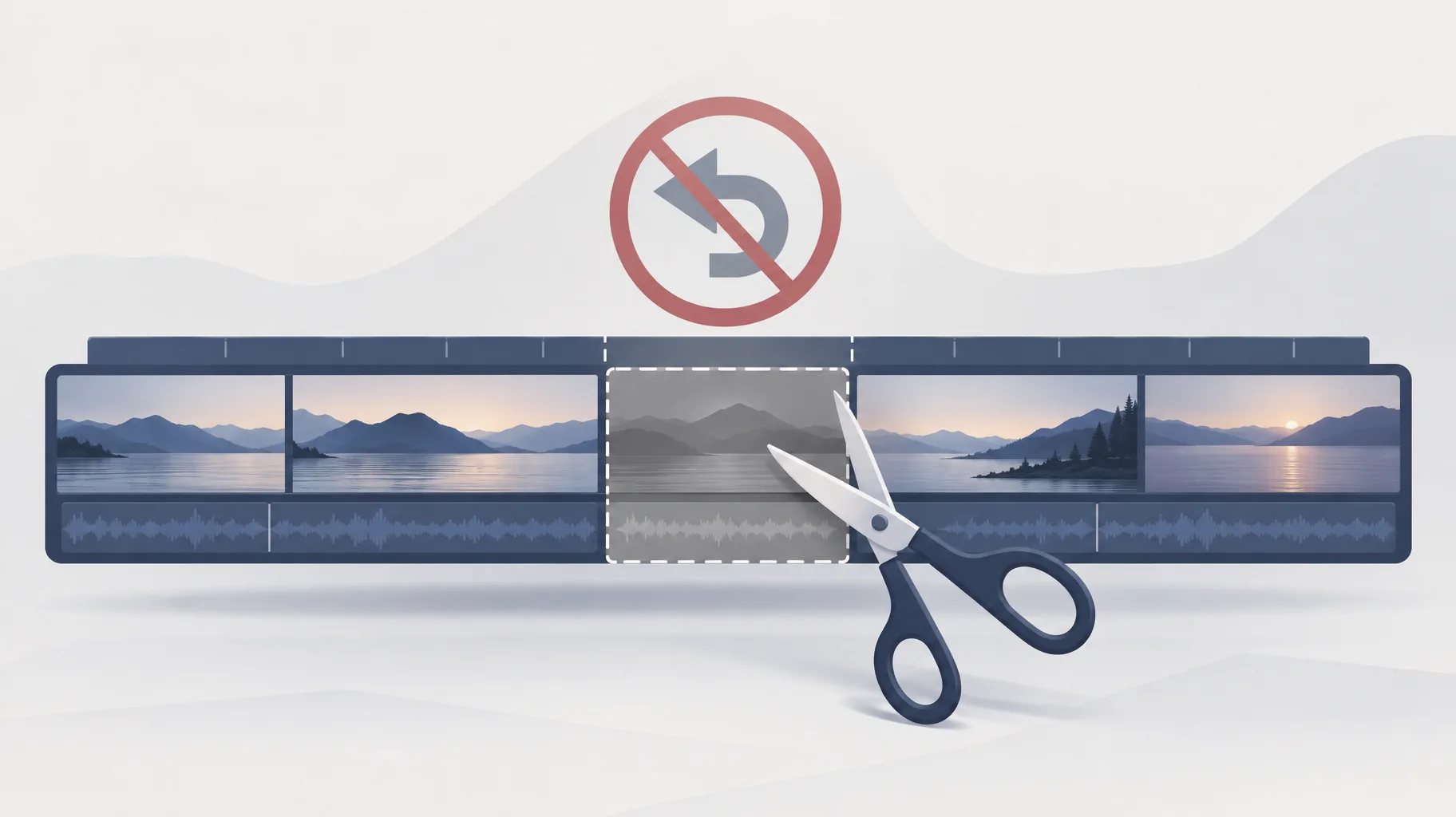
A saved YouTube Studio trim is a permanent edit to a published video, and no, it cannot be undone after saving. YouTube's documentation states that as of June 2025, saved Studio Editor changes can no longer be reversed using the Revert to original option, so the trimmed version replaces your earlier cut for good.
Key takeaways:
- YouTube removed the Revert to original safety net for saved Studio Editor changes as of June 2025; the documentation gives the month, not an exact implementation day.
- Trimming a published video can preserve its URL, view count and comments, so the upload's identity survives even though the earlier cut does not.
- YouTube Studio's trimming editor is only available for videos shorter than six hours.
- A master file you kept yourself is the only way to publish the pre-trim cut again, and using it means a new upload, not an undo.
Where did YouTube Studio's Revert to original option go?
YouTube retired it. The company's trimming and editing documentation says that as of June 2025, saved Studio Editor changes can no longer be undone using what the documentation calls "Revert to original," and it specifies the implementation month rather than an exact day. In practical terms, every save in the Studio Editor is now a commitment: the moment you confirm a trim, the previous cut stops being recoverable anywhere inside YouTube.
This changes how you should treat the editor. Studio used to behave like a non-destructive tool where you could experiment and roll back. It now behaves like a pair of scissors: measure twice, cut once. If you are trimming to test whether a tighter intro helps retention, make that decision before you click save, because there is no longer an in-platform way to compare against the version you started with.
Does trimming a published YouTube video keep its URL, views and comments?
Yes. YouTube says that trimming can preserve the existing video's URL, view count and comments, so the upload's identity survives the edit. A tutorial with three years of accumulated comments keeps every one of them after you trim a slow opening. What disappears is only the footage you cut.
This is the distinction worth internalizing: trimming preserves an upload's identity, not its original edit. The URL still works, the view counter keeps climbing from where it was, and the comment thread stays intact. But the video file behind that identity is now the trimmed version, permanently. Creators sometimes hear "your views and comments are safe" and assume the old cut is safe too. It is not. Identity and edit are two separate things, and since June 2025 only one of them is protected.
What should I back up before saving a YouTube Studio edit?
Back up everything you would need to rebuild the video without YouTube's help, because the platform will no longer keep the old version for you. At minimum, that means four items saved outside YouTube before you open the Studio Editor:
- Clean master export: the full-resolution, final mix of the video exactly as published.
- Project or generation files: whatever your editor or AI video tool produced, so you can re-export variations.
- Caption and subtitle files: small, easy to lose, and tedious to recreate.
- Thumbnail and metadata: the description, tags and end-screen details, copied into a text file.
The same discipline applies to anything you produce with AI assistance; the full checklist of production records worth saving for every AI-assisted video covers this in more detail. And if your reason for trimming is one bad section, consider whether fixing that section at the source is safer than committing a destructive platform-side cut.
Can I use YouTube Studio Editor on a video that is six hours long?
No. YouTube's documentation states that the trimming editor is available for videos shorter than six hours, so a video that is exactly six hours or longer cannot be trimmed in Studio at all. The limit is a hard eligibility rule, not a performance warning.
That matters most for long-form creators: full podcast recordings, livestream archives and marathon streams regularly cross the six-hour line. For those, the only route is to download the video, edit it in desktop software and upload the new cut as a fresh video with a new URL, starting its view count and comments from zero. Given that trade-off, many creators leave the long original untouched and publish the tightened version as a separate upload.

Does keeping the original video file let me reverse the saved Studio edit?
No, not in the way most people mean by "reverse." Keeping the original file lets you publish the old cut again as a new upload, but it does not restore YouTube's removed undo capability, and it does not put the pre-trim version back behind the existing URL. The saved trim on the current video stays exactly as it is.
Think of your master file as insurance, not a time machine. If the trim turns out to hurt the video, your options are to live with it or re-upload the original and rebuild momentum on a fresh URL. This is why the backup habit has to happen before the edit, not after. If you produce videos with an AI faceless-video platform, one practical approach is to export and retain a clean master at generation time; GoFaceless, for example, includes preview and export controls on plans from $29/mo, so the master sits in your storage before you ever touch Studio. Be clear about what that buys you: a recoverable asset, not a recovered undo button.
Keep the master, then trim
YouTube will not keep your pre-trim cut for you anymore, so the only reliable safety net is one you build yourself. If you want a workflow where the script, voiceover, visuals and captions are generated in one pass and the finished master is always yours to export first, you can try GoFaceless as one way to do that.
Sources & further reading
Keep reading
Video Clip Too Short for Voiceover? How to Fix the Timing Gap
Video clip too short for voiceover? Compare extending, slowing down, or adding a shot, with Adobe's documented 2-second generative extension limits.

What to Look for in an AI Video Tool
Evaluate AI video tools for production speed, viewer engagement, ownership, disclosure, and platform compliance before you publish.

Why Did My AI Video Download Link Expire?
AI video download links expire because APIs issue temporary delivery URLs, not storage. Runway output URLs last 24-48 hours. Here's how to recover and prevent it.