
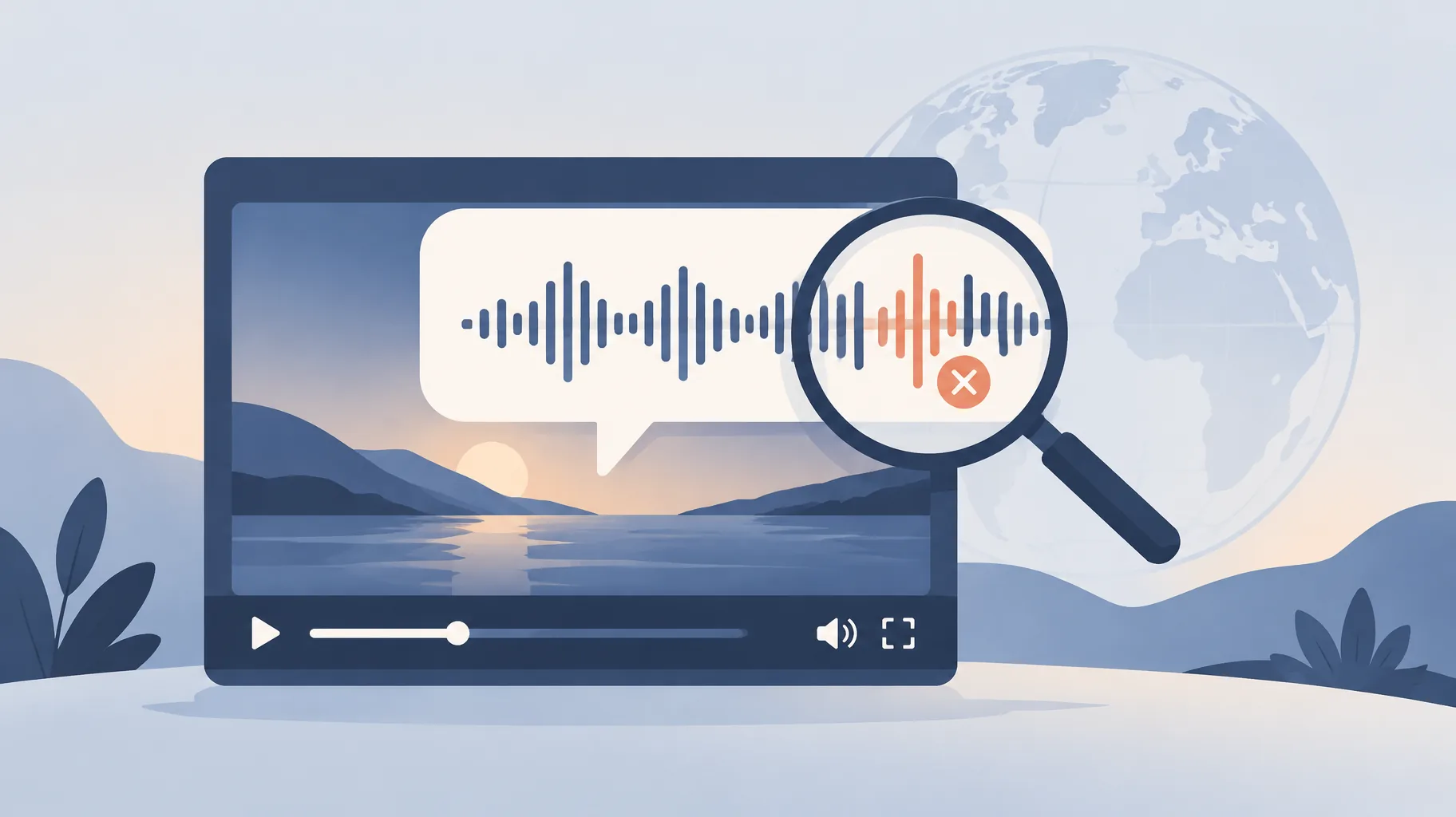
You cannot edit a YouTube automatic dub word by word. To fix a mistranslation, review the dub before publication, correct the video's assigned original language if YouTube misdetected it (which triggers regeneration), and unpublish or delete any inaccurate track. If precision matters, replace the dub with an externally produced, editable localized audio track.
Key takeaways:
- YouTube's help documentation states that automatic dubs "cannot be edited"; creators can only review them before publication and manage their publication or deletion (YouTube Help).
- Correcting an incorrectly assigned original language causes YouTube to automatically regenerate the dub, which is the only built-in way to change dub content (YouTube Help).
- YouTube warns that dubbing errors commonly involve pronunciation, accents, dialects, background noise, proper nouns, idioms, and jargon.
- YouTube reported on September 10, 2025 that creators using multi-language audio received, on average, over 25% of watch time from non-primary-language views, based on data as of July 2025 (YouTube Official Blog).
- A mistranslated technical term or proper noun cannot be patched inside YouTube; it requires deleting the track or uploading a replacement you produced and edited elsewhere.
Can I edit individual words in a YouTube automatic dub?
No. YouTube's automatic dubbing documentation says plainly that automatic dubs "cannot be edited," and the platform offers no word-level, phrase-level, or timeline-level correction tool for generated audio (YouTube Help). Your only controls are at the whole-track level: review before publication, publish, unpublish, or delete. This is the single most important fact in any plan for how to fix YouTube auto dubbing, because it means every correction strategy is a selection strategy, not an editing strategy. You either accept the generated track as-is, force a full regeneration by fixing the original language setting, or replace the audio entirely with a track you produced outside YouTube. There is no fourth option, and no support request that unlocks manual edits.
How do I fix YouTube auto dubbing step by step?
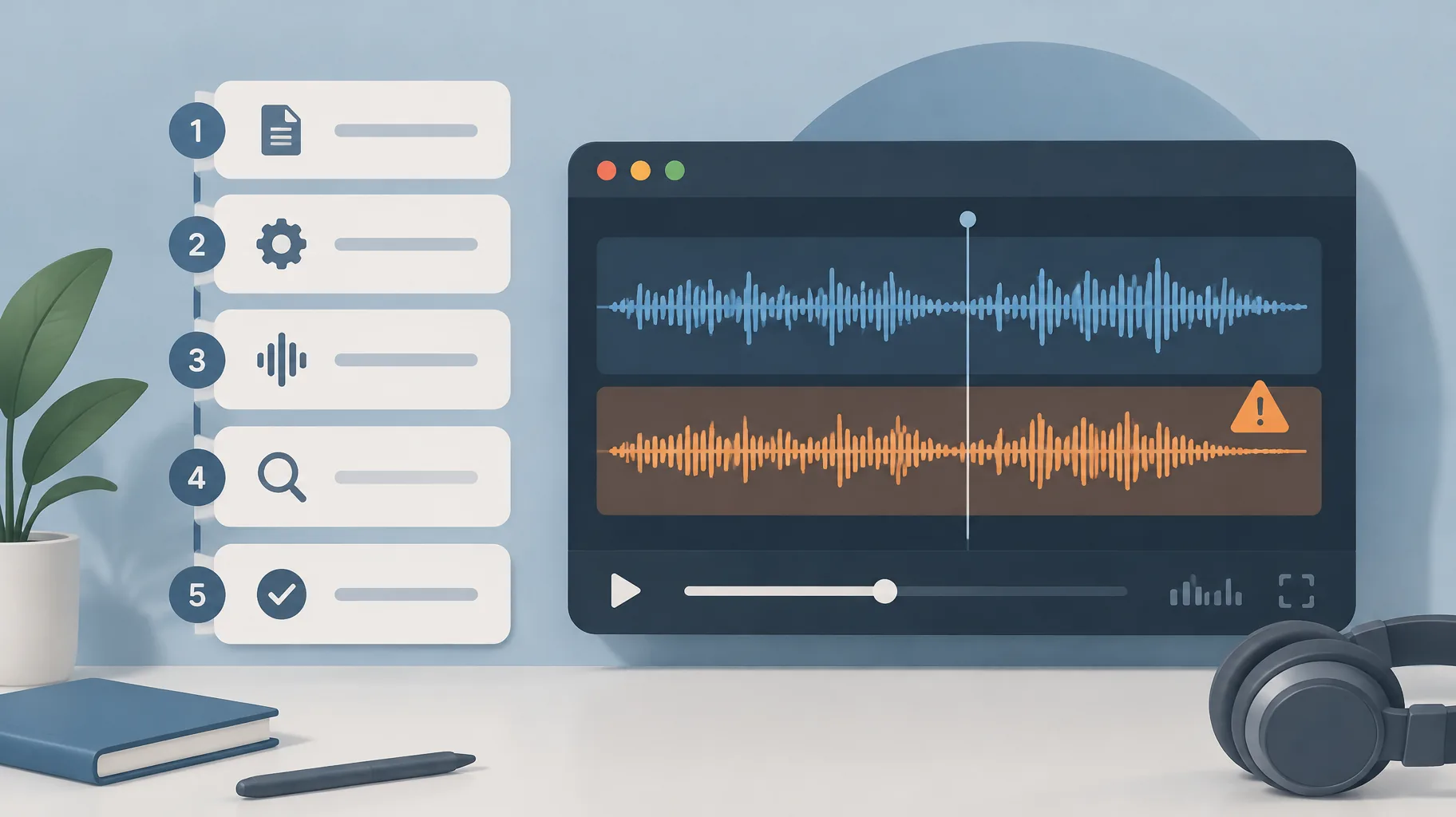
The reliable fix is a five-step review-and-replace workflow, because YouTube only allows whole-track decisions. Prerequisites: a video eligible for automatic dubbing, a reviewer fluent in the target language, and a written glossary of your channel's names and terms. Realistic total time: 20 to 40 minutes per video per language for review, plus production time if you need a replacement track.
- Confirm the assigned original language.
Action: Open the video's language settings in YouTube Studio and verify the detected original language is correct.
What it requires: Access to the video's details page and knowledge of what language the narration actually is.
How to tell it worked: The listed original language matches your narration; if you corrected it, YouTube regenerates the dubs automatically.
- Review the generated dub before publication.
Action: Listen to the full dubbed track in each target language before allowing it to go live.
What it requires: A bilingual reviewer, or at minimum a fluent speaker of the target language, plus your glossary.
How to tell it worked: Every flagged segment is either confirmed acceptable or the track is marked for withholding.
- Check high-risk vocabulary first.
Action: Scrub specifically for proper nouns, idioms, jargon, and numbers rather than listening passively start to finish.
What it requires: Your pre-written list of channel-specific terms with approved translations.
How to tell it worked: Each glossary term is either pronounced and translated correctly or logged with a timestamp.
- Withhold or delete inaccurate tracks.
Action: For any language that fails review, keep the dub unpublished, or delete it if it already went live.
What it requires: The publication controls YouTube provides for automatic dubs in YouTube Studio.
How to tell it worked: Viewers in that language hear the original audio with subtitles instead of a wrong dub.
- Produce and upload a replacement track where errors matter.
Action: Record or generate a corrected narration in the target language, edit it against your glossary, and add it as multi-language audio.
What it requires: An external production workspace with editable narration and audio export.
How to tell it worked: The replacement track plays in the target language with every glossary term correct.
Can I review a dubbed audio track before viewers hear it?
Yes. YouTube's automatic dubbing documentation confirms that creators can review automatic dubs before publication and then manage whether each track is published or deleted (YouTube Help). Review is the only quality gate the platform offers, so treat it as mandatory rather than optional. The practical setup is a standing review pass: for every newly dubbed video, a fluent speaker of each target language listens against a written glossary before the track is allowed to publish. For a faceless education channel publishing in three languages, that is three listening passes per video, which is why the glossary in step 3 exists. Without one, reviewers improvise judgments term by term, and inconsistent decisions slip through. With one, review becomes a checklist: does the dub say the approved thing at each high-risk moment?
What happens if YouTube detects the wrong original language?
If YouTube assigns the wrong original language to your video, every automatic dub is generated from a false source, so the translations degrade in ways no review can salvage. The documented fix is to correct the original language setting, which triggers automatic regeneration of the dubs (YouTube Help). This is the one lever that changes dub content inside YouTube, and it is all-or-nothing: regeneration rebuilds the track from scratch rather than patching the segments you flagged. Two practical consequences follow. First, check the language assignment before spending reviewer time, because a corrected assignment invalidates earlier review work. Second, after regeneration, the review pass must run again in full, since the new track is a fresh generation with its own error pattern, not a corrected version of the old one.
How do I stop an inaccurate automatic dub from being published?
You stop an inaccurate automatic dub by withholding it during pre-publication review, or by deleting it after the fact if it has already gone live; YouTube's documentation confirms creators can manage publication and deletion of automatic dubs even though they cannot edit them (YouTube Help). The decision rule worth writing down: a dub that is merely awkward can stay, because awkward audio still conveys correct information, but a dub that changes meaning must be pulled, because a wrong fact in your voice damages trust more than no dub at all. Viewers in that language then fall back to your original audio with subtitles, which is a serviceable experience. Deleting is not losing the language permanently; it is buying time to produce a correct replacement track rather than letting a mistranslation represent your channel.
Which names, idioms, and technical terms should a reviewer check?
YouTube's own documentation names the failure categories to check: pronunciation, accents, dialects, background noise, proper nouns, idioms, and jargon (YouTube Help). For a faceless educator, that list translates into a concrete checklist. Proper nouns: people, places, brands, product names, and your channel name, which auto-dubs frequently mispronounce or needlessly translate. Idioms: phrases like "beat around the bush" that translate literally into nonsense. Jargon: domain terms where a near-synonym changes meaning, such as "retention rate" versus "watch time" in an analytics explainer. Numbers and units: dates, currencies, and measurements, where a single wrong digit is a factual error. Build the glossary once per channel, in writing, with an approved rendering for each term per language. Every reviewer then checks the same list, and your correction decisions stay consistent across videos and across reviewers.
When should I use an externally produced audio track instead of automatic dubbing?
Use an externally produced track whenever a mistranslation would change meaning, embarrass the channel, or carry legal or safety weight, because external production is the only route that gives you word-level control. Automatic dubbing suits low-risk, high-volume content where approximate translation is acceptable. External production suits explainers full of proper nouns, technical definitions, or compliance-sensitive claims. The audience case for investing here is real but should be read honestly: YouTube reported on September 10, 2025 that creators uploading multi-language audio received, on average, over 25% of watch time from views in the video's non-primary language, using data as of July 2025 (YouTube Official Blog). That is a watch-time share among participating creators, not a guaranteed uplift, so it is worth fact-checking growth statistics before changing your strategy rather than treating 25% as a promise.
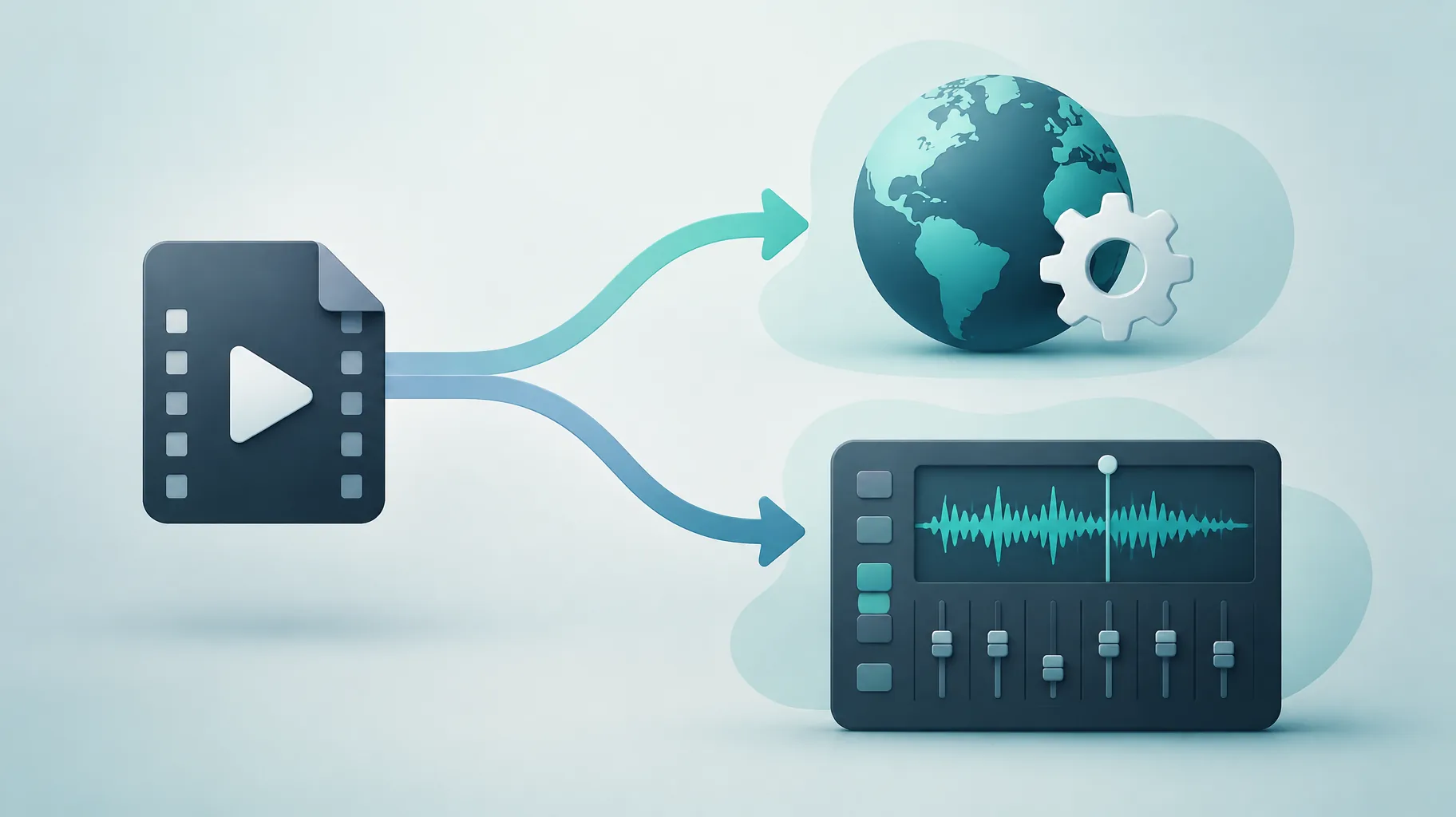
The workflow difference is control. An external track is scripted, voiced, and edited outside YouTube, so a wrong term is fixed in the script and re-voiced, not endured. One practical option is an AI faceless-video platform with editable narration and audio export, such as GoFaceless (our own product), used as the production workspace for replacement tracks where those capabilities are supported. The critical discipline stays the same regardless of tool: a bilingual reviewer checks the output against your glossary, because no AI voice tool guarantees accurate translation. If you need the replacement narration to follow your corrected wording exactly, the same principles that make an AI video follow your script word for word apply to localized audio. And before committing to a tool, check whether voiceover revisions cost credits, since glossary fixes often take several passes.
| Situation | Automatic dub | External track |
|---|---|---|
| Casual vlog, approximate meaning fine | Yes | Overkill |
| Explainer with technical terms | Risky | Yes |
| Proper nouns must be pronounced correctly | No control | Yes |
| Wrong language detected | Fix setting, regenerate | Not needed |
| One wrong word in a published dub | Delete whole track | Edit and re-export |
Want editable localized narration for your next video?
If your review keeps failing dubs on the same terms, producing replacement tracks in a workspace with editable narration and audio export is the durable fix. GoFaceless turns a topic or script into a finished faceless video with AI voiceover, visuals, and captions, and plans start at $29 per month on the pricing page. Whatever tool you use, keep the bilingual glossary review at the center of the process.
Sources & further reading
Keep reading
How to Hire a Voice Actor for AI Voice Cloning
Hiring a narrator for a reusable AI voice takes two things: written consent and provider-compliant cloning. Here is the process, contract terms, and exit plan.
Do AI Voiceover Revisions Cost Credits? Free vs Paid Changes
Do AI voiceover revisions cost credits? Studio allows two free regenerations of unchanged text; rewrites and voice changes are billed. Full matrix inside.
Do You Own the Copyright to an AI-Generated Video?
Commercial-use permission is not copyright ownership. Learn what the U.S. Copyright Office's January 2025 AI conclusions mean for videos you sell or license.