
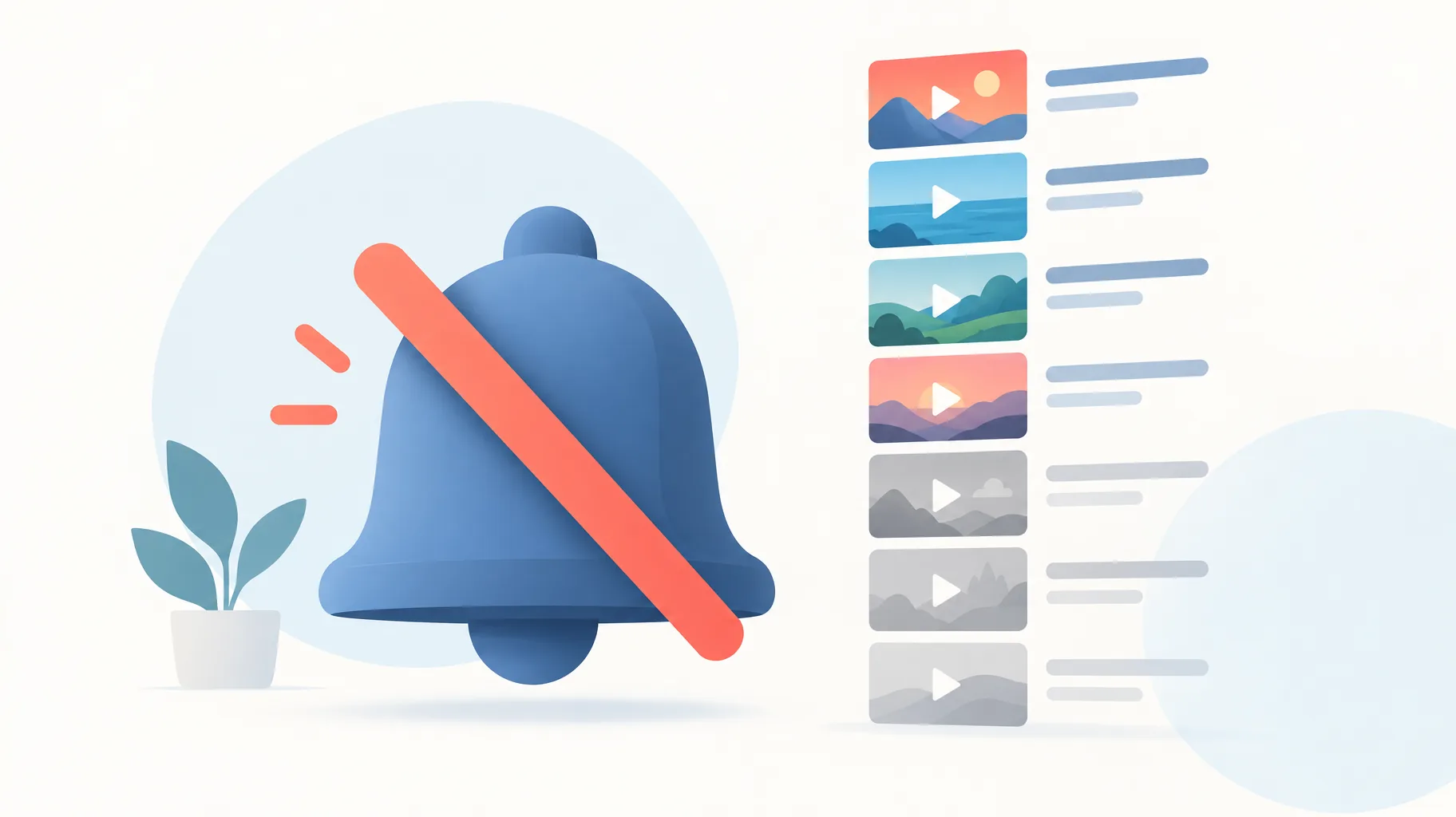
YouTube stopped notifying your subscribers because the channel exhausted its notification allowance: viewers can receive a maximum of three notifications from one channel in a 24-hour period, covering uploads, livestreams, and premieres combined. Publishing more than three videos in a short period can also temporarily stop notifications for 24 hours, even when most uploads opted out.
Key takeaways:
- YouTube caps subscriber notifications at three per channel per 24-hour period, and uploads, livestreams, and premieres all draw from that same allowance.
- Publishing more than three videos in a short period may temporarily stop notifications for 24 hours, even if all but one upload has notifications disabled.
- YouTube's documentation does not define the length of the "short period," so spacing public releases by at least 24 hours is the only documented-safe approach.
- The notification limit governs subscriber pings, not Shorts-feed eligibility; YouTube documents no three-upload cap on Shorts recommendations.
- Batch production is safe; batch publishing is what trips the limit. Finish videos in advance, then stagger their public release.
How many notifications can one YouTube channel send in 24 hours?
YouTube allows one channel to send a viewer at most three notifications in any 24-hour period. The platform's Help documentation states that viewers can receive a maximum of three notifications from each channel in a 24-hour period, and that single allowance covers uploads, livestreams, and premieres together. A subscriber who has already received three notifications from your channel inside that window simply will not be pinged for the fourth video, even though the video publishes normally.
The cap is per viewer and measured over a 24-hour period, not a calendar-day reset at midnight. The fourth upload still appears in the subscriptions feed and can still surface in Home and search; only the push notification is withheld. This is why a batch upload looks fine in YouTube Studio yet produces an oddly quiet first day: the videos are live, but the pings never left.
Do livestreams and premieres count toward the same notification limit?
Yes. Livestreams and premieres share the same three-per-24-hour allowance as standard uploads, because YouTube's documentation lists all three formats under one cap. A channel that publishes one regular upload, starts one premiere, and goes live once inside 24 hours has used its full allowance, and a second upload that day would go out without a subscriber notification. Creators who batch uploads around a scheduled premiere often hit the ceiling without realizing the premiere already consumed a slot.

Can publishing more than three videos temporarily stop notifications?
Yes. YouTube warns that publishing more than three videos in a short period may temporarily stop notifications for 24 hours. This is a channel-level bulk-publishing safeguard, distinct from the per-viewer three-notification cap: instead of one subscriber missing one ping, the channel's upload notifications pause outright for a full day. Notably, the documentation does not specify how long the "short period" is, so there is no documented safe interval shorter than spacing releases across separate days.
Does turning notifications off for most uploads avoid the bulk-publishing warning?
No. YouTube's documentation states the temporary stop can apply even if all but one of the uploads opts out of notifications. The bulk-publishing safeguard reacts to the act of publishing several videos close together, not to the per-video notification checkbox. A creator who uploads five videos in one afternoon and disables notifications on four of them can still see notifications paused for 24 hours.
This is the misconception behind most "YouTube notifications not sending after multiple uploads" reports. The opt-out controls whether a specific upload pings subscribers; it does not exempt the channel from the bulk-publishing trigger. Treating the checkbox as a workaround leaves the actual cause untouched.
Is YouTube's notification limit also a Shorts-feed upload limit?
No. Notification delivery and Shorts-feed recommendation are separate systems, and YouTube's documentation establishes no three-upload limit for Shorts recommendations. The three-per-24-hour rule governs what subscribers get pinged about; it says nothing about whether the Shorts feed will distribute a fourth or fifth video.
There is also dated guidance on the recommendation side. In an April 18, 2024 post, YouTube Creator Liaison Rene Ritchie explained that Home recommendations primarily consider viewer responses on that traffic source, rather than whether people ignored a notification or skipped the subscriptions feed. A silent upload can still be fully eligible for feed distribution, so a notification pause is a delivery problem, not a reach penalty.
How should I separate batch production from subscriber notifications?
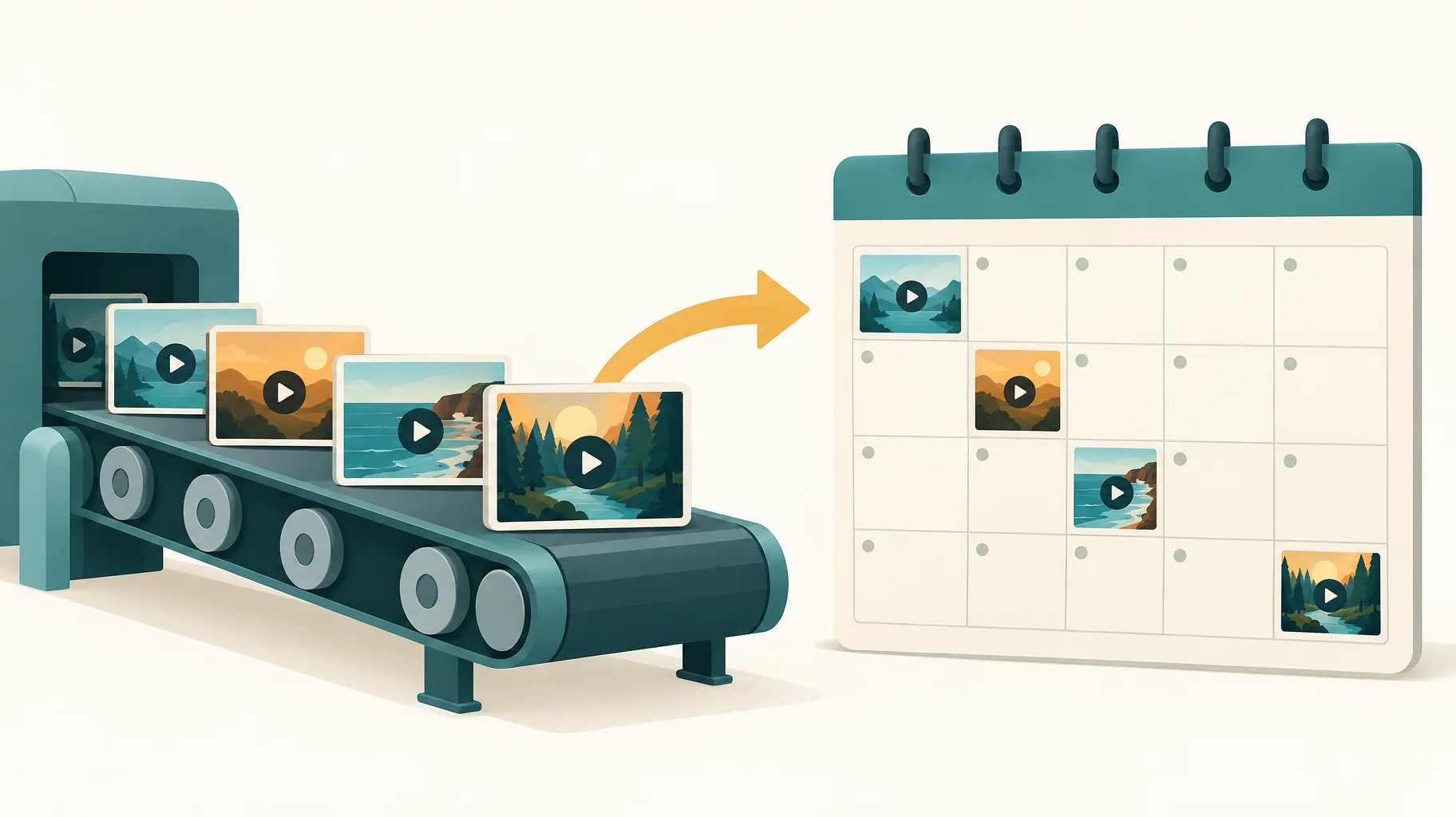
Produce in batches, publish on a staggered schedule. The notification limit punishes clustered publishing, not clustered production, so the fix is to finish videos in advance and let no more than three go public inside any 24-hour window. Upload each finished video as private first, then schedule or manually flip it to public on separate days; uploading privately before a scheduled release keeps the publish moment fully under your control.
A worked example: a five-video batch finished on Monday becomes a Tuesday, Thursday, Saturday release cadence, and every upload gets its own notification slot instead of competing for a shared allowance.
An AI faceless-video platform such as GoFaceless is one way to prepare that batch in advance, since it turns a topic into a finished video with script, voiceover, visuals, and captions while leaving the publishing decision to you. It cannot bypass YouTube's notification limits, and no tool can. If your AI video batch generates in a queue, that production timing has no effect on notifications either; only the public publish time matters.
Publish the batch on a staggered schedule
If you want the production side handled so scheduling is the only decision left, GoFaceless turns a topic into a finished short-form video in minutes. Start a batch and release it on your own cadence.
Sources & further reading
Keep reading

Can YouTube Take Back Revenue After It Has Paid You?
Yes, YouTube can offset invalid-traffic earnings against your AdSense balance even after payment. Learn how clawbacks, delays, and yellow icons differ.
Can You Swear in a YouTube Video Without Losing Ad Revenue?
Yes, strong profanity can still earn full YouTube ad revenue since July 29, 2025. See the placement rules for dialogue, titles, thumbnails, and Shorts.
Does Promoting a YouTube Short Help or Hurt Its Organic Reach?
YouTube says Promote campaigns don't affect organic reach, but paid watch time and subscribers don't count toward YPP. Here's how to read your results.