

Use a web app while you are still experimenting with voices, pacing, and scripts, and move to an API only when your narration settings are stable enough to repeat without listening to every take. The deciding factor is not price alone: retry rules differ by interface, and automation adds logging, error handling, and revision-tracking work you must own.
Key takeaways:
- ElevenLabs introduced two free website speech regenerations on September 5, 2024, but only if the text, voice, and model are unchanged, the original generation is under two hours old, and the page has not been refreshed.
- ElevenLabs' current documentation states that website free-regeneration allowances do not extend to API requests, so every automated retry consumes quota.
- For the Eleven v3 model, one Generate click produces two alternatives charged as a single generation, but a second Generate click is charged again, and changing the text always consumes credits.
- An API workflow only pays off when you log request settings and can distinguish a technical retry from a text revision in your records.
Should you generate AI voiceovers in a web app or through an API?
A web app fits creators who still make narration decisions by ear; an API fits creators who have already frozen those decisions and need volume. In the browser, you audition voices, nudge sliders, and regenerate a line until it sounds right. Through an API, your code sends text and settings, receives audio, and must handle failures, retries, and record-keeping on its own. The trade is hands-on control versus repeatability, and the retry rules are not the same on both sides.
| Criterion | Web app (browser) | API (programmatic) |
|---|---|---|
| Experimentation | High: audition voices and adjust sliders per line | Low: changes require code or config edits |
| Repeatability | Manual: settings must be noted by hand | High: identical requests are scriptable |
| Error handling | Interface retries; some free regenerations | Every retry consumes quota; you build the logic |
| Revision tracking | Session-based; lost on page refresh | Your responsibility: log every request |
| Best for | 1-10 videos per week, evolving style | Established format, batch production |
Which should you choose?
Choose the web app if you publish a handful of videos per week, still tweak delivery per script, or rely on conditional free regenerations to fix disappointing takes without extra cost.
Choose the API if your voice, model, and stability settings have been unchanged for a month or more, you produce narration in batches, and you are prepared to build retry logic and keep request logs.
Choose a managed pipeline if you want narration, visuals, and captions handled together without maintaining orchestration code at all; more on that below.
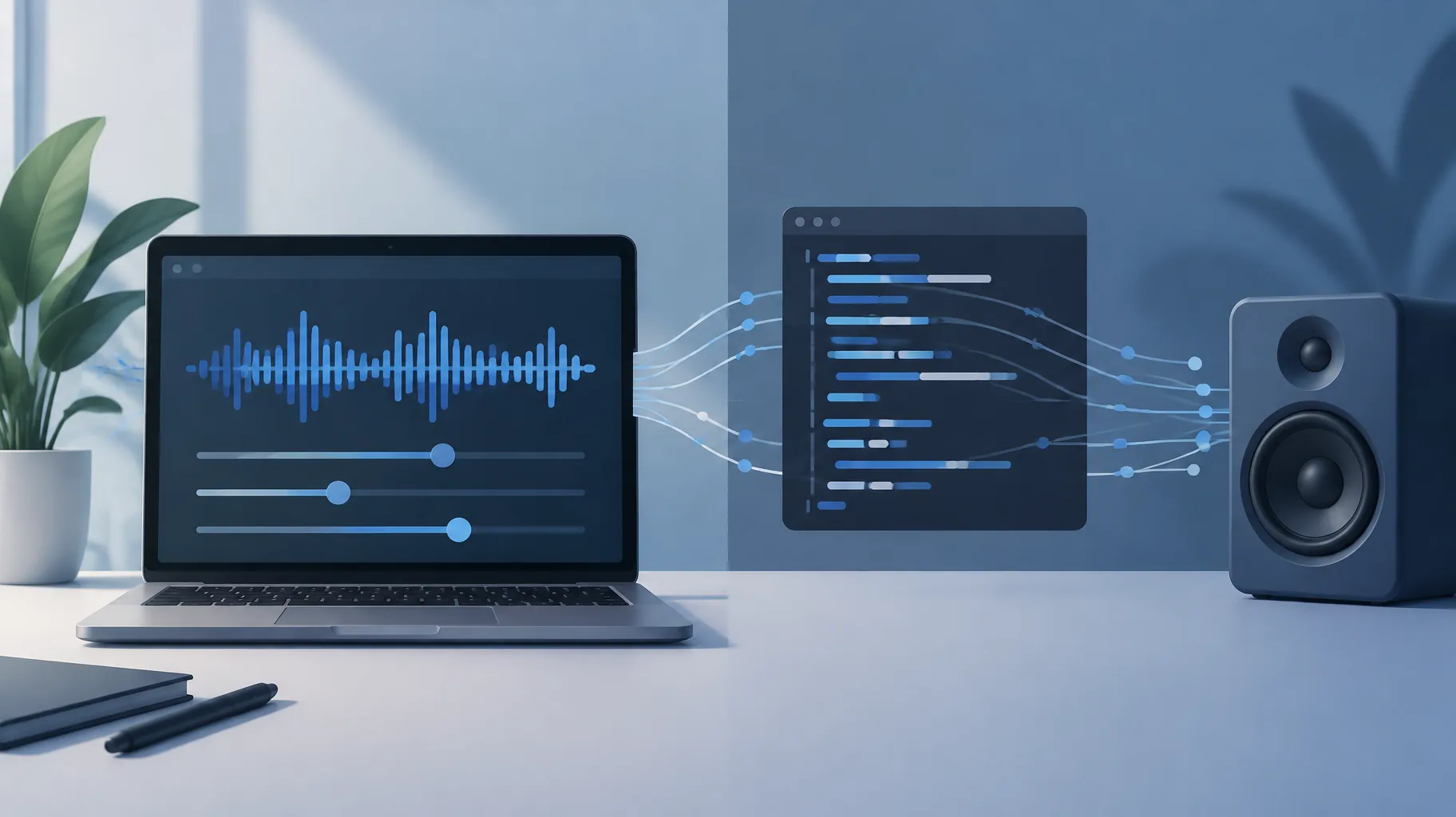
Do website regeneration allowances also apply to API requests?
No. ElevenLabs' current documentation states explicitly that the website's free-regeneration allowance does not extend to API requests, so every programmatic generation consumes quota regardless of whether a browser retry would have been free. This is the single most important economic difference between the two interfaces, and it is easy to miss because the free allowance is prominent in the web UI while the API exclusion lives in a help-center page.
The website allowance itself is tightly conditional. ElevenLabs announced two free regenerations per generation on September 5, 2024, valid only when the text or file, voice, and model stay unchanged, the original generation is less than two hours old, and the page has not been refreshed; voice-setting sliders may still be adjusted between attempts, according to ElevenLabs' announcement. Break any one condition, such as editing a single word, and the retry is billed.
For an automated pipeline, the practical consequence is that a retry loop is never free. If your script regenerates a line three times because the first two outputs sounded flat, you have paid for three generations. Budget for that when comparing interfaces, and read the fine print on whether AI voiceover revisions cost credits before assuming your subscription behaves the same way in both places.
Can different speech models have different retry rules?
Yes. Retry and charging behavior is defined per model, not just per interface, so two models from the same provider can bill the same click differently. ElevenLabs' documentation describes Eleven v3 as a case where one Generate click returns two alternative outputs charged as a single generation, while pressing Generate again incurs another charge, and changing the text consumes credits even inside Studio, per ElevenLabs' quota documentation.
That structure changes how you should design automation. With a model that returns two alternatives per request, a well-built pipeline can store both outputs and let a human pick the better one during review, effectively halving the cost of choice. With a model that returns one output per request, the same A/B review costs double.
Before committing to an API integration, write down the retry rules for the exact model you plan to use: outputs per request, charge per request, and whether text edits are billed. These rules also have no stated revision-effective date in the current documentation, so re-check them quarterly rather than treating them as permanent.
Which narration decisions should stay manual before you automate?
Any decision you still make by listening should stay manual; only decisions you can express as fixed settings belong in code. Concretely, automate a parameter only after it has gone unchanged across at least your last ten videos. Everything else stays in the browser where experimentation is cheap.
Keep manual: voice selection, because the right voice is a brand decision that listeners notice immediately.
Keep manual: script wording and emphasis, since changing text consumes credits on every regeneration and is an editorial act anyway.
Keep manual: per-line judgment calls, such as whether a flat delivery needs a slider adjustment or a rewritten sentence.
Automate: model choice, stability and similarity settings, output format, and file naming, once they are stable.
Automate: batch generation of finalized scripts, where the input is locked and the task is pure repetition.
A useful test: if you cannot write the decision as a rule a contractor could follow without asking you, it is not ready to be code. Creators moving from hands-on production toward automation face the same sequencing question in the shift from human editing to AI video production, where freezing style decisions comes before scaling output.

How should an automated workflow distinguish a retry from a text revision?
A retry repeats an identical request because the output failed or disappointed; a text revision changes the input because the script itself was wrong. Your pipeline must label these differently, because they have different costs, different owners, and different fixes. A retry points at the generation system; a revision points at your writing process.
The cleanest method is to hash the exact request payload (text, voice ID, model, settings) and store that hash with every output file. Two generations sharing a hash are retries of each other. A new hash means the input changed, which is a revision. This one field turns a folder of audio files into an auditable history.
The distinction matters beyond bookkeeping. Runway's current policy, for example, automatically restores credits for generation errors but not for completed outputs that merely miss the prompt, which shows how seriously platforms separate technical failure from disappointing output. If your own records blur the two, you will misread your costs: a week with fifteen retries suggests a flaky pipeline or wrong settings, while fifteen revisions suggests scripts are reaching generation before they are finished. The fixes are completely different, and confusing them is how automation budgets quietly double. The same discipline applies on the visual side, where getting credits back for an unusable AI clip depends on proving a technical error rather than dissatisfaction.
What generation settings and request details should you log?
Log everything needed to reproduce, audit, or dispute any audio file you publish: the full request, the response metadata, and a human note. Minimum viable record per generation, stored as one line of JSON or a spreadsheet row:
- Timestamp and request ID, so you can correlate with provider status pages and invoices.
- Full input text (or a hash plus a pointer to the script version), so revisions are traceable.
- Voice ID, model, and all voice settings, so a good take can be reproduced exactly months later.
- Cost in credits or characters, so per-video narration cost is a measured number, not a guess.
- Outcome label: accepted, retried, revised, or discarded, with a one-line reason.
These records do double duty. The U.S. Copyright Office's January 29, 2025 report distinguishes protectable human expression from merely supplying prompts, and YouTube's monetization appeal instructions ask creators to visually demonstrate how content was made. A production log showing your script drafts, setting choices, and revision decisions is concrete evidence of human contribution, useful whether you are documenting copyright ownership of AI-generated video or answering a reviewer. An archive is supporting documentation, not a guarantee, but it is far better than memory.
How can you pilot an API workflow without moving your whole production process?
Run the API in parallel on one video series for two weeks while your browser workflow keeps producing everything else. The pilot's job is to measure three things: retry rate, cost per finished minute of narration, and how often you still reach for the browser to fix a line by ear. If the third number stays high, your settings are not frozen yet and automation is premature.
Week one: pick your most formulaic series, lock the voice, model, and settings, and generate its narration via API while keeping the log format above.
Week two: compare. Count retries versus revisions, total credits spent, and minutes of usable audio produced, against the same figures from your browser-produced videos.
Decision rule: automate the series only if the API matched or beat the browser on cost per usable minute and required no manual re-takes beyond your normal review pass.
If the pilot shows you are not ready for orchestration code, that is a legitimate outcome, not a failure. One middle path is a platform that handles the pipeline for you: GoFaceless (our own product) turns a topic or brief into a finished short-form video with AI script, voiceover, visuals, captions, and music in one browser-based pass, with preview and export controls, so you get repeatability without maintaining API plumbing. For high-volume, custom pipelines, a direct API still gives you more control; for creators who would rather spend that effort on scripts and topics, a managed workflow is often the better trade.
The bottom line
The AI voiceover API vs web app decision comes down to where you are in your workflow's life: browser for discovery, API for repetition, and a clear logging habit whichever you choose. Check the retry rules for your exact model and interface before you automate, because free regenerations you relied on in the browser may not follow you into code.
If you want the repeatability without the orchestration work, GoFaceless produces a complete faceless video, narration included, from a single brief, and the pricing page shows what each plan covers. Start with one series and measure before you commit either way.
Sources & further reading
Keep reading
Do AI Voiceover Revisions Cost Credits? Free vs Paid Changes
Do AI voiceover revisions cost credits? Studio allows two free regenerations of unchanged text; rewrites and voice changes are billed. Full matrix inside.

7 Production Records to Save for Every AI-Assisted Video
Seven production records to save for every AI-assisted video: scripts, prompts, settings, outputs, edit timelines, revisions, and release files.
How to Fix Mistranslations in YouTube Automatic Dubs
YouTube automatic dubs can't be edited word by word. Learn to review, withhold, or delete a bad dub, fix wrong-language detection, and replace the track.