
Make TikTok videos for search by choosing one explicit question viewers already type, answering it fully inside a single video, and placing the query's exact words in your spoken line, on-screen text, and caption. Then evaluate the video on search impressions over weeks, not on its first 48 hours in the For You feed.
Key takeaways:
- TikTok reported more than 40% year-over-year growth in global daily searches in its June 3, 2025 announcement, based on internal 2025 data.
- Creator Search Insights, announced March 13, 2024, includes a Content gap filter for frequently searched topics with relatively few videos.
- In one observational sample of 359,995 top-20 search results, 24% of videos were over a year old and 56% came from accounts under 10,000 followers.
- A search-led video must be self-contained: a viewer arriving from a query has no prior context and no patience for a payoff at second 40.
How is a search-led TikTok video different from a feed-first video?
A feed-first video interrupts a browsing session, so it wins or loses on the strength of its first second. A search-led video answers a question the viewer already typed, so it wins or loses on how directly and completely it resolves that query. The production brief is different: the feed video needs a pattern break, while the search video needs the question restated immediately and a self-contained answer that assumes zero prior context.
This changes concrete decisions. A feed-first cooking video might open on a dramatic fail. A search-led video answering "how long to air fry frozen salmon" opens by saying those words, gives the time and temperature in the first ten seconds, and then adds detail. The hook is relevance, not surprise.
The scale of search behavior justifies treating this as a separate strategy. In its June 3, 2025 TikTok World announcement, TikTok reported more than 40% year-over-year growth in global daily searches using internal 2025 data. Separately, it reported that one in four U.S. users began searching within 30 seconds of opening the app, using June 2024 data. These are different datasets measured at different times, so do not merge them into one claim. What they establish together is that a meaningful share of TikTok viewing now starts with a typed question, and a video built to answer that question competes in a different pool than one built to interrupt a scroll.

How do I use Creator Search Insights to choose a specific question?
Creator Search Insights is TikTok's built-in research tool for finding what viewers actually search. TikTok announced it on March 13, 2024, initially in selected regions. You use it to validate that a question has real search demand before you script anything, replacing guesswork with the platform's own data.
Prerequisites: a TikTok account with access to the tool (availability varies by region), and about 30 to 45 minutes for research plus production time per video.
- Open Creator Search Insights and browse your topic area.
Action: Search your broad niche and note the specific phrasings that appear.
What it requires: Access to the tool; if your region lacks it, study the autocomplete suggestions in TikTok's search bar instead.
How to tell it worked: You have a list of 5 to 10 exact question phrasings, not topic categories.
- Apply the Content gap filter.
Action: Filter for topics TikTok flags as frequently searched but covered by relatively few videos.
What it requires: Judgment, because TikTok publishes no numerical demand or supply thresholds for the designation.
How to tell it worked: You have 2 or 3 candidate questions where existing answers look thin, outdated, or off-target.
- Check the current results manually.
Action: Type each candidate question into TikTok search and watch the top results.
What it requires: 10 minutes per question.
How to tell it worked: You can name the specific weakness your video will fix, such as missing steps, wrong pacing, or no on-screen summary.
- Commit to one question per video.
Action: Write the exact query at the top of your script and refuse to drift from it.
What it requires: Discipline; a video answering three questions ranks clearly for none of them.
How to tell it worked: Your first spoken sentence contains the query's core words.
If you are short on question ideas, a free starting point is browsing faceless video topic ideas by niche and then validating the promising ones inside Creator Search Insights rather than trusting any list blindly.
What does TikTok's Content gap filter actually tell me?
The Content gap filter tells you that a topic is searched frequently relative to how many videos cover it. That is all it tells you. TikTok's announcement of Creator Search Insights describes the filter as surfacing frequently searched topics not featured in many videos, but it publishes no numerical thresholds for either demand or supply, and it does not promise that filling a gap produces views.
Treat a gap designation as a research signal, not a forecast. A gap can mean an underserved audience, or it can mean a topic people search once and watch for four seconds. The manual check in step 3 above is what separates the two: if existing results have real engagement but miss the question, the gap is an opportunity. If nothing has engagement, the demand may be shallower than the filter implies. Before restructuring your content calendar around any growth statistic or gap signal, it is worth knowing how to fact-check social media growth statistics so a single flattering number never drives your strategy.
How should I structure a video that answers a search query?
Structure a search-answer video in four parts: restate the question in the first sentence, give the direct answer within the first third, support it with steps or evidence, and close with a one-line recap. The whole answer must live inside the video, because a search viewer has no caption-reading obligation and no interest in a part two.
A worked example for the query "how to remove background noise from a voiceover":
- Seconds 0-3: "Here is how to remove background noise from a voiceover." The query's words appear in the voiceover, the on-screen text, and the caption.
- Seconds 3-15: The direct answer: which tool, which setting, in what order.
- Seconds 15-45: The steps shown on screen, with the before-and-after audible.
- Final seconds: A one-line recap of the setting that mattered most.
Two structural rules come from how TikTok distributes content. First, keep every episode standalone. TikTok product leaders Sandeep Grover and Mabel Wang wrote in a March 16, 2023 article that viewers "will generally not receive two consecutive videos from the same creator or using the same sound," which means a search viewer who lands on part three will likely never see parts one and two. Second, match the caption and on-screen text to the spoken answer, since search matching draws on all the text a video carries. If your visuals and captions compete instead of reinforcing each other, the question of whether captions or the picture should deliver your video's reveal becomes a real production decision.
One practical production note: turning a researched question into a narrated, captioned short is a mechanical job once the answer is verified. An AI faceless-video platform such as GoFaceless (our own product) is one way to handle that pass, generating the script draft, voiceover, visuals, and captions from your brief. Question selection and factual accuracy stay with you; no tool verifies that your answer is actually correct, and an incorrect answer that ranks is worse than no ranking at all.

Can an older TikTok video still appear in search results?
Yes. An observational study by SocialSeal, analyzing 359,995 top-20 search-result appearances across 18,140 tracked searches in 27 countries, found that 24% of results were more than a year old and the median result age was 166 days, according to the published analysis. Search can clearly surface a back catalog, not just fresh uploads.
Older videos and smaller accounts both appeared frequently in observed top-20 search results, though the sample was nonrandom and travel-heavy.
| What SocialSeal observed in 359,995 top-20 TikTok search results | |
|---|---|
| Results over 1 year old | 24% |
| Results from accounts under 10k followers | 56% |
Read this as possibility, not probability. The sample was selected and nonrandom, concentrated in travel and hospitality, and the researchers could not test watch time or completion rate. The honest takeaway is that a library of well-answered questions has potential long-tail value, so accuracy and durability matter when you script. It does not prove older videos outrank newer ones or that any individual video will keep surfacing.
Do I need a large following to appear in TikTok search?
No. In the same SocialSeal sample, 56% of observed top-20 search results came from accounts with fewer than 10,000 followers, per the study's published figures. Search matching appears to weigh relevance to the query heavily enough that small accounts routinely appear alongside large ones.
This is the strongest argument for faceless question-led channels: you do not need an audience before search can find you, because the viewer arrives with intent rather than loyalty. The same caveat applies as above, since the sample skews toward travel and hospitality and cannot speak for every niche.
Does choosing a content-gap topic guarantee more views or Creator Rewards?
No. TikTok's Creator Search Insights announcement connects search value with Creator Rewards conceptually, but it publishes no earnings uplift figure and no guarantee that a gap topic outperforms. A gap designation tells you demand exceeds supply; it says nothing about how your specific video will perform.
Also keep discovery and eligibility separate in your head. A video can be well-matched to a query and still run into distribution problems for unrelated reasons, and if that happens the fix is a different process, including knowing how to appeal a TikTok video marked ineligible for the For You feed. Judge search videos on search impressions in your analytics over two to four weeks, not on first-day feed numbers, and let the gap filter guide what you research rather than what you expect to earn.
Putting the workflow together
The full loop is: find a real question in Creator Search Insights, verify the existing answers are weak, script a self-contained answer that speaks the query in its first sentence, produce it with accurate visuals and matching captions, and evaluate it on search impressions over weeks. Run that loop consistently and you build a library that search can surface long after the feed has moved on.
If you want to shorten the production pass, GoFaceless turns a researched brief into a finished narrated, captioned short in one pass, with plans from $29 per month on the pricing page. The research and fact-checking in this workflow stay with you either way.
Sources & further reading
Keep reading
How to Make an AI TikTok Shop Product Demo Without Inventing Proof
Yes, you can demo a TikTok Shop product with AI visuals you never filmed. Here is the preproduction procedure that keeps generated scenes accurate and compliant.
How to Reuse Intros, CTAs and Narration Without Processing Them Again
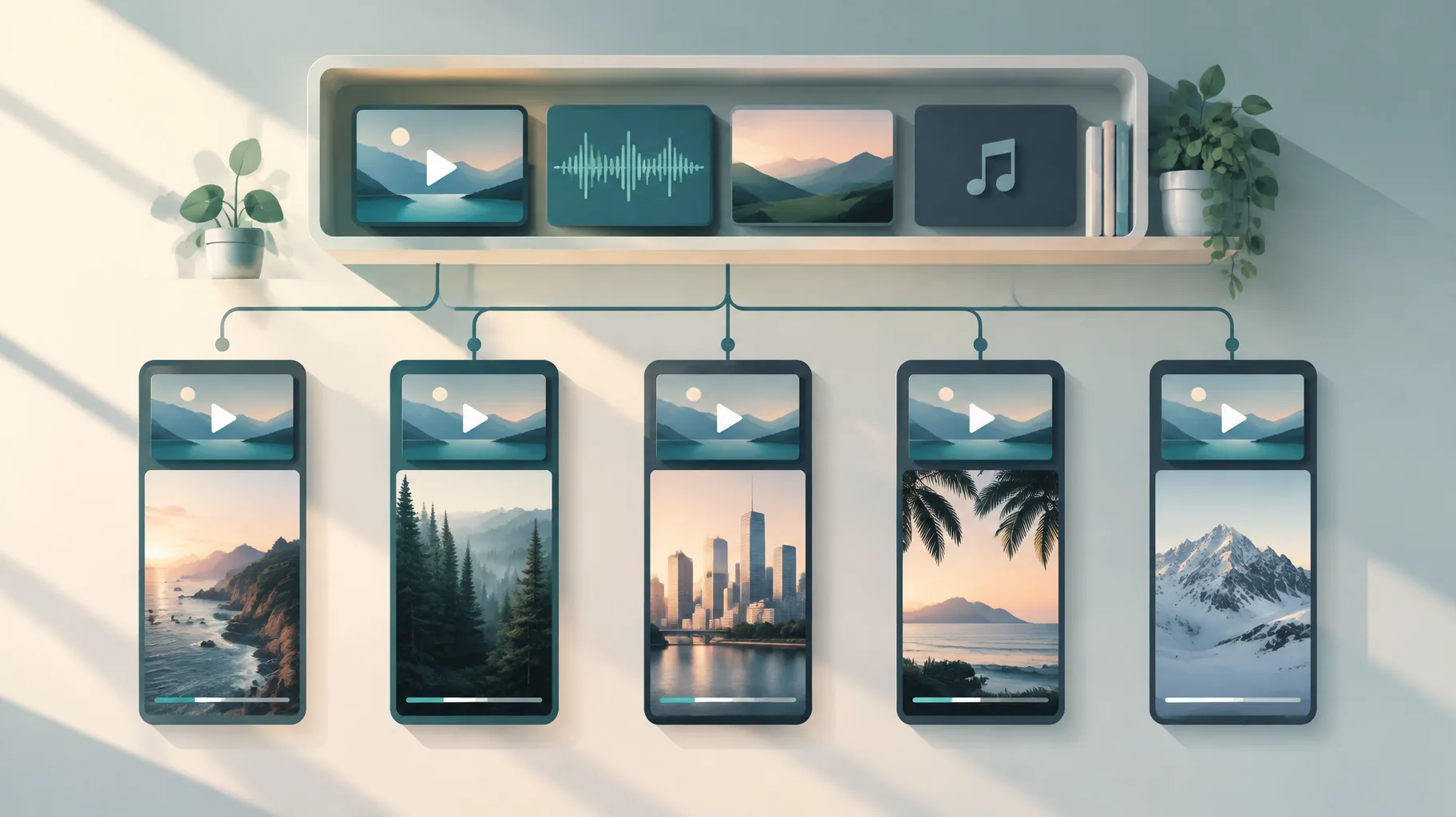
Reuse intros, CTAs and narration across episodes without extra transcription minutes: upload once to a media library, insert from the library, verify billing.

Can You Use Free Stock Footage in Monetized YouTube Videos?
Yes, free stock footage can be used in monetized YouTube videos if it passes two checks: license permission and YouTube originality. Pexels rules explained.