
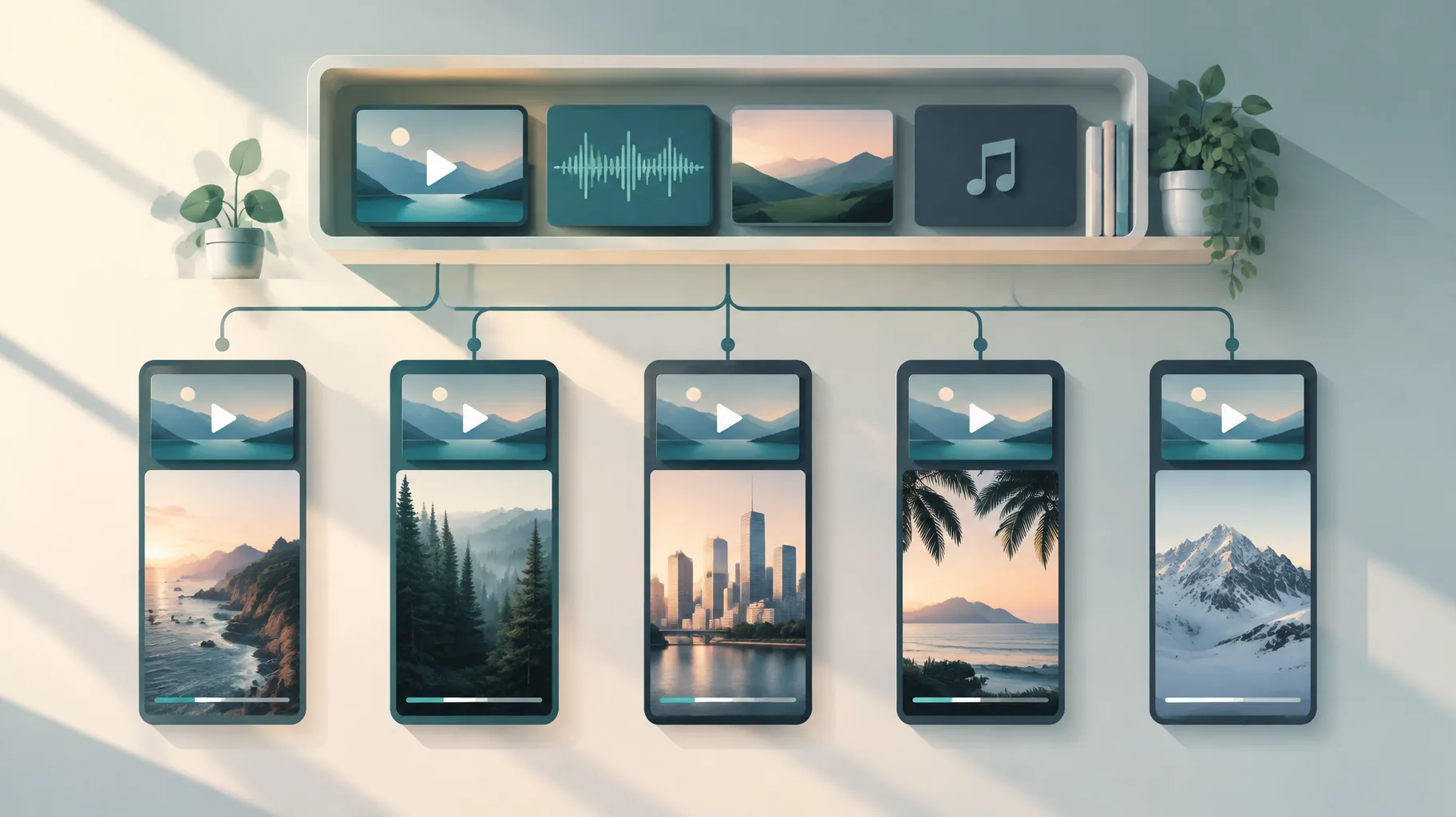
Upload your intro, CTA or narration master file once to your editor's media library, then insert it into each new project from that library instead of re-uploading the file. Descript's March 17, 2026 release notes confirm that reused library files keep their transcripts and do not incur additional media minutes. Verify the same billing behavior in your own tool with a two-project test before producing a full series.
Key takeaways:
- Descript's March 17, 2026 release notes state that adding an already-uploaded Media Library file to a project does not incur additional media minutes.
- The same release notes state that transcripts travel with reused Media Library files, so a mastered narration does not need re-transcribing per episode.
- Re-uploading an identical file is not the same as inserting it from a library; the documented billing benefit applies only to the supported library reuse path.
- Adobe's Generative Credits FAQ warns that repeatable workflows can display "Credits vary", so repeatability and predictable billing must be tested separately.
- A two-project verification test takes under an hour and tells you whether your tool charges again before you commit a 20-episode series.
The asset-library procedure for recurring media
The reliable way to reuse video assets without extra transcription minutes is a five-step library procedure: master the asset, upload it once, insert from the library in every later project, confirm the transcript carried over, and check your minutes balance after each insertion. The whole setup takes roughly 60 to 90 minutes for a typical kit of one intro, one outro CTA, one disclaimer and one narration bed. The prerequisites are a finished master file for each recurring element and a tool with a genuine media library, not just an upload history.
- Finalize each master asset before uploading anything.
Action: Lock the exact intro, CTA, disclaimer and narration audio you intend to reuse.
What it requires: A rendered file you will not need to re-edit, because every revision creates a new version that must be managed separately.
How to tell it worked: You can play each file start to finish with no changes you would still make.
- Upload each master to the media library exactly once.
Action: Add the file through the tool's library or asset panel, not by dragging it into a project timeline.
What it requires: A library feature; in Descript, Media Library uploads are automatically transcribed on upload, so the one upload is also the one transcription event.
How to tell it worked: The asset appears in the library with a transcript attached, and your minutes balance dropped exactly once.
- Insert the asset into new projects from the library.
Action: In each new episode, add the intro or narration by selecting the existing library entry.
What it requires: Discipline to never use "upload file" for an asset that already exists in the library.
How to tell it worked: The asset lands in the timeline with its transcript already populated and no processing spinner.
- Confirm the transcript carried over.
Action: Open the inserted clip's transcript in the new project and compare it against the master.
What it requires: Two minutes per episode; Descript's release notes state that transcripts travel with reused Media Library files, so a missing transcript means you used the wrong insertion path.
How to tell it worked: The text matches the master word for word with no re-transcription step.
- Record your minutes balance before and after insertion.
Action: Note the balance shown in your plan or billing page before adding the library asset, then again after.
What it requires: Access to a usage or credits page.
How to tell it worked: The balance is unchanged after insertion; keep these notes alongside the other production records worth saving for every AI-assisted video.
Does adding an existing library asset to a new project use more media minutes?
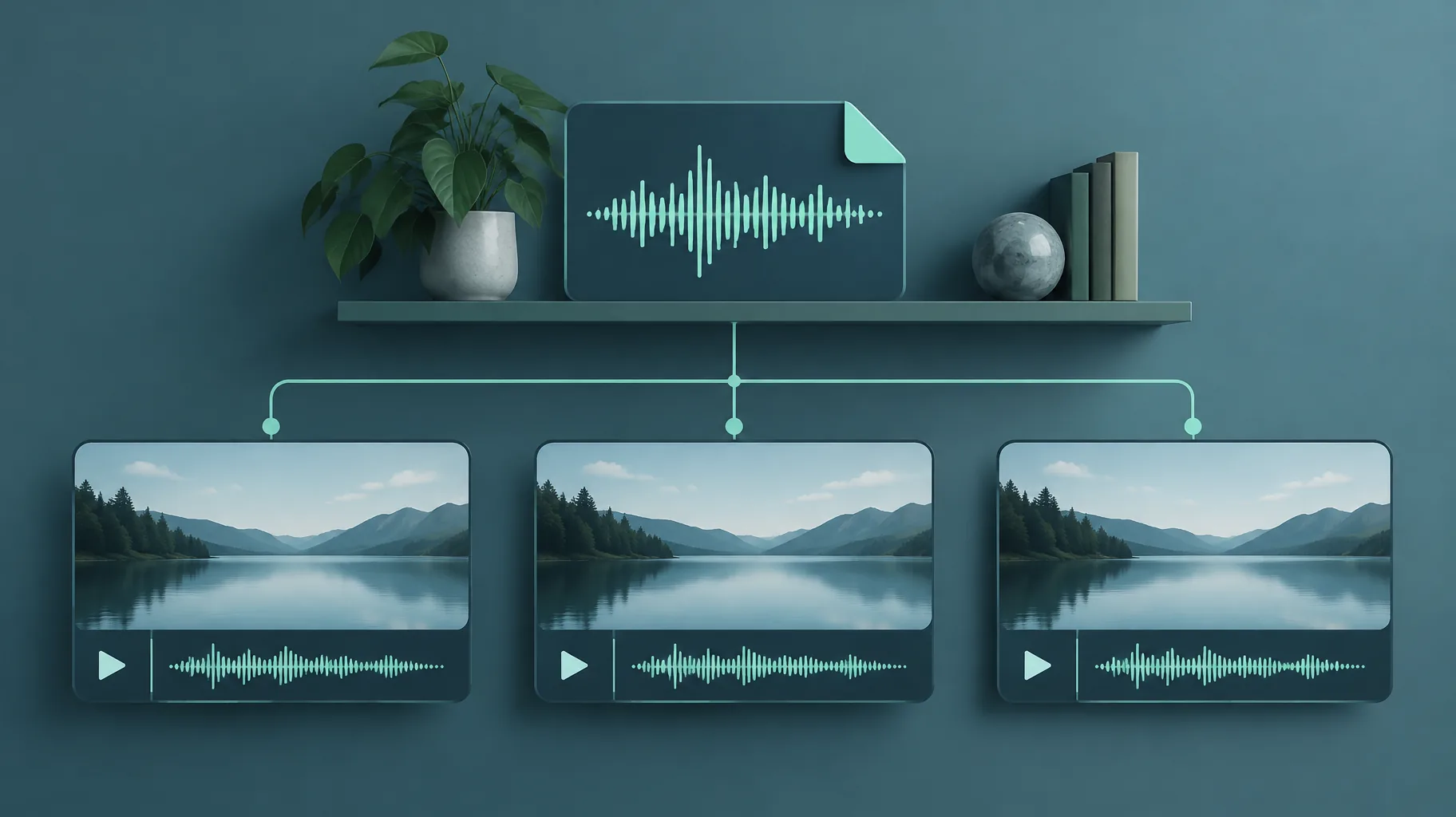
No, not on the documented library path. Descript's March 17, 2026 release notes state explicitly that adding an already-uploaded Media Library file to a project does not incur additional media minutes. The charge happens once, at the initial upload and automatic transcription, and every later insertion is free of further media-minute deductions. This is a statement about that specific supported path in that specific tool, not a universal law: any editor that lacks a real library, or any workflow that bypasses the library, can behave differently, which is why the verification test below matters.
Will a saved transcript carry over when I reuse the audio?
Yes, when the audio is reused through the media library. Descript's release notes state that transcripts travel with reused Media Library files, meaning the text generated at the original upload follows the asset into every project that inserts it. For a faceless series, this is the difference between captions and script alignment working immediately and waiting through a fresh transcription queue each episode. If you reuse audio by any other route, such as copying a timeline clip between projects or re-importing the file, check the transcript manually, because the documented guarantee covers library insertion only.
Is uploading the same file again equivalent to inserting it from a media library?
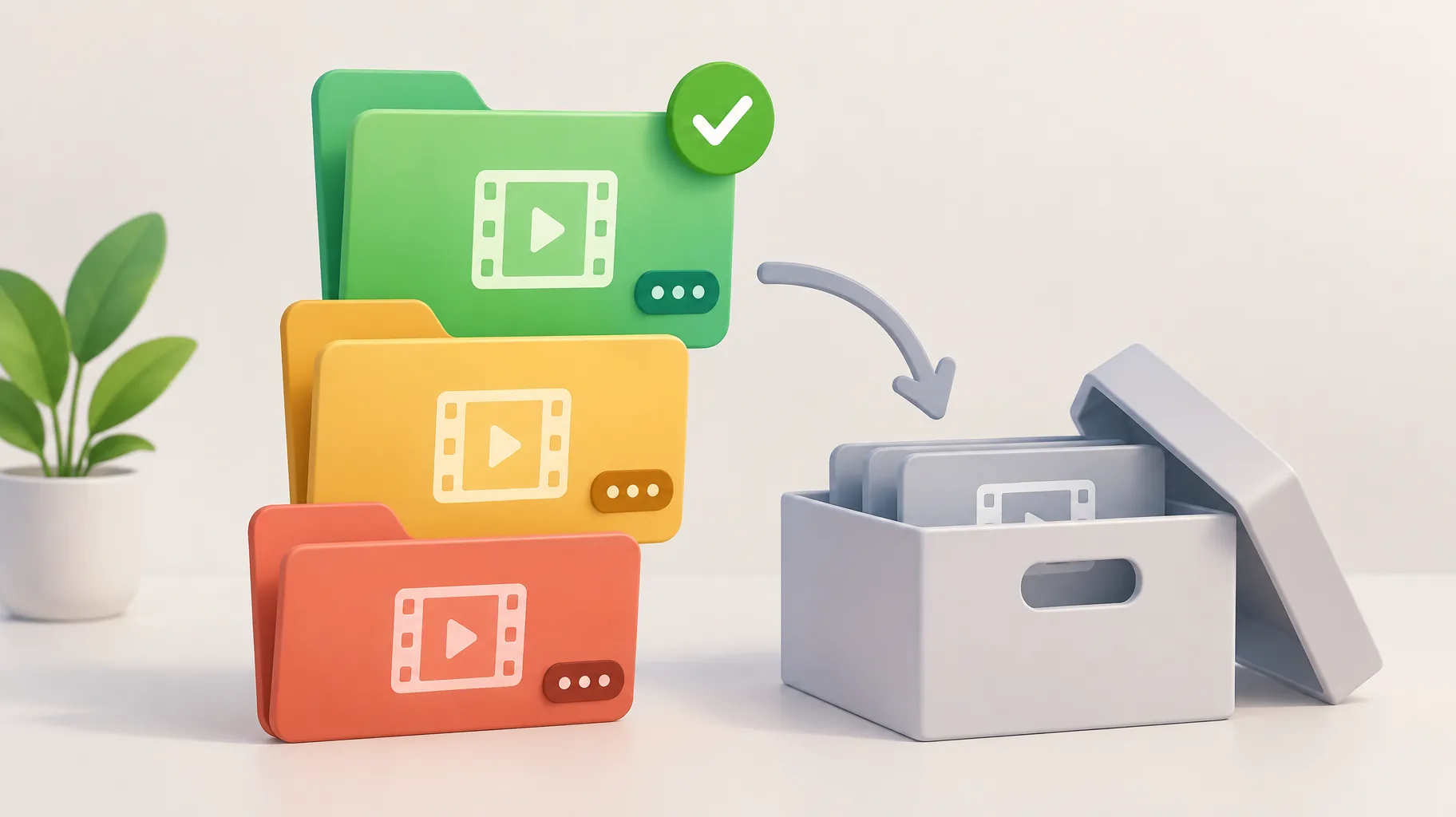
No. Uploading a byte-identical file a second time creates a second upload event, and there is no documented basis for assuming the platform will recognize it as already processed. The verified billing benefit in Descript's release notes is tied to adding an already-uploaded library file to a project, not to deduplicating fresh uploads. Treat "same file" and "same library asset" as different things: the first is a new piece of media the system may transcribe and bill again, the second is a reference to media that was processed once. This distinction is the entire economic point of the library workflow.
Which recurring video assets should I keep in a reusable library?
Keep any asset that appears in more than two episodes and never changes meaning: your channel intro sting, your standard outro CTA, sponsorship disclaimers, a recurring narration bed or voiceover intro line, and any series-specific bumper. A practical library for a weekly faceless show is usually four to eight items, small enough that version control stays trivial. Assets that change every episode, such as the main narration and episode-specific visuals, do not belong in the reusable kit; they are per-episode work. If you are still deciding which openers earn a permanent slot, testing candidates from a free library of proven video hooks before mastering one is cheaper than re-mastering a weak intro later.
How should I label revised intros and CTAs so I reuse the right version?
Label every library asset with a name, a version number and a date, for example "intro_v3_2026-09" or "cta_sponsor-read_v1_2026-11", and archive rather than overwrite superseded versions. Overwriting destroys your ability to prove which version an old episode used, which matters when a sponsor asks or a claim needs correcting. When you revise an asset, upload the revision as a new library item, let it transcribe once, and update your episode template to point at the new version. A one-line naming convention in your production notes, kept with your other AI video production records, prevents the classic failure of publishing episode 14 with the retired CTA from episode 3.
How can I test whether my tool charges again before making a full series?
Run a two-project test that takes under an hour: upload one short master asset to the library, note your minutes or credit balance, insert that asset into two separate new projects, and check the balance after each insertion. If the balance moves only at the initial upload, your tool follows the documented library-reuse model and you can scale. If it moves on insertion, reusing assets will cost you per episode and you should budget accordingly or switch tools. Test billing separately from workflow repeatability, because the two are independent properties: Adobe's Generative Credits FAQ for its Firefly Graph beta warns that repeatable workflows can display "Credits vary" since charges depend on actual execution, and Adobe advises testing with minimal input before scaling. The same caution applies to voiceover revisions, which can carry their own per-change credit costs in some tools.
Where does an AI faceless-video platform fit in this workflow?
An AI faceless-video platform is useful here if it can assemble each episode around your pre-mastered library assets, generating the per-episode script, voiceover, visuals and captions while your intro and CTA stay fixed. GoFaceless (our own product) is one option built for that pattern: it turns a topic into a finished short-form video with script, voiceover, visuals, captions and music in one pass, so the recurring elements only need to be added around the generated core. The conditional matters more than the brand: whichever tool you choose, confirm its asset-reuse and billing behavior with the two-project test before committing a series, and fold the library steps into a repeatable production workflow rather than treating each episode as a blank project.
Build your library before your next batch
Pick your four most-repeated assets, master them this week, and run the two-project billing test in whatever tool you use. If you want a platform that assembles episodes around reusable elements in one pass, you can try GoFaceless and verify the same behavior with your own intro before scaling.
Sources & further reading
Keep reading
Video Clip Too Short for Voiceover? How to Fix the Timing Gap
Video clip too short for voiceover? Compare extending, slowing down, or adding a shot, with Adobe's documented 2-second generative extension limits.
Can You Fix One Bad Section of an AI Video Without Regenerating It?
Yes, you can fix part of an AI generated video with range-based editing. Runway's Aleph 2.0 charges 28 credits/sec with a 56-credit minimum. Here's the math.
Why Is My AI Video Batch Queued Instead of Generating All at Once?
AI video batch jobs queue because concurrency limits cap simultaneous tasks. Learn how throttling works and how to schedule batches with real headroom.