
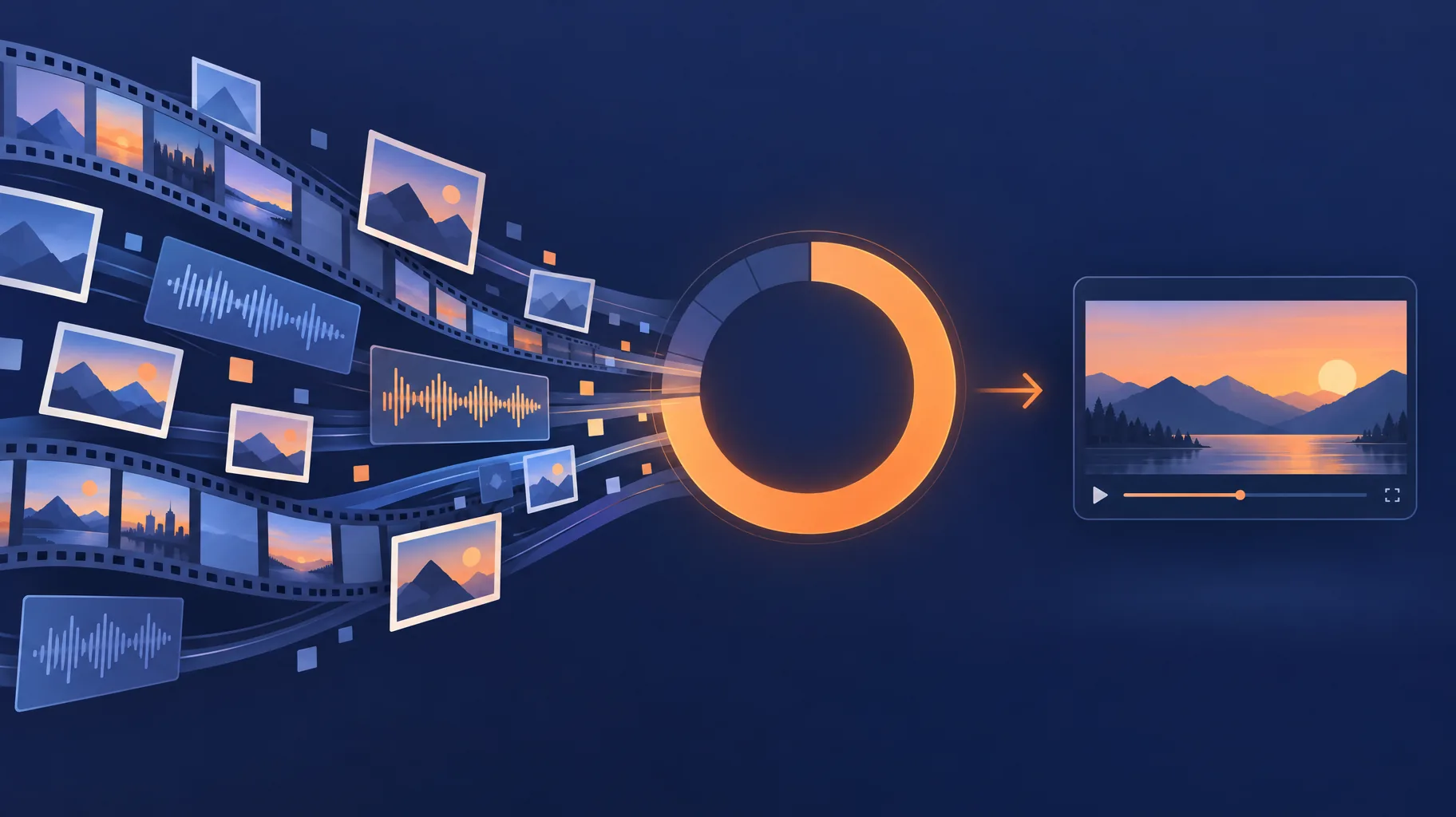
Your editing allowance is metered on the media you import, not the video you export. In editors that use source-media metering, such as Descript, every minute of uploaded or recorded footage and audio counts against your allowance, and each still image counts as one second, so a one-minute final cut assembled from fifteen minutes of imports consumes fifteen minutes of allowance.
Key takeaways:
- Descript counts uploaded or recorded video and audio toward media minutes even when the media is never transcribed.
- Each still image counts as one second of media minutes under Descript's current usage documentation.
- Since September 23, 2025, Descript's Free plan includes 60 monthly media minutes and 100 lifetime AI credits.
- Unused media minutes and AI credits do not roll over into the next month.
- Media minutes and AI credits are separate meters: imports drain the first, AI features drain the second.
Does an editor count imported footage or only the finished video?
Editors with source-media metering count imported footage, and Descript is a clear example: its usage documentation states that uploaded or recorded video and audio count toward media minutes. Exported runtime plays no part in that calculation. A creator who imports twelve minutes of generated b-roll to build a one-minute short has spent twelve media minutes before making a single cut.
Here is a clearly labeled hypothetical project showing how the three meters diverge. A faceless creator builds a 60-second short from generated clips, a narration file, and an image library:
| Imported item | Amount imported | Media minutes used | AI credits used | Reaches final export |
|---|---|---|---|---|
| Generated b-roll clips | 12 min | 12.0 | 0 | 38 sec |
| Narration audio file | 4 min | 4.0 | 0 | 52 sec |
| Still images | 30 images | 0.5 (30 sec) | 0 | 10 sec |
| Studio Sound on narration | 1 application | 0 | up to 30 | yes |
| Totals | 16.5 | up to 30 | 60 sec |
The finished video is one minute long, yet the project consumed 16.5 media minutes. On a Free plan with 60 monthly media minutes, three projects like this one would nearly exhaust the month. The export length is the one number that does not matter.

Does uploaded media count if I never transcribe it?
Yes, uploaded media counts whether or not you transcribe it. Descript's September 24, 2025 changelog says Free users moved to the new usage system on September 23, 2025, with 60 monthly media minutes and 100 lifetime AI credits, and that uploaded or recorded media counted "whether or not it was transcribed." Skipping transcription saves nothing on the media-minute meter.
This trips up creators who assume the allowance tracks processing work. It does not. The meter runs at the moment media enters the project, so importing a full footage library "just in case" spends allowance on clips you may never transcribe, cut, or export.
Do still images use media minutes?
Yes, still images use media minutes at a fixed rate of one second per image. Descript's usage documentation counts each still image as one second, so 30 images cost 30 seconds and 120 images cost two full media minutes. The per-image cost is small, but faceless channels that import large image libraries for slideshow-style videos can accumulate real usage across a month of uploads.
Are media minutes different from AI credits?
Yes, media minutes and AI credits are two separate meters that measure different things. Media minutes track the volume of uploaded or recorded media entering a project. AI credits pay for AI features. Descript's Free plan pairs 60 monthly media minutes with 100 lifetime AI credits, and its documentation notes that Underlord agent requests consume credits for both the agent and the tools it runs, while manually applying Studio Sound or Remove Filler Words carries a ceiling of 30 credits per file per tool application.
The practical consequence: asking an agent to perform an edit is not necessarily billed the same way as selecting that tool yourself, and neither charge touches your media minutes. If you are diagnosing unexpected usage, check both meters separately, the same way you would check whether AI voiceover revisions cost credits before assuming a regeneration was free.
Do unused editing minutes roll over?
No, unused editing minutes do not roll over. Descript states that unused media minutes and AI credits do not roll over, so a Free plan's 60 monthly media minutes refresh each month and any leftover balance expires. Conserving imports in a light month buys you nothing in a heavy one, which makes per-project import discipline more valuable than hoarding.

What should I check before importing a large footage library?
Before importing a large footage library, check five things in the editor's own billing documentation: whether the meter counts imports or exports, whether untranscribed media counts, how still images are converted to time, whether unused balances roll over, and whether AI features draw from a separate credit pool. Descript's answers, documented in its media minutes and AI credits guide, are imports, yes, one second per image, no rollover, and a separate pool, but each editor sets its own rules.
Then change how you import:
- Pre-select: generate or gather more than you need, but import only the selects.
- Trim first: cut clips to rough length in a tool that does not meter you before uploading.
- Reuse processed assets: keep a library of finished intros, CTAs, and narration so you can reuse them without processing them again.
- Assemble before handoff: one way to reduce intermediate imports is a faceless-video platform such as GoFaceless (our own product), which assembles script, voiceover, visuals, and captions in one pass and hands over a finished video. The receiving editor's metering rules still apply to whatever you do import.
Cut the imports, not the allowance
If your workflow starts with a topic rather than a pile of raw assets, GoFaceless turns that topic into a finished short-form video, script, voiceover, visuals, captions, and music included, so there is far less source media for a metered editor to count. Plans start at $29 per month on the pricing page.
Sources & further reading
Keep reading

AI Editing Agent vs Manual AI Tools: Which Should Handle Your Edit?
AI editing agent vs manual AI tools: when to delegate an edit to an agent, when to apply the tool yourself, and how each choice affects credit usage.
Video Clip Too Short for Voiceover? How to Fix the Timing Gap
Video clip too short for voiceover? Compare extending, slowing down, or adding a shot, with Adobe's documented 2-second generative extension limits.
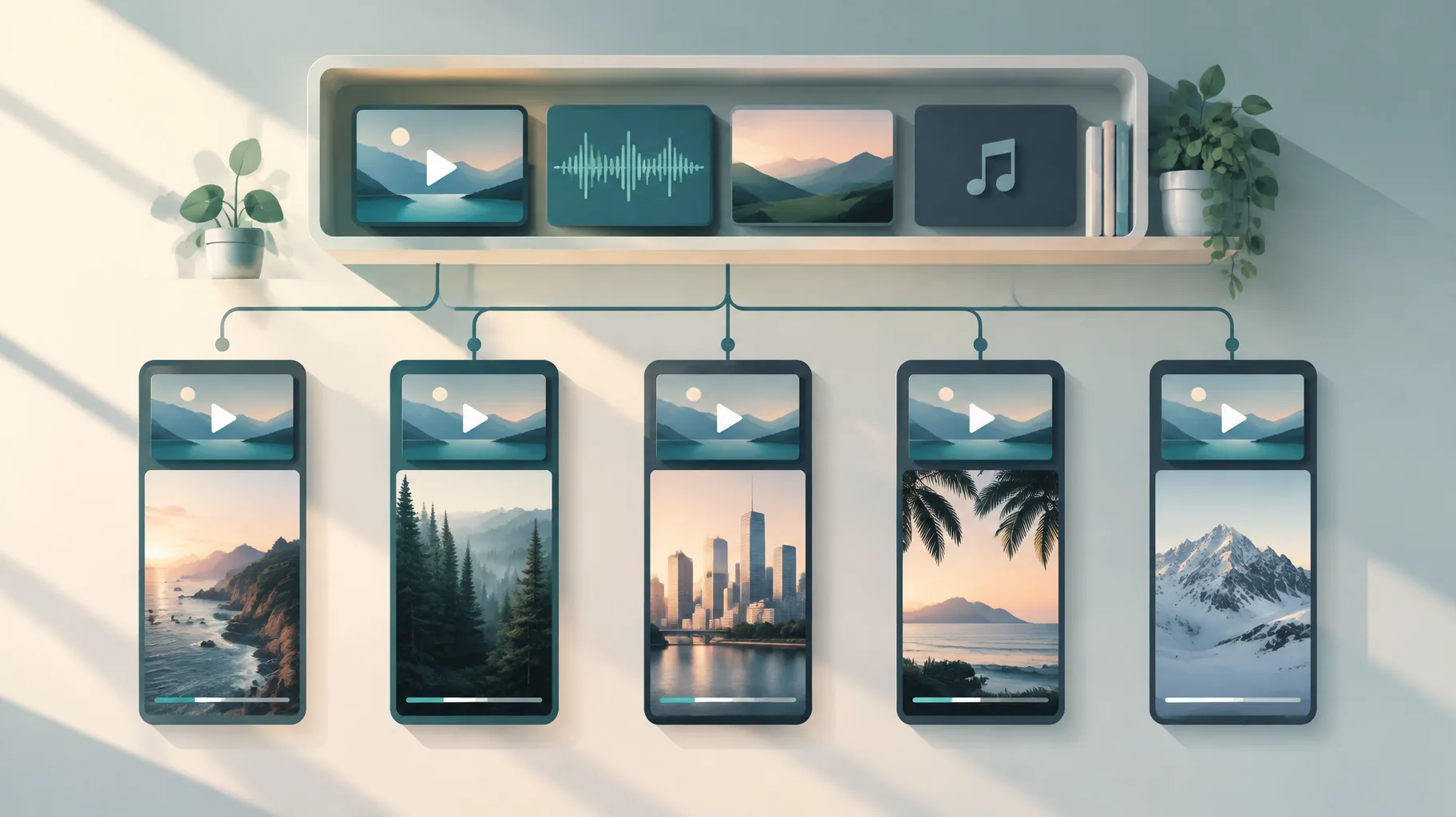
How to Reuse Intros, CTAs and Narration Without Processing Them Again
Reuse intros, CTAs and narration across episodes without extra transcription minutes: upload once to a media library, insert from the library, verify billing.